
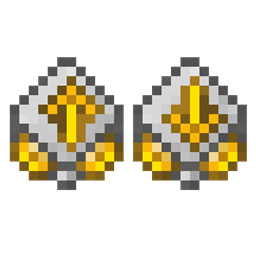
Minecraft 1.20.1, 1.21.1용 RS Insert Export Upgrade 모드
Refined Storage 무선 그리드를 자동 인벤토리 전송, 블록 선택, 아이템 수집 및 추가 에너지 용량 업그레이드로 확장합니다
 Fabric
 NeoForge
 Forge
ForgeTHIS MOD REQUIRES REFINED STORAGE
If you want to put this mod in your modpack, feel free to use it :)
Formerly known as RS Insert Export Upgrade.
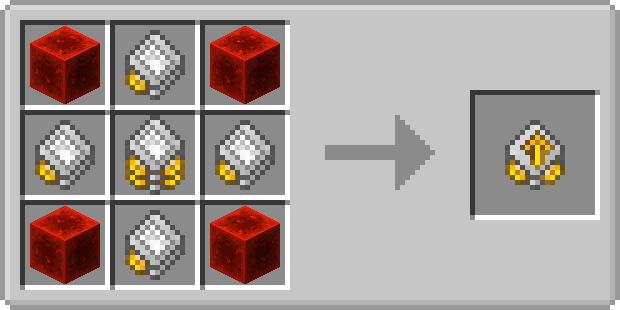
Insert Upgrade
The Insert Upgrade takes items in specific slots of your inventory and dumps them into your network. Open up your wireless grid and add the insert or export or block picker upgrade in the slot on the right.
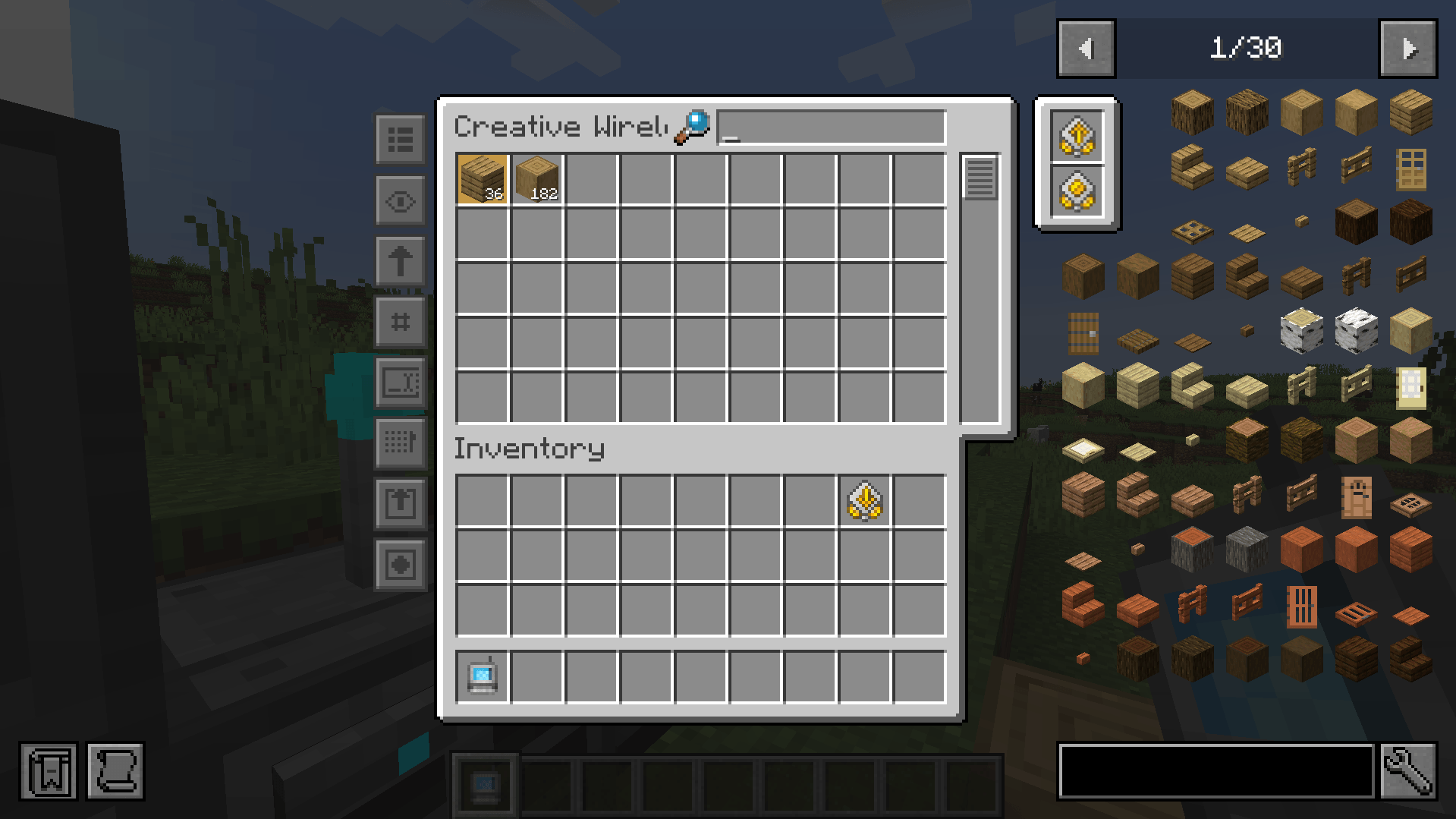
To configure it, click on one of the new left side buttons.
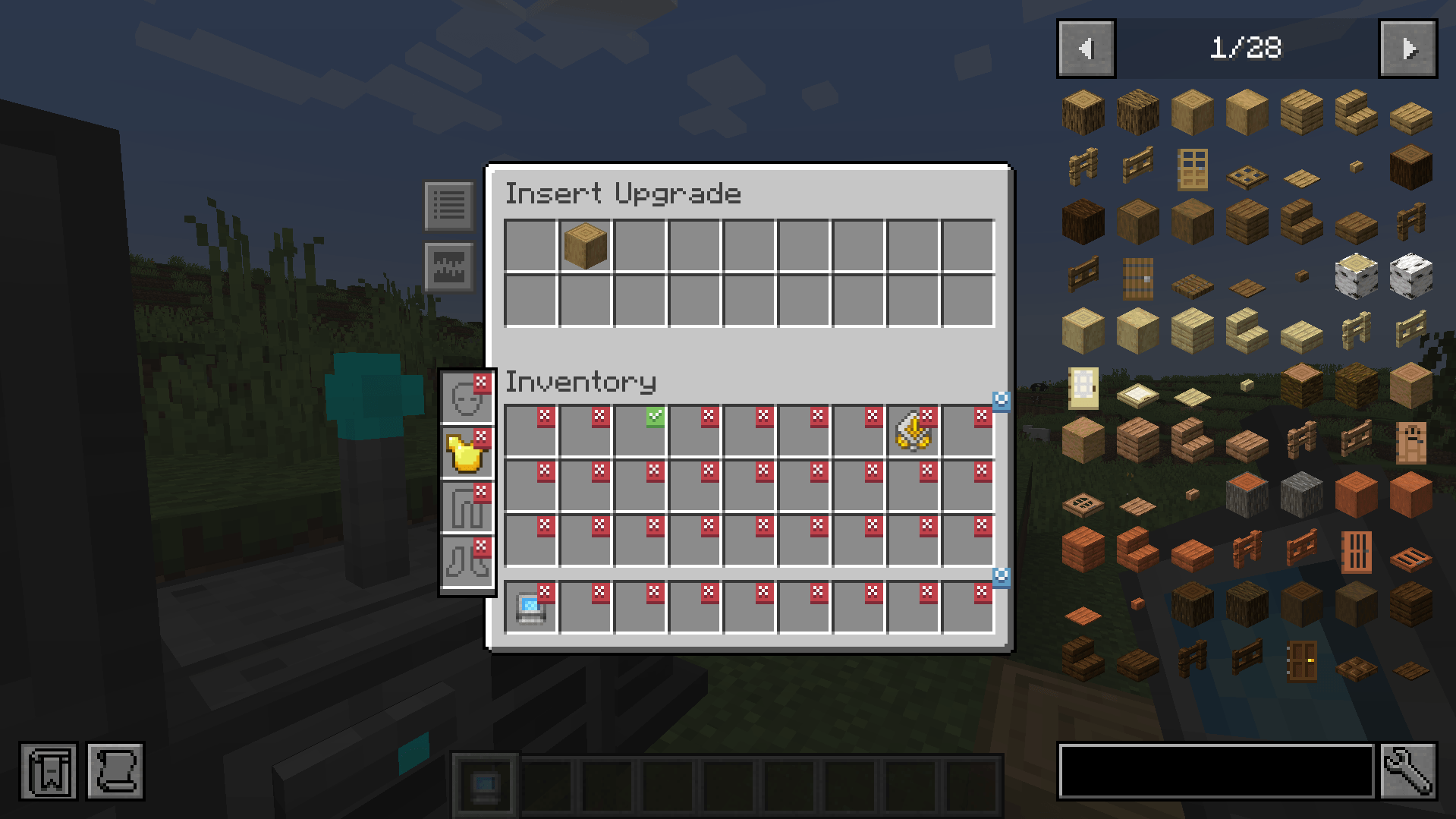
Clicking on slots makes a checkmark. Any item in the slot that has a checkmark will get imported to your network. You can whitelist or blacklist items by adding them to the filter at the top.
Export Upgrade
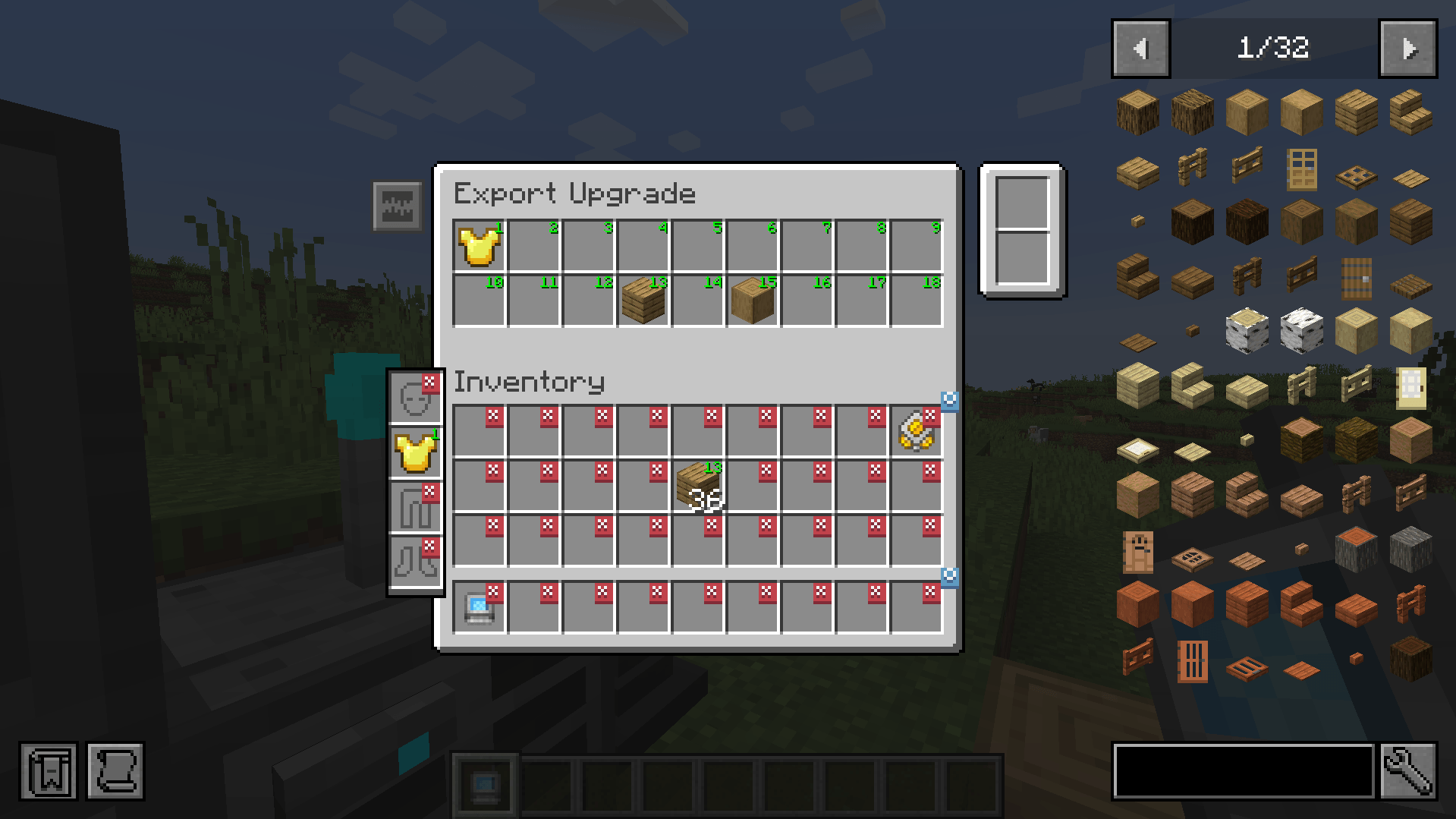
The Export Upgrade works exactly the same but will pull items from your Refined Storage into your inventory. To specify what items, drag the item from JEI into one of the slots at the top and click on a slot in your inventory to change it to the desired number. Right clicking clears back to X.
Block Picker Upgrade
Lets you extract the block you are currently looking at directly from your Network. Simply aim at a block and press the "Pick Block" keybind. If the matching block is available in your network, it will be extracted into your inventory.
Magnet Upgrade
Automatically collects nearby dropped items into your inventory or directly into your storage network.
- Pickup Filter: Choose which items the magnet collects.
- Pickup Destination: Send collected items to your inventory or network.
- Insert Filter: In Network mode, choose which collected items enter the network. Other items and anything the network cannot accept go to your inventory.
Items that cannot fit remain on the ground.
Energy Capacity Upgrade
Increase your Wireless Grid's energy capacity by 1,000 FE per upgrade by default. Install up to two Energy Capacity Upgrades per grid.
Need a server? Get 20% off your first month by using promo code "ultra"
RS Insert Export Upgrade 설치 방법
With Millida Launcher
Install Millida Launcher
The launcher is free: download it at millida.net/launcher and sign in with any nickname.
Click “Install” on this page
The launcher opens and installs the mod for Minecraft 1.20.1–1.21.1 on Fabric, Forge or NeoForge automatically.
Launch the game
A profile with it appears in the launcher: click “Play”.
Manually
Install Fabric, Forge or NeoForge
The loader must match the game version of the mod file, for example Minecraft 1.21.1. After installing it, a separate profile appears in your launcher.
Download the file for your version
In the version list above, pick the file rsinsertexportupgrade-fabric-1.21.1-2.1.1.jar (132 KB) for your game version and loader.
Put it in the mods folder
The folder is inside .minecraft (Windows: %appdata%\.minecraft\mods). If it does not exist, create it.
Launch the loader profile
Open “Mods” in the main menu: RS Insert Export Upgrade should be in the list.
Minecraft 1.21.1 runs on Java 21: with a different Java version the game may close right after launch.
버전
의존성 포함
| Minecraft | 로더 | 파일 | 날짜 | 작업 |
|---|---|---|---|---|
| 1.21.1 | Fabric | rsinsertexportupgrade-fabric-1.21.1-2.1.1.jar132 KB 1 | ||
| 1.21.1 | NeoForge | rsinsertexportupgrade-neoforge-1.21.1-2.1.1.jar137 KB | ||
| 1.20.1 | Forge | rsinsertexportupgrade-1.20.1-1.4.0.jar65.4 KB |
리뷰
RS Insert Export Upgrade의 첫 평가를 남겨 보세요


