

Minecraft 1.19.2용 Potion Particle Pack 모드
더 많은 정보를 표시하고 커스텀 색상을 허용하는 Better Potion Particles.
 Fabric
 Quilt
QuiltPotion Particle Pack 모드 정보
Want to host a server with Potion Particle Pack?
Rent your own Minecraft server here!
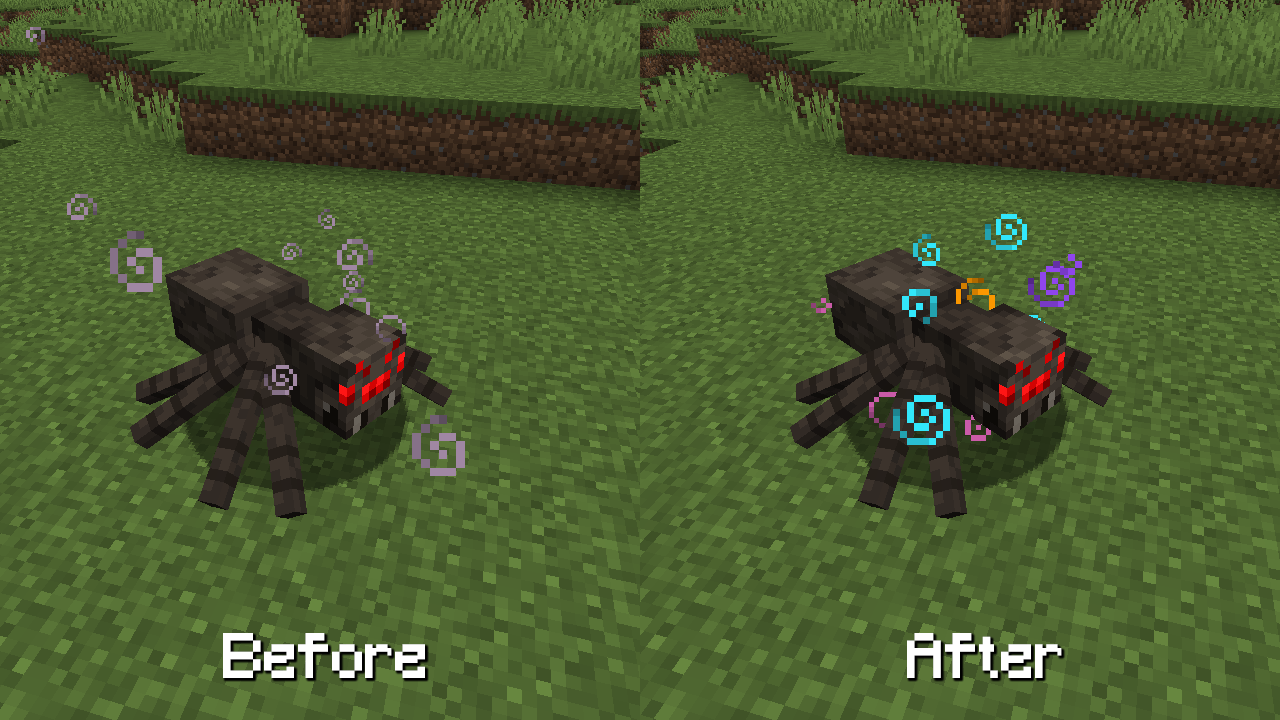
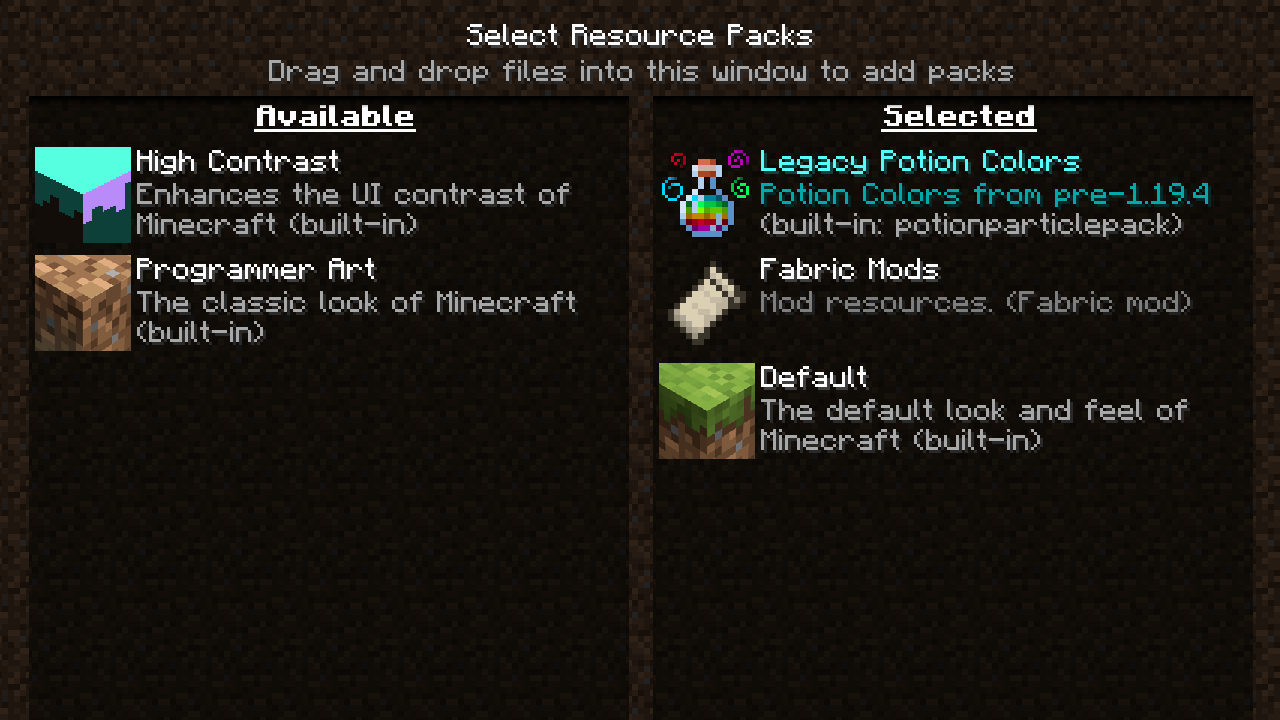
Potion Particle Pack is a small mod that enhances a few aspects of how Minecraft Status Effects are displayed on entities.
It includes various features such as custom status effect colours, better rendering of multiple effects at once, and hiding effects in first person.
More information about the mod can be found here: https://modrinth.com/mod/potionparticlepack
Potion Particle Pack 설치 방법
With Millida Launcher
Install Millida Launcher
The launcher is free: download it at millida.net/launcher and sign in with any nickname.
Click “Install” on this page
The launcher opens and installs the mod for Minecraft 1.19.2 on Fabric or Quilt automatically.
Launch the game
A profile with it appears in the launcher: click “Play”.
Manually
Install Fabric or Quilt
The loader must match the game version of the mod file, for example Minecraft 1.19.2. After installing it, a separate profile appears in your launcher.
Download the file for your version
In the version list above, pick the file potionparticlepack-1.0.2.jar (285 KB) for your game version and loader.
Put it in the mods folder
The folder is inside .minecraft (Windows: %appdata%\.minecraft\mods). If it does not exist, create it.
Launch the loader profile
Open “Mods” in the main menu: Potion Particle Pack should be in the list.
Minecraft 1.19.2 runs on Java 17: with a different Java version the game may close right after launch.
버전
의존성 포함
| Minecraft | 로더 | 파일 | 날짜 | 작업 |
|---|---|---|---|---|
| 1.19.2 | Fabric, Quilt | v1.0.2 for Fabric/Quilt MC 1.19.2285 KB |
FAQ
Which Minecraft versions does Potion Particle Pack work on?
Only Minecraft 1.19.2: there are no files for other versions.
Does Potion Particle Pack need other mods?
The author lists no required dependencies: the Fabric or Quilt loader is enough.
Which Java does Potion Particle Pack need?
Minecraft 1.19.2 runs on Java 17. If the game closes right after launch, the usual cause is the wrong Java version in the profile settings.
Where can I download Potion Particle Pack safely?
On this page: the file potionparticlepack-1.0.2.jar (285 KB) is stored on Millida’s server, with no link shorteners. SHA-1 checksum: af997c6eeb8c36f87b0f2efa74788379c7724ca3.
리뷰
Potion Particle Pack의 첫 평가를 남겨 보세요


