
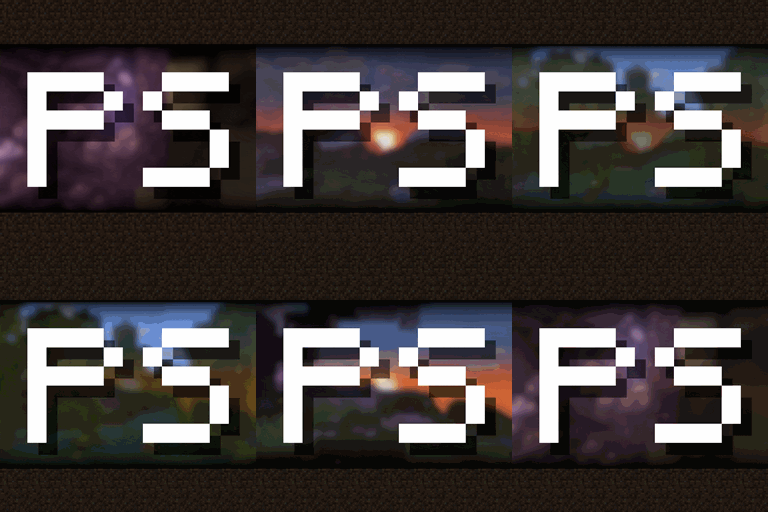
Minecraft 1.20.4용 Panorama Screens 모드
대부분의 화면에 회전하는 파노라마 배경을 추가하여 마인크래프트 메뉴를 향상시킵니다!
 Forge
Forge Fabric
 Quilt
QuiltPanorama Screens 모드 정보

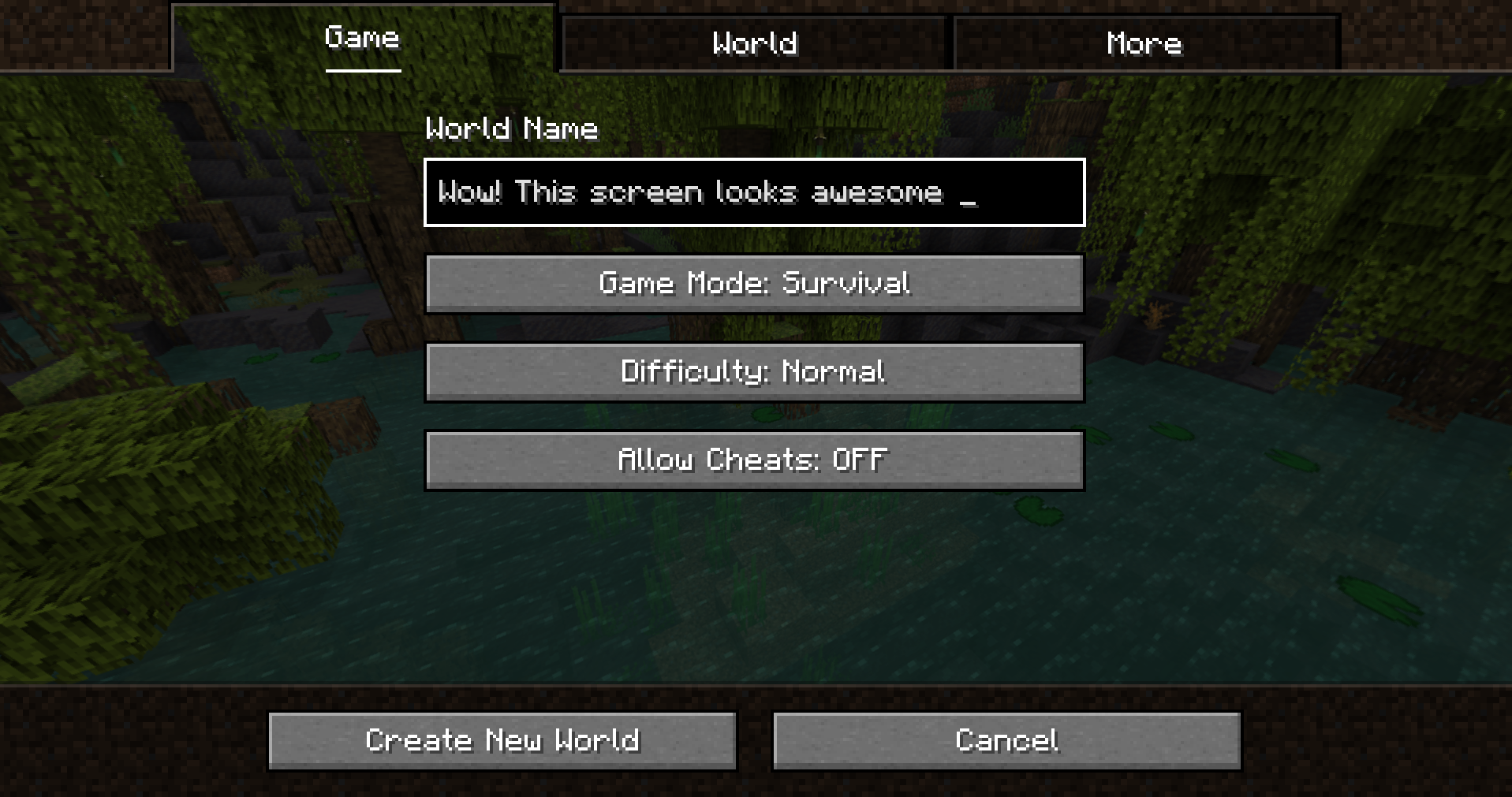
Panorama Screens is a mod that enhances Minecraft screens by adding the title screen rotating panorama background. It is also compatible and tested with lots of mods and allows the player to manually add the panorama screen with untested mods.
Features
- High compatibility with other mods.
Explicit compatibility with lots of mod config screen API (cloth-config, configured, etc) and tested in hundreds of other mods.
- Configurable through Cloth Config.
- Screen allow list for compatible screens/mods.
- Screen block list for incompatible screens/mods.
Screenshots
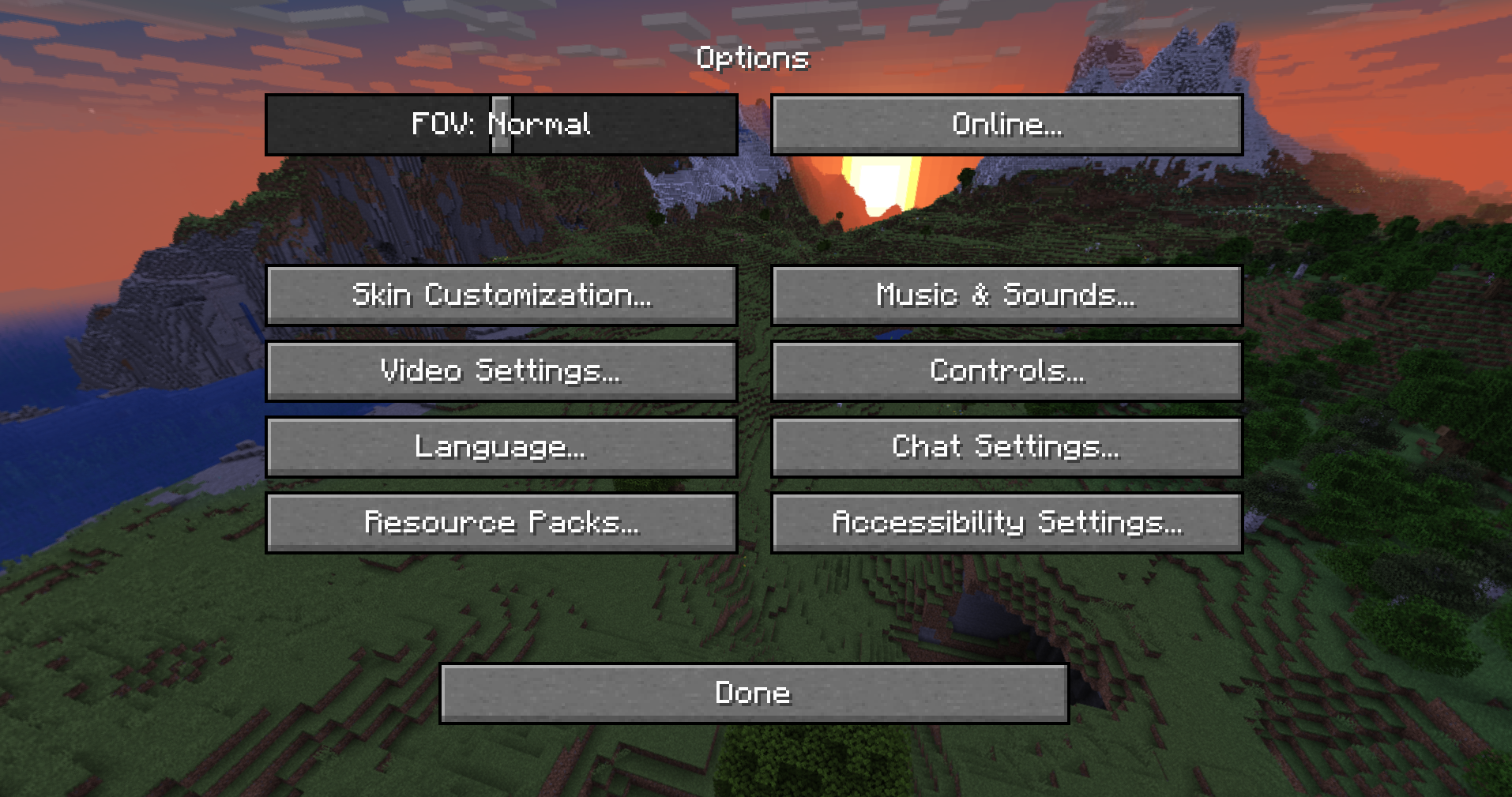
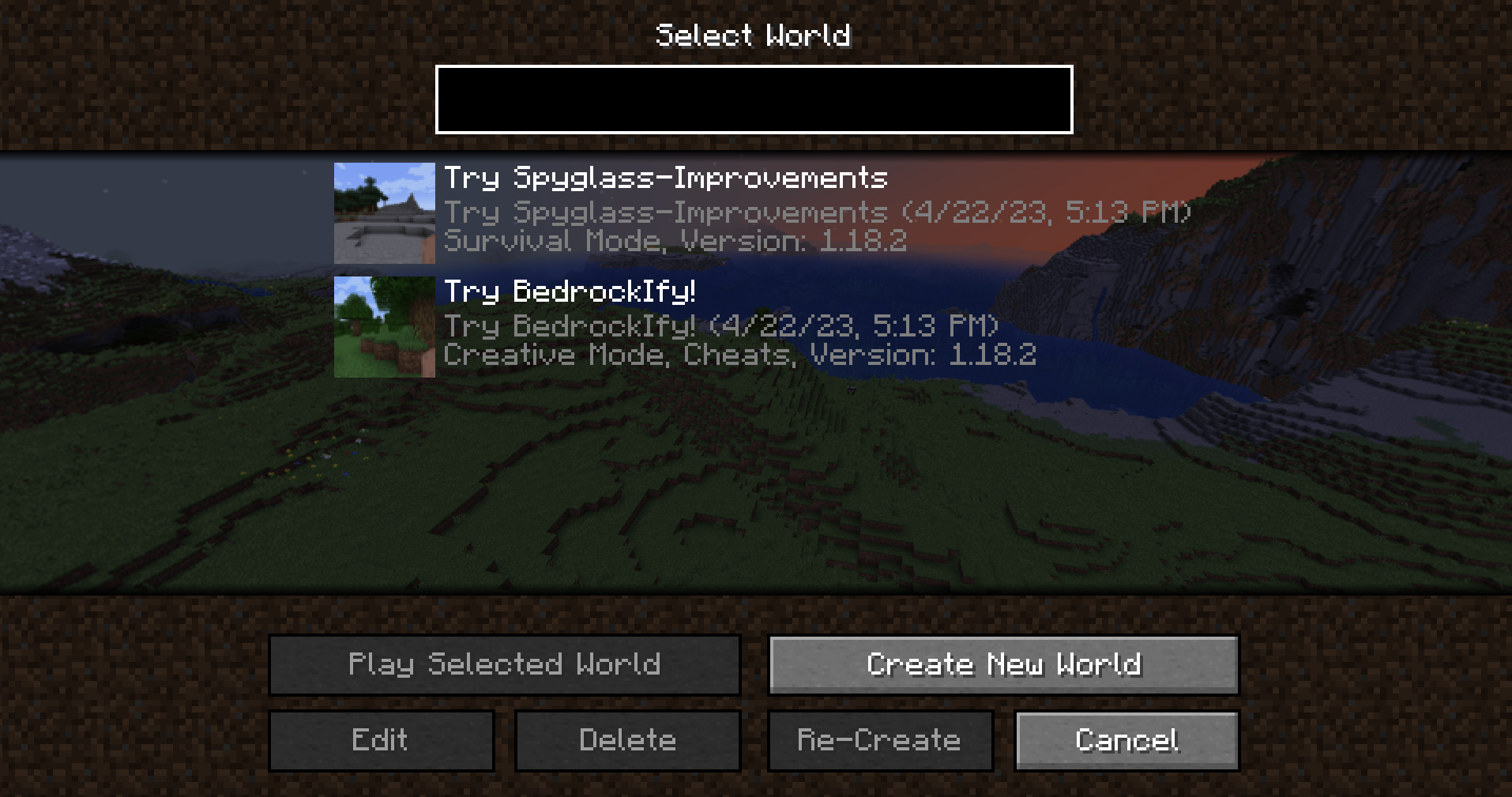
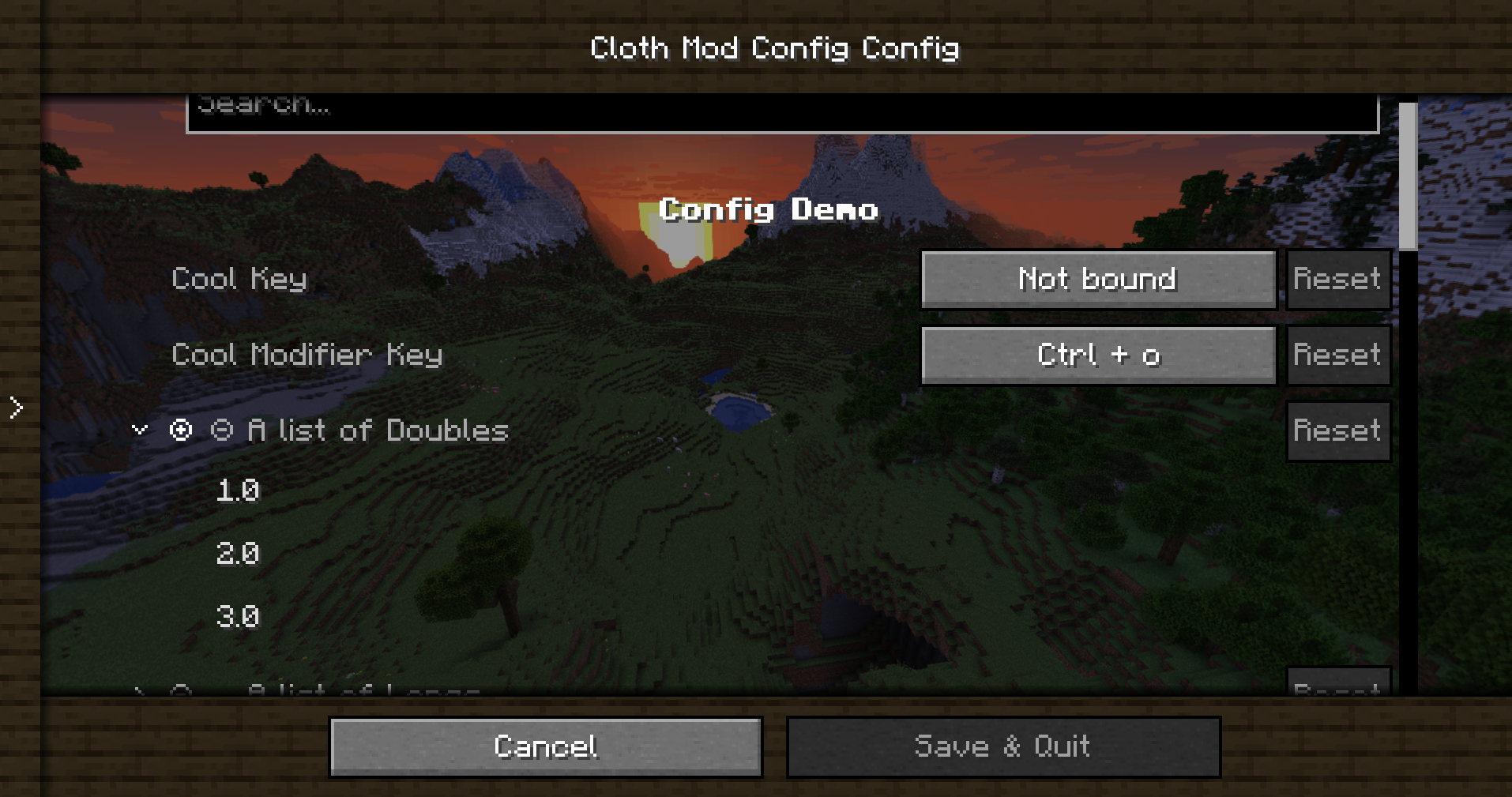
Installation
Click the "spoiler" button to show installation method:
Forge:
This mod requires Forge (Make sure to download the correct version). You can download Panorama Screens from the CurseForge or Modrinth, make sure to download the forge version.
- Install Forge.
- Drop the mod jar inside the mods folder.
- Optionally, download and install Cloth Config to be able to access the config menu.
- That's all!
Fabric:
This mod requires Fabric and Fabric API. You can download Panorama Screens from the CurseForge or Modrinth, make sure to download the fabric version.
- Install Fabric
- Place Fabric API jar inside the mods folder.
- Place Panorama Screens jar inside the mods folder.
- Success!
License
Panorama Screens is released under the free and open-source GPL-3.0 License.
Panorama Screens 설치 방법
With Millida Launcher
Install Millida Launcher
The launcher is free: download it at millida.net/launcher and sign in with any nickname.
Click “Install” on this page
The launcher opens and installs the mod for Minecraft 1.20.4 on Fabric, Forge or Quilt automatically.
Launch the game
A profile with it appears in the launcher: click “Play”.
Manually
Install Fabric, Forge or Quilt
The loader must match the game version of the mod file, for example Minecraft 1.20.4. After installing it, a separate profile appears in your launcher.
Download the file for your version
In the version list above, pick the file panorama_screens-1.0+forge+mc1.20.4.jar (231 KB) for your game version and loader.
Put it in the mods folder
The folder is inside .minecraft (Windows: %appdata%\.minecraft\mods). If it does not exist, create it.
Launch the loader profile
Open “Mods” in the main menu: Panorama Screens should be in the list.
Minecraft 1.20.4 runs on Java 17: with a different Java version the game may close right after launch.
버전
의존성 포함
| Minecraft | 로더 | 파일 | 날짜 | 작업 |
|---|---|---|---|---|
| 1.20.4 | Forge | [Forge 1.20.4] Panorama Screens 1.0231 KB | ||
| 1.20.4 | Fabric, Quilt | [Fabric 1.20.4] Panorama Screens 1.01.2 MB 1 |
리뷰
Panorama Screens의 첫 평가를 남겨 보세요


