
 Fabric
 Quilt
Quilt NeoForge
 Forge
ForgeNo Render 모드 정보
A Minecraft mod for Forge and Fabric to toggle the rendering of various things.
Too many cows? Your game lags? Stop it, use No Render. Too many items? Simply don't render them and save your FPS. Don't like seeing other players? Don't render them.
Installation
Fabric 1.19.4+ requires Forge Config API Port and Fabric API.
Features
Install Config Screens for in-game config or edit the config file at .minecraft/config.
General
- skip Light Updates
Entities
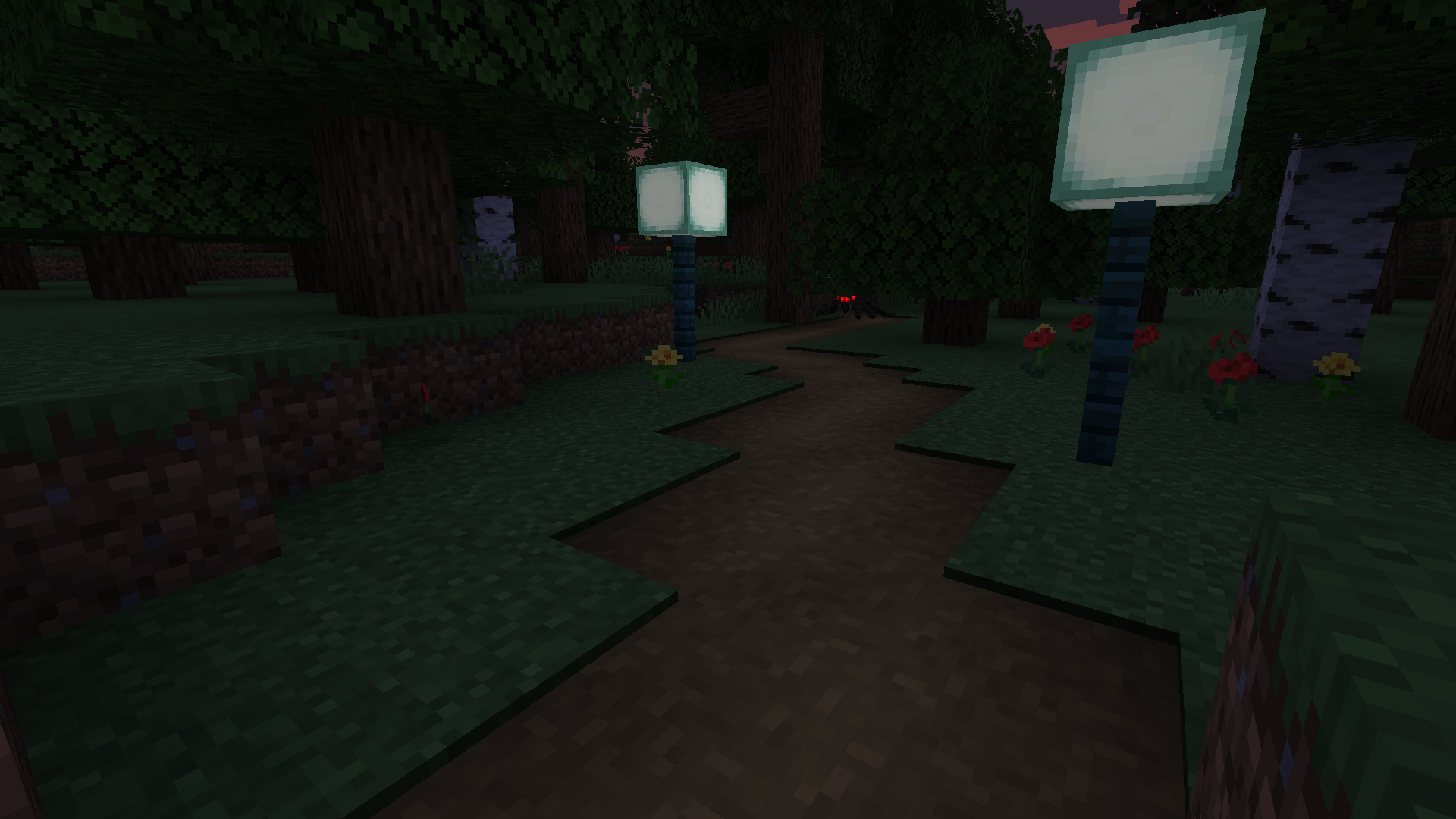
- hide all Entities
- hide Items
- hide Itemframes
- hide Villagers
- hide passive Mobs
- hide Player
- hide Entities based on their id, e.g. "minecraft:creeper"
World
- hide Blocks
- hide BlockEntities (specific things like the rotating entity in spawners)
- hide GlobalBlockEntities (beacon beams and structure block lines)
- hide the Sky
- hide TerrainFog (the one in the Nether)
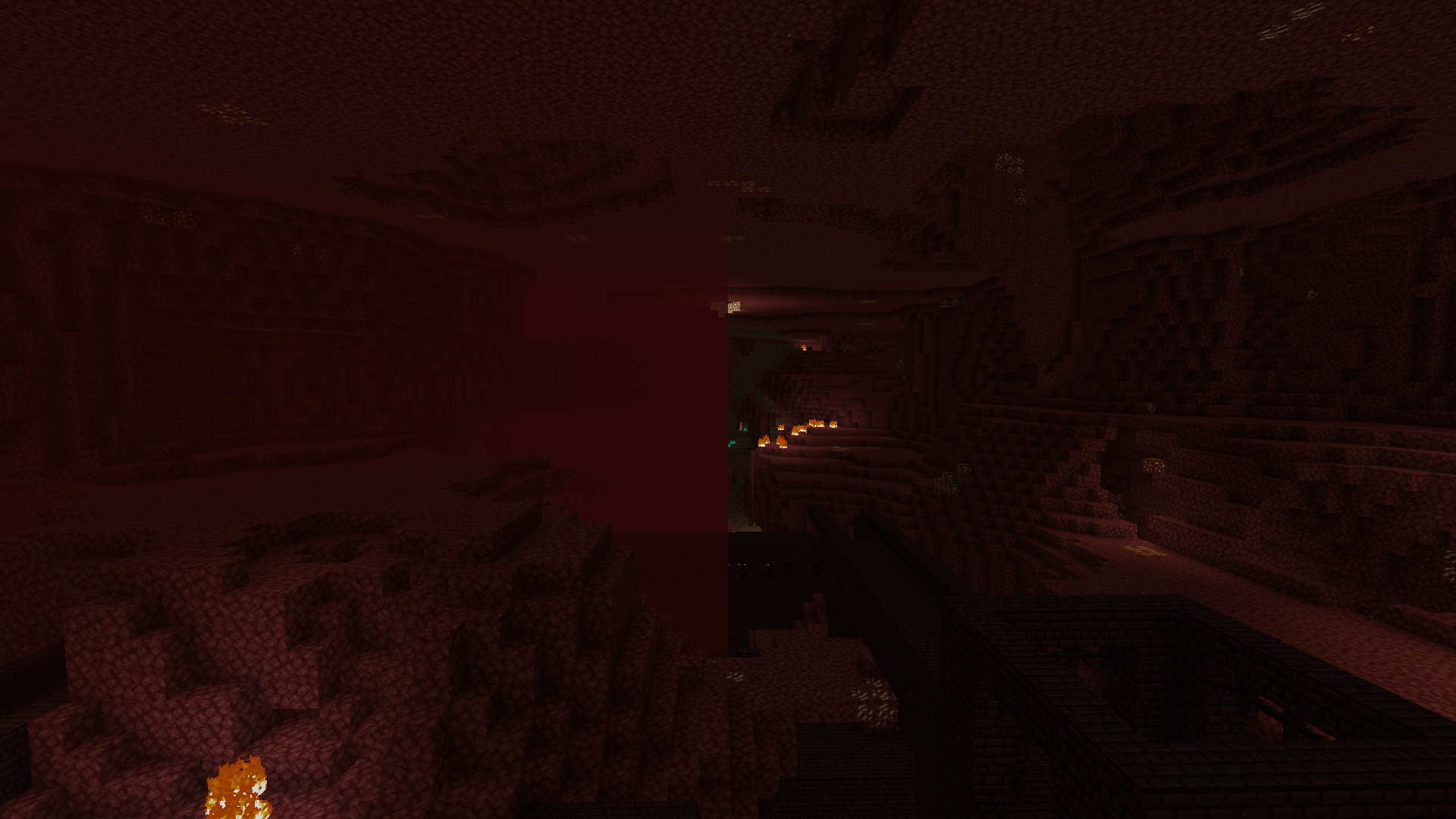
- hide Particles
No Render 설치 방법
With Millida Launcher
Install Millida Launcher
The launcher is free: download it at millida.net/launcher and sign in with any nickname.
Click “Install” on this page
The launcher opens and installs the mod for Minecraft 1.18.2–1.21.1 on Fabric, Forge, NeoForge or Quilt automatically.
Launch the game
A profile with it appears in the launcher: click “Play”.
Manually
Install Fabric, Forge, NeoForge or Quilt
The loader must match the game version of the mod file, for example Minecraft 1.21.1. After installing it, a separate profile appears in your launcher.
Download the file for your version
In the version list above, pick the file no_render-fabric-0.4.0.jar (70 KB) for your game version and loader.
Put it in the mods folder
The folder is inside .minecraft (Windows: %appdata%\.minecraft\mods). If it does not exist, create it.
Launch the loader profile
Open “Mods” in the main menu: No Render should be in the list.
Minecraft 1.21.1 runs on Java 21: with a different Java version the game may close right after launch.
버전
의존성 포함
| Minecraft | 로더 | 파일 | 날짜 | 작업 |
|---|---|---|---|---|
| 1.21 | Fabric, Quilt | no_render-fabric-0.4.0.jar69.8 KB 1 | ||
| 1.21 | NeoForge | no_render-0.4.0-1.21+forge16.2 KB | ||
| 1.20.6 | Forge | no_render-0.4.0-1.20.6+forge.jar196 KB | ||
| 1.18.2 | Forge | no_render-0.2.0-1.18.2.jar42.5 KB |
FAQ
Which Minecraft versions does No Render work on?
There are files for 1.21.1, 1.21, 1.20.6, 1.18.2. The newest is 1.21.1.
Is No Render for Forge or Fabric?
There are files for Fabric: 1.21–1.21.1, for Forge: 1.18.2–1.20.6, for NeoForge: 1.21–1.21.1 and for Quilt: 1.21–1.21.1.
Does No Render need other mods?
The author lists no required dependencies: the Fabric, Forge, NeoForge or Quilt loader is enough.
Which Java does No Render need?
Minecraft 1.21.1 runs on Java 21. If the game closes right after launch, the usual cause is the wrong Java version in the profile settings.
Where can I download No Render safely?
On this page: the file no_render-fabric-0.4.0.jar (70 KB) is stored on Millida’s server, with no link shorteners. SHA-1 checksum: 9daab5b8dc3c42619b5af4a69af0a99cc8b372d7.
리뷰
No Render의 첫 평가를 남겨 보세요


