
Netherending Ores 모드 정보
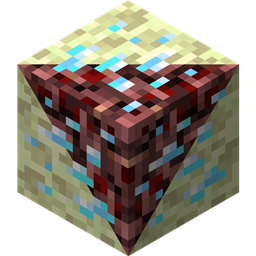
개요 네더와 엔드에 광석과 용광로 변환 레시피를 추가하는 또 다른 모드입니다. 버전 1.4+ 기능:
- 폭발하는 광석
- 네더피시 몹
- 네더피시와 엔더마이트용 몬스터 에그
- 광석이 이제 경험치를 포함한 아이템을 드롭할 수 있음
- 광석을 이제 경험치를 포함한 아이템으로 직접 제련할 수 있음
- 설정 파일 재작성
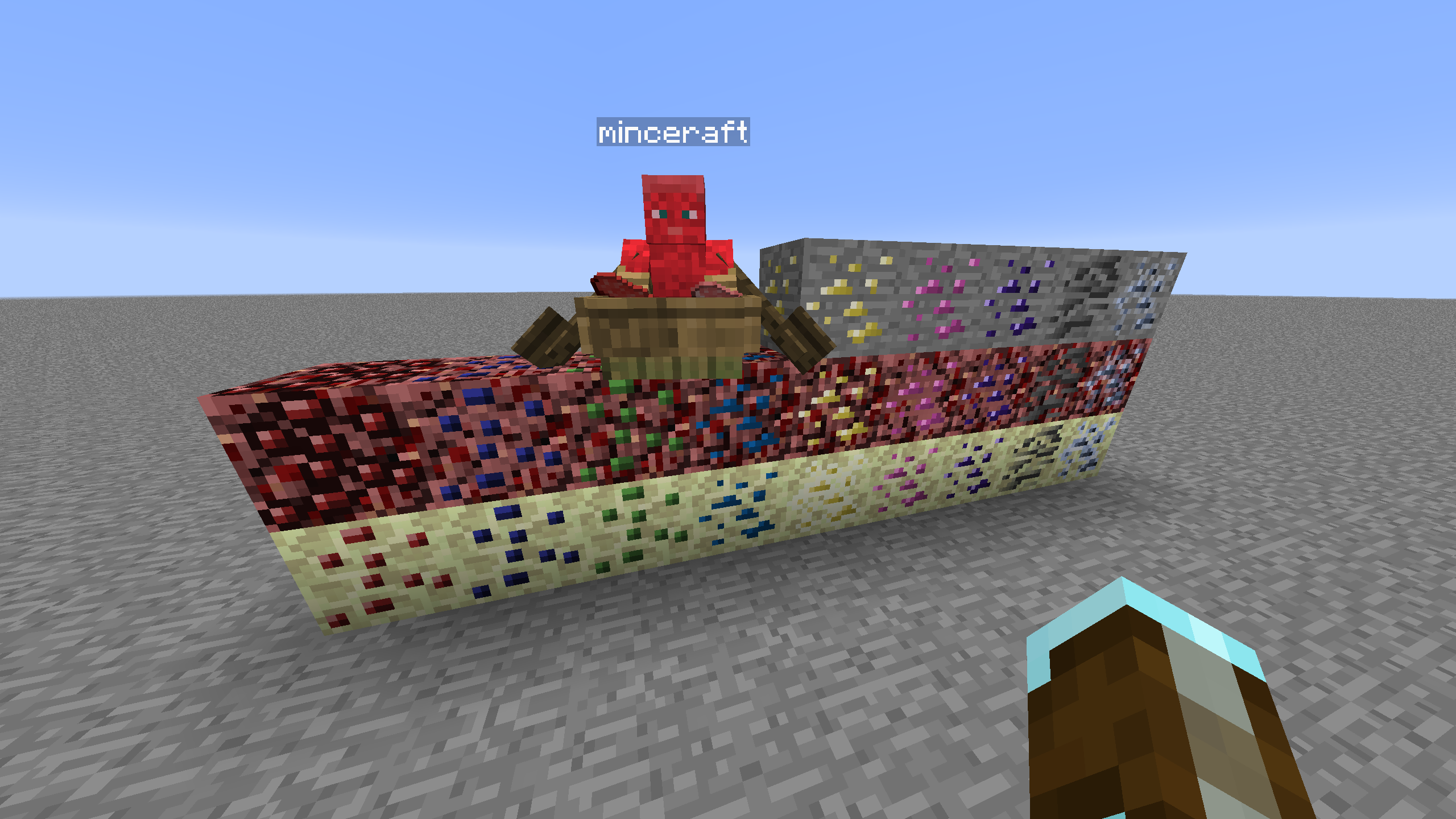
광석 생성 광석 생성을 제어하려면 CoFH World 같은 다른 모드가 필요합니다. CoFH World용 샘플 설정 파일이 제공되며, 여기에서 확인하세요. 사용하려면 제공된 zip 파일에서 광석 생성 설정 파일을 추출하여 모드팩 인스턴스의 config\cofh\world\에 넣으세요. 네더 광석 생성은 MC 1.7.10용 skyboy026/powercrystals의 Nether Ores 모드 마지막 릴리스의 설정 값을 기반으로 합니다. 해당 모드에 없던 광석을 추가하는 등 몇 가지 사소한 변경 사항이 있습니다. 엔드는 네더와 비슷한 설정을 사용하지만, 자연 생성되는 엔드 스톤의 높이 범위가 훨씬 작기 때문에 크기와 개수가 줄어듭니다.
레시피 네더/엔드 광석을 광물 사전에서 가장 일치하는 광석으로 제련하는 용광로 레시피입니다. 출력되는 광석 블록의 양은 설정의 레시피 배수에 따라 달라집니다. 오버월드에서 유래하지 않은 광석은 레시피상 오버월드 광석의 섬세한 손길 버전처럼 작동하며, 이는 밸런스를 위한 것이지만 재설정할 수 있습니다.
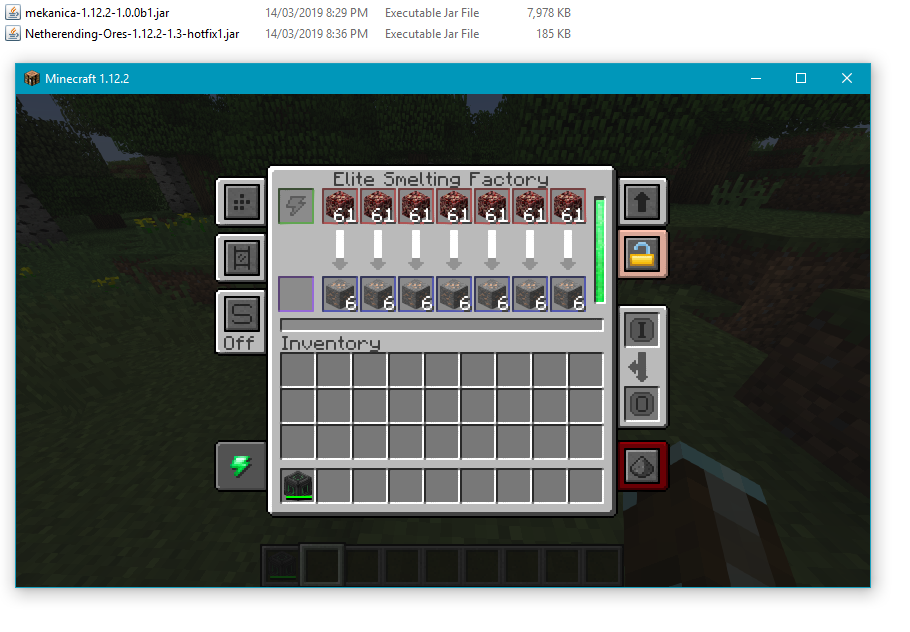
기계 처리 Tinkers' Construct, Thermal Expansion, IC2, Mekanism, Immersive Engineering의 기본 레시피로 광석을 직접 처리할 수 있습니다. Thermal Expansion 레시피에는 강화가 밸런스에 미치는 영향을 보정할 수 있는 설정 값이 있습니다. 원하지 않으면 설정에서 통합을 비활성화할 수 있습니다.
블록 목록 다음은 현재 지원되는 블록, 차원, 광석 그래픽 출처의 목록입니다.
- Coal | Nether/End | Vanilla
- Diamond | Nether/End | Vanilla
- Emerald | Nether/End | Vanilla
- Gold | Nether/End | Vanilla
- Iron | Nether/End | Vanilla
- Lapis | Nether/End | Vanilla
- Redstone | Nether/End | Vanilla
- Quartz | Overworld/End | Vanilla
- Aluminum | Nether/End | Thermal Foundation
- Copper | Nether/End | Thermal Foundation
- Iridium | Nether/End | Thermal Foundation
- Lead | Nether/End | Thermal Foundation
- Mithril | Nether/End | Thermal Foundation
- Nickel | Nether/End | Thermal Foundation
- Platinum | Nether/End | Thermal Foundation
- Silver | Nether/End | Thermal Foundation
- Tin | Nether/End | Thermal Foundation
- Certus Quartz | Nether/End | Applied Energistics
- Charged Certus Quartz | Nether/End | Applied Energistics
- Osmium | Nether/End | Mekanism
- Uranium | Nether/End | Original art (based off iron)
- Yellorite | Nether/End | Extreme Reactors
- Zinc | Nether/End | Railcraft
- Dilithium | Nether/End | Matter Overdrive
- Tritanium | Nether/End | Matter Overdrive
- Ruby | Nether/End | Project: Red
- Sapphire | Nether/End | Project: Red
- Peridot | Nether/End | Project: Red
- Electrotine | Nether/End | Project: Red
- Ardite | Overworld/End | Tinkers' Construct
- Cobalt | Overworld/End | Tinkers' Construct
- Ambrosium | Overworld/Nether/End | Aether II
- Gravitite | Overworld/Nether/End | Aether II
- Zanite | Overworld/Nether/End | Aether II
- Arkenium | Overworld/Nether/End | Aether II
- Icestone | Overworld/Nether/End | Aether II
- Netherfish Monster Egg | Nether | Vanilla (disguised as Netherrack)
- Endermite Monster Egg | End | Vanilla (disguised as End Stone)
Netherending Ores 설치 방법
Install Millida Launcher
The launcher is free: download it at millida.net/launcher and sign in with any nickname.
Click “Install” on this page
The launcher opens and installs the mod for Minecraft 1.12.2 automatically.
Launch the game
A profile with it appears in the launcher: click “Play”.
Minecraft 1.12.2 runs on Java 8: with a different Java version the game may close right after launch.
버전
의존성 포함
| Minecraft | 로더 | 파일 | 날짜 | 작업 |
|---|---|---|---|---|
| 1.12.2 | — | Netherending Ores 1.4.2359 KB | ||
| 1.12.2 | — | Netherending Ores 1.1.2111 KB |
FAQ
Which Minecraft versions does Netherending Ores work on?
Only Minecraft 1.12.2: there are no files for other versions.
Which Java does Netherending Ores need?
Minecraft 1.12.2 runs on Java 8. If the game closes right after launch, the usual cause is the wrong Java version in the profile settings.
How do I download Netherending Ores?
With Millida Launcher: it installs Netherending Ores into a modpack by itself, for the right game version and loader. The launcher is free.
리뷰
Netherending Ores의 첫 평가를 남겨 보세요


