
Minecraft 1.20.1, 1.21.1용 More Immersive Wires 모드
다양한 다른 모드의 케이블에 Immersive Engineering 전선 종류를 추가합니다.
 NeoForge
 Forge
More Immersive Wires
Immersive Engineering의 전선 종류, 릴레이, 커넥터를 여러 모드에서 사용할 수 있게 해주는 모드입니다. IE 전선으로 AE 시스템이나 RS 저장 네트워크를 연결하거나 ComputerCraft 주변기기를 붙일 수 있습니다.
현재 지원하는 모드:
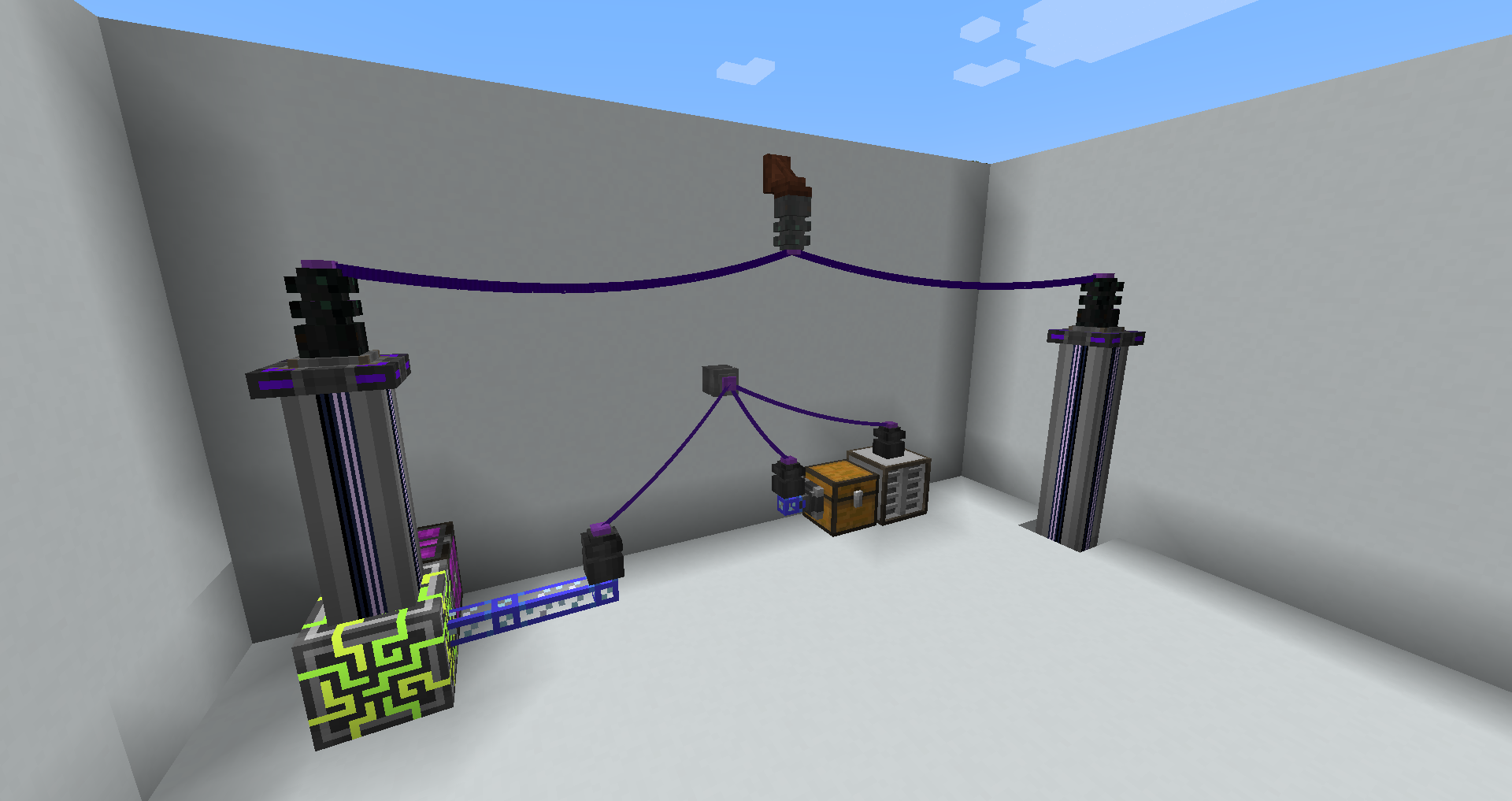
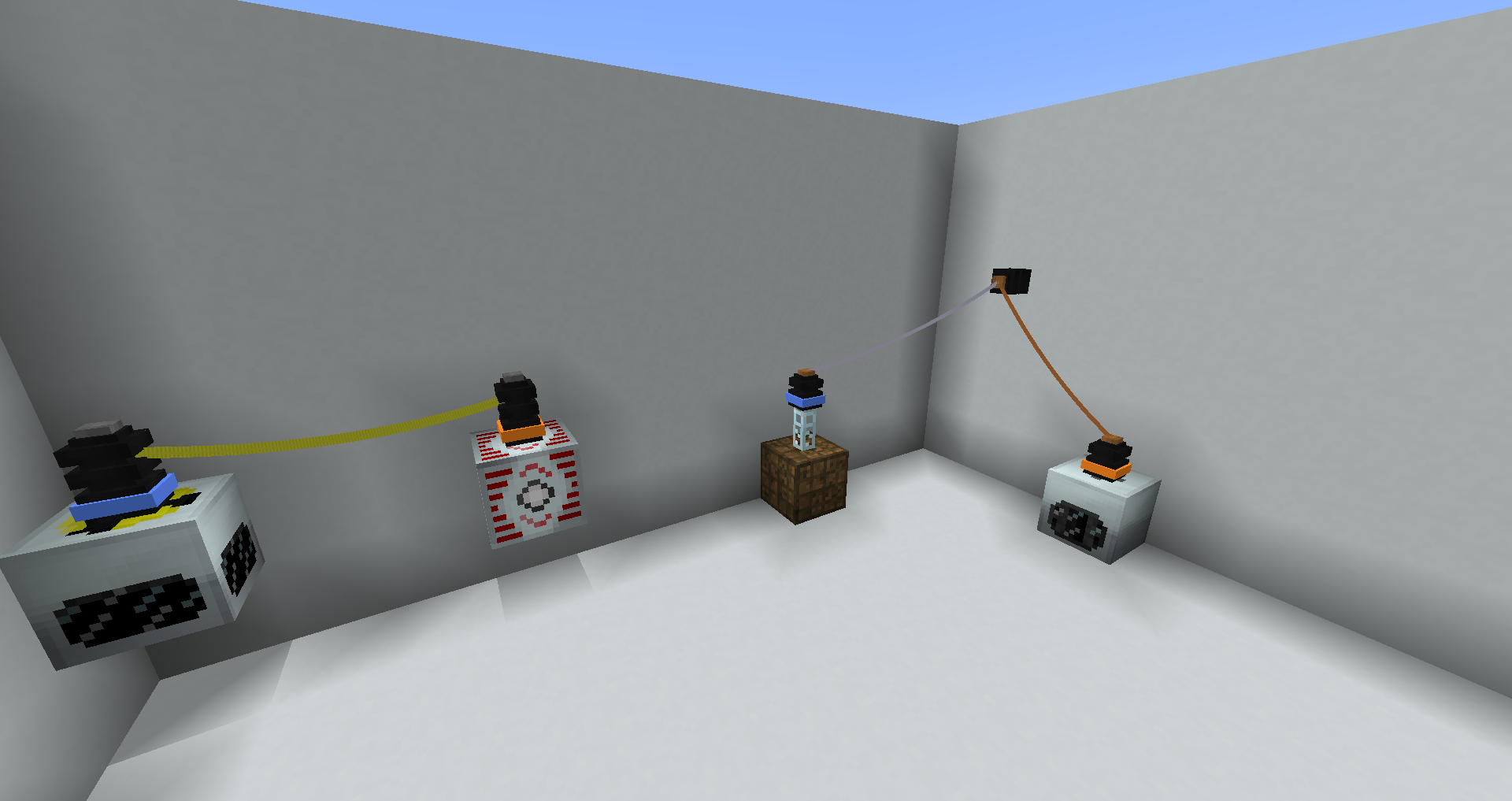
Applied Energistics 2 IE 전선으로 AE 시스템의 일부를 연결할 수 있습니다. 일반 케이블과 고밀도 케이블 모두 지원합니다
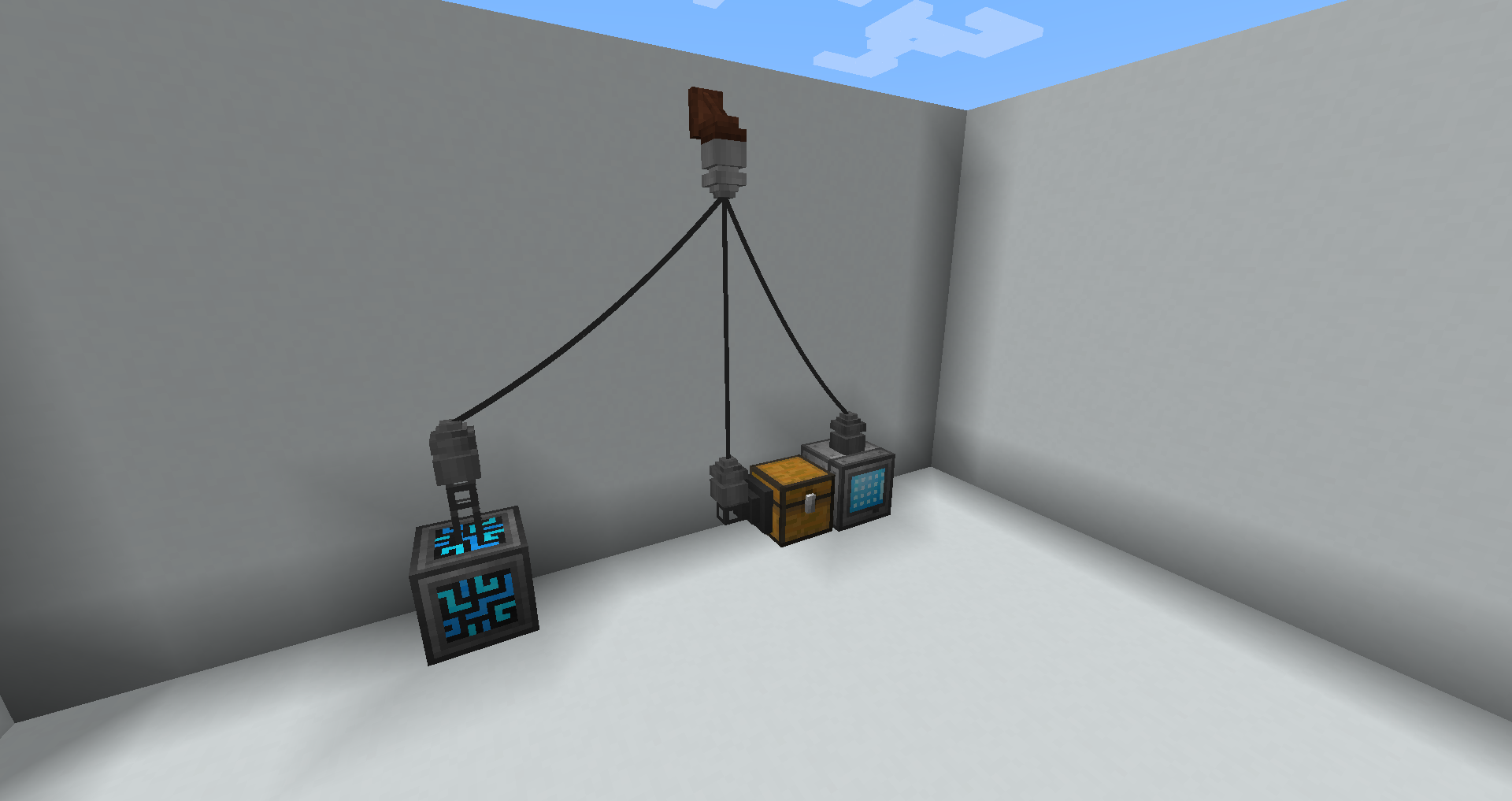
Refined Storage RS 시스템의 일부를 연결할 수 있습니다
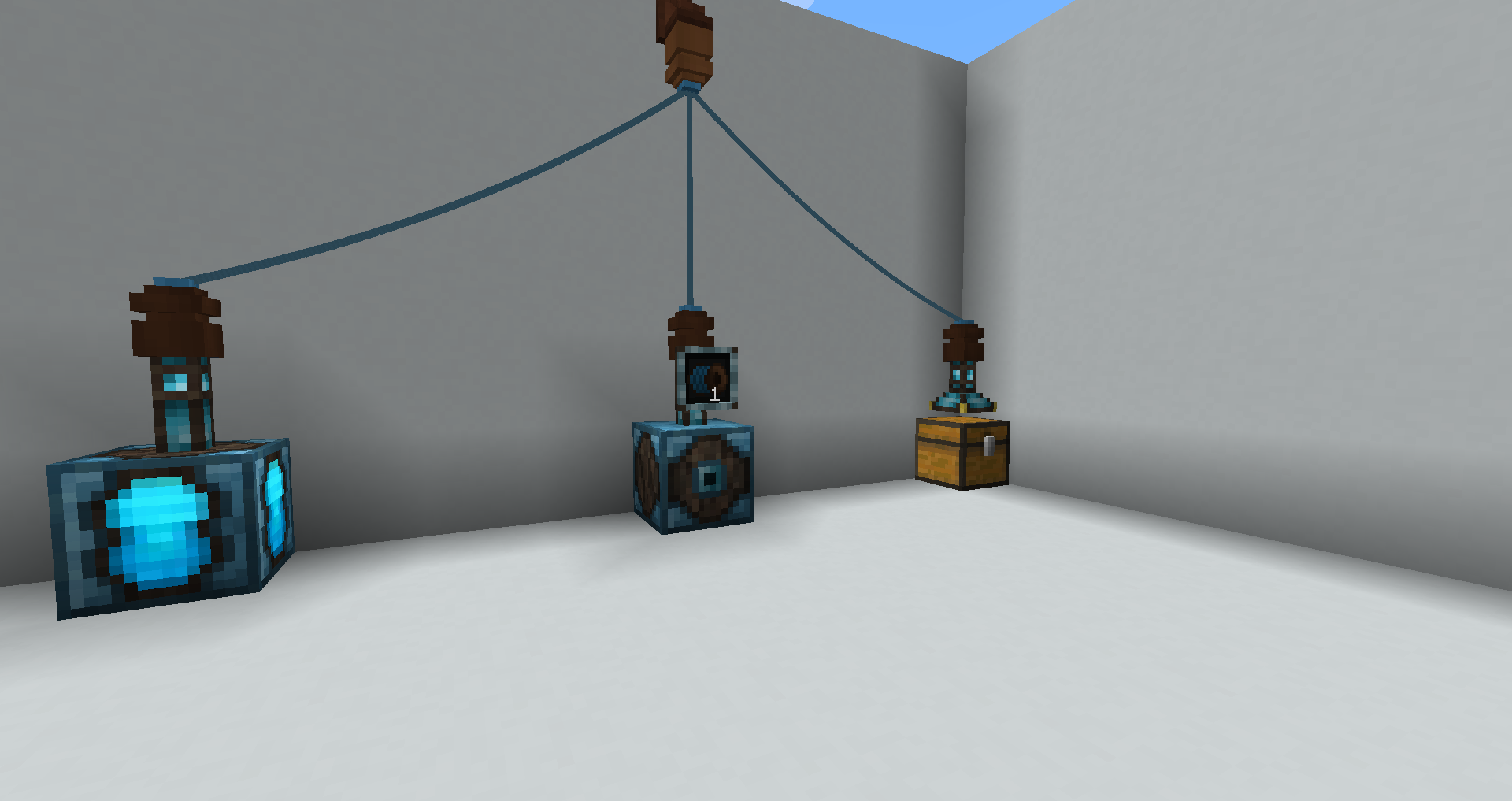
Integrated Dynamics Logic Cable Coil로 논리 네트워크의 일부를 연결할 수 있습니다
CC: Tweaked CC 네트워크 케이블을 연결하거나, 컴퓨터에 직접 CC Modem with Connector를 사용할 수 있습니다.
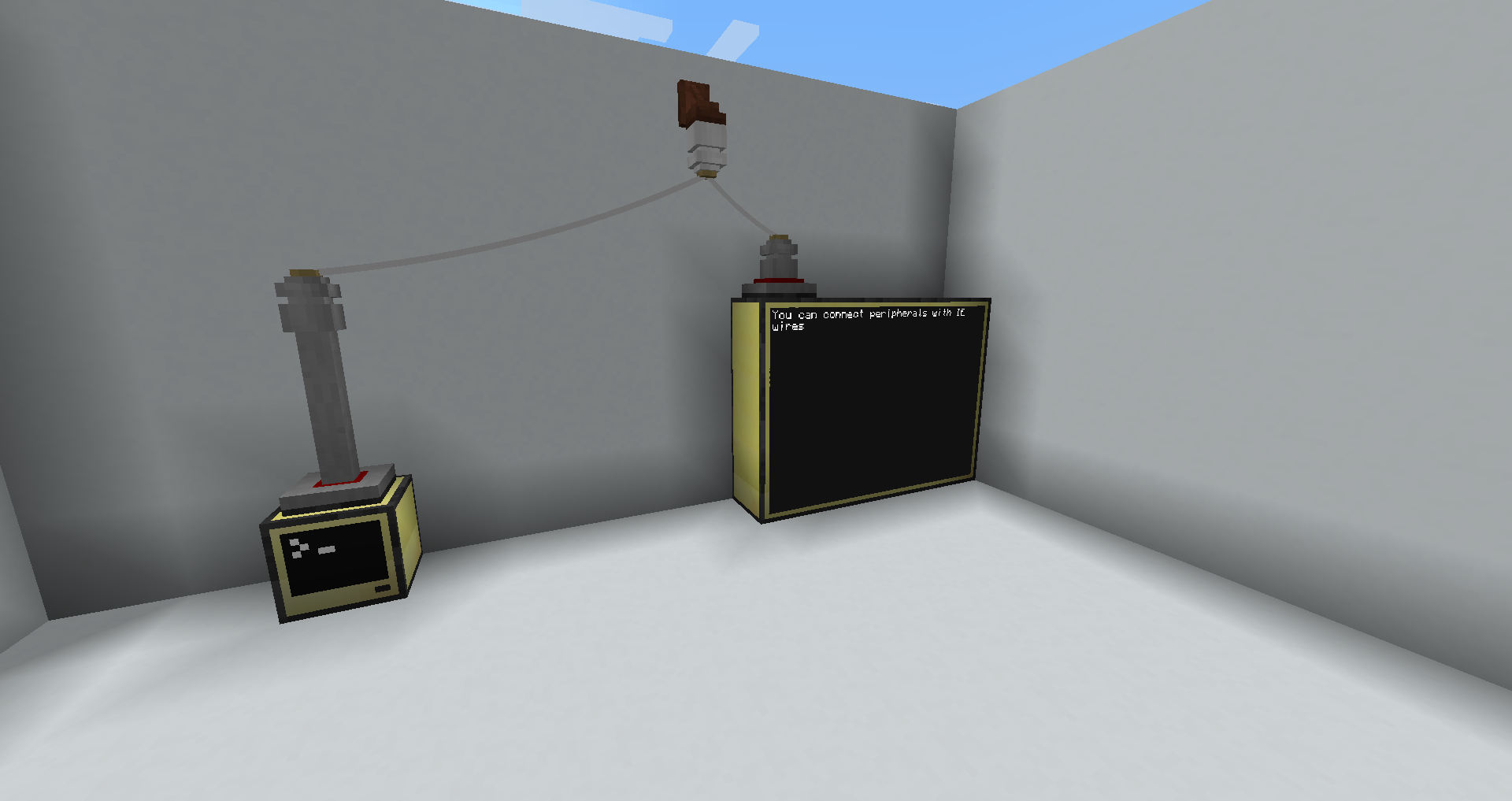
FTB Industrial Contraptions Immersive Wires로 Zaps를 전송합니다.
IC2 Classic Immersive Wires로 IC2 EU를 전송합니다.
More Immersive Wires 설치 방법
With Millida Launcher
Install Millida Launcher
The launcher is free: download it at millida.net/launcher and sign in with any nickname.
Click “Install” on this page
The launcher opens and installs the mod for Minecraft 1.20.1–1.21.1 on Forge or NeoForge automatically.
Launch the game
A profile with it appears in the launcher: click “Play”.
Manually
Install Forge or NeoForge
The loader must match the game version of the mod file, for example Minecraft 1.21.1. After installing it, a separate profile appears in your launcher.
Download the file for your version
In the version list above, pick the file more-immersive-wires-1.21.1-1.1.9.jar (216 KB) for your game version and loader.
Put it in the mods folder
The folder is inside .minecraft (Windows: %appdata%\.minecraft\mods). If it does not exist, create it.
Launch the loader profile
Open “Mods” in the main menu: More Immersive Wires should be in the list.
Minecraft 1.21.1 runs on Java 21: with a different Java version the game may close right after launch.
버전
의존성 포함
| Minecraft | 로더 | 파일 | 날짜 | 작업 |
|---|---|---|---|---|
| 1.21.1 | NeoForge | More Immersive Wires 1.21.1-1.1.9216 KB 3 | ||
| 1.20.1 | NeoForge, Forge | More Immersive Wires 1.20.1-1.1.4347 KB |
리뷰
More Immersive Wires의 첫 평가를 남겨 보세요


