

 Fabric
 Forge
Forge NeoForge
Modonomicon
Thaumonomicon-Style In-Game Documentation
Modonomicon is an in-game documentation mod inspired by Thaumcraft's Thaumonomicon and Patchouli, and aims to provide the best of both, with some unique flavors.
Some of the most interesting features are:
- Fully data-driven, all books are created via datapack (that means both Modpacks and Mods can add books).
- Patchouli-like Multiblocks (but fully data driven)
- Made to be extensible, mods can add new features, such as recipe pages for mod-specific crafting methods.
- "Quest/Advancement"-style 2D view to navigate the content, as seen in the Thaumonomicon.
- Extensible condition system to unlock entries.
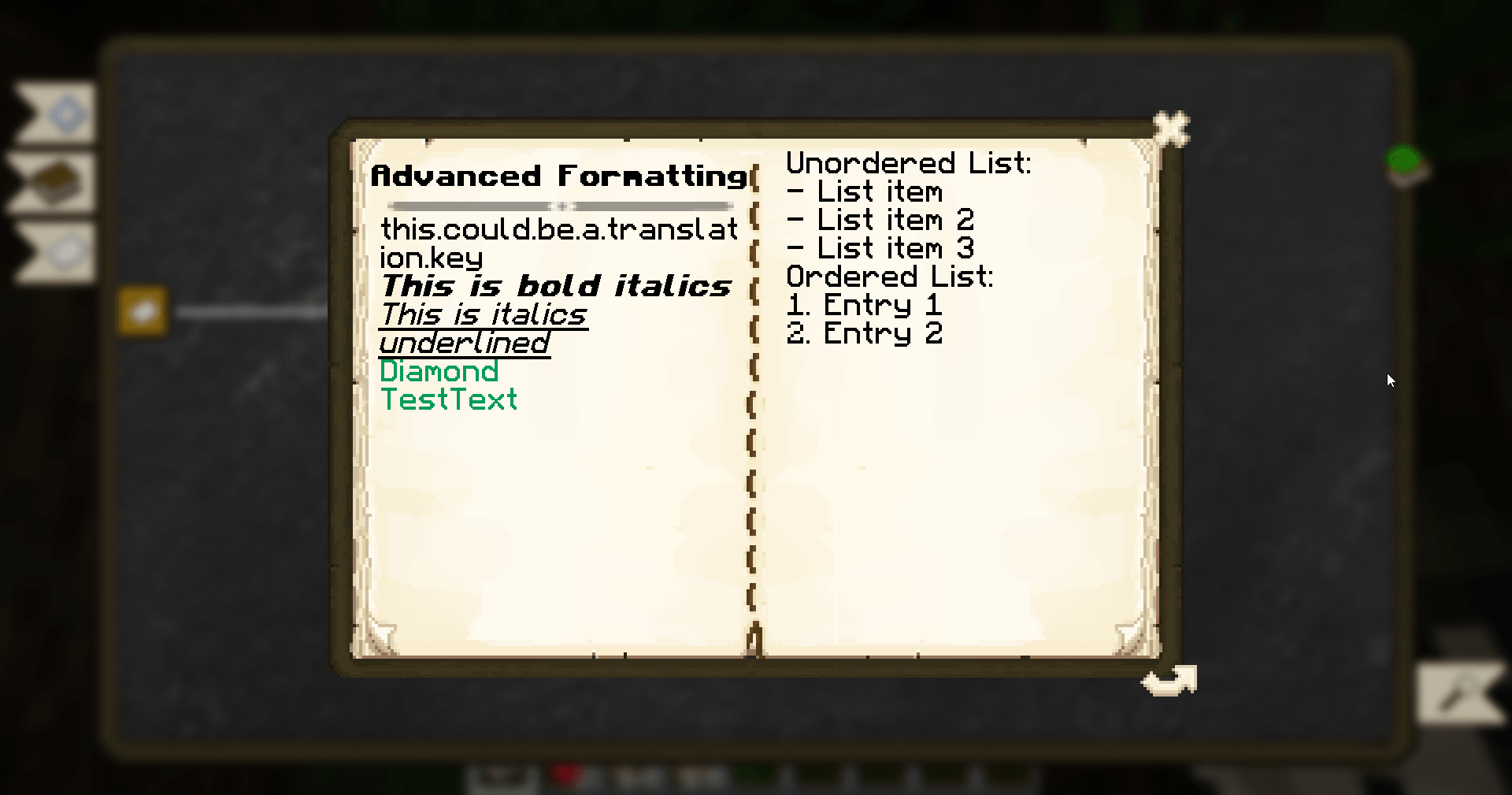
- Easy styling of content with (extended) Markdown syntax.
- Various page types to display text, recipes, images, items and more.
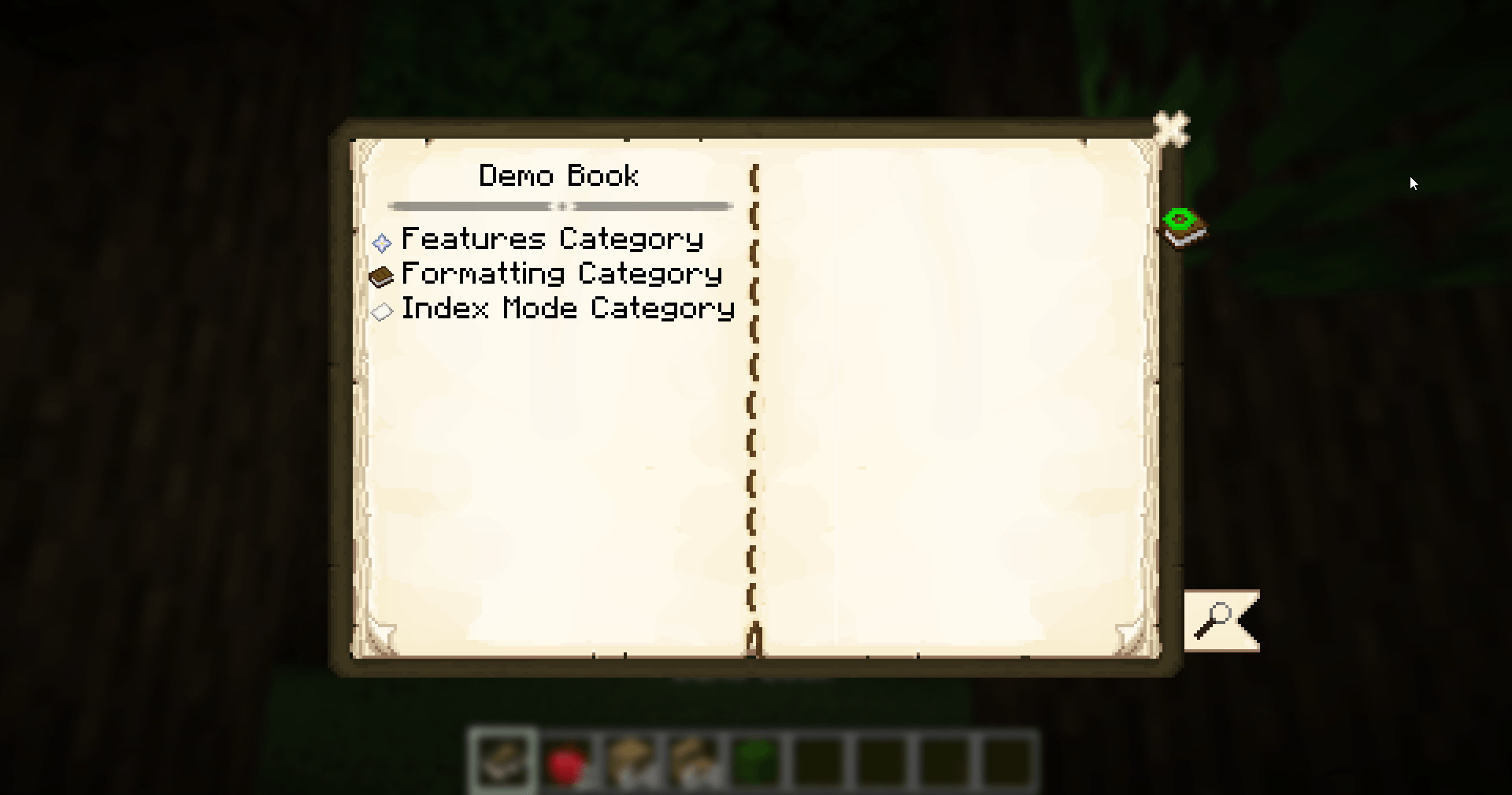
Visit the Documentation to get started!
License & Use in Modpacks
Modonomicon is licensed under the MIT License (Source Code) and CC-BY-4.0 (Assets). See https://github.com/klikli-dev/modonomicon#licensing for detailed information.
Use in modpacks is allowed without restrictions, as long as the conditions of the MIT and CC-BY-4.0 license are fulfilled. You can consider these requirements fulfilled by linking to this page in your modpack.
If you create the modpack on curseforge a link will be automatically created in the files sections, you do not need to add a manual link.
Feedback, Bug reports or Questions?
Join our Discord!
Alternative link: https://discord.gg/trE4SHRXvb
Modonomicon 설치 방법
With Millida Launcher
Install Millida Launcher
The launcher is free: download it at millida.net/launcher and sign in with any nickname.
Click “Install” on this page
The launcher opens and installs the mod for Minecraft 1.19.3–26.3 on Fabric, Forge or NeoForge automatically.
Launch the game
A profile with it appears in the launcher: click “Play”.
Manually
Install Fabric, Forge or NeoForge
The loader must match the game version of the mod file, for example Minecraft 26.3. After installing it, a separate profile appears in your launcher.
Download the file for your version
In the version list above, pick the file modonomicon-26.3-fabric-2.14.1.jar (3.1 MB) for your game version and loader.
Put it in the mods folder
The folder is inside .minecraft (Windows: %appdata%\.minecraft\mods). If it does not exist, create it.
Launch the loader profile
Open “Mods” in the main menu: Modonomicon should be in the list.
버전
의존성 포함
| Minecraft | 로더 | 파일 | 날짜 | 작업 |
|---|---|---|---|---|
| 26.3 | Fabric | modonomicon-26.3-fabric-2.14.1.jar3.1 MB 9 | ||
| 26.3 | Forge | modonomicon-26.3-forge-2.14.1.jar2.9 MB 4 | ||
| 26.3 | NeoForge | modonomicon-26.3-neoforge-2.14.1.jar2.9 MB | ||
| 1.19.3 | Forge | modonomicon-1.19.3-1.18.1.jar1.2 MB |
리뷰
Modonomicon의 첫 평가를 남겨 보세요


