
Minecraft 1.20.1, 1.21.1용 Medieval craft (Weapons) 모드
3D 중세 무기를 제작하는 현실적인 방법을 추가합니다.
 NeoForge
 Forge
Forge Fabric
Medieval craft (Weapons) 모드 정보

This Mod contains only the weapons and armor from medieval craft click here to download the Medieval Craft (structures) .
Made to be played with the spinoff:
Click in the image to open this mod's page

The 1.16.5 version of this mod is compatible with Epic Fight Mod
Newer versions are not yet compatible.
Adds a realistic way to forge 3D medieval weapons.
This mod adds 56 3D weapons
Shields:
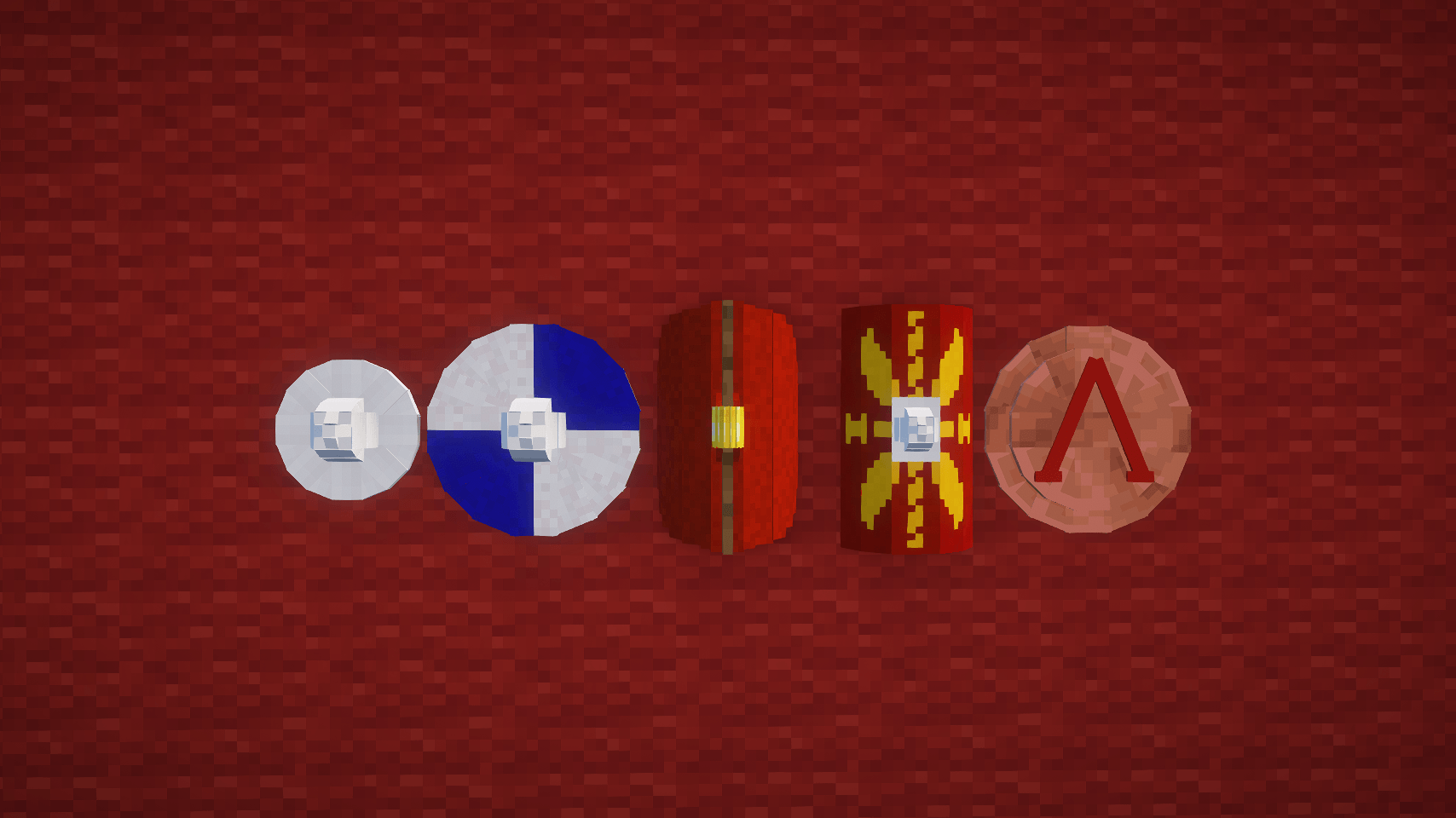
Classical Period:
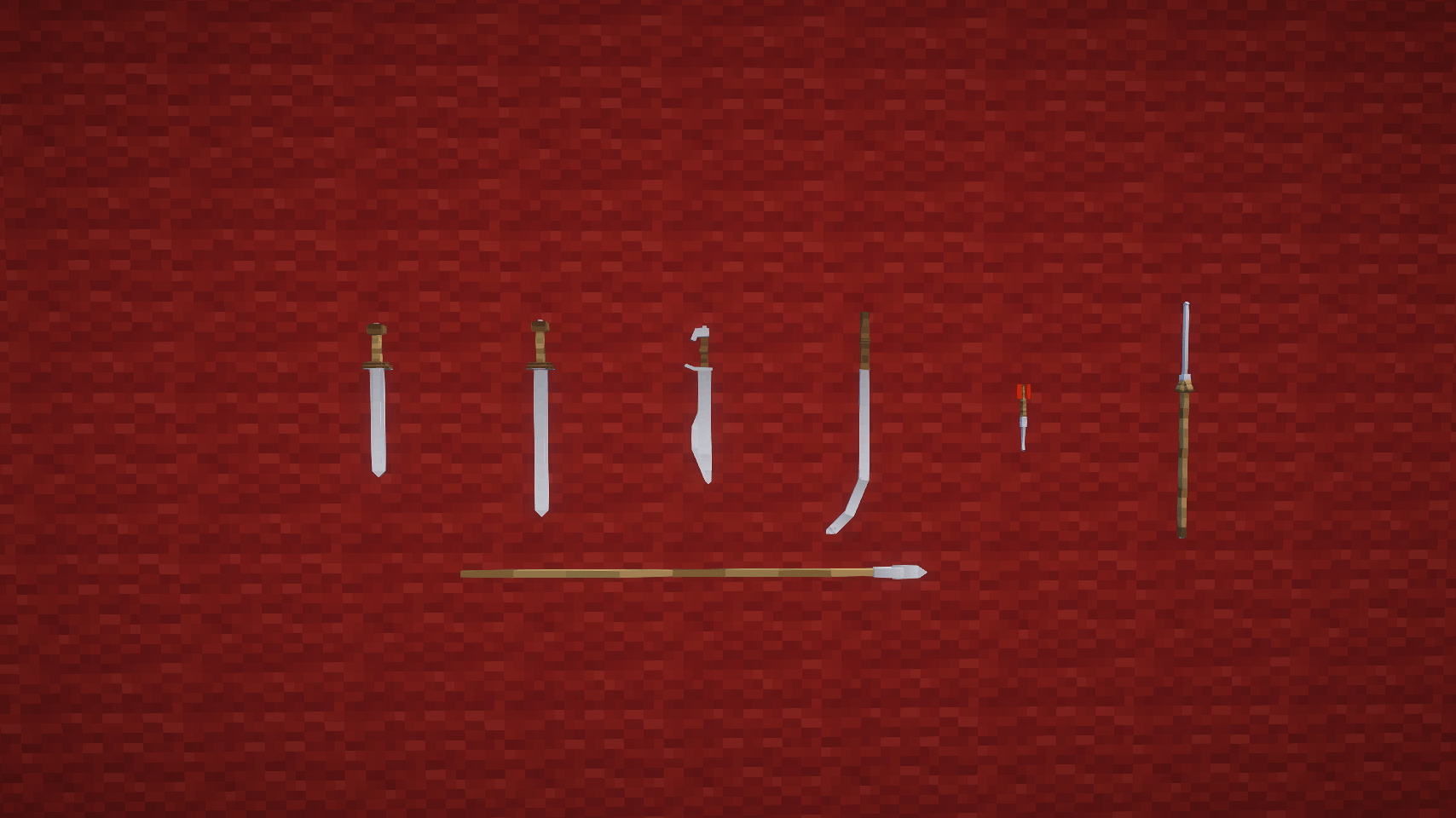
Medieval Weapons:
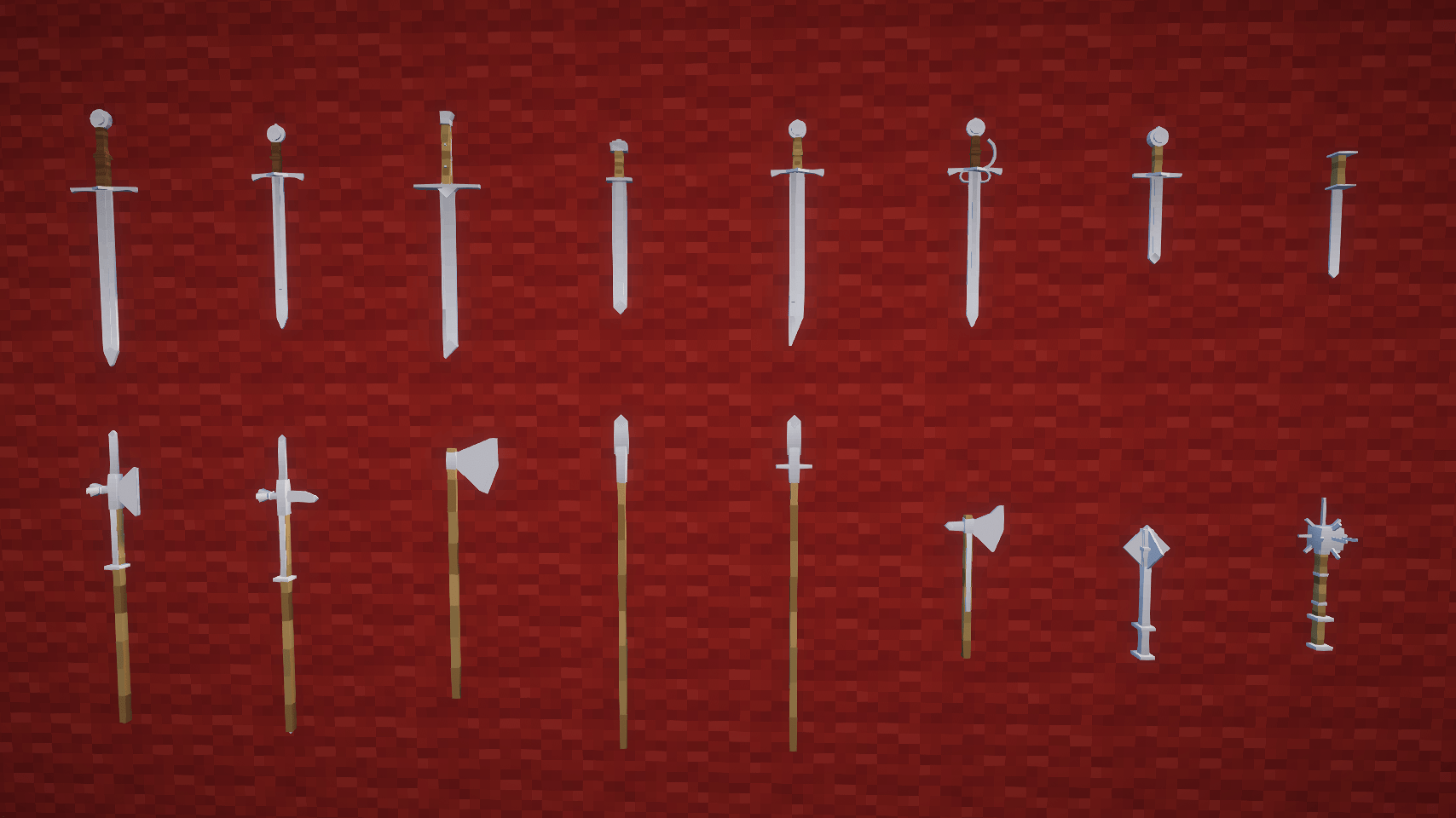
Modern Period Weapons:
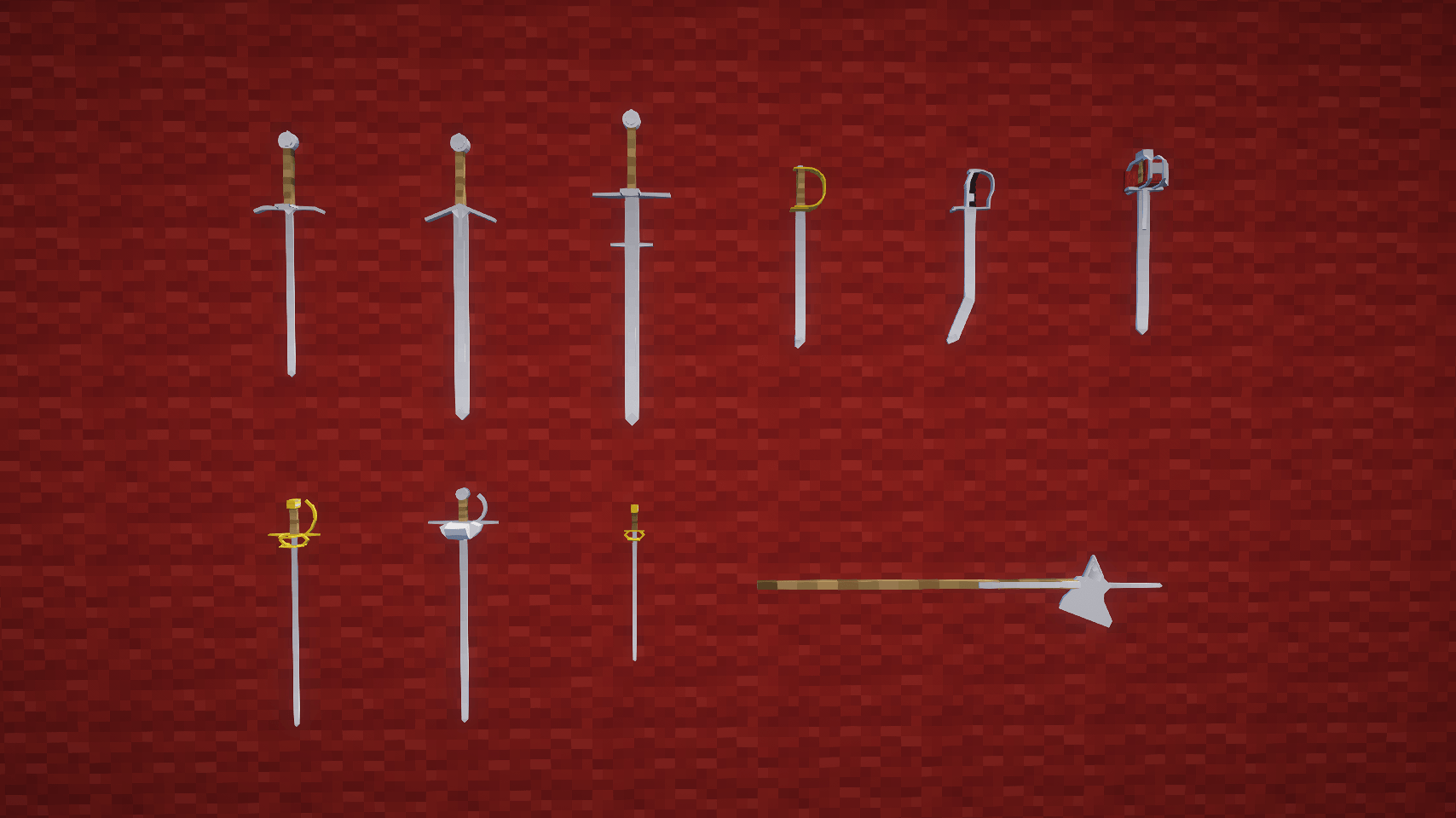
Asian Weapons:
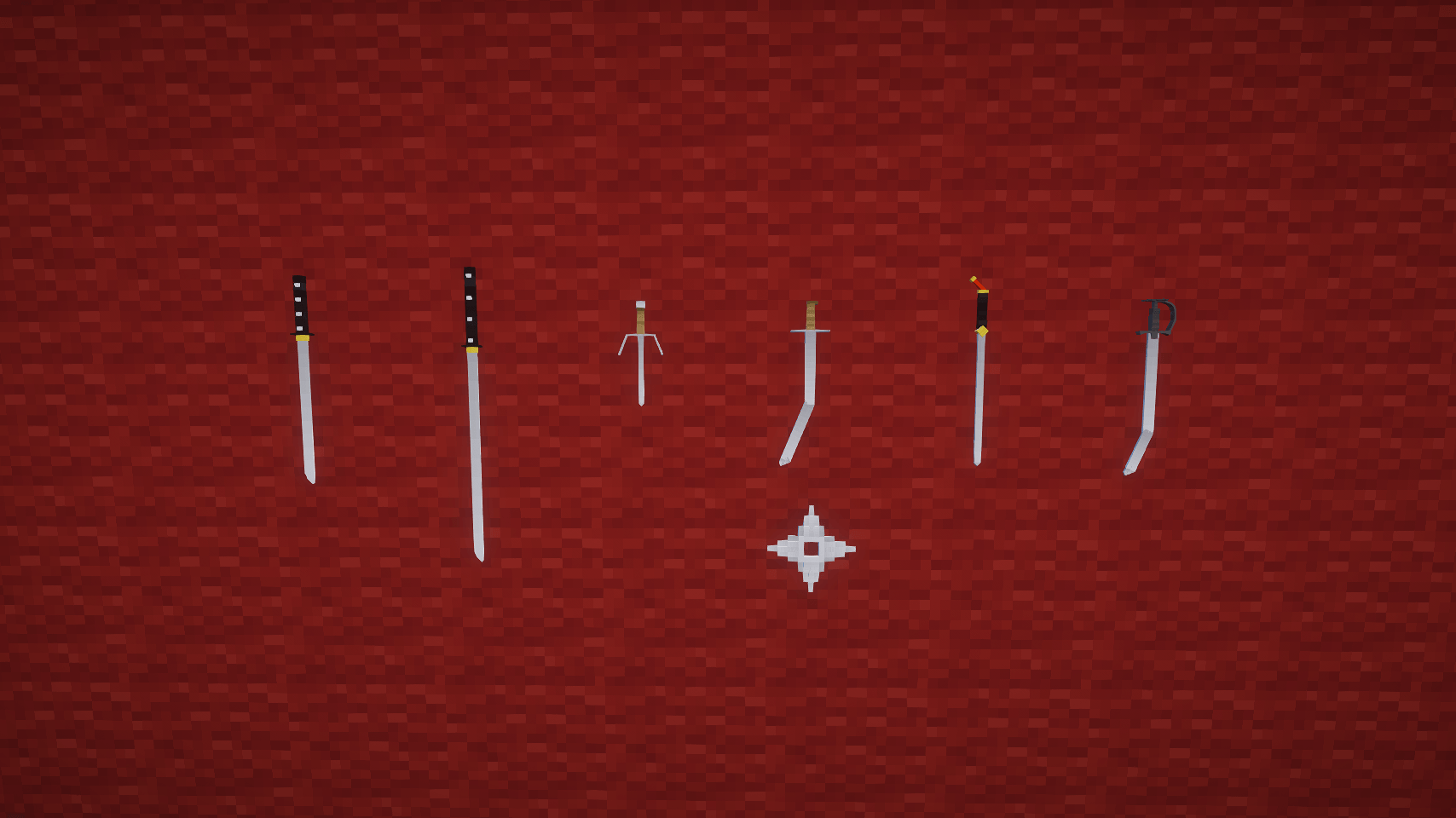
Others:
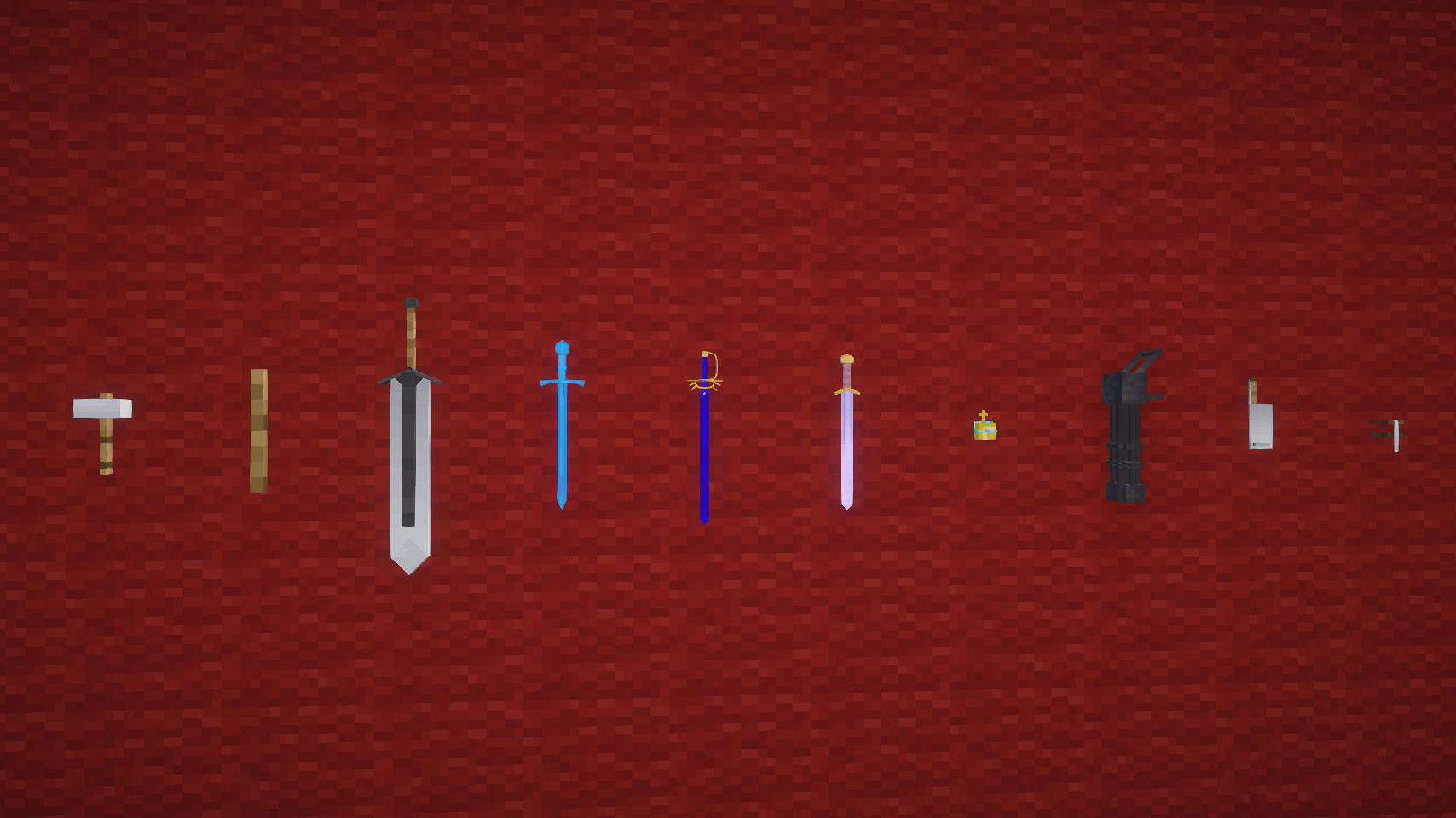
Armor:
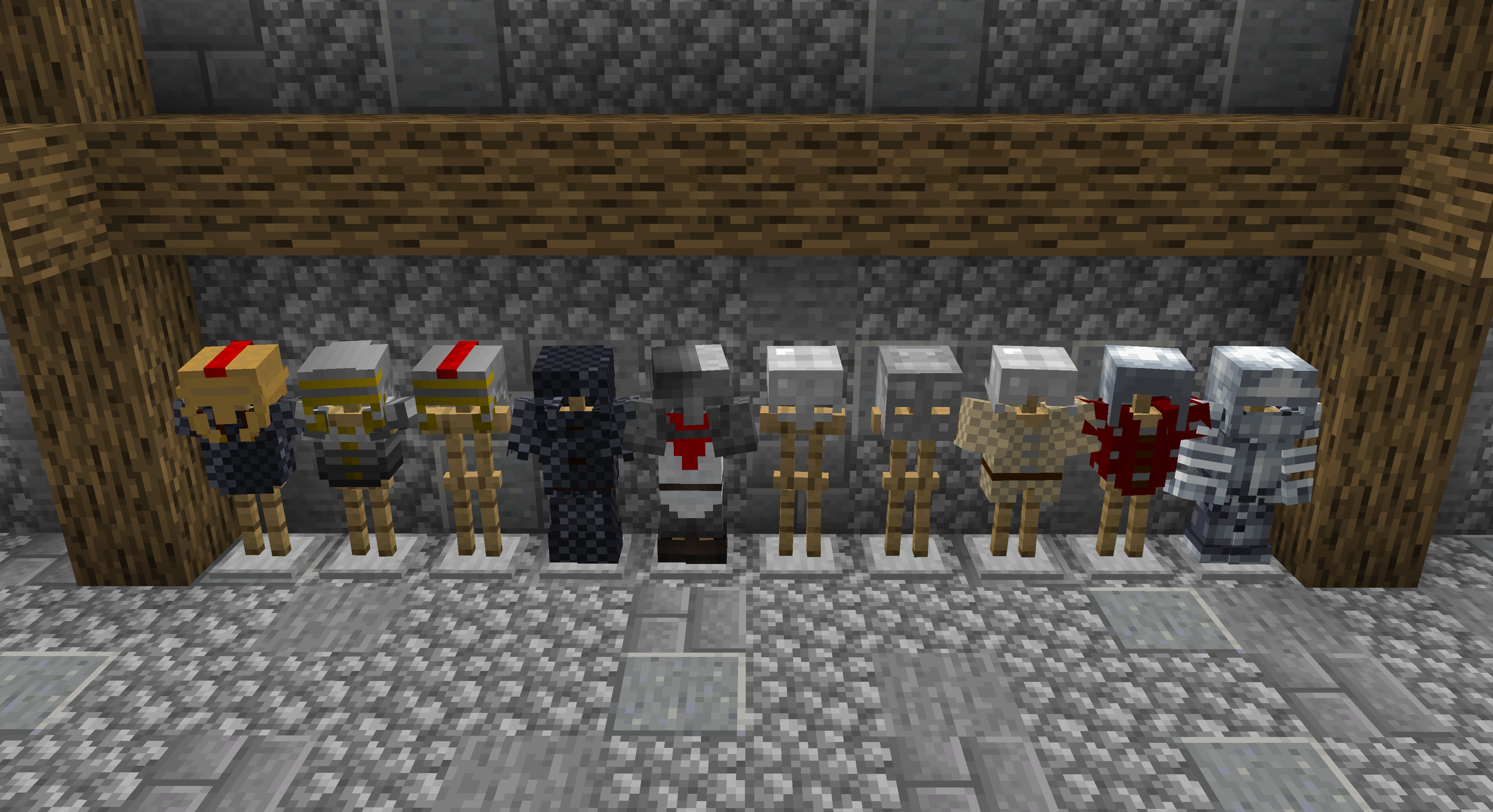

If you want a server, BisectHosting after purchase is already configured and ready to play.
25% discount in the first month if you use the code: Medievalcraft
https://www.curseforge.com/linkout?remoteUrl=https://www.bisecthosting.com/Medievalcraft
How to create your sword:
Put iron ores in the first slow in a project bench, select a sword. Grab your iron bar and place in a blast furnace. The bar will be red hot, put your bar on top of a anvil and right click repeatedly with a Hammer. When the hot blade is dropped you must right click with the blade on watter. Now you must put your Blade, Guard, and a stick in a crafting table.
Medieval craft (Weapons) 설치 방법
With Millida Launcher
Install Millida Launcher
The launcher is free: download it at millida.net/launcher and sign in with any nickname.
Click “Install” on this page
The launcher opens and installs the mod for Minecraft 1.19.2–1.21.1 on Fabric, Forge or NeoForge automatically.
Launch the game
A profile with it appears in the launcher: click “Play”.
Manually
Install Fabric, Forge or NeoForge
The loader must match the game version of the mod file, for example Minecraft 1.21.1. After installing it, a separate profile appears in your launcher.
Download the file for your version
In the version list above, pick the file MedievalCraft(Weapons)-1.21.1-1.0.0.jar (730 KB) for your game version and loader.
Put it in the mods folder
The folder is inside .minecraft (Windows: %appdata%\.minecraft\mods). If it does not exist, create it.
Launch the loader profile
Open “Mods” in the main menu: Medieval craft (Weapons) should be in the list.
Minecraft 1.21.1 runs on Java 21: with a different Java version the game may close right after launch.
버전
의존성 포함
| Minecraft | 로더 | 파일 | 날짜 | 작업 |
|---|---|---|---|---|
| 1.20.1 | Forge | medievalcraftweapons-1.3.2-forge-1.20.1.jar1.5 MB 5 | ||
| 1.21.1 | NeoForge | MedievalCraft(Weapons)-1.21.1-1.0.0.jar730 KB 2 | ||
| 1.19.2 | Fabric | Medieval_Craft(Weapons)fabric-1.1.2-1.19.2.jar605 KB 3 | ||
| 1.19.2 | Forge | Medieval_Craft_(Weapons)-1.19.2545 KB |
FAQ
Which Minecraft versions does Medieval craft (Weapons) work on?
There are files for 1.21.1, 1.20.1, 1.19.2. The newest is 1.21.1.
Is Medieval craft (Weapons) for Forge or Fabric?
There are files for Fabric: 1.19.2, for Forge: 1.19.2–1.20.1 and for NeoForge: 1.21.1.
Does Medieval craft (Weapons) need other mods?
The author lists no required dependencies: the Fabric, Forge or NeoForge loader is enough.
Which Java does Medieval craft (Weapons) need?
Minecraft 1.21.1 runs on Java 21. If the game closes right after launch, the usual cause is the wrong Java version in the profile settings.
How do I download Medieval craft (Weapons)?
With Millida Launcher: it installs Medieval craft (Weapons) into a modpack by itself, for the right game version and loader. The launcher is free.
리뷰
Medieval craft (Weapons)의 첫 평가를 남겨 보세요


