
Minecraft 26.1.2용 Loading Backgrounds 모드
게임의 로딩 배경을 사용자 지정하고, 사용자 지정 가능한 이미지를 배치합니다.
 NeoForge
 Fabric
 Forge
Loading Backgrounds 모드 정보
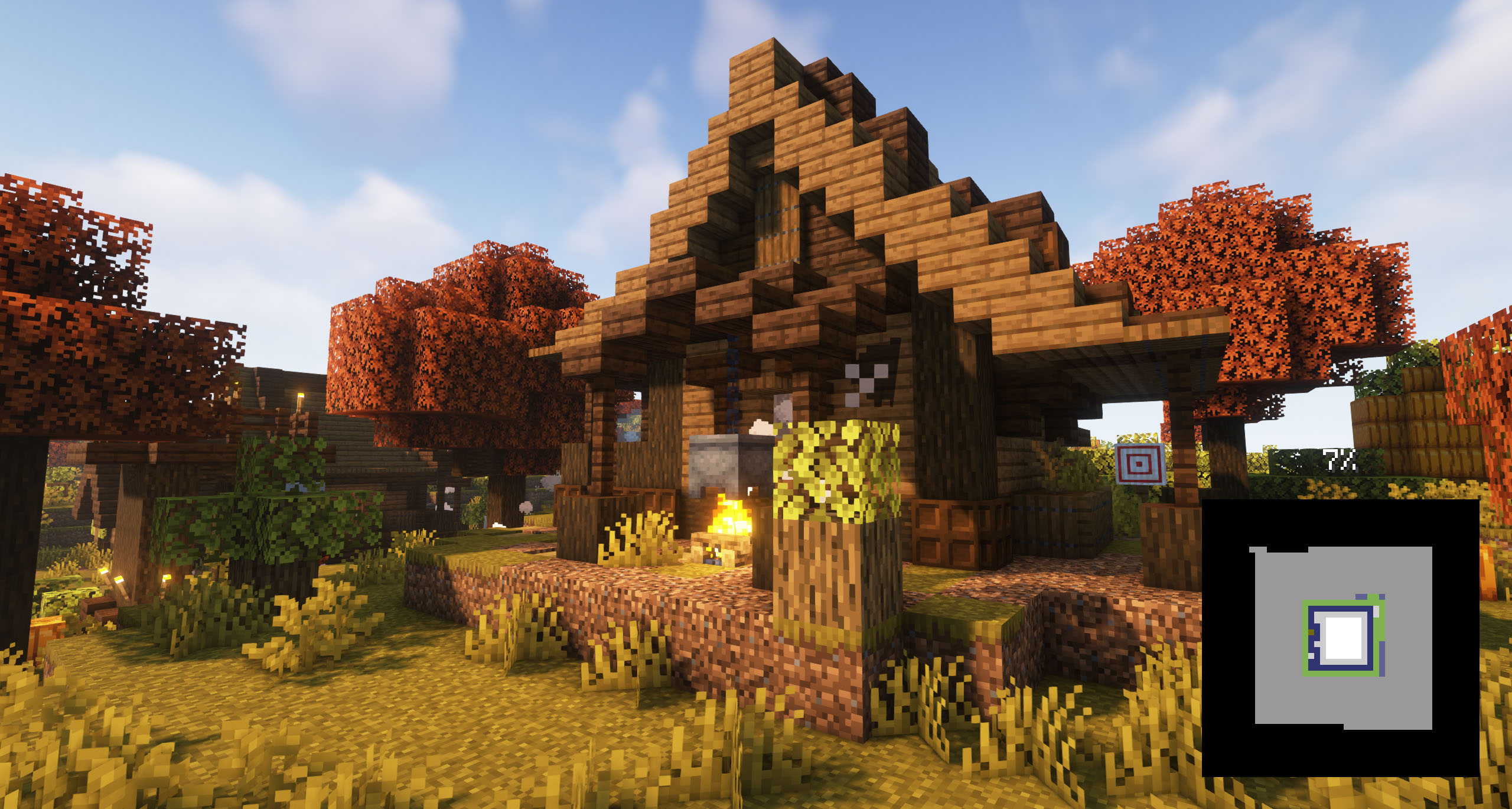
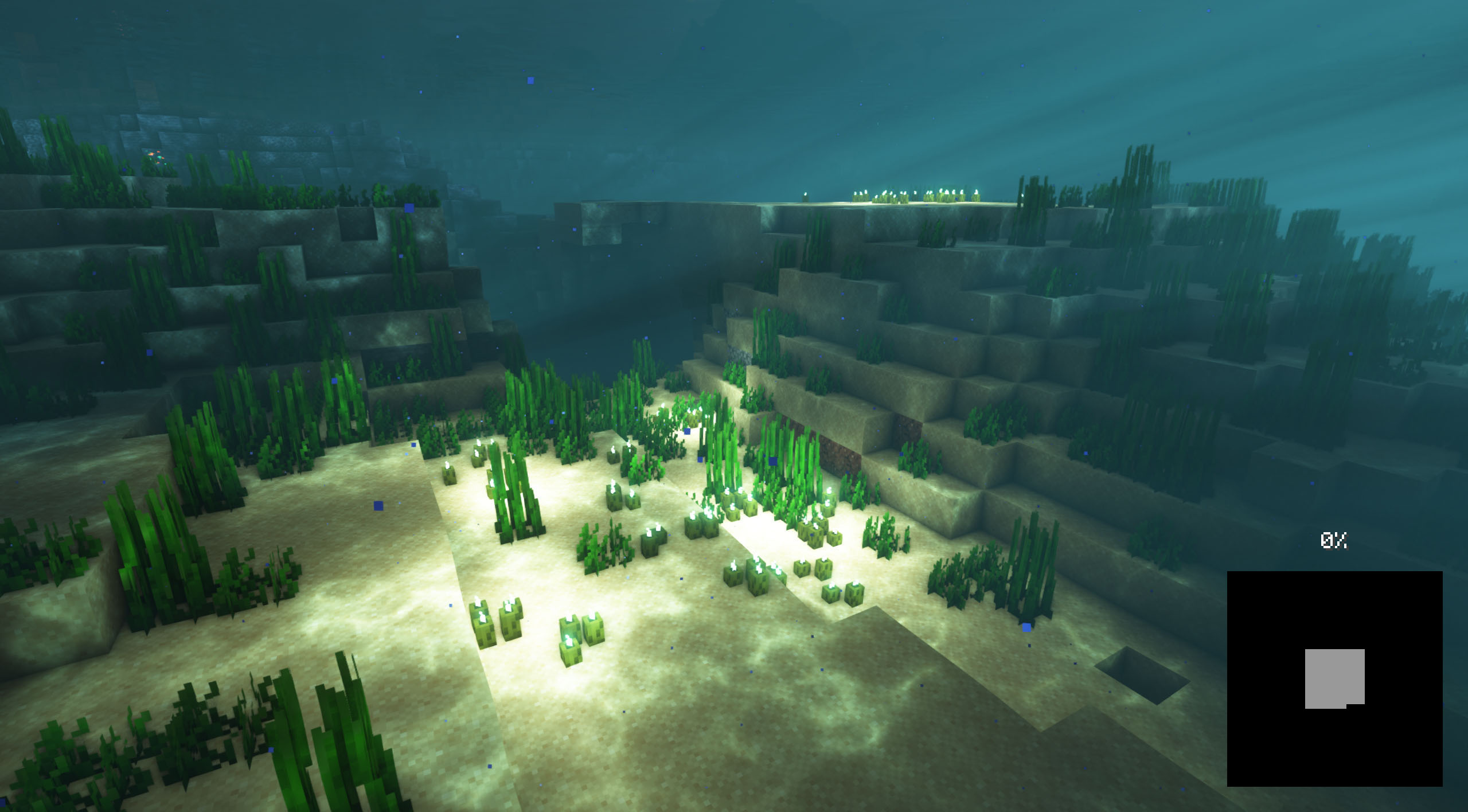
이 모드를 사용하면 Minecraft 게임의 로딩 화면 배경을 커스터마이즈할 수 있으며, 원하는 유형의 커스터마이즈 가능한 이미지를 배치할 수 있습니다. 모드팩 제작자들이 자신의 콘텐츠에 더 나은 느낌을 주고자 할 때 추천되며, 모드팩 이미지를 불러와 배경으로 배치할 수 있습니다.
친구들과 함께 플레이할 서버가 필요하신가요?
친구들과 함께 어떤 모드나 모드팩을 플레이할 서버를 찾고 있다면, Bisect Hosting이 해답입니다! 최고의 가성비 Minecraft 서버를 제공하며, 이 링크를 클릭하고 코드 "Lupin"을 사용하면 25% 할인을 받을 수 있습니다.
배경 이미지를 추가하려면 /assets/minecraft/textures/gui/backgrounds/ 폴더가 있는 리소스 팩을 만들고 그 안에 .png 이미지 파일을 넣어야 합니다. 이상적으로는 image1.png, image2.png, image3.png 등으로 이름을 지정하는 것이 좋습니다.
모드가 현재 활성화된 로딩 이미지가 없다고 감지하면, 이름에 "loading"과 "background"가 포함된 리소스 팩을 찾아 해당 리소스 팩을 활성화합니다.
pack.mcmeta를 배치하는 것이 필수적입니다. 해당 이름으로 메모장을 만들고 다음 텍스트를 넣으세요:
{ "pack": { "packformat": 15, "description": "Loading Backgrounds images" } }
또한 이 리소스팩을 예시로 참고할 수 있습니다.
우리는 또한 여러분을 위해 멋진 리소스팩 몇 가지를 만들었습니다! 설치하거나 직접 만들 수 있습니다.
- Loading Backgrounds - Loading Images
- Loading Backgrounds - Structures
- Loading Backgrounds - Oceans
Loading Backgrounds는 Luavixen의 작업 덕분에 가능합니다!
서버에서 작동하나요?
물론입니다! 완벽하게 작동합니다! 모드와 친구들과 함께 플레이하는 가장 좋은 방법은 BisectHosting이며, 이 링크를 클릭하면 25% 할인을 받을 수 있다는 점을 기억하세요.
이 모드를 모드팩에서 사용할 수 있나요?
물론입니다! Modrinth 또는 CurseForge에만 게시하는 한 가능합니다. 다른 플랫폼에 업로드하는 것은 우리의 권리를 침해하는 행위이며 전혀 허용되지 않습니다.
하지만 여러분이 Modrinth 또는 CurseForge 모드팩에 추가하는 것을 고려해 주신다면 정말 감사하겠습니다. 작은 변경이 필요하거나 질문이 있으시면 연락해 주세요!
이 모드의 영상을 녹화해서 제 채널에 보여줘도 되나요?
물론입니다, 여러분은 이 모드나 우리의 모드팩 중 어떤 것이든 여러분의 채널에서 자유롭게 플레이하고 영상을 만들 수 있으며, 오히려 정말 감사하겠습니다!
Loading Backgrounds 설치 방법
With Millida Launcher
Install Millida Launcher
The launcher is free: download it at millida.net/launcher and sign in with any nickname.
Click “Install” on this page
The launcher opens and installs the mod for Minecraft 1.21.2–26.1.2 on Fabric, Forge or NeoForge automatically.
Launch the game
A profile with it appears in the launcher: click “Play”.
Manually
Install Fabric, Forge or NeoForge
The loader must match the game version of the mod file, for example Minecraft 26.1.2. After installing it, a separate profile appears in your launcher.
Download the file for your version
In the version list above, pick the file loadingbackgrounds-neoforge-mc26.1.2-1.8.1.jar (55 KB) for your game version and loader.
Put it in the mods folder
The folder is inside .minecraft (Windows: %appdata%\.minecraft\mods). If it does not exist, create it.
Launch the loader profile
Open “Mods” in the main menu: Loading Backgrounds should be in the list.
버전
의존성 포함
| Minecraft | 로더 | 파일 | 날짜 | 작업 |
|---|---|---|---|---|
| 26.1 | NeoForge | [NeoForge] Loading Backgrounds - MC 26.1.2 - 1.8.154.7 KB | ||
| 26.1 | Fabric | [Fabric] Loading Backgrounds - MC 26.1.2 - 1.8.155.2 KB | ||
| 1.21.4 | Forge | [Forge] Loading Backgrounds - MC 1.21.X - 2.0.0170 KB 1 |
FAQ
Which Minecraft versions does Loading Backgrounds work on?
There are files for 26.1.2, 26.1.1, 26.1, 1.21.4, 1.21.3, 1.21.2. The newest is 26.1.2.
Is Loading Backgrounds for Forge or Fabric?
There are files for Fabric: 26.1–26.1.2, for Forge: 1.21.2–1.21.4 and for NeoForge: 26.1–26.1.2.
Does Loading Backgrounds need other mods?
The author lists no required dependencies: the Fabric, Forge or NeoForge loader is enough.
Where can I download Loading Backgrounds safely?
On this page: the file loadingbackgrounds-neoforge-mc26.1.2-1.8.1.jar (55 KB) is stored on Millida’s server, with no link shorteners. SHA-1 checksum: 1ccf29c3ee78d3ceec51c0e8e856d40bbb55d5d0.
리뷰
Loading Backgrounds의 첫 평가를 남겨 보세요


