
Minecraft 1.20.1, 1.21.1용 Little Logistics 모드
수상 및 철도 운송 모드, 자동화된 보트와 기차!
 NeoForge
 Forge
ForgeLittle Logistics
Minecraft Forge용 수상 및 철도 자동화
banner by naj77
Little Logistics는 효율적이고 저렴한 장거리 운송에 초점을 맞춘 Minecraft Forge 모드입니다. 예인선, 바지선, 모듈식 기차로 구동되는 수로와 철도 시스템을 사용해 자동화된 물류 네트워크를 구축하세요.
👉 전체 가이드 및 문서: http://littlelogistics.murad.dev 👉 Discord: https://discord.gg/jDhZVE4Njg
🎥 개요
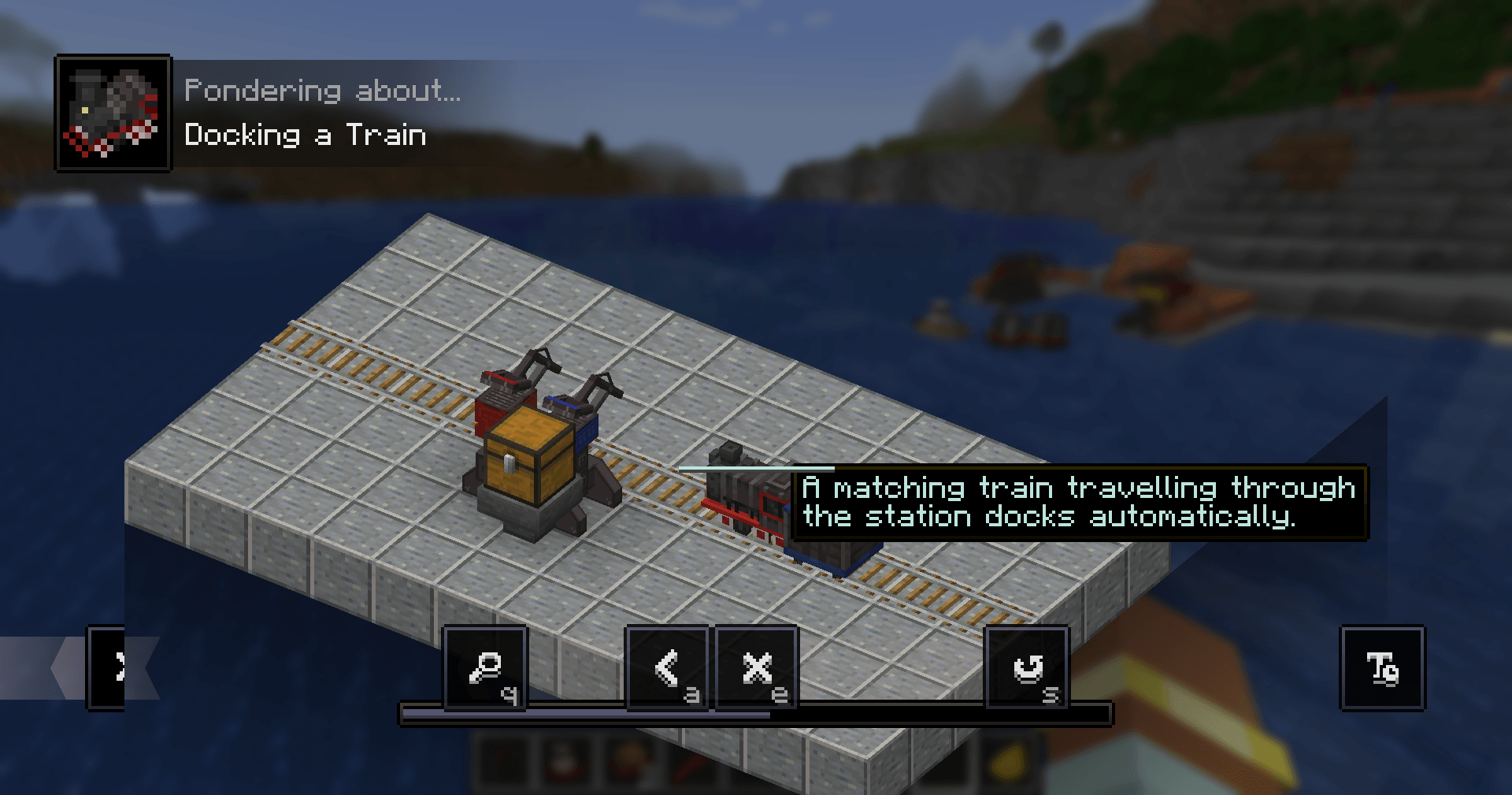
Mischief of Mice의 모드 개요:
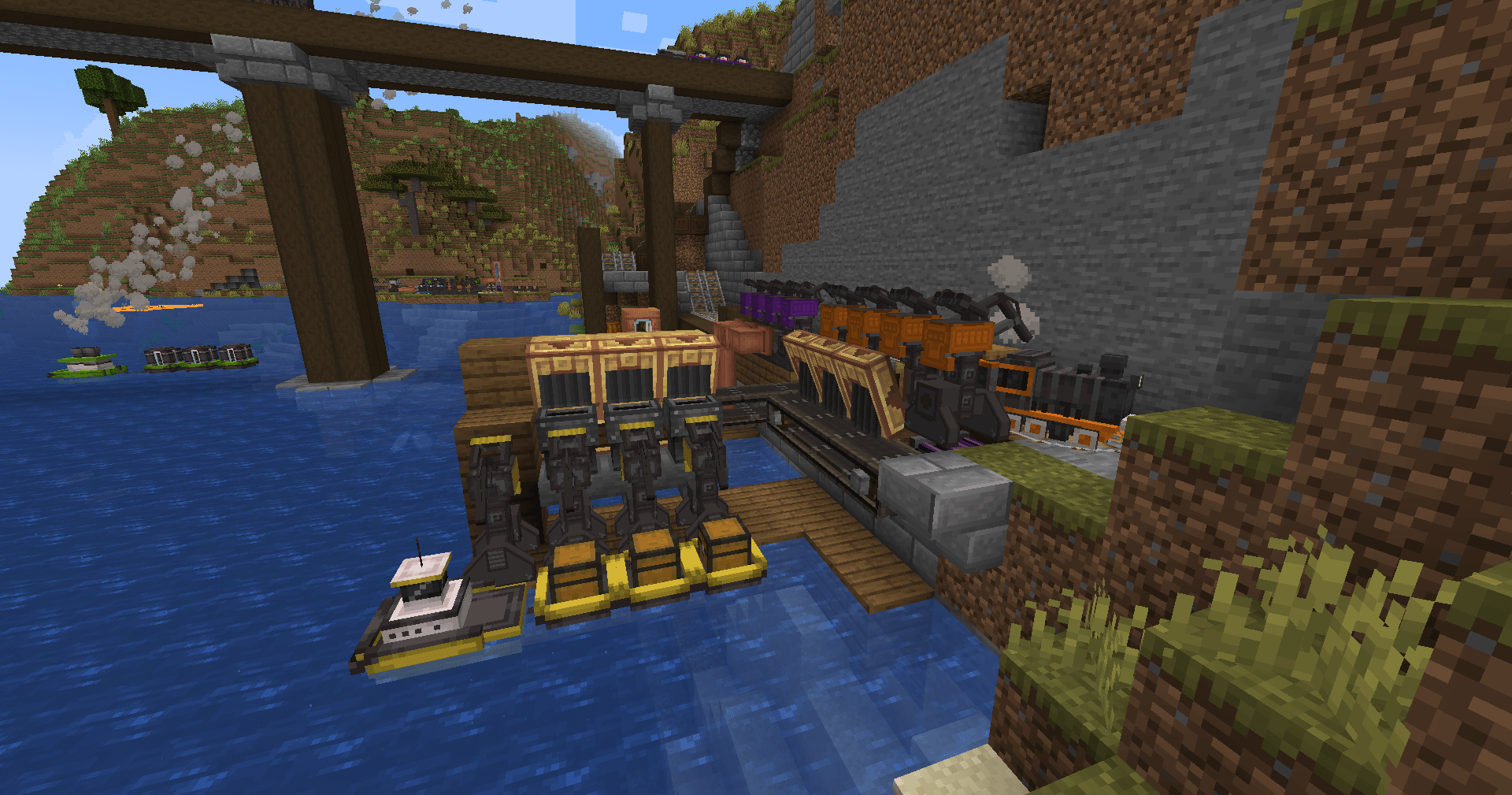
📘 인게임 가이드
Patchouli를 설치하면 내장 매뉴얼을 사용할 수 있습니다.
제작 레시피: Book + Chest + Compass (shapeless)
🚢 개요
Little Logistics는 단순하고 확장 가능한 자동화를 중심으로 설계되었습니다. 복잡한 설정을 피하면서도 강력한 운송 시스템을 구현할 수 있습니다.
이 가이드는 레시피를 다루지 않습니다 — JEI나 유사한 모드를 사용하세요.
🚢 선박 — 예인선 및 바지선
선박은 이 모드의 핵심입니다.
- 예인선이 바지선을 견인합니다
- 바지선은 다음 작업을 수행합니다:
- 아이템 운송
- 유체 운송
- 자동 낚시
자연 강이나 바다를 이용하거나 직접 운하를 건설하세요.
🚂 기차 — 기관차 및 차량 (1.18.2+)
지상 운송을 위한 작고 모듈식인 기차:
- 기관차 + 차량 연결
- 아이템 및 유체 운송
- 내장 길찾기 + 충돌 회피
- 자동 경로 설정:
- 목적지 설정
- 선로가 자동으로 전환됨
⚙️ 애드온 모드
Little Contraptions (공식)
Create와의 호환성 https://www.curseforge.com/minecraft/mc-mods/little-contraptions
Little Botanics (서드 파티)
Botania와의 호환성 https://www.curseforge.com/minecraft/mc-mods/little-botanics
⚠️ 호환성 참고 사항
대부분의 문제는 사소하며 해결할 수 있습니다:
멀티플레이어 (1.19+)
로그아웃 시 바지선/차량이 연결 해제될 수 있음 → 서버 설정에서 오프라인 로딩 활성화
Canary
호퍼 동작을 망가뜨림 → 추가:
mixin.block.hopper=false
OptiFine
청크 로딩/차량을 망가뜨림 (특히 싱글플레이어) → 비활성화:
- Smooth world loading
- Lazy chunk loading
Small Ships
예인선 AI를 방해함 → 배를 몇 청크 떨어뜨려 두거나 WaterMobFlee 비활성화
Modern UI
경로 GUI를 망가뜨림 → 부드러운 스크롤 비활성화
❓ FAQ
구버전으로 백포트? 아니요.
1.16에서 기차? 아니요 — 기차는 1.18.2+ 전용입니다.
Fabric 포트? 계획 없음.
속도를 높일 수 있나요? 예 (서버 설정), 하지만 높은 속도는 다음을 유발할 수 있습니다:
- 충돌 문제
- 성능 문제
청크로더 없이 차량은 어떻게 움직이나요? 1.19+에서 등록된 차량은:
- 최소한의 청크를 로드된 상태로 유지
- 일반 월드 틱을 건너뜀
- 차량만 처리됨
LiteLoadLib로 구동됩니다.
🧠 설계 철학
Little Logistics는 다음 사이에 위치합니다:
- 바닐라 광산 수레 (너무 제한적)
- 무거운 기술 모드 (너무 복잡)
다음에 중점을 둡니다:
- 낮은 설정 비용
- 깔끔한 자동화 루프
- 성능 친화적인 시스템
Little Logistics 설치 방법
With Millida Launcher
Install Millida Launcher
The launcher is free: download it at millida.net/launcher and sign in with any nickname.
Click “Install” on this page
The launcher opens and installs the mod for Minecraft 1.20–1.21.1 on Forge or NeoForge automatically.
Launch the game
A profile with it appears in the launcher: click “Play”.
Manually
Install Forge or NeoForge
The loader must match the game version of the mod file, for example Minecraft 1.21.1. After installing it, a separate profile appears in your launcher.
Download the file for your version
In the version list above, pick the file littlelogistics-mc1.21.1-v1.21.1.1-beta.2.jar (2.3 MB) for your game version and loader.
Put it in the mods folder
The folder is inside .minecraft (Windows: %appdata%\.minecraft\mods). If it does not exist, create it.
Launch the loader profile
Open “Mods” in the main menu: Little Logistics should be in the list.
Minecraft 1.21.1 runs on Java 21: with a different Java version the game may close right after launch.
버전
의존성 포함
| Minecraft | 로더 | 파일 | 날짜 | 작업 |
|---|---|---|---|---|
| 1.21.1 | NeoForge | [NeoForge] 1.21.1.1-beta.22.3 MB | ||
| 1.20.1 | Forge, NeoForge | [Forge/NeoForged] 1.20.1.2815 KB |
리뷰
Little Logistics의 첫 평가를 남겨 보세요


