
Minecraft 26.3용 Life Series Mod
이 모드는 Grian의 Life Series를 Fabric, Forge 및 NeoForge에서 가능한 한 많은 편의 기능과 함께 일대일로 재현한 것입니다. Third Life, Last Life, Double Life, Limited Life, Secret Life, Wild Life, Past Life 및 Nice Life를 포함합니다.
 Forge
Forge Fabric
 Quilt
Quilt NeoForge
Life Series Mod
This mod is a one-to-one recreation of Grian's Life Series in Minecraft Fabric, Forge and Neoforge.
It adds everything from the original series, along with an incredible amount of quality of life features, and endless customizability.
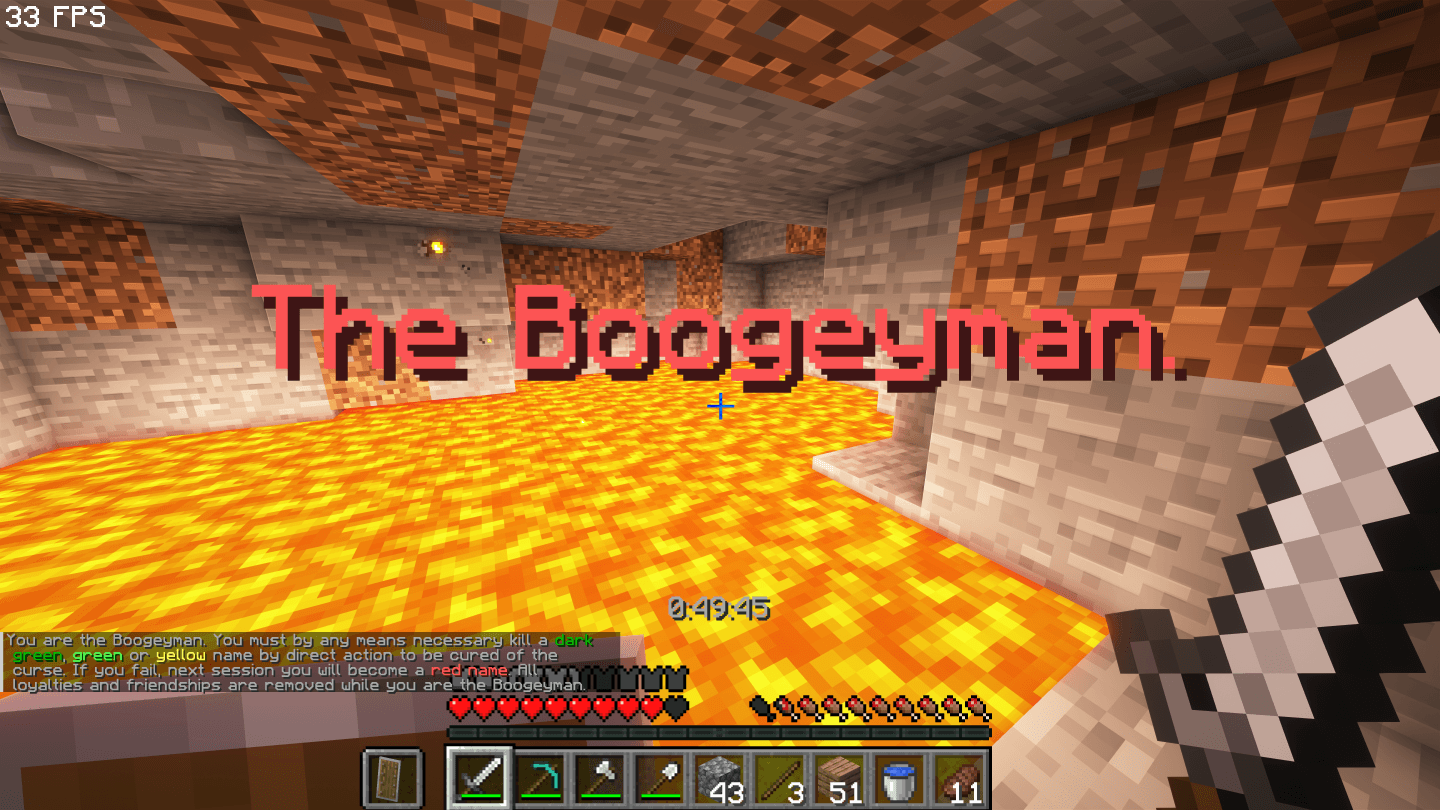
Wiki
All documentation about this mod is available on the Life Series Mod Wiki
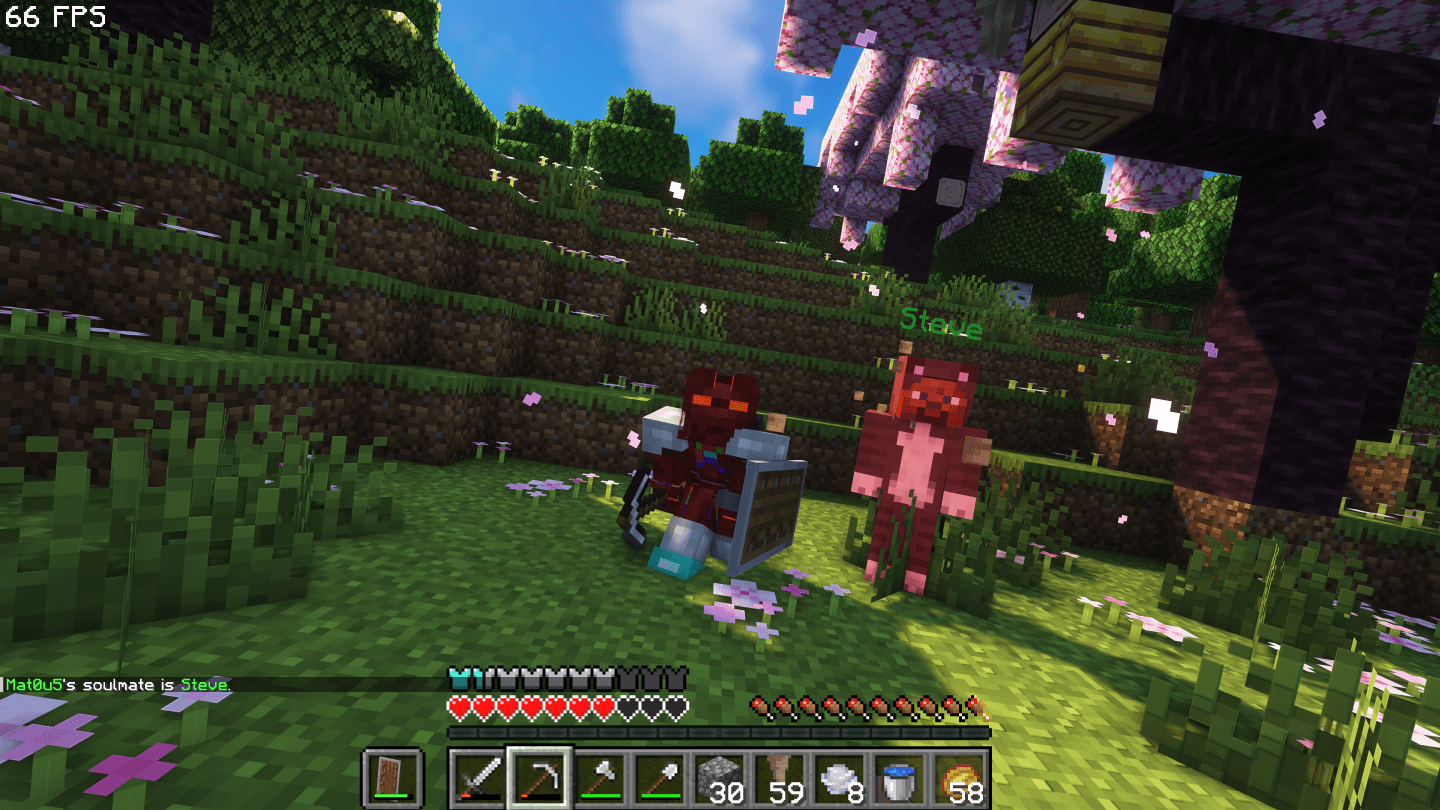
Discord
Have questions, suggestions or bug fixes? Join the Life Series Mod Discord server to give feedback and connect with others!
Feature Complete
This mod faithfully recreates all the seasons of the Life Series - everything works exactly as in the originals.
That's Third Life, Last Life, Double Life, Limited Life, Secret Life, Wild Life, Past Life and Nice Life all in a single mod. No more shady, unmaintained, buggy datapacks.
Customizable
A big part of this mod that it is very customizable.
There are over 100 customizable features, including default lives, boogeyman in any season, custom item blacklists, players subbing in, and much more.
Requirements
Fabric API is required to run this mod, there are no other mod dependencies - although Simple Voice Chat is recommended.
The mod is server-side required and optional client-side.
Client-side features
While having the mod client-side is not required, having it adds a lot of cool features, such as:
- Colored hearts based on lives.
- Integrated session timer.
- Custom GUIs for managing the config.
Life Series Mod 설치 방법
With Millida Launcher
Install Millida Launcher
The launcher is free: download it at millida.net/launcher and sign in with any nickname.
Click “Install” on this page
The launcher opens and installs the mod for Minecraft 26.2–26.3 on Fabric, Forge, NeoForge or Quilt automatically.
Launch the game
A profile with it appears in the launcher: click “Play”.
Manually
Install Fabric, Forge, NeoForge or Quilt
The loader must match the game version of the mod file, for example Minecraft 26.3. After installing it, a separate profile appears in your launcher.
Download the file for your version
In the version list above, pick the file lifeseries-1.5.9+26.3-forge.jar (21 MB) for your game version and loader.
Put it in the mods folder
The folder is inside .minecraft (Windows: %appdata%\.minecraft\mods). If it does not exist, create it.
Launch the loader profile
Open “Mods” in the main menu: Life Series Mod should be in the list.
버전
의존성 포함
| Minecraft | 로더 | 파일 | 날짜 | 작업 |
|---|---|---|---|---|
| 26.3 | Forge | Life Series 1.5.9 for Forge 26.321.2 MB | ||
| 26.3 | Fabric, Quilt | Life Series 1.5.9 for Fabric 26.321.2 MB 1 | ||
| 26.3 | NeoForge | Life Series 1.5.9 for Neoforge 26.321.2 MB | ||
| 26.2 | NeoForge | Life Series 1.5.6 for Neoforge 26.219.9 MB | ||
| 26.2 | Forge | Life Series 1.5.6 for Forge 26.220.5 MB |
리뷰
Life Series Mod의 첫 평가를 남겨 보세요


