

Minecraft 1.20.1, 1.21.1용 Immersive Machinery 모드
바닐라 스타일에 가까우면서 물건을 운반, 채굴, 자동화하는 여러 가지 소박한 기계.
 NeoForge
 Fabric
 Forge
Immersive Machinery
A bunch of rustic machinery to transport, mine, and automate things, while staying somewhat close to the vanilla style.
Copperfin
A primitive submarine, small and maneuverable, perfectly suited for underwater exploration. Powered by a conduit, it has an unlimited air supply and can be upgraded with a variety of modules. Press (default) H to highlight entities using the inbuilt sonar!
Tunnel Digger
A large, slow, and powerful machine that can dig through the earth with ease. Shift and space to go up and down.
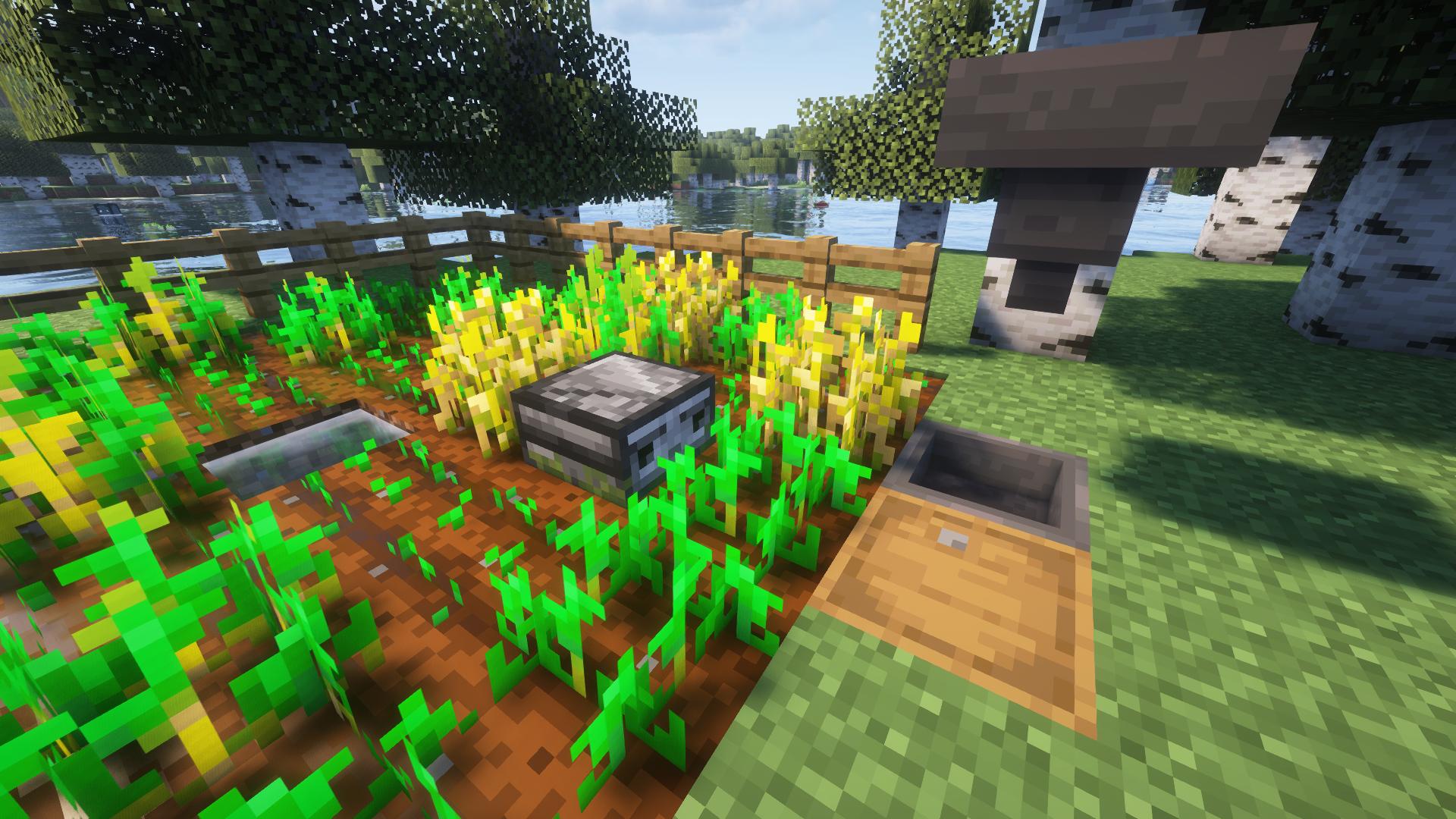
Redstone Sheep
A small and primitive redstone contraption for automating farms. It detects grass and plants in its proximity and harvests them. When idle or out of fuel, it returns to its home position.
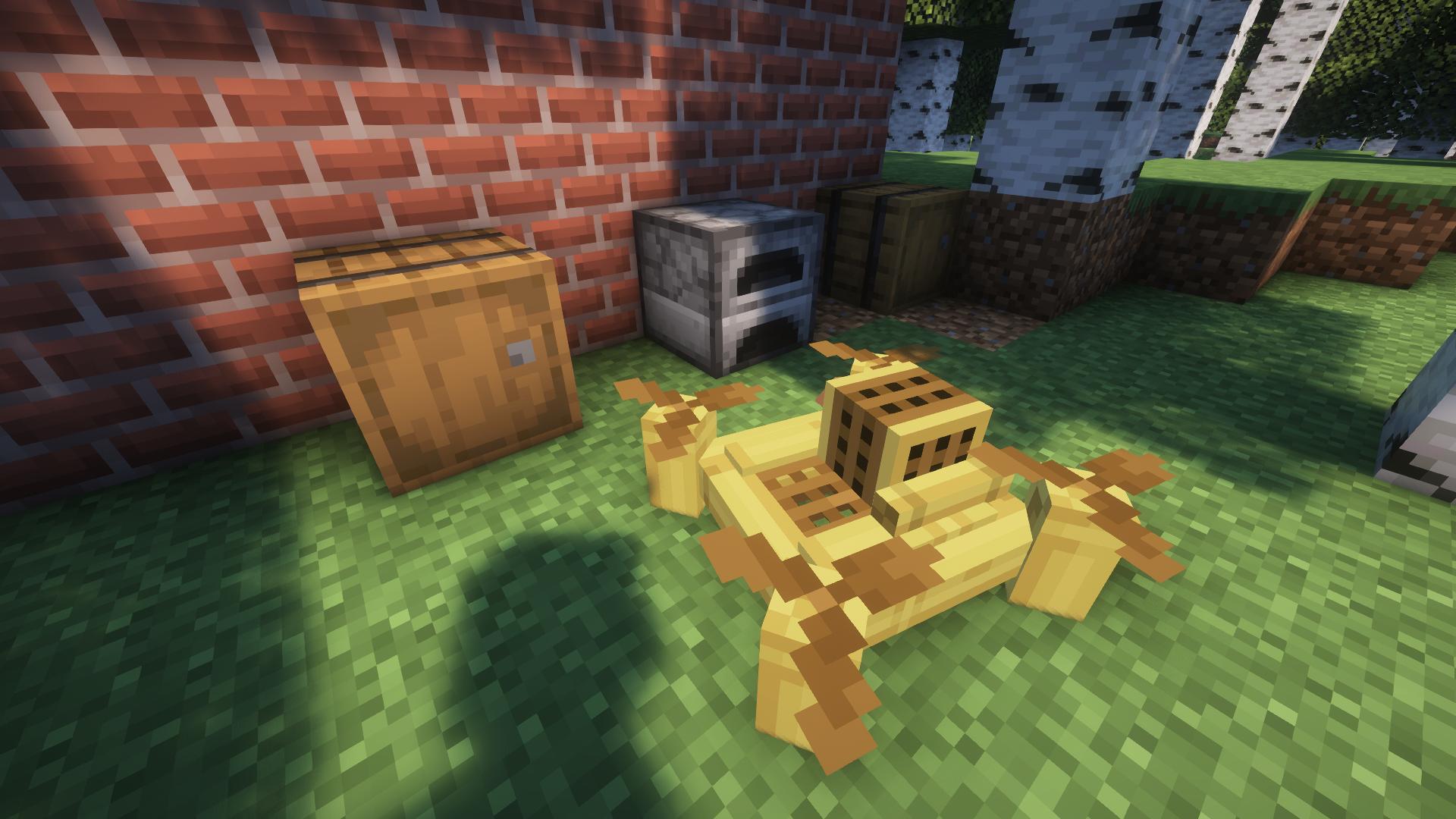
Bamboo Bee
A drone made from a modified quadcopter, capable of carrying items around. Mark one or more blocks as input, output, and off it goes. Optionally configure an item filter to avoid junk from getting distributed across your factory.
Recipes
Use the inbuilt recipe book or JEI and co.
Immersive Machinery 설치 방법
With Millida Launcher
Install Millida Launcher
The launcher is free: download it at millida.net/launcher and sign in with any nickname.
Click “Install” on this page
The launcher opens and installs the mod for Minecraft 1.20.1–1.21.1 on Fabric, Forge or NeoForge automatically.
Launch the game
A profile with it appears in the launcher: click “Play”.
Manually
Install Fabric, Forge or NeoForge
The loader must match the game version of the mod file, for example Minecraft 1.21.1. After installing it, a separate profile appears in your launcher.
Download the file for your version
In the version list above, pick the file immersive_machinery-0.2.1+1.21.1-neoforge.jar (882 KB) for your game version and loader.
Put it in the mods folder
The folder is inside .minecraft (Windows: %appdata%\.minecraft\mods). If it does not exist, create it.
Launch the loader profile
Open “Mods” in the main menu: Immersive Machinery should be in the list.
Minecraft 1.21.1 runs on Java 21: with a different Java version the game may close right after launch.
버전
의존성 포함
| Minecraft | 로더 | 파일 | 날짜 | 작업 |
|---|---|---|---|---|
| 1.21.1 | NeoForge | [NeoForge 1.21.1] Immersive Machinery - 0.2.1882 KB 4 | ||
| 1.21.1 | Fabric | [Fabric 1.21.1] Immersive Machinery - 0.2.1879 KB 2 | ||
| 1.20.1 | Forge | [Forge 1.20.1] Immersive Machinery - 0.2.1878 KB 2 |
리뷰
Immersive Machinery의 첫 평가를 남겨 보세요


