
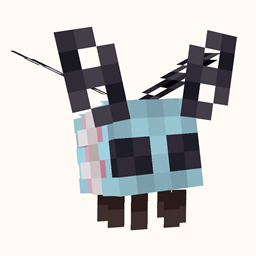
Minecraft 1.20.1, 1.21.11용 Happy Pride Moth! 모드
프라이드의 달을 기념하고 싶었지만 나방이 없어서 못 했나요? 여기 있습니다!
 NeoForge
 Fabric
 Forge
ForgeHappy Pride Moth! 모드 정보

Available for Fabric & (Neo)Forge! (Should also work on Quilt)
Forge is currently only supported on Minecraft 1.20. On MC 1.21 and above, Neoforge is the modloader that's being supported.
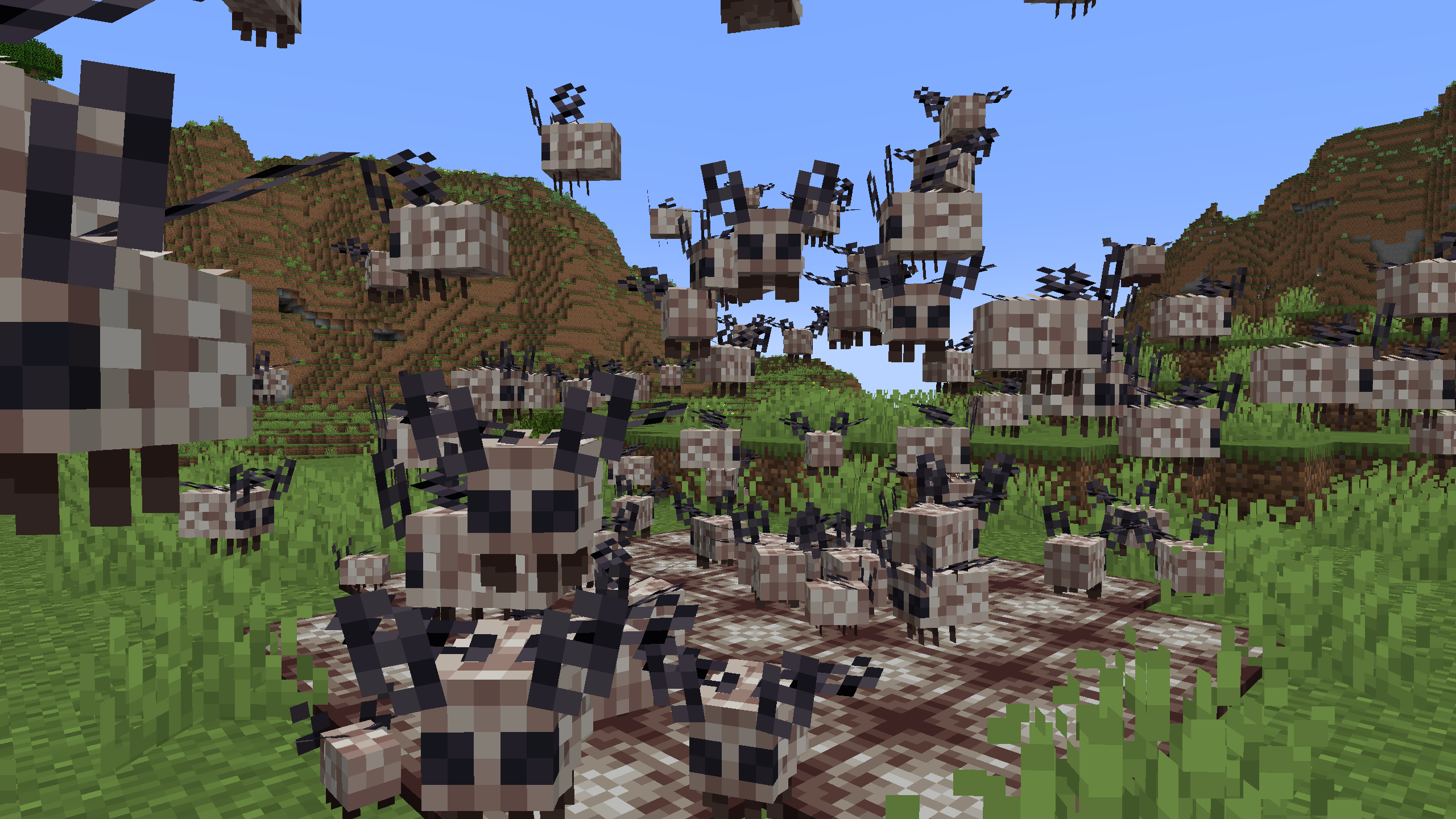
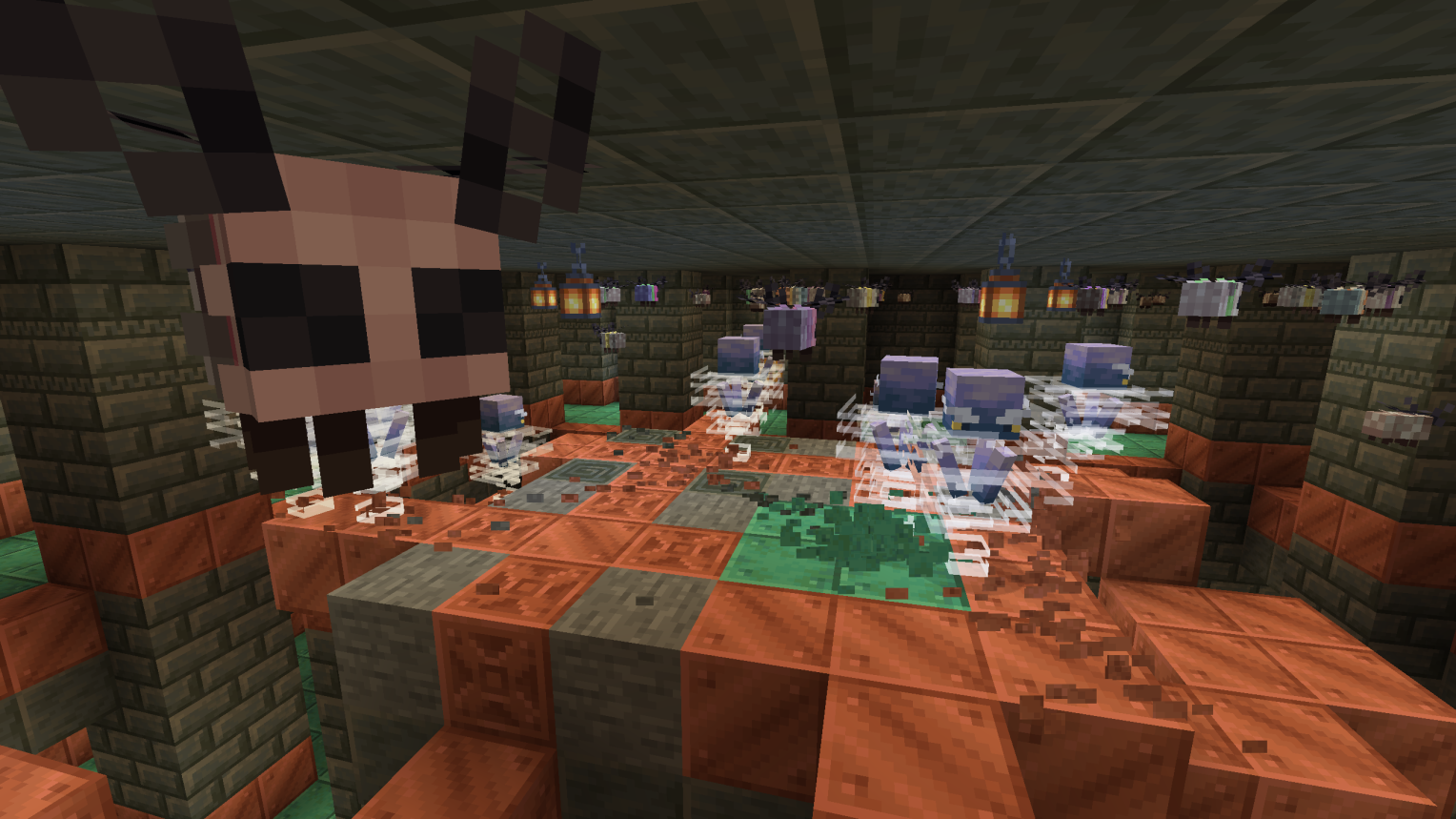
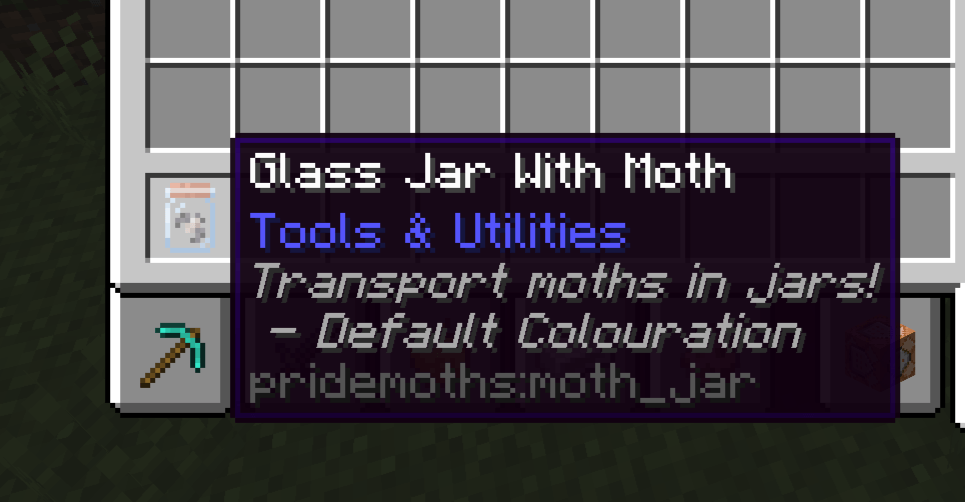
This mod adds moths - that are pride-themed! If you want to transport these moths to distant lands, don't worry! You can put individual moths in Glass Jars (similar to axolotls with buckets).
Happy Pride Moth! Wiki
Q&A
Can I use this in my Modpack/Modified Modpack?
Yes, you can! It would be appreciated if the mod were credited on the page itself, but is not required!
Will you support 1.X version of Minecraft?
Currently, 1.21+ is supported. When later versions of Minecraft are released, efforts will be made to port the mod as swiftly as possible.
What about supporting this mod on X modloader?
There is no builtin support for Quilt and currently support for Forge is being discontinued as the mod is ported over to Neoforge. Forge will most likely not return, but I will do my best to support those on 1.20.
Additional Kinetic Hosting Information

Happy Pride Moth! 설치 방법
With Millida Launcher
Install Millida Launcher
The launcher is free: download it at millida.net/launcher and sign in with any nickname.
Click “Install” on this page
The launcher opens and installs the mod for Minecraft 1.20–1.21.11 on Fabric, Forge or NeoForge automatically.
Launch the game
A profile with it appears in the launcher: click “Play”.
Manually
Install Fabric, Forge or NeoForge
The loader must match the game version of the mod file, for example Minecraft 1.21.11. After installing it, a separate profile appears in your launcher.
Download the file for your version
In the version list above, pick the file pridemoths-1.9.5+1.21.11.jar (241 KB) for your game version and loader.
Put it in the mods folder
The folder is inside .minecraft (Windows: %appdata%\.minecraft\mods). If it does not exist, create it.
Launch the loader profile
Open “Mods” in the main menu: Happy Pride Moth! should be in the list.
Minecraft 1.21.11 runs on Java 21: with a different Java version the game may close right after launch.
버전
의존성 포함
| Minecraft | 로더 | 파일 | 날짜 | 작업 |
|---|---|---|---|---|
| 1.21.11 | NeoForge | [Neoforge 1.21.11] Happy Pride Moth!241 KB | ||
| 1.21.11 | Fabric | [Fabric 1.21.11] Happy Pride Moth!229 KB | ||
| 1.20.1 | NeoForge, Forge | [Forge 1.20] Happy Pride Moth!202 KB |
리뷰
Happy Pride Moth!의 첫 평가를 남겨 보세요


