
- 조회수
- 6 조회수
- 업데이트됨
- 업데이트됨 18.10.2026
- 1.18.2
 Fabric
Golden Hoppers
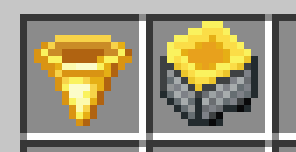
Adds a filterable hopper to Minecraft.
Golden Hoppers requires the Fabric modloader and Fabric API.
Installation
- Install Fabric API if it is not installed.
- Download Golden Hoppers from CurseForge or GitHub.
- Place the downloaded file in your mods folder.
Usage
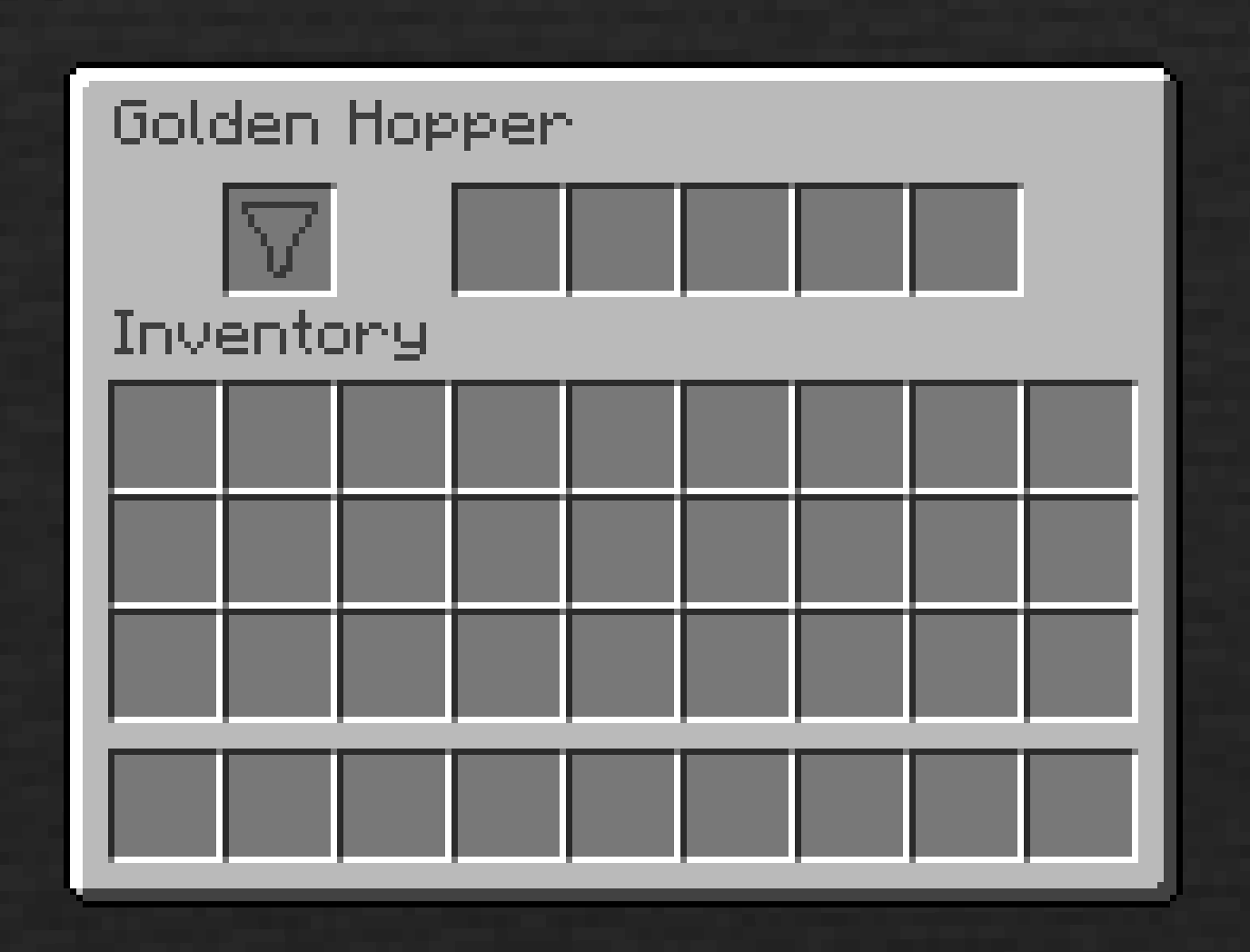
When this mod is installed, a golden hopper will be craftable using gold ingots rather than iron ingots. This golden hopper has an additional slot to specify a certain item to filter; when this slot is filled, the hopper will only insert or extract items with the same type as the filter item.
Golden Hoppers 설치 방법
With Millida Launcher
Install Millida Launcher
The launcher is free: download it at millida.net/launcher and sign in with any nickname.
Click “Install” on this page
The launcher opens and installs the mod for Minecraft 1.18.2 on Fabric automatically.
Launch the game
A profile with it appears in the launcher: click “Play”.
Manually
Install Fabric
The loader must match the game version of the mod file, for example Minecraft 1.18.2. After installing it, a separate profile appears in your launcher.
Download the file for your version
In the version list above, pick the file goldenhoppers-1.3.4.jar (40 KB) for your game version.
Put it in the mods folder
The folder is inside .minecraft (Windows: %appdata%\.minecraft\mods). If it does not exist, create it.
Launch the loader profile
Open “Mods” in the main menu: Golden Hoppers should be in the list.
Minecraft 1.18.2 runs on Java 17: with a different Java version the game may close right after launch.
버전
의존성 포함
| Minecraft | 로더 | 파일 | 날짜 | 작업 |
|---|---|---|---|---|
| 1.18.2 | Fabric | 1.3.440.1 KB |
리뷰
Golden Hoppers의 첫 평가를 남겨 보세요


