
- 조회수
- 11 조회수
- 업데이트됨
- 업데이트됨 18.10.2026
 Fabric
Glide Away!
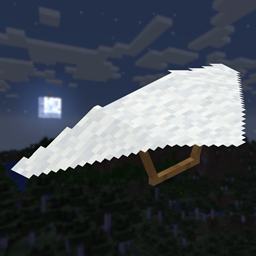
Did you ever want to glide away, but Elytra wasn't what you looked for? Maybe you wanted something, that felt a bit more balanced? Or maybe you just didn't want to wait until you get into the end? If so, you might like this mod!
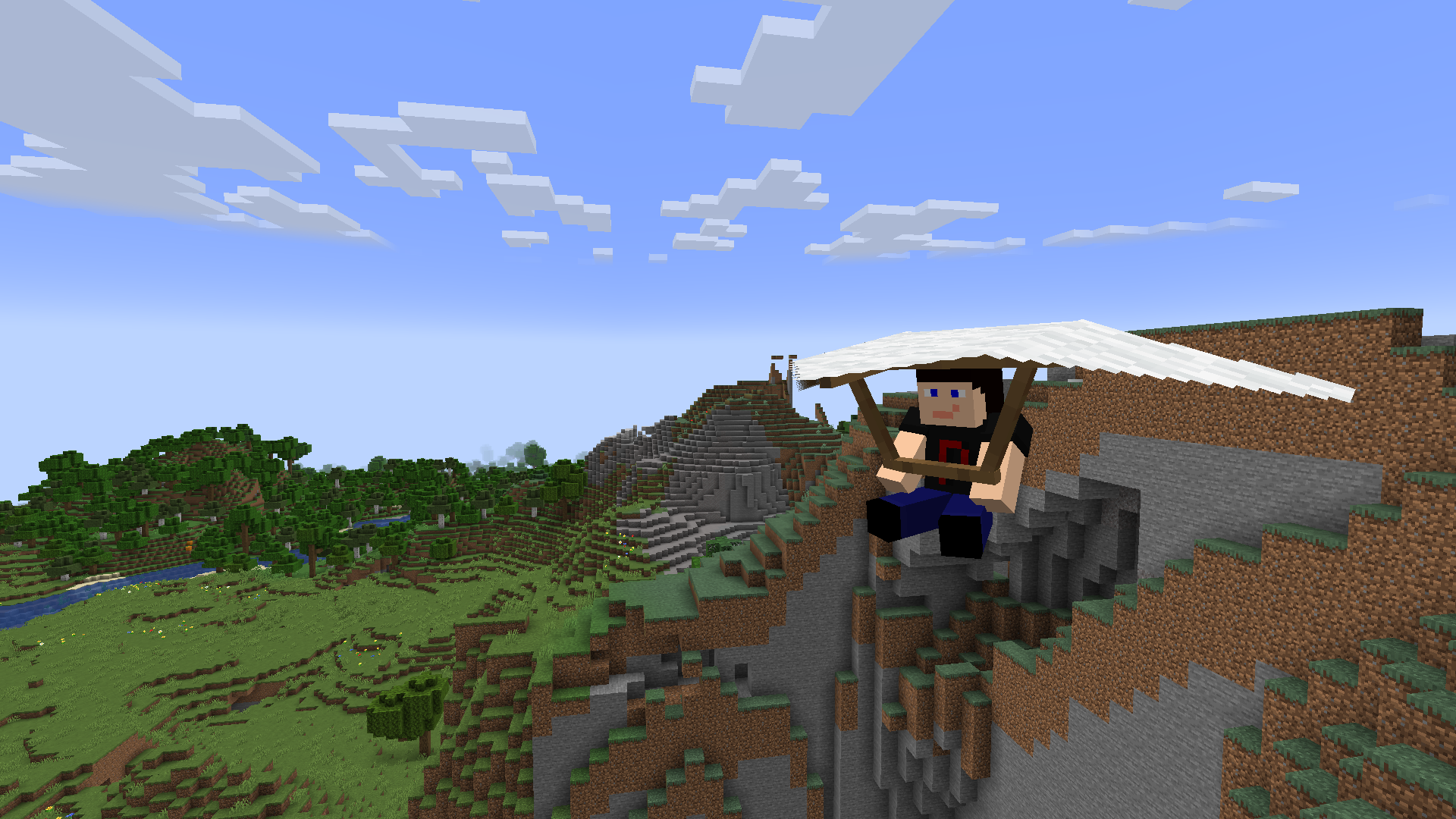
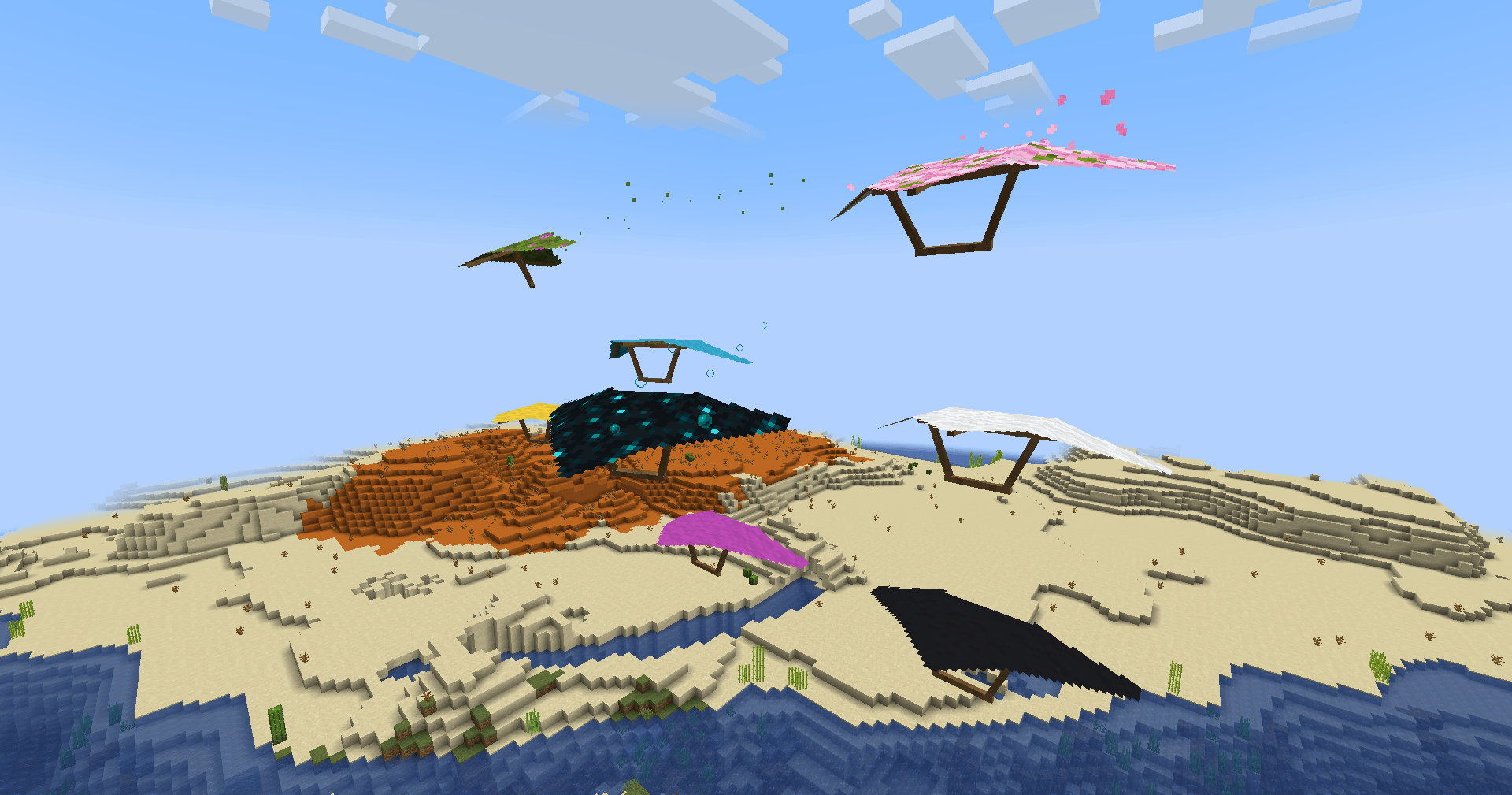
Glider Away! is a Polymer-powered Fabric (and Quilt) Server Side modification adding Hang Gliders to the game! Ideal for your survival server where you play with people who don't want to install any mods. It still does work in singleplayer through!
Extra mods you might want to use!
Polymer AutoHost
Simplest way to handle automatic resource pack generation for your server! While bundled by main distribution of Polymer, you need to enable it by hand as it will be otherwise disabled. But it is quick and simple!
Glide Away! 설치 방법
With Millida Launcher
Install Millida Launcher
The launcher is free: download it at millida.net/launcher and sign in with any nickname.
Click “Install” on this page
The launcher opens and installs the mod for Fabric automatically.
Launch the game
A profile with it appears in the launcher: click “Play”.
Manually
Install Fabric
The loader must match the game version of the mod file. After installing it, a separate profile appears in your launcher.
Download the file for your version
In the version list above, pick the file glideaway-1.11.0+26.3-rc-1.jar (399 KB) for your game version.
Put it in the mods folder
The folder is inside .minecraft (Windows: %appdata%\.minecraft\mods). If it does not exist, create it.
Launch the loader profile
Open “Mods” in the main menu: Glide Away! should be in the list.
버전
의존성 포함
| Minecraft | 로더 | 파일 | 날짜 | 작업 |
|---|---|---|---|---|
| — | Fabric | GlideAway 1.11.0+26.3-rc-1399 KB |
리뷰
Glide Away!의 첫 평가를 남겨 보세요


