
Minecraft 1.20.1, 1.21.1용 Genshin Instruments 모드
원신의 악기 세트를 마인크래프트에 추가하는 모드!
 NeoForge
 Fabric
 Forge
ForgeGenshin Instruments 모드 정보
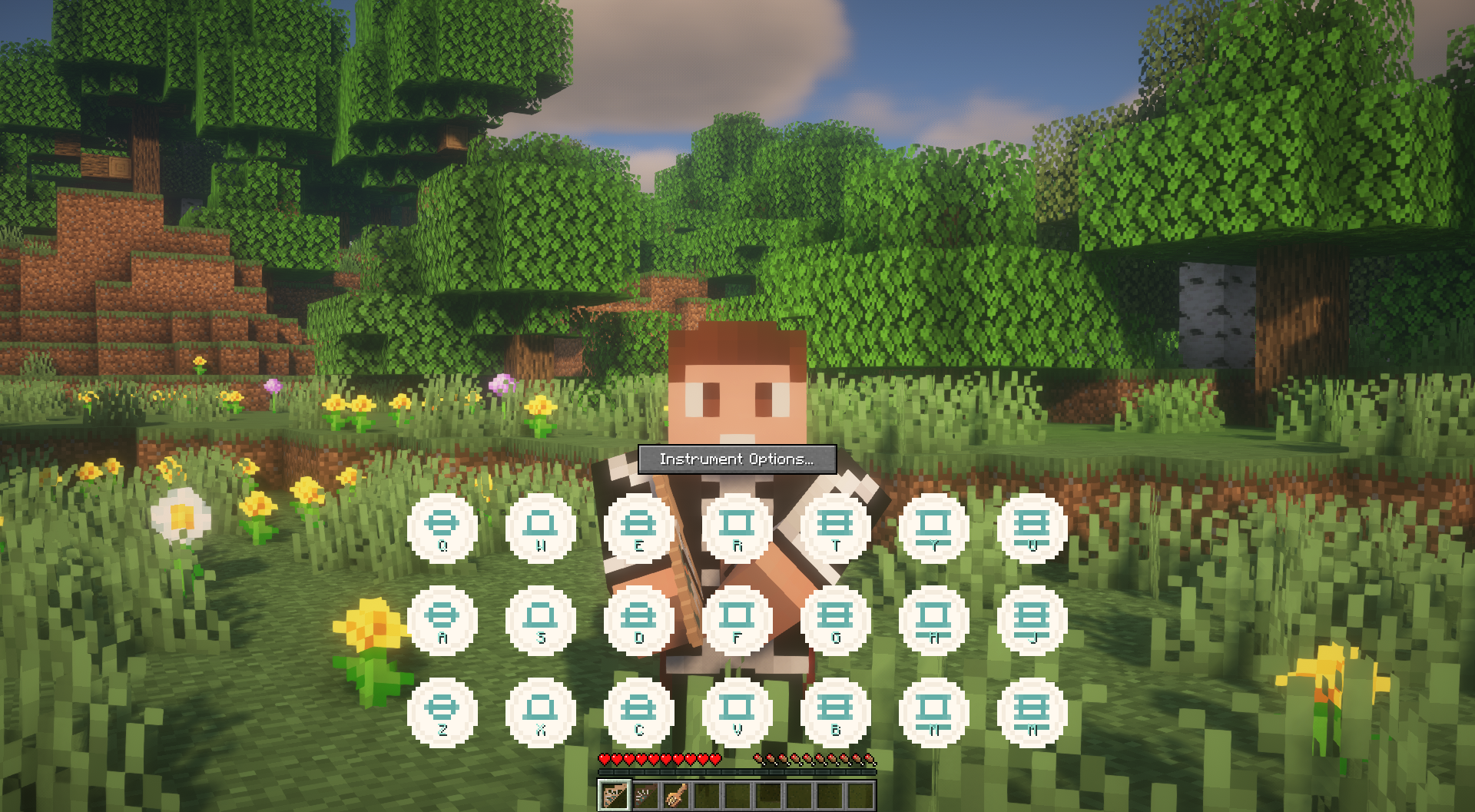
Add Genshin Impact's set of instruments to your own Minecraft experience, and play your favorite songs with the familiar keybindings! Looking for even more instruments? 👀 (New to playing? Check out this neat tutorial)
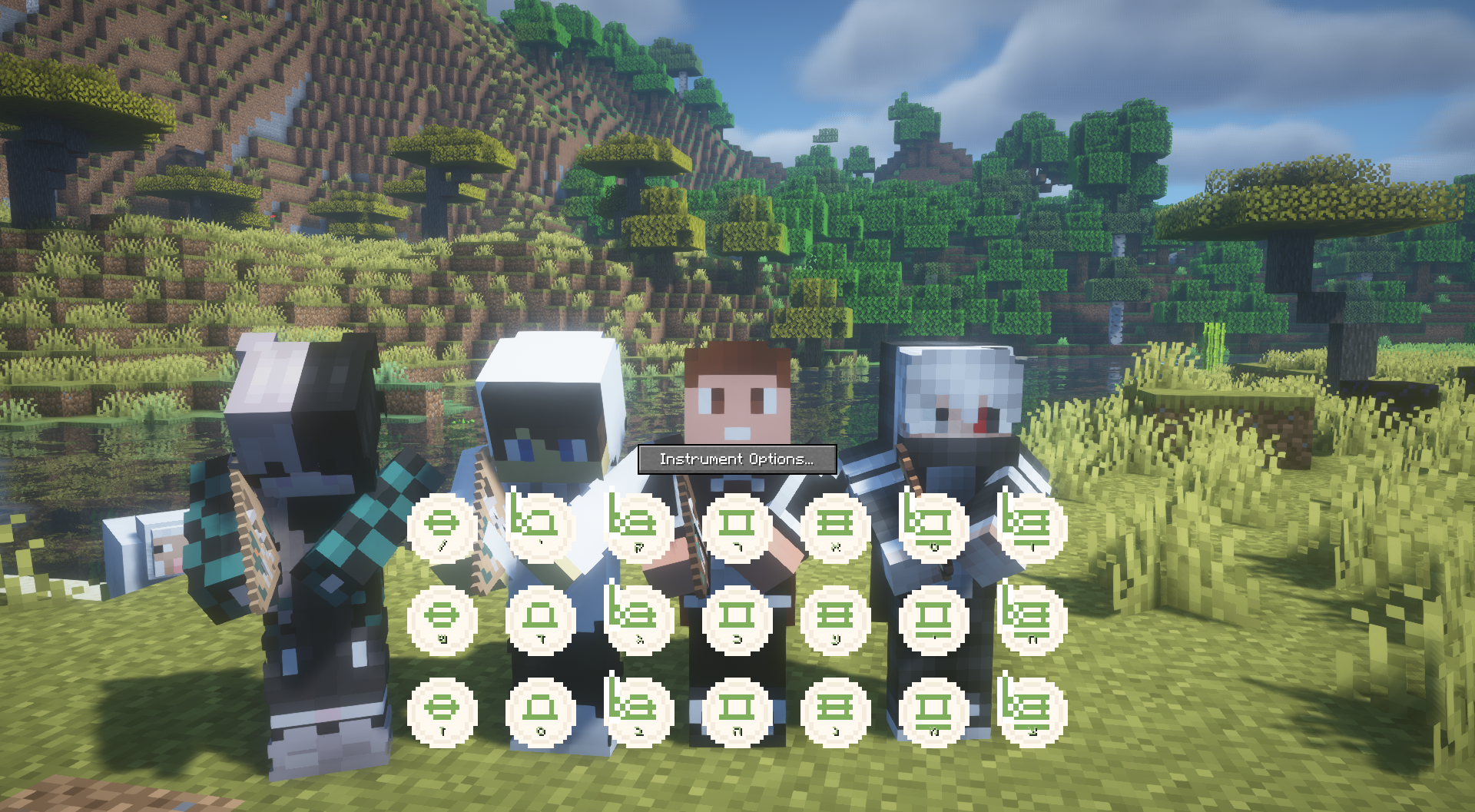
Full MIDI Support!
This mod adds the following instruments to the game:
- Windsong Lyre [Stereo support]
- Floral Zither [Old & New]
- Vintage Lyre [Normalization support]
- Arataki's Great and Glorious Drum
- Nightwind Horn [Sustainable]
- Ukulele [Chord-to-treble support]
- Djem Djem Drum
Instrument textures done by the awesome Gen! Check out their stuff, and show your support 😋
Modrinth | PlanetMinecraft | Patreon | Twitter
Support for:
- Custom pitch on each instrument, incremented by semitones
- Adjustable transposition with Left Shift & Alt (as set by your keybinds)
- Several sets of note labels (Keyboard labels to match your language & layout, musical notations and more!)
- Multiplayer and shared instrument screens!
- Full MIDI support!
⚠️ IMPORTANT ⚠️: The Mod Author has Retired the project
Watch the video below to learn more:
Content Spotlight
(The video above was made possible through the M2KB project)
Are you a content creator? Lyre player?
Reach out to me in CurseForge PMs to have your video showcased here!
Recipes
Windsong Lyre
Vintage Lyre
Floral Zither
Arataki's Great and Glorious Drum
Nightwind Horn
THIS PROJECT IS NOT AFFILIATED WITH NEITHER HOYOVERSE NOR GENSHIN IMPACT.
All audio assets and design elements belong to said company.
What started as a small, learning test project, has made its way to be my first ever published creation. I'm very thrilled and excited to be able to share something with the community, as both an average Minecraft and Genshin enjoyer :^)
Genshin Instruments 설치 방법
With Millida Launcher
Install Millida Launcher
The launcher is free: download it at millida.net/launcher and sign in with any nickname.
Click “Install” on this page
The launcher opens and installs the mod for Minecraft 1.20.1–1.21.1 on Fabric, Forge or NeoForge automatically.
Launch the game
A profile with it appears in the launcher: click “Play”.
Manually
Install Fabric, Forge or NeoForge
The loader must match the game version of the mod file, for example Minecraft 1.21.1. After installing it, a separate profile appears in your launcher.
Download the file for your version
In the version list above, pick the file genshinstrument-neoforge-1.21-1.21.1-5.1.jar (6.7 MB) for your game version and loader.
Put it in the mods folder
The folder is inside .minecraft (Windows: %appdata%\.minecraft\mods). If it does not exist, create it.
Launch the loader profile
Open “Mods” in the main menu: Genshin Instruments should be in the list.
Minecraft 1.21.1 runs on Java 21: with a different Java version the game may close right after launch.
버전
의존성 포함
| Minecraft | 로더 | 파일 | 날짜 | 작업 |
|---|---|---|---|---|
| 1.21 | NeoForge | [NEOFORGE] v5.1 - 1.21 + 1.21.16.7 MB 1 | ||
| 1.21 | Fabric | [FABRIC] v5.0.1 - 1.21 + 1.21.16.8 MB | ||
| 1.21 | Forge | [FORGE] v5.0 - 1.21 + 1.21.16.7 MB | ||
| 1.20.1 | Forge | [FORGE] v5.0-RC1 - 1.20.16.7 MB 1 |
FAQ
Which Minecraft versions does Genshin Instruments work on?
There are files for 1.21.1, 1.21, 1.20.1. The newest is 1.21.1.
Is Genshin Instruments for Forge or Fabric?
There are files for Fabric: 1.21–1.21.1, for Forge: 1.20.1–1.21.1 and for NeoForge: 1.21–1.21.1.
Does Genshin Instruments need other mods?
The author lists no required dependencies: the Fabric, Forge or NeoForge loader is enough.
Which Java does Genshin Instruments need?
Minecraft 1.21.1 runs on Java 21. If the game closes right after launch, the usual cause is the wrong Java version in the profile settings.
Where can I download Genshin Instruments safely?
On this page: the file genshinstrument-neoforge-1.21-1.21.1-5.1.jar (6.7 MB) is stored on Millida’s server, with no link shorteners. SHA-1 checksum: 1eecc4734bc280eb0ef68e387ad9574c41c8482e.
리뷰
Genshin Instruments의 첫 평가를 남겨 보세요


