
Minecraft 1.20.1, 1.21.1용 FPS Overlay 모드
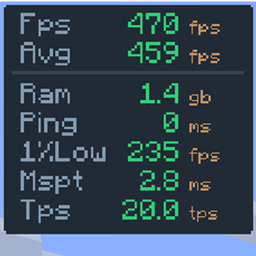
완전히 커스터마이즈 가능한 군더더기 없는 오버레이입니다. PvP와 성능 테스트에 필요한 것만 정확히 표시하도록 레이아웃을 조정하세요: FPS, 1% 최저값, 핑, 서버 TPS, MSPT.
부터 Hichamdev · CurseForge
 Fabric
 NeoForge
 Forge
ForgeFPS Overlay
Simple & Lightweight Performance Monitor
As seen in AsianHalfSquat's Videos! v3.6 OLD
Featured in the "Voxy vs Distant Horizons" showcase. Get that same professional aesthetic with the built-in preset!

Features
- Real-Time Stats: Track FPS, Avg FPS, Ping, and RAM usage instantly.
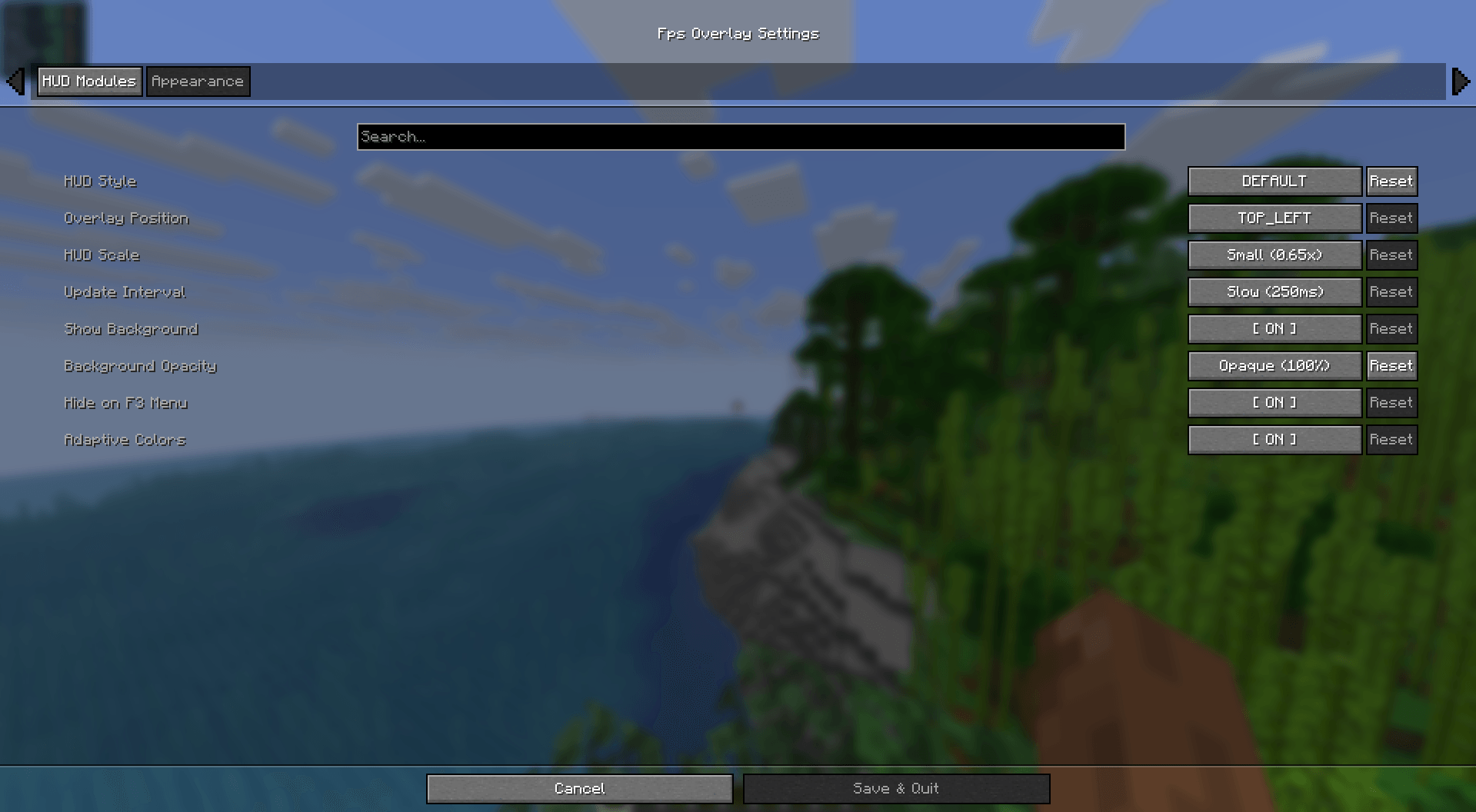
- Fully Customizable: Easily change the size, position, and colors via the config menu.
- Quick Toggle: Hide or show the overlay with a single keypress. (Default: o)
- Ultra Lightweight: Written for performance. It won't impact your frames.
- Cross-Platform: Full support for Fabric, NeoForge, and Forge.
Installation & Setup
How to Install
- Download and install your preferred loader (Fabric or NeoForge).
- Download the FPS Overlay jar for your Minecraft version.
- Drop it into your .minecraft/mods folder.
- Launch and enjoy!
How to Change Modes
- Open the configuration menu (use Mod Menu on Fabric).
- Look for the Layout Type setting.
- Switch between Default, Navbar, or AsianHalfSquat styles.
FPS Overlay 설치 방법
Install Millida Launcher
The launcher is free: download it at millida.net/launcher and sign in with any nickname.
Click “Install” on this page
The launcher opens and installs the mod for Minecraft 1.20.1–26.2 on Fabric, Forge or NeoForge automatically.
Launch the game
A profile with it appears in the launcher: click “Play”.
버전
의존성 포함
| Minecraft | 로더 | 파일 | 날짜 | 작업 |
|---|---|---|---|---|
| 26.1.2 | NeoForge | FpsOverlay-neoforge-5.6.jar103 KB | ||
| 26.2 | Fabric | FpsOverlay-fabric-5.6.jar105 KB 24 | ||
| 1.21.1 | NeoForge | FpsOverlay-neoforge-1.21.1-5.5.jar101 KB 7 | ||
| 1.20.1 | Forge | FpsOverlay-forge-5.2.jar92.6 KB 6 | ||
| 26.1 | Fabric | FpsOverlay-fabric-5.0.jar46.2 KB |
리뷰
FPS Overlay의 첫 평가를 남겨 보세요
댓글 0
댓글을 작성하려면 로그인하세요로그인


