

- 다운로드
- 1 다운로드
- 조회수
- 32 조회수
- 업데이트됨
- 업데이트됨 17.10.2026
- 1.12.2 — 1.19.3
 Forge
Forge
Fairy Lights 모드 정보
Fairy Lights는 장식용 매다는 조명을 추가하며, 각각 16가지 염료 색상 중 하나를 가진 여섯 가지 조명 변형을 어떤 조합으로든 만들 수 있습니다.
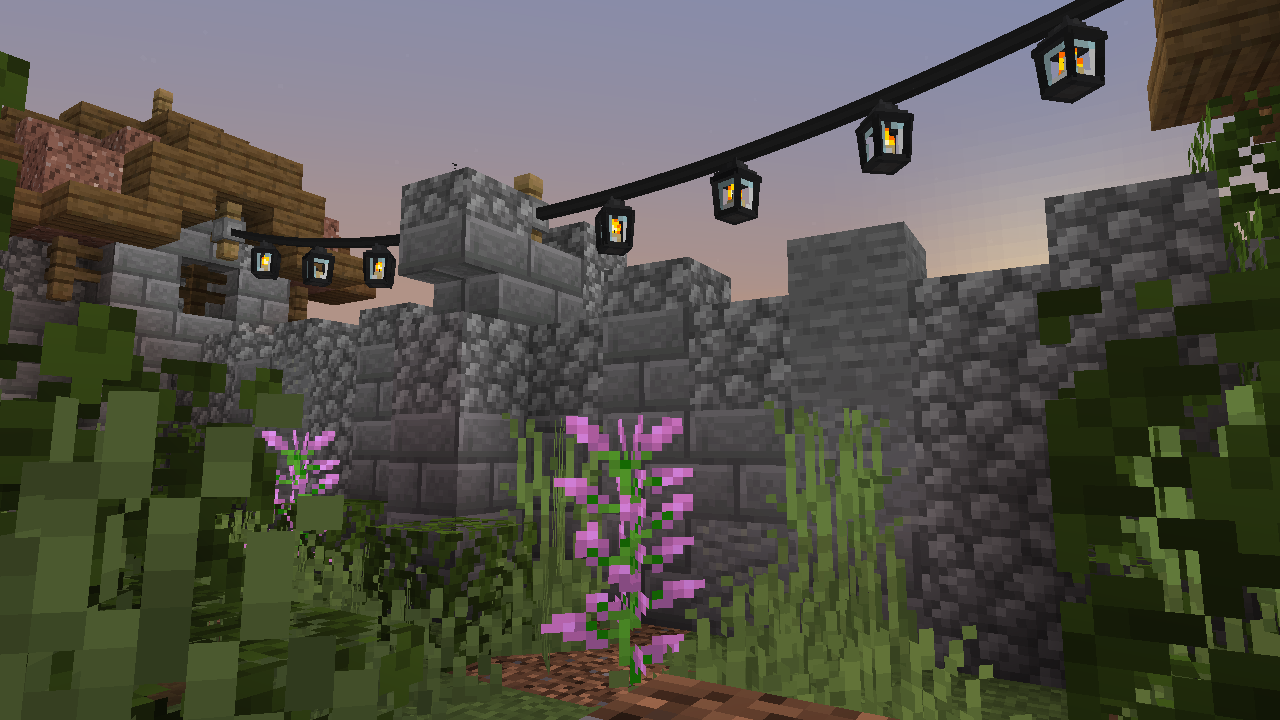
제작
매다는 조명을 제작하려면 먼저 조명을 제작해야 합니다. 조명에는 여러 변형이 있습니다: fairy light, heart light, moon light, star light, paper lantern, orb lantern, flower light, candle lantern, oil lantern, snowflake light, icicle lights, meteor light. 또한 spooky lights, spider light, ghost light, jack o'lantern, skull light, witch light도 있습니다.
Fairy lights는 철 주괴, 실 또는 막대기, 철 주괴를 가로로 조합하고, 패턴을 지정할 조명을 어떤 조합으로든 함께 조합하여 제작합니다(좌우, 상하). glowstone이 포함되면 매다는 조명이 반짝입니다. 실을 사용하면 연결부가 느슨해지고, 막대기를 사용하면 연결부가 곧게 유지됩니다. 매다는 조명 아이템에는 처음 네 가지 조명 색상만 표시되지만, 제작할 수 있는 최대 조명 수는 매다는 조명을 조명 여덟 개와 함께 제작대에 놓아 여덟 개입니다.
다음은 조명 제작법이며, 제작법의 빨간 염료는 어떤 염료로든 대체할 수 있습니다.
매다는 조명 제작법 예시
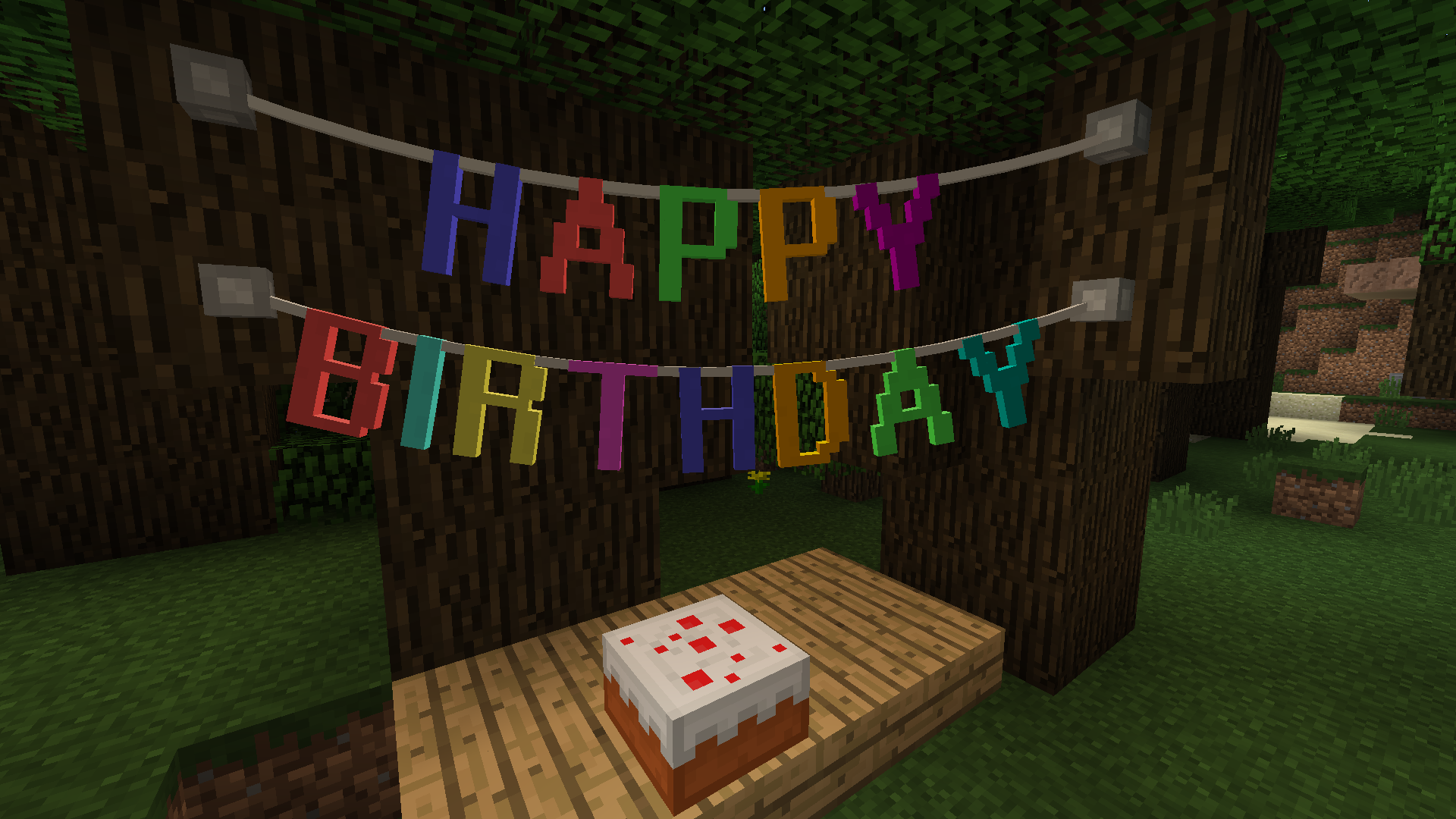
Letter Bunting, Vine & Tinsel Garland
Pennants
다음은 pennant bunting 제작법 예시입니다.
Fairy Lights 사용법
블록의 측면이나 기존 fastener에 매다는 조명, garland, bunting을 우클릭하면 fastener가 설치되고, 이제 fastener에서 플레이어까지 연결이 생깁니다. 그다음 블록의 다른 측면이나 기존 fastener를 우클릭하면 연결이 완성됩니다. fairy light 가닥의 최대 길이는 32블록입니다.
매다는 조명, garland, bunting의 느슨함은 실로 우클릭하면 늘릴 수 있고 막대기로 우클릭하면 줄일 수 있습니다. 매다는 조명은 우클릭으로 켜고 끌 수 있습니다.
모드 통합
제작법 표시를 위해 JEI가 지원됩니다.
Fairy Lights 설치 방법
With Millida Launcher
Install Millida Launcher
The launcher is free: download it at millida.net/launcher and sign in with any nickname.
Click “Install” on this page
The launcher opens and installs the mod for Minecraft 1.12.2–1.19.3 on Forge automatically.
Launch the game
A profile with it appears in the launcher: click “Play”.
Manually
Install Forge
The loader must match the game version of the mod file, for example Minecraft 1.19.3. After installing it, a separate profile appears in your launcher.
Download the file for your version
In the version list above, pick the file fairylights-6.0.1-1.19.2.jar (800 KB) for your game version.
Put it in the mods folder
The folder is inside .minecraft (Windows: %appdata%\.minecraft\mods). If it does not exist, create it.
Launch the loader profile
Open “Mods” in the main menu: Fairy Lights should be in the list.
Minecraft 1.19.3 runs on Java 17: with a different Java version the game may close right after launch.
버전
의존성 포함
| Minecraft | 로더 | 파일 | 날짜 | 작업 |
|---|---|---|---|---|
| 1.19.3 | Forge | fairylights-6.0.1-1.19.2800 KB | ||
| 1.12.2 | — | fairylights-2.1.9-1.12.21.1 MB 1 |
리뷰
Fairy Lights의 첫 평가를 남겨 보세요


