
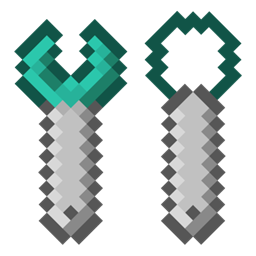
Minecraft 1.12.2용 Extra Bit Manipulation 모드
Chisels & Bits 모드에 추가적인 월드 내 비트 조작을 추가합니다.
Extra Bit Manipulation 모드 정보
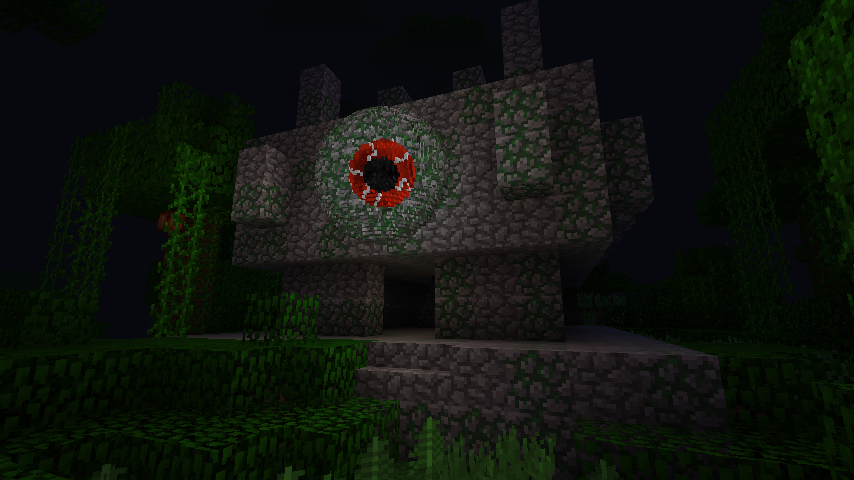
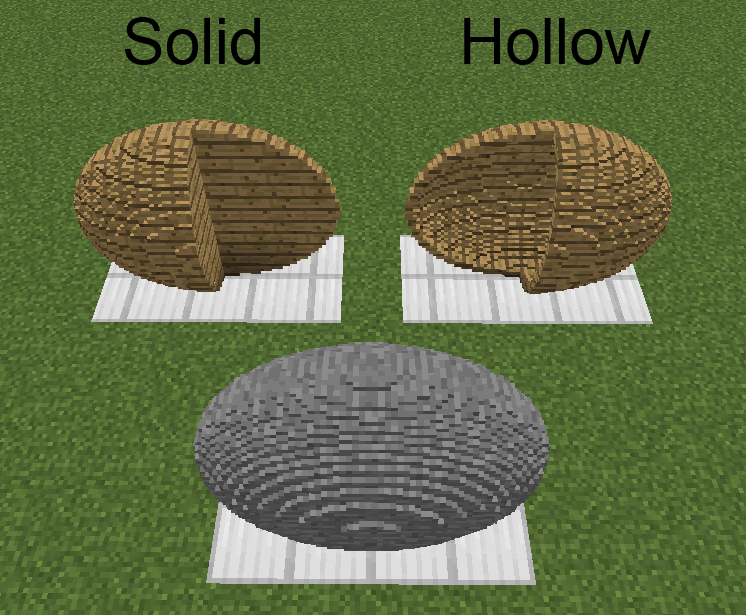
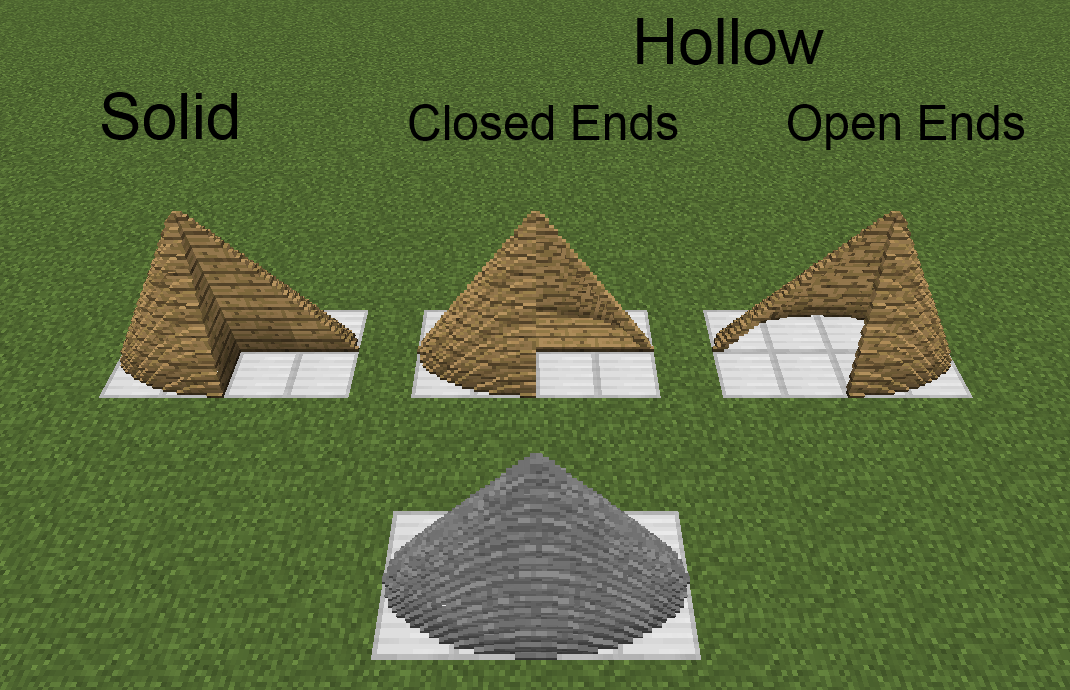
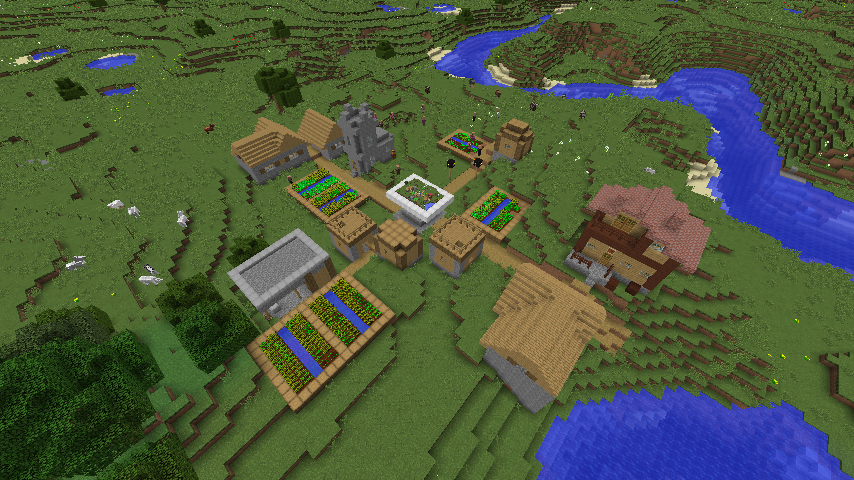
이 모드는 Chisels & Bits 모드의 애드온입니다. 조각된 블록을 회전/반전/이동/뒤집는 렌치, 조각된/조각 가능한 블록에서 직육면체/타원체/원기둥/원뿔/피라미드 형태의 비트 영역을 제거하거나 추가하는 조각용 와이어/스페이드, 세계의 16^3 블록 영역을 조각된 블록 모델로 만드는 모델링 도구, 그리고 조각된 블록(및 모든 아이템)을 움직이는 부품으로 렌더링하는 방어구 조각들을 추가합니다. 또한 조각 디자인을 편집하고 비트를 눈덩이처럼 던질 수 있게 해줍니다.
문제는 가능하면 GitHub(여기)를 통해 제출해 주시면 좋지만, 필요하다면 내부적으로 제출할 수도 있습니다.
이 모드는 퍼블릭 도메인으로 공개되었습니다. 어디서든 어떤 방식으로든 사용하세요.
- 아이템
- 조각된 방어구
- 조각 도형
- 설정
- 조합법
- 변경 내역
- 이미지
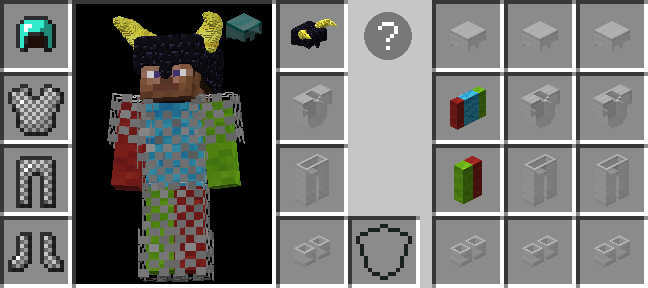
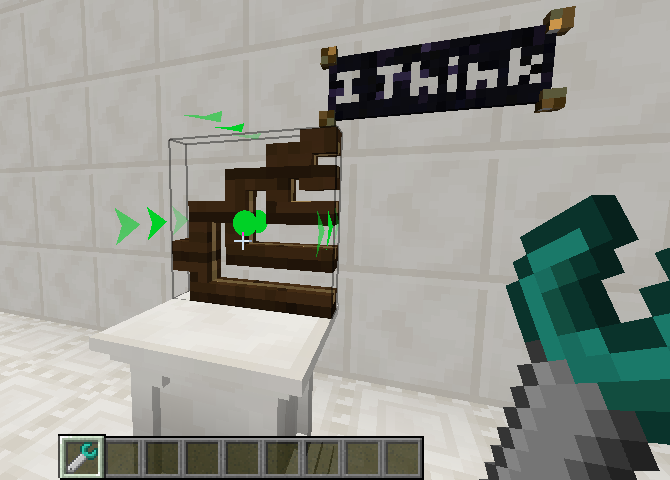
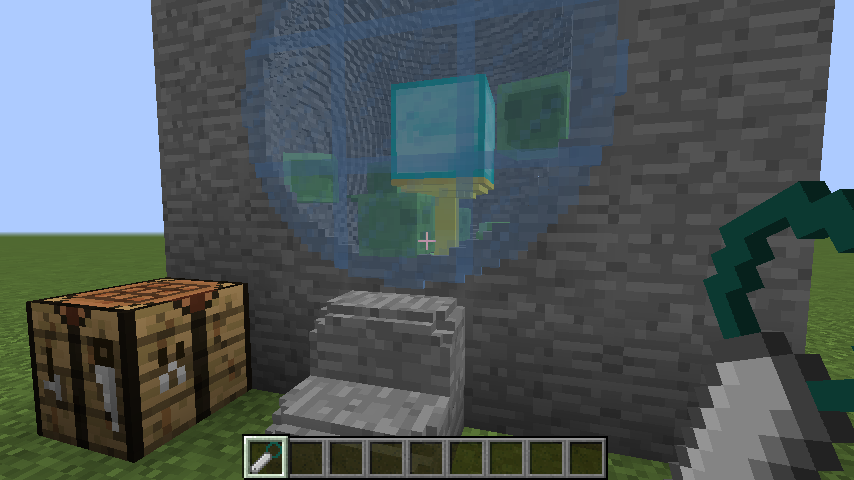
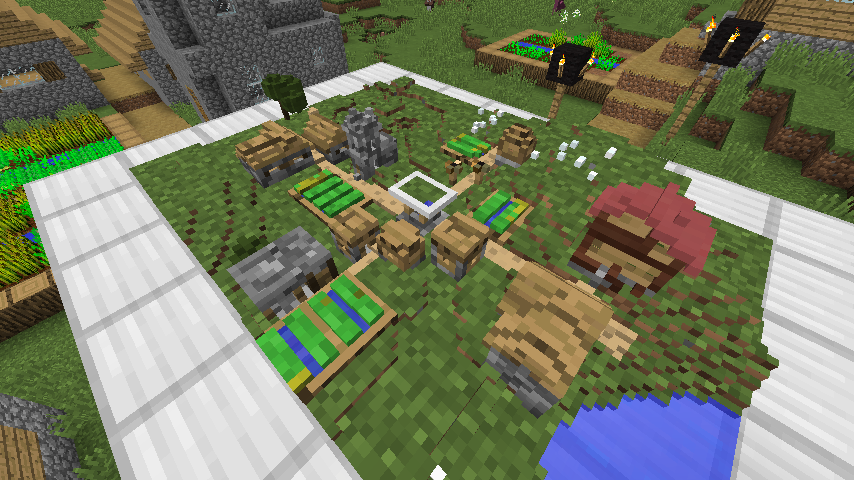
Pooka Plays의 조각된 방어구 튜토리얼:
설명:
- 3:55 [수정됨] 장식 슬롯에 착용한 방어구가 이제 모든 사람에게 보입니다.
- 23:51 [정보] 'before'와 'after' GL 작업 모두 움직이는 부품의 모든 블록/아이템에 적용됩니다. 순서는 'before', 그다음 '부품별', 그다음 'after'입니다. Open GL에서는 순서가 중요하기 때문입니다.
- 41:35 마법 부여 오버레이 렌더링은 생각조차 못 했습니다. 살펴봐야겠습니다.
- 45:55 [추가됨] 조각된 방어구 조각의 움직이는 부품이 플레이어 모델의 움직이는 부품과 오버레이가 렌더링되는 것을 막을 수 있습니다.
- 48:27 [정보] 수집 모드에서 시프트를 누르고 있으면 수집 영역의 시작/끝 지점이 보고 있는 블록/픽셀에서 하나씩 어긋납니다. 이렇게 하면 액체 비트를 더 쉽게 수집할 수 있습니다.
- 59:05 [정보] 블록은 한 블록/비트를 클릭하고 다른 곳에서 놓으면 교차하는 모든 비트를 수집합니다. 블록/비트를 개별적으로 클릭할 필요가 없습니다.
마지막으로, 컨트롤을 누른 상태에서(정보가 모드별로 다르므로 서로 다른 모드에서) 조각된 방어구 아이템의 툴팁을 읽고, GUI의 물음표를 클릭하고, 각 강조 표시된 요소 위에 커서를 올렸을 때 나오는 더 자세한 호버 텍스트를 모두 읽어 보시길 강력히 권합니다.
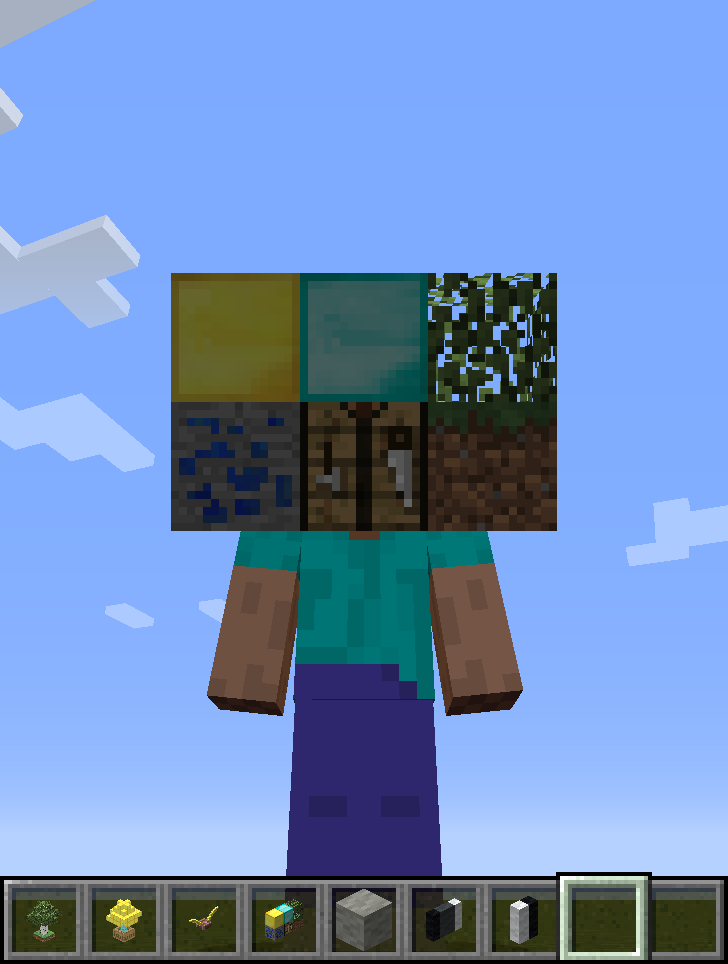
Extra Bit Manipulation 설치 방법
With Millida Launcher
Install Millida Launcher
The launcher is free: download it at millida.net/launcher and sign in with any nickname.
Click “Install” on this page
The launcher opens and installs the mod for Minecraft 1.12–1.12.2 automatically.
Launch the game
A profile with it appears in the launcher: click “Play”.
Manually
Download the file for your version
In the version list above, pick the file ExtraBitManipulation-1.12.2-3.4.1.jar (3.7 MB) for your game version.
Put it in the mods folder
The folder is inside .minecraft (Windows: %appdata%\.minecraft\mods). If it does not exist, create it.
Launch the loader profile
Open “Mods” in the main menu: Extra Bit Manipulation should be in the list.
Minecraft 1.12.2 runs on Java 8: with a different Java version the game may close right after launch.
버전
의존성 포함
| Minecraft | 로더 | 파일 | 날짜 | 작업 |
|---|---|---|---|---|
| 1.12.1 | — | ExtraBitManipulation-1.12.2-3.4.1.jar3.7 MB | ||
| 1.12 | — | ExtraBitManipulation-1.12-3.0.0.jar2.9 MB |
FAQ
Which Minecraft versions does Extra Bit Manipulation work on?
There are files for 1.12.2, 1.12.1, 1.12. The newest is 1.12.2.
Which Java does Extra Bit Manipulation need?
Minecraft 1.12.2 runs on Java 8. If the game closes right after launch, the usual cause is the wrong Java version in the profile settings.
Where can I download Extra Bit Manipulation safely?
On this page: the file ExtraBitManipulation-1.12.2-3.4.1.jar (3.7 MB) is stored on Millida’s server, with no link shorteners. SHA-1 checksum: b6b018634075e995bdaf1318a4ac7d0f6c1d2158.
리뷰
Extra Bit Manipulation의 첫 평가를 남겨 보세요


