
Minecraft 26.3용 DarkFlight - RPG Simple Jetpack 모드
RPG 테마, 보조 손에 다이아몬드 삽을 장착하면 제트팩처럼 공중 부양 비행을 얻습니다
 NeoForge
 Forge
Forge Fabric
DarkFlight
DESCRIPTION
Equip a Diamond Shovel in your offhand and use the special command to gain jetpack type ability!
Server side is supported. You can install this on the server and not need to have it installed on the client.
Created by the same authors who made DarkRPG (for a full RPG experience, get the DarkRPG modpack and enjoy quests and rpg gameplay)

Features
(Your vanilla experience will be further enhanced thanks to these features)
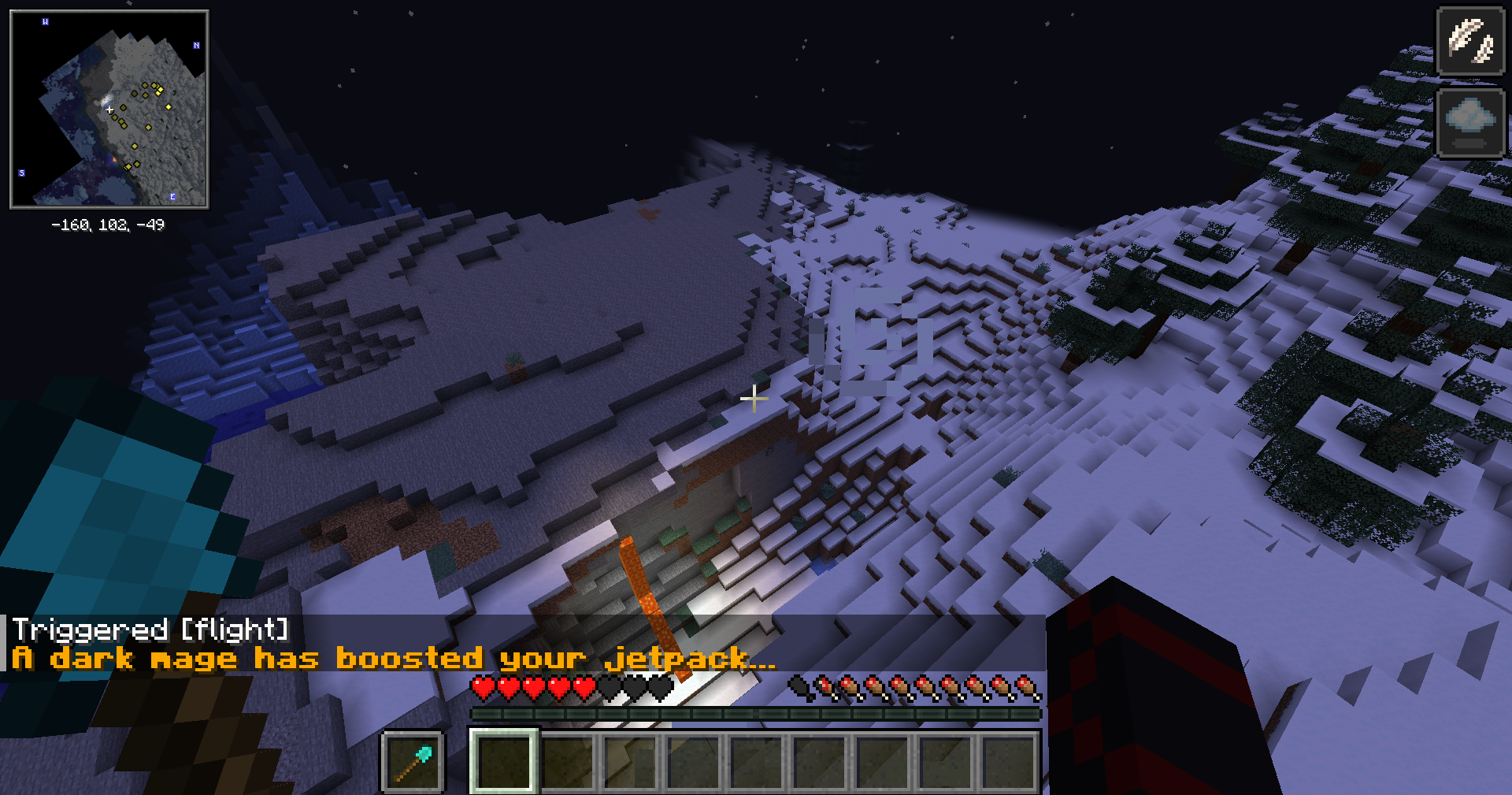
Place a diamond shovel in your offhand slot (Press F) then use the command /trigger flight to start levitating. You can use this trigger command again once the status effect wears off..
You will also gain slow fall effect to help you land if you are too high in the air.
Place a diamond shovel in the offhand slot
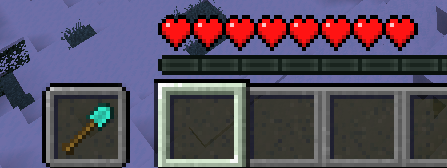
Use the command /trigger flight

Gain flight ability
Get a server today and play with your friends! Click HERE or below banner & Use Code GAMERPOTION to get 25 off!



DarkFlight - RPG Simple Jetpack 설치 방법
With Millida Launcher
Install Millida Launcher
The launcher is free: download it at millida.net/launcher and sign in with any nickname.
Click “Install” on this page
The launcher opens and installs the mod for Minecraft 26.3 on Fabric, Forge or NeoForge automatically.
Launch the game
A profile with it appears in the launcher: click “Play”.
Manually
Install Fabric, Forge or NeoForge
The loader must match the game version of the mod file, for example Minecraft 26.3. After installing it, a separate profile appears in your launcher.
Download the file for your version
In the version list above, pick the file darkflight-neoforge-26.1-1.2.3.jar (7 KB) for your game version and loader.
Put it in the mods folder
The folder is inside .minecraft (Windows: %appdata%\.minecraft\mods). If it does not exist, create it.
Launch the loader profile
Open “Mods” in the main menu: DarkFlight - RPG Simple Jetpack should be in the list.
버전
의존성 포함
| Minecraft | 로더 | 파일 | 날짜 | 작업 |
|---|---|---|---|---|
| 26.3 | NeoForge | darkflight-neoforge-26.1-1.2.3.jar7.3 KB | ||
| 26.3 | Forge | darkflight-forge-26.1-1.2.3.jar6 KB | ||
| 26.3 | Fabric | darkflight-fabric-26.1-1.2.3.jar8.3 KB 2 |
리뷰
DarkFlight - RPG Simple Jetpack의 첫 평가를 남겨 보세요


