
 NeoForge
 Forge
ForgeDarker Depths 모드 정보
undefined
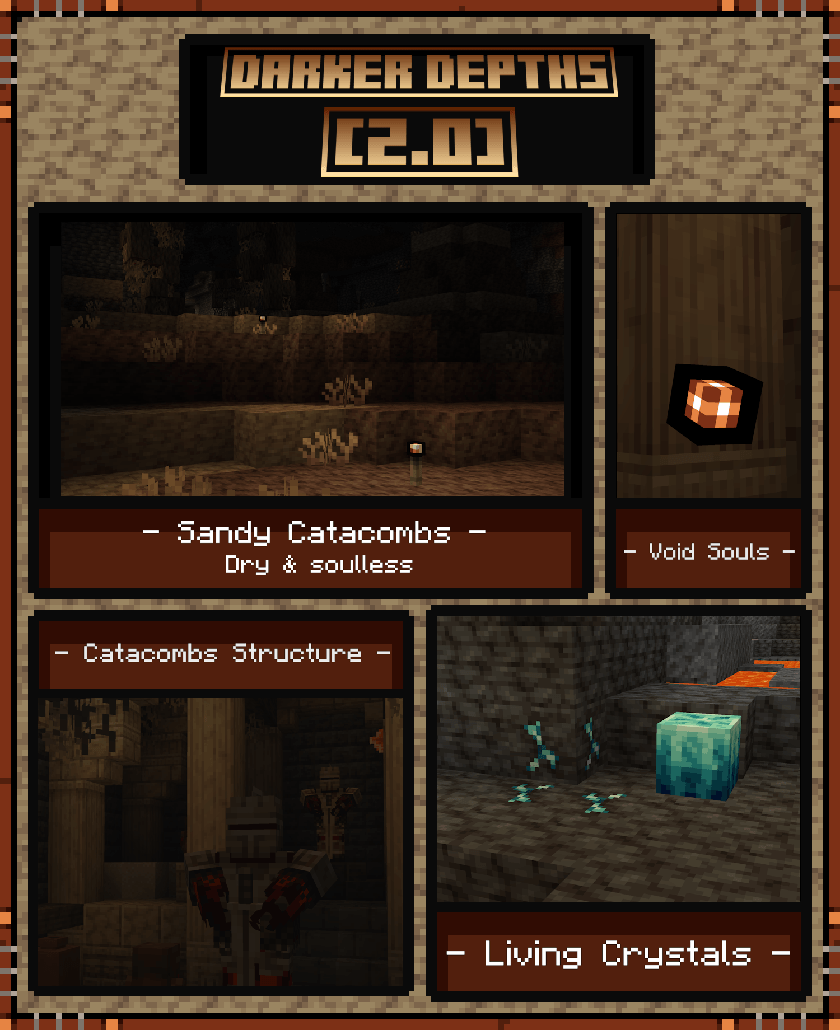
Darker Depths는 지하 확장 모드입니다.
현재 Darker Depths에 추가된 3개의 생물 군계가 있습니다:
Glowshroom Forest
Glowshroom 동굴에서는 거대한 Glowshroom, Glowshroom 몬스터, Glowgrime, 그리고 Glowshroom Cap을 찾을 수 있습니다.
Glowshroom Cap을 착용하면 제한된 내구도를 가지며 빛을 제공하고, 착용자에게 신속 1을 부여합니다.
Sandy Catacombs
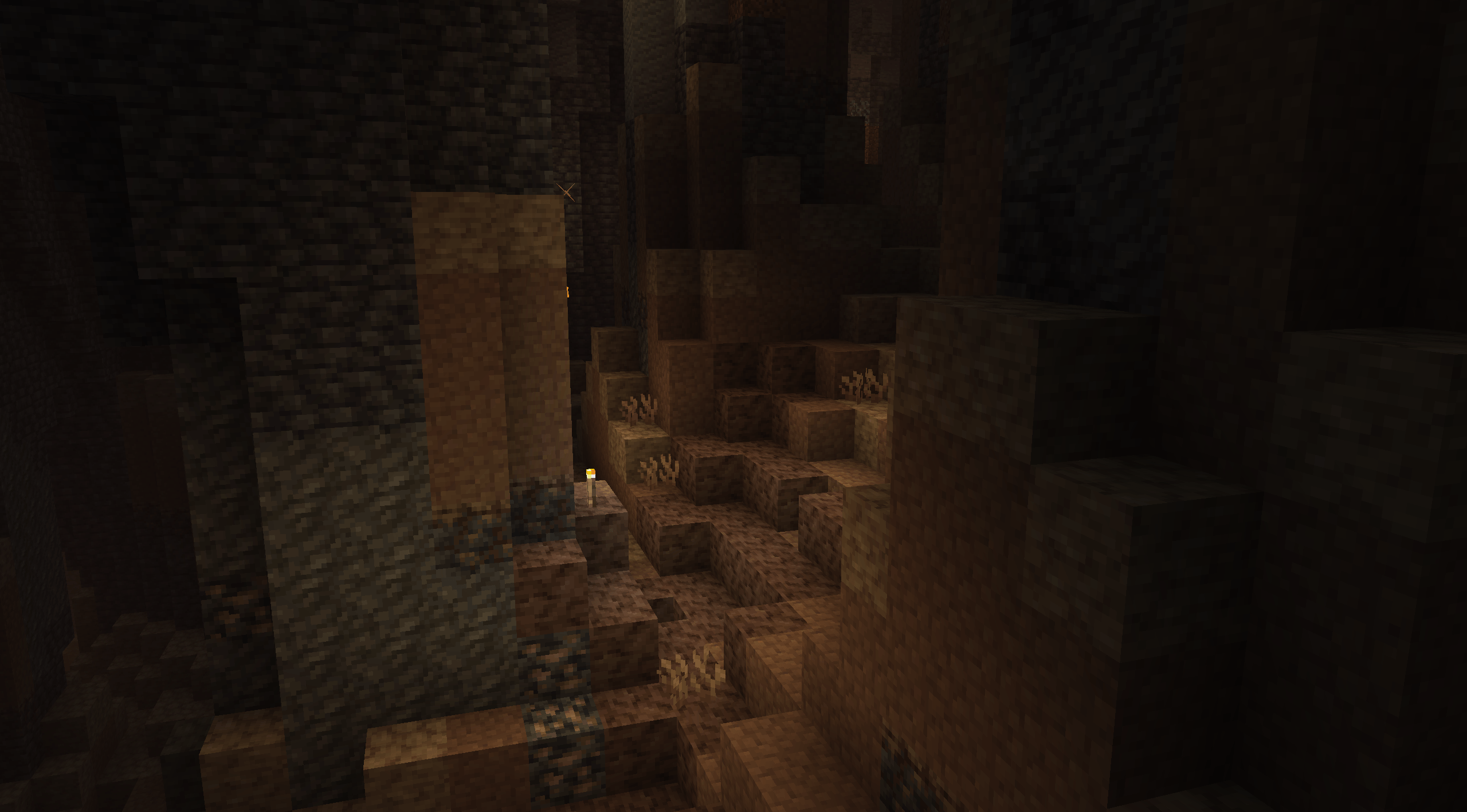
Sandy Catacombs는 황량한 황무지입니다. 석화된 뿌리가 천장에 매달려 있고, aridrock과 바위들이 동굴 내부 풍경을 이루고 있습니다.
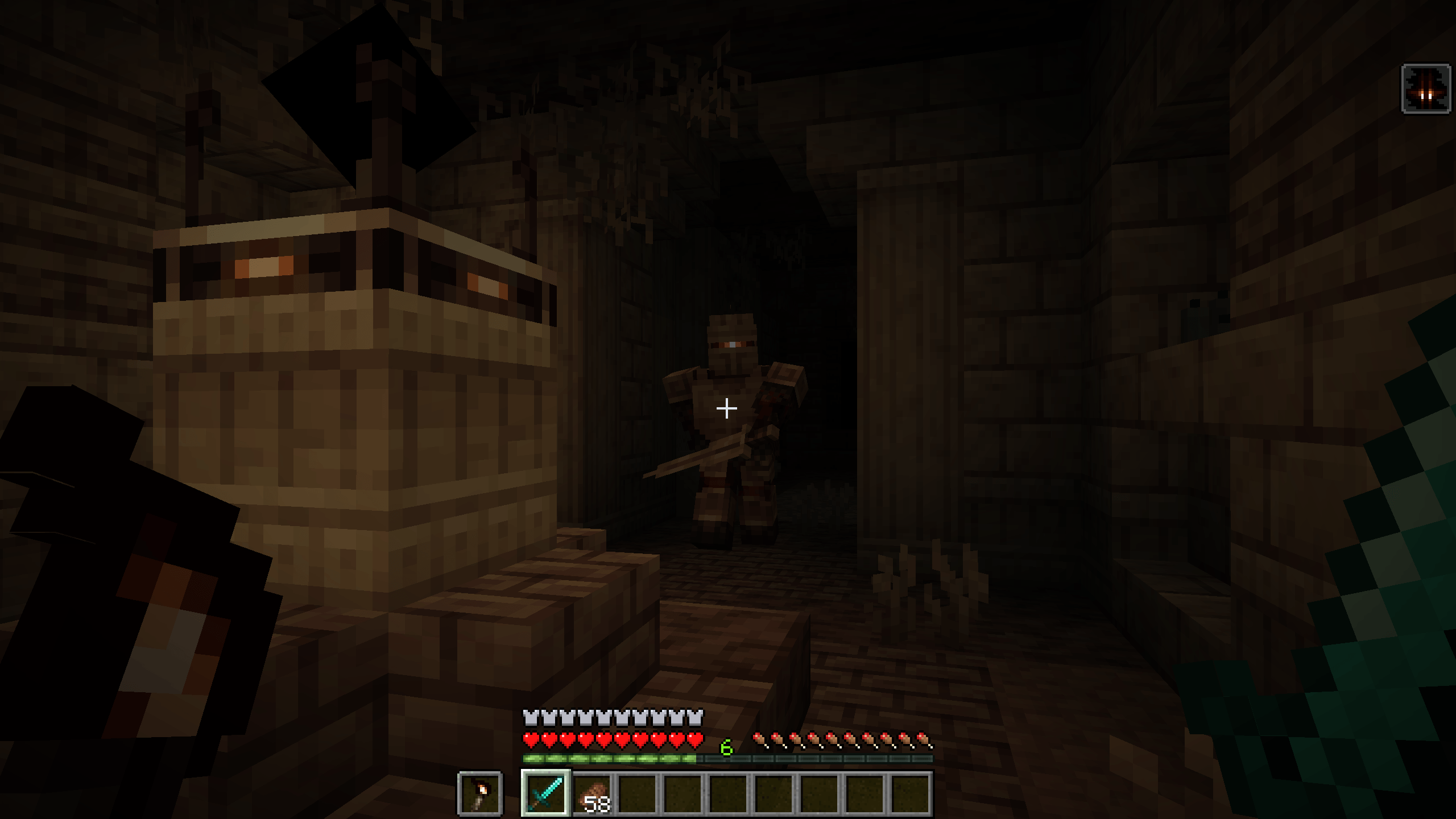
영혼이 없는 새로운 종류의 몹이 이곳에서 발견됩니다. 이들은 다음 희생자와 결속되기를 바라며 카타콤을 배회합니다.
Void Soul 몹은 죽으면 죽는 것이 아니라 Void Souls로 변합니다. 이 구체는 무적이지만 60초 후에 소멸합니다. 유리병을 들고 우클릭하면 Void Souls를 병에 담을 수 있습니다. Amber를 들고 우클릭하면 소멸을 막을 수 있습니다.
이곳에서는 새로운 구조물이 발견되는데, 적절하게도 Catacombs라고 불리며, 여기서 Body Snatchers, Void Soul Knights, Tombs, Paranoia, 그리고 Forsaken Bronze를 찾을 수 있습니다.
Void Souls의 존재로 저주받은 이 Forsaken Bronze는 비자연적인 능력을 가능하게 합니다. 이 금속은 Death Anchor, Stiletto, Tombs를 포함한 몇 가지 유용한 아이템을 제작하는 데 사용할 수 있습니다.
Molten Cavern
Molten Cavern은 맹렬하게 뜨거운 생물 군계로, Deepslate가 Darkslate로 변하고 용암이 층층이 고인 웅덩이에서 발견됩니다. 간헐천, Amber Clusters, 그리고 Dead Living Crystals가 이곳에서 발견됩니다.
Dead Living Crystals는 다이아몬드를 주면 다시 깨어날 수 있습니다. 그때부터 생명을 되찾아 성장하기 시작합니다. 완전히 성장하면 Living Crystal로 변하며, 근처의 다이아몬드 원석으로 퍼져나가거나, 충분한 시간을 주면 Melons를 좋아하게 될 수도 있습니다.
Crystal Melons는 Living Crystal이 Melons를 갈망할 때 형성됩니다. Living Crystal 근처에 Melon을 놓으면 돌 멜론으로 변하고, 그 안에서 자라나 마침내 껍질을 깨고 나와 Crystal Melon으로 변환됩니다.
Crystal Melons를 보조 손에 들고 사용하면 모든 도구를 초강화하여 파괴 불가능하게 만들고, 5분 동안 공격 속도, 채굴 속도, 공격 피해를 20% 증가시킵니다. (설정에서 조정 가능)
Wiki found here: Wiki
Darker Depths 설치 방법
With Millida Launcher
Install Millida Launcher
The launcher is free: download it at millida.net/launcher and sign in with any nickname.
Click “Install” on this page
The launcher opens and installs the mod for Minecraft 1.16.1–1.21.1 on Forge or NeoForge automatically.
Launch the game
A profile with it appears in the launcher: click “Play”.
Manually
Install Forge or NeoForge
The loader must match the game version of the mod file, for example Minecraft 1.21.1. After installing it, a separate profile appears in your launcher.
Download the file for your version
In the version list above, pick the file darkerdepths-2.1.6.jar (2.0 MB) for your game version and loader.
Put it in the mods folder
The folder is inside .minecraft (Windows: %appdata%\.minecraft\mods). If it does not exist, create it.
Launch the loader profile
Open “Mods” in the main menu: Darker Depths should be in the list.
Minecraft 1.21.1 runs on Java 21: with a different Java version the game may close right after launch.
버전
의존성 포함
| Minecraft | 로더 | 파일 | 날짜 | 작업 |
|---|---|---|---|---|
| 1.21.1 | NeoForge | Darker Depths 2.1.6 - 1.21.12 MB 3 | ||
| 1.20.1 | Forge | Darker Depths 2.1.5 - 1.20.12 MB 3 | ||
| 1.20.1 | Forge | Darker Depths 2.1.0-beta.12 MB | ||
| 1.21.1 | NeoForge | Darker Depths 2.0.0-beta.21.6 MB | ||
| 1.16.1 | Forge | DarkerDepths-1.16.1-1.0.1.jar453 KB |
FAQ
Which Minecraft versions does Darker Depths work on?
There are files for 1.21.1, 1.20.1, 1.16.1. The newest is 1.21.1.
Is Darker Depths for Forge or Fabric?
There are files for Forge: 1.16.1–1.20.1 and for NeoForge: 1.21.1. There are no files for Fabric: a mod for another loader will not start.
Does Darker Depths need other mods?
The author lists no required dependencies: the Forge or NeoForge loader is enough.
Which Java does Darker Depths need?
Minecraft 1.21.1 runs on Java 21. If the game closes right after launch, the usual cause is the wrong Java version in the profile settings.
Where can I download Darker Depths safely?
On this page: the file darkerdepths-2.1.6.jar (2.0 MB) is stored on Millida’s server, with no link shorteners. SHA-1 checksum: 748a1c3694df35ae8373dc293725e3aff13e9831.
리뷰
Darker Depths의 첫 평가를 남겨 보세요


