
 Fabric
 NeoForge
 Quilt
Quilt Forge
ForgeCursors Extended
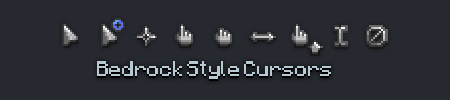
Replaces the boring old default system cursors with Minecraft-themed cursors.
Previously known as Minecraft Cursor before 1.21.9 introduced many breaking changes for the mod.
📌 Requirements
- When on Fabric: Fabric API
✨ Features
- Customize cursor textures using resource packs.
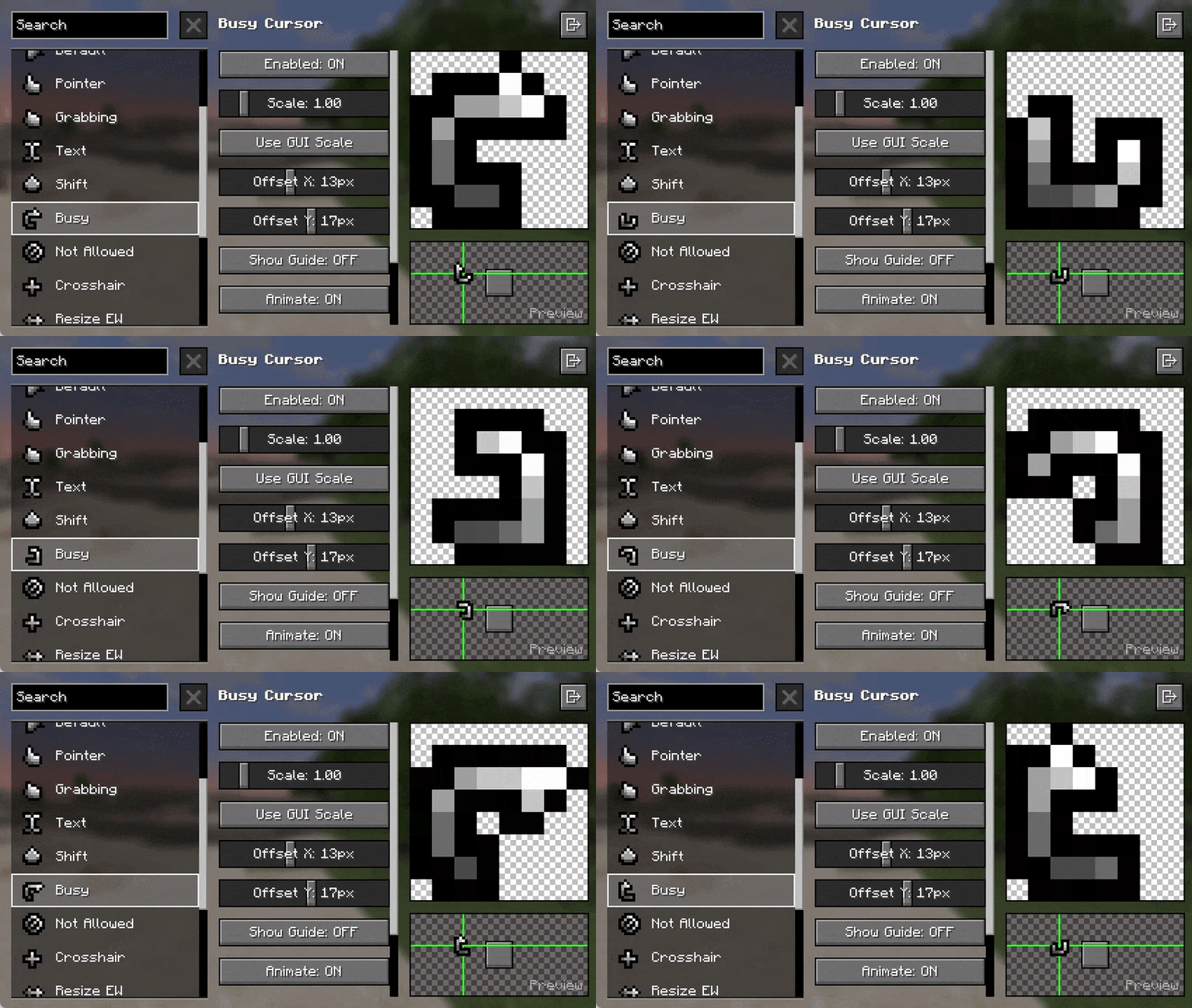
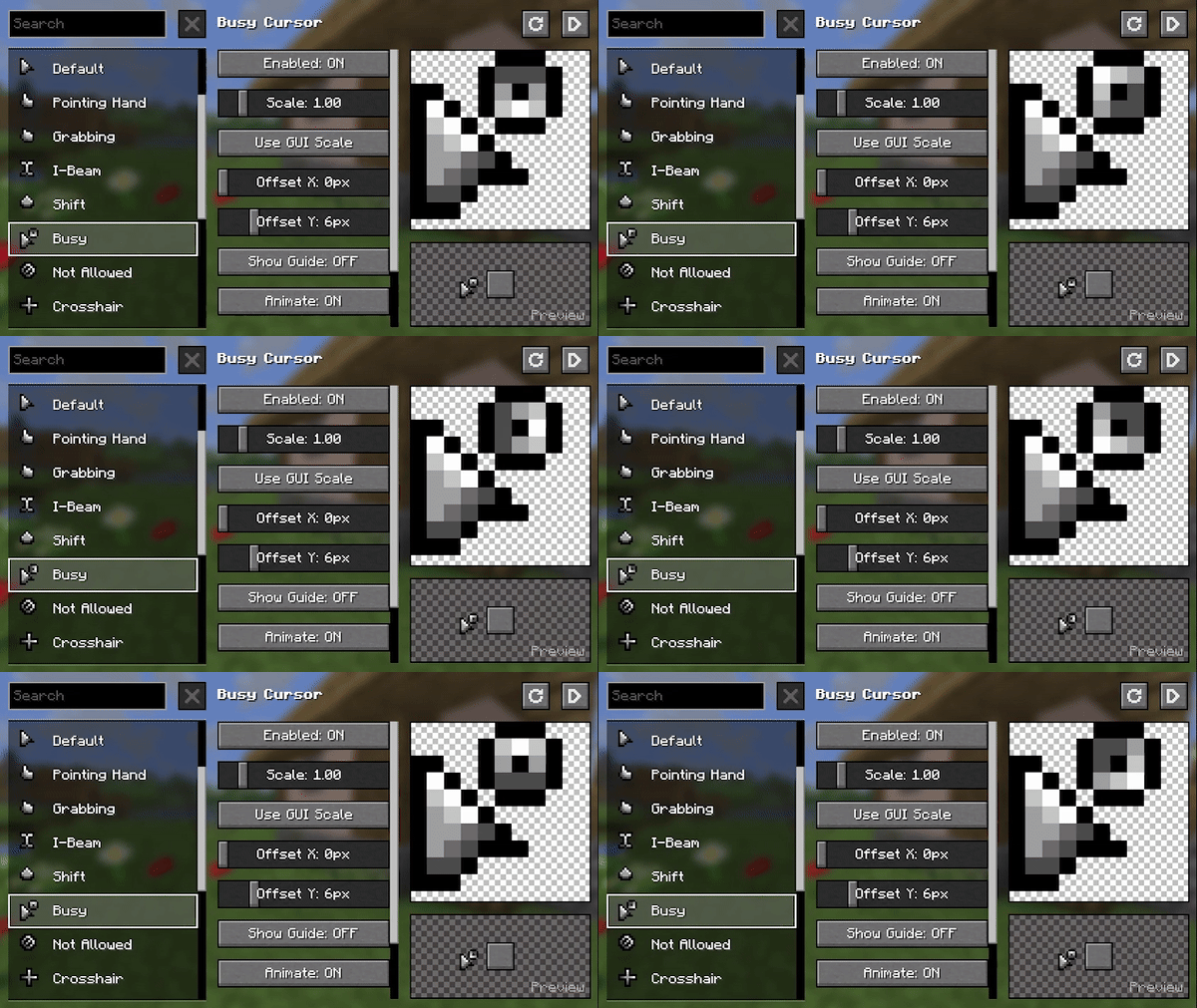
- Give life to your cursor with custom animations.
- Includes extra cursor shapes fit for other contexts.
- Additional cursor logic to various GUI elements via Legacy Mode.
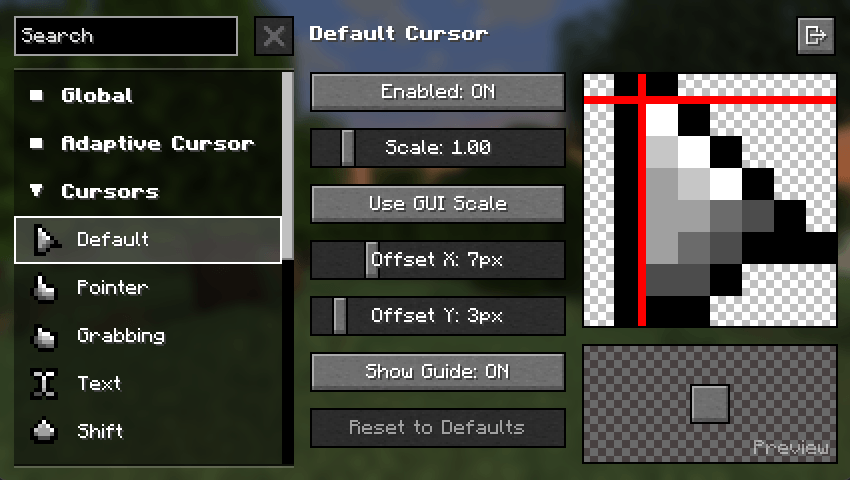
- Adjust various options to your liking. Navigate to the Mods screen or on Options › Controls › Mouse Settings › Cursor Settings.
🖌️ Create Resource Packs
Make your own resource pack, share it on supported platforms, and get it showcased here!
Already made a Resource Pack for v3 of Minecraft Cursor? Convert it with the V3 Converter.
Get started here: https://fishstiz.github.io/cursors_extended-wiki/resource-pack/getting-started
⚠️ Resource packs made before 1.21.9 (v3) are not compatible with versions including and after 1.21.9 (v4) and vice versa. Please use the converter above. ⚠️ Some resource packs may be marked as compatible even though its not, as some creators are not aware of this distinction.
Cursors Extended 설치 방법
With Millida Launcher
Install Millida Launcher
The launcher is free: download it at millida.net/launcher and sign in with any nickname.
Click “Install” on this page
The launcher opens and installs the mod for Minecraft 1.20.1–26.3 on Fabric, Forge, NeoForge or Quilt automatically.
Launch the game
A profile with it appears in the launcher: click “Play”.
Manually
Install Fabric, Forge, NeoForge or Quilt
The loader must match the game version of the mod file, for example Minecraft 26.3. After installing it, a separate profile appears in your launcher.
Download the file for your version
In the version list above, pick the file cursors_extended-fabric-4.2.0+26.3.jar (697 KB) for your game version and loader.
Put it in the mods folder
The folder is inside .minecraft (Windows: %appdata%\.minecraft\mods). If it does not exist, create it.
Launch the loader profile
Open “Mods” in the main menu: Cursors Extended should be in the list.
버전
의존성 포함
| Minecraft | 로더 | 파일 | 날짜 | 작업 |
|---|---|---|---|---|
| 26.3 | Fabric | Fabric v4.2.0+26.3697 KB 163 | ||
| 26.3 | NeoForge | NeoForge v4.2.0+26.3681 KB 4 | ||
| 1.20.1 | Forge | Minecraft Cursor for Forge v3.11.3+1.20.1288 KB 63 | ||
| 1.21.9 | Fabric, Quilt | Cursors Extended for Fabric v4.0.0-beta.1+1.21.9291 KB 5 | ||
| — | Fabric, Quilt | Cursors Extended for Fabric v4.0.0-alpha.2+1.21.9271 KB 81 |
리뷰
Cursors Extended의 첫 평가를 남겨 보세요


