

Minecraft 1.20.1, 1.21.1용 Create: Vibrant Vaults 모드
더 많은 아이템 보관함을 추가하는 Create 모드 애드온.
 NeoForge
 Fabric
 Forge
ForgeCreate: Vibrant Vaults 모드 정보
If you would like to support the development of this mod, please consider donating on Ko-fi!
A Create mod addon that adds more item vaults.
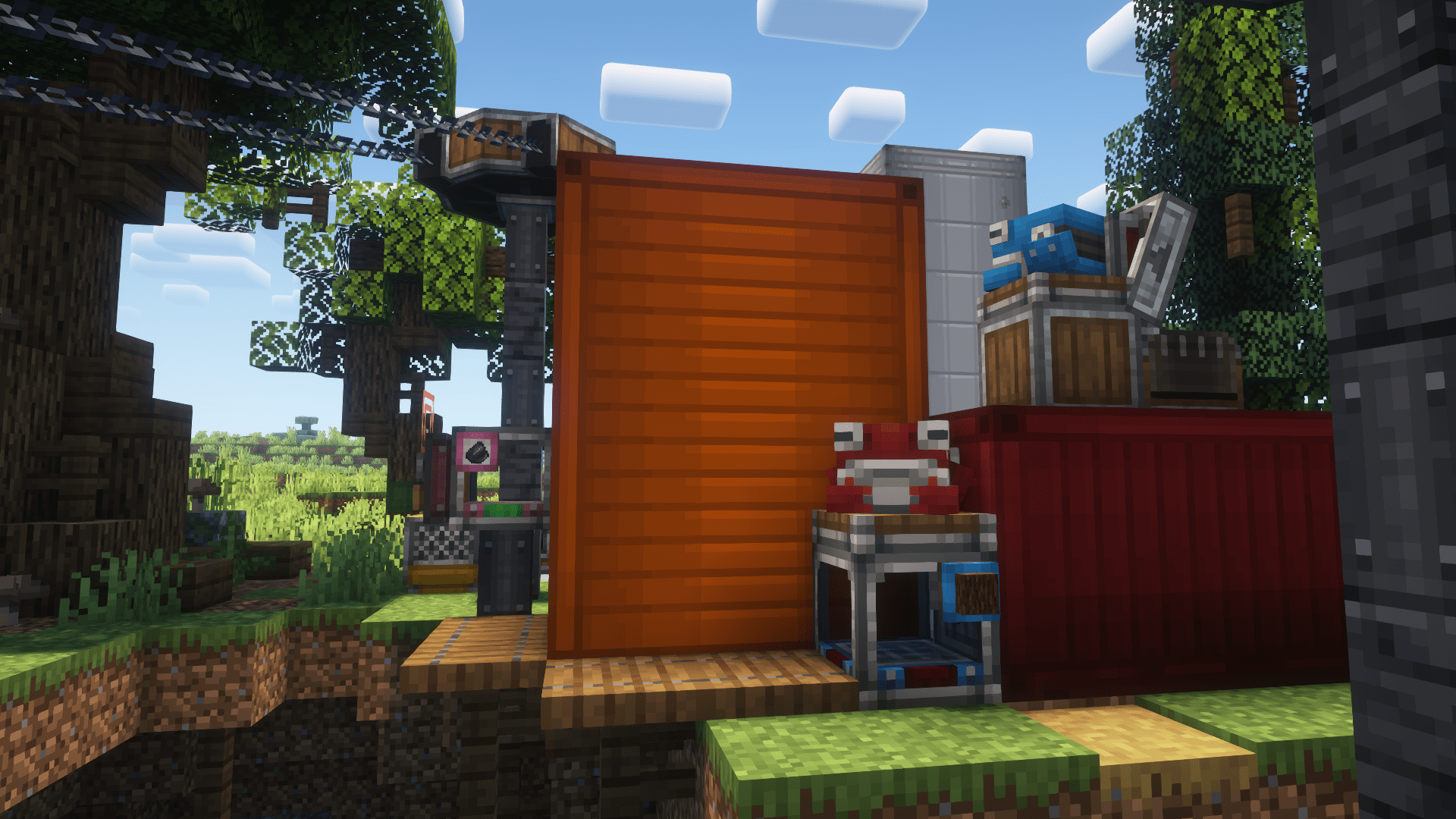
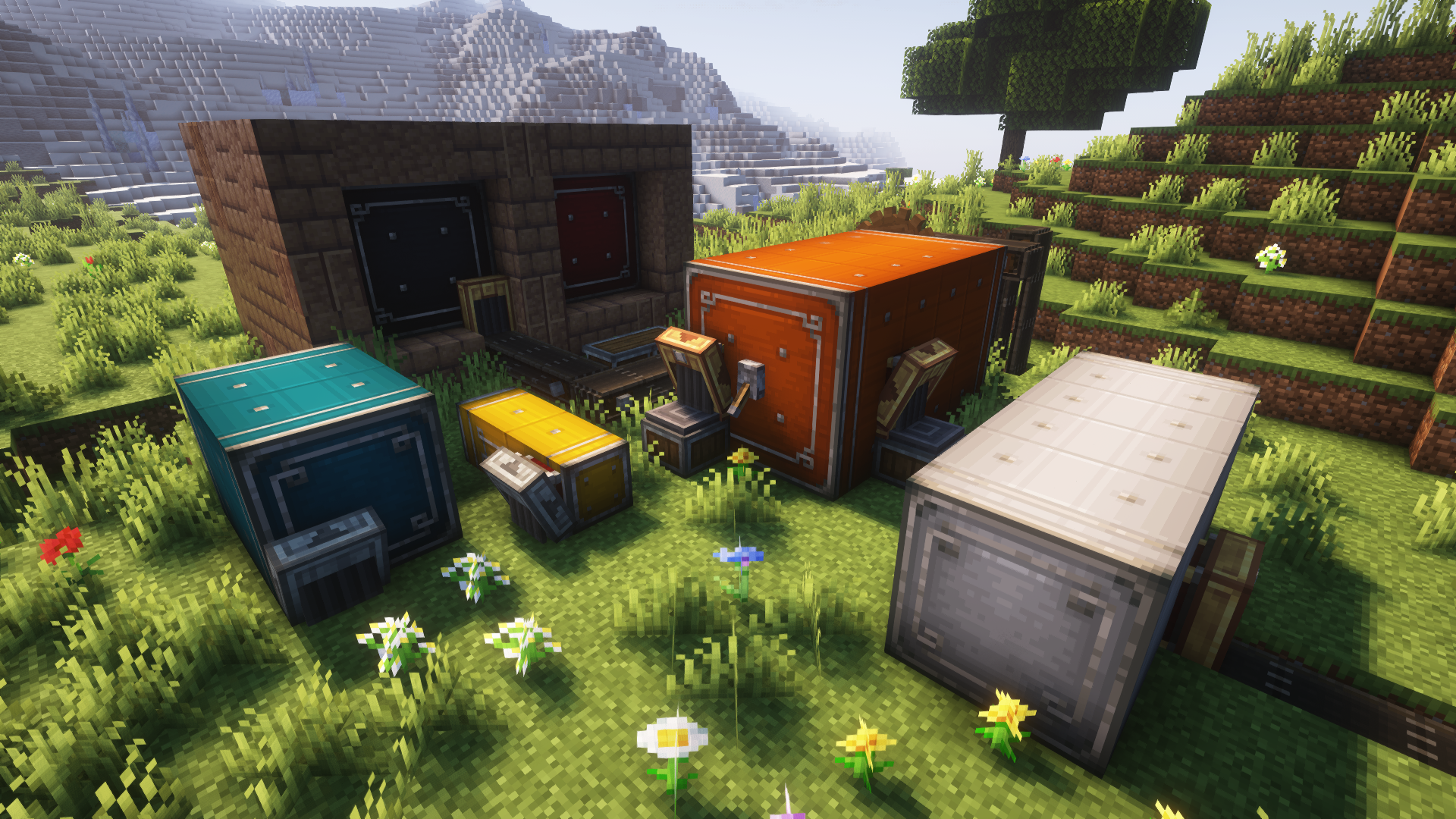
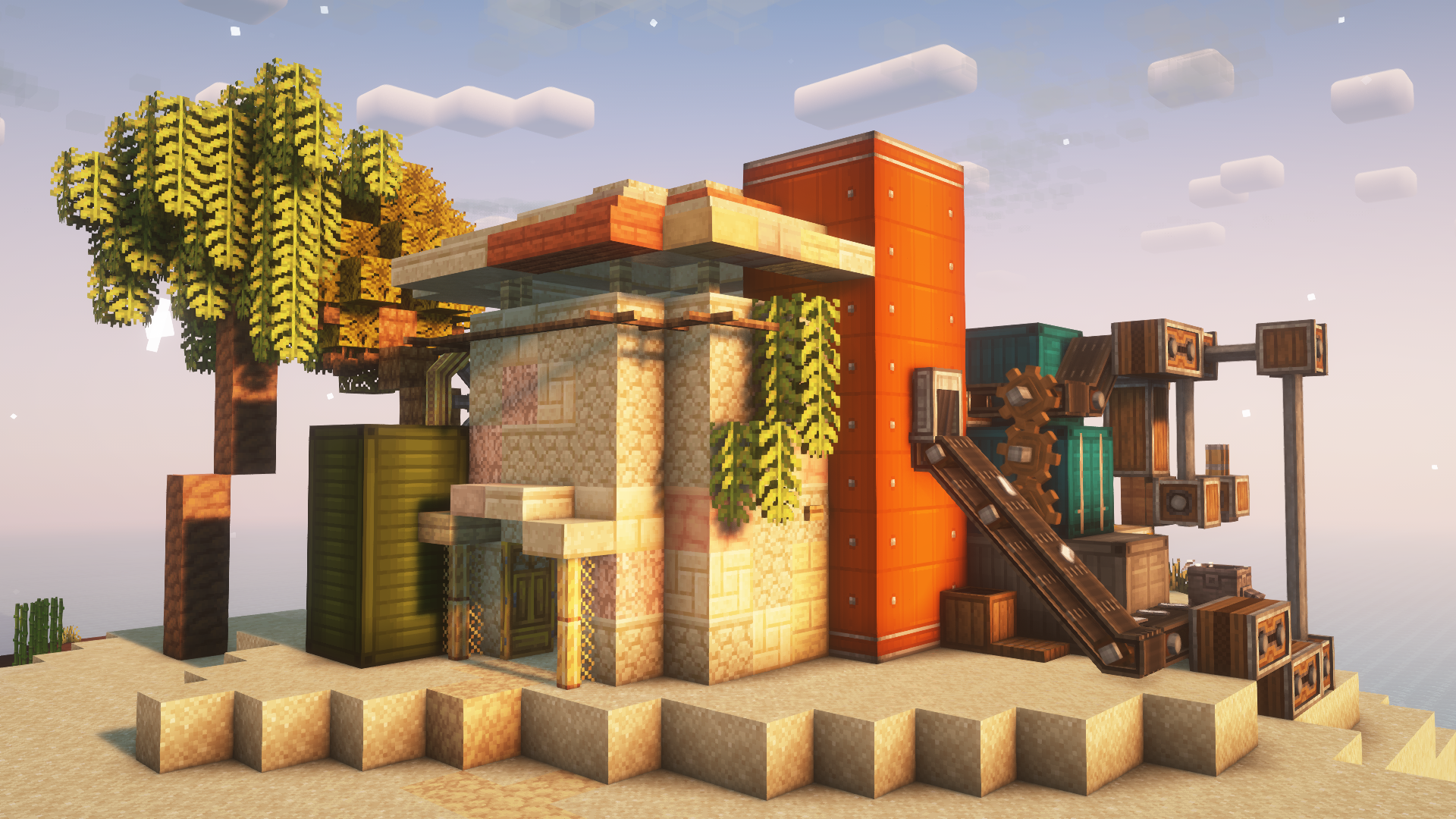
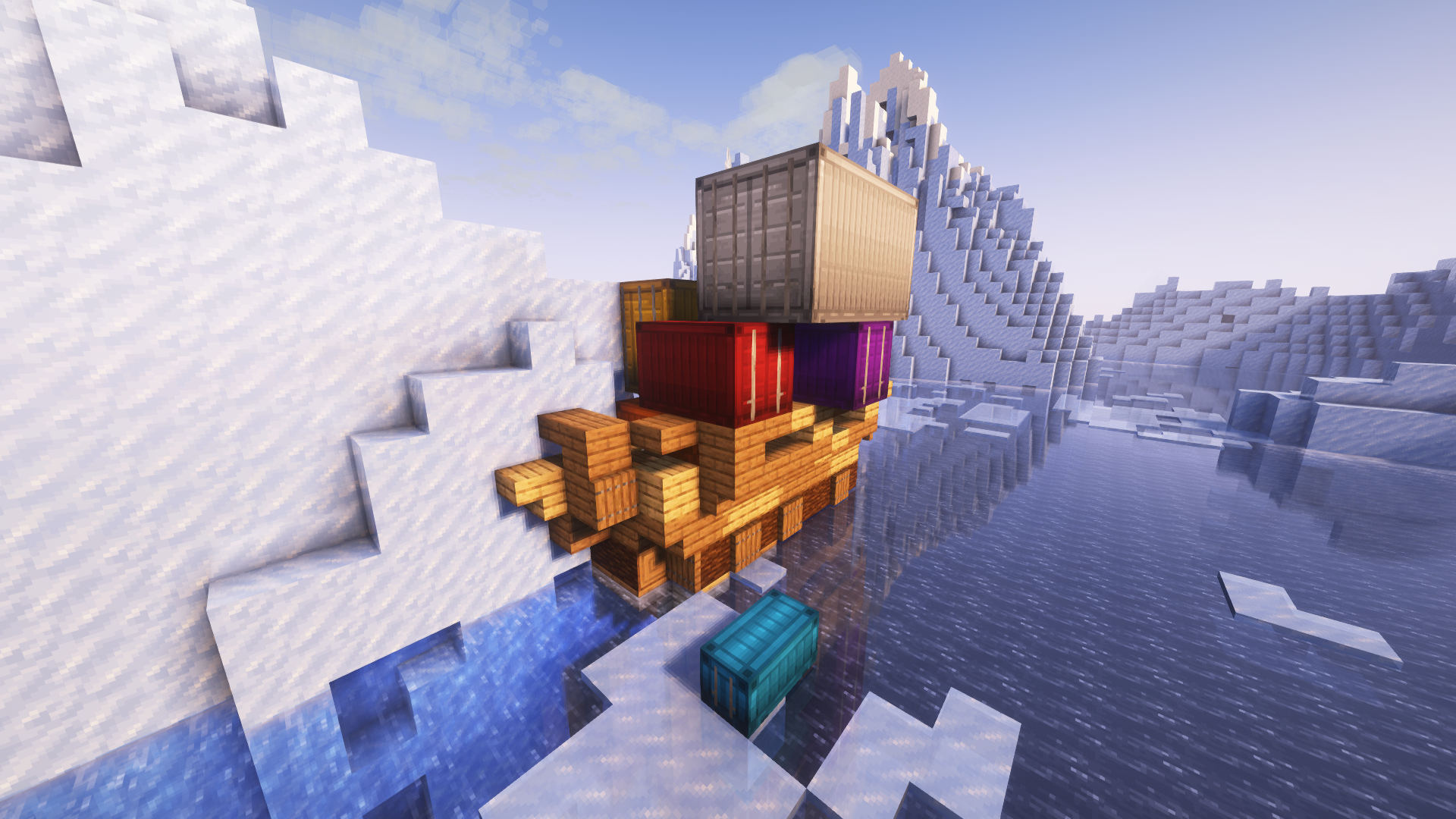
Blocks
All types of item vaults have vertical variants (since version 0.2.0).
- Item Vaults
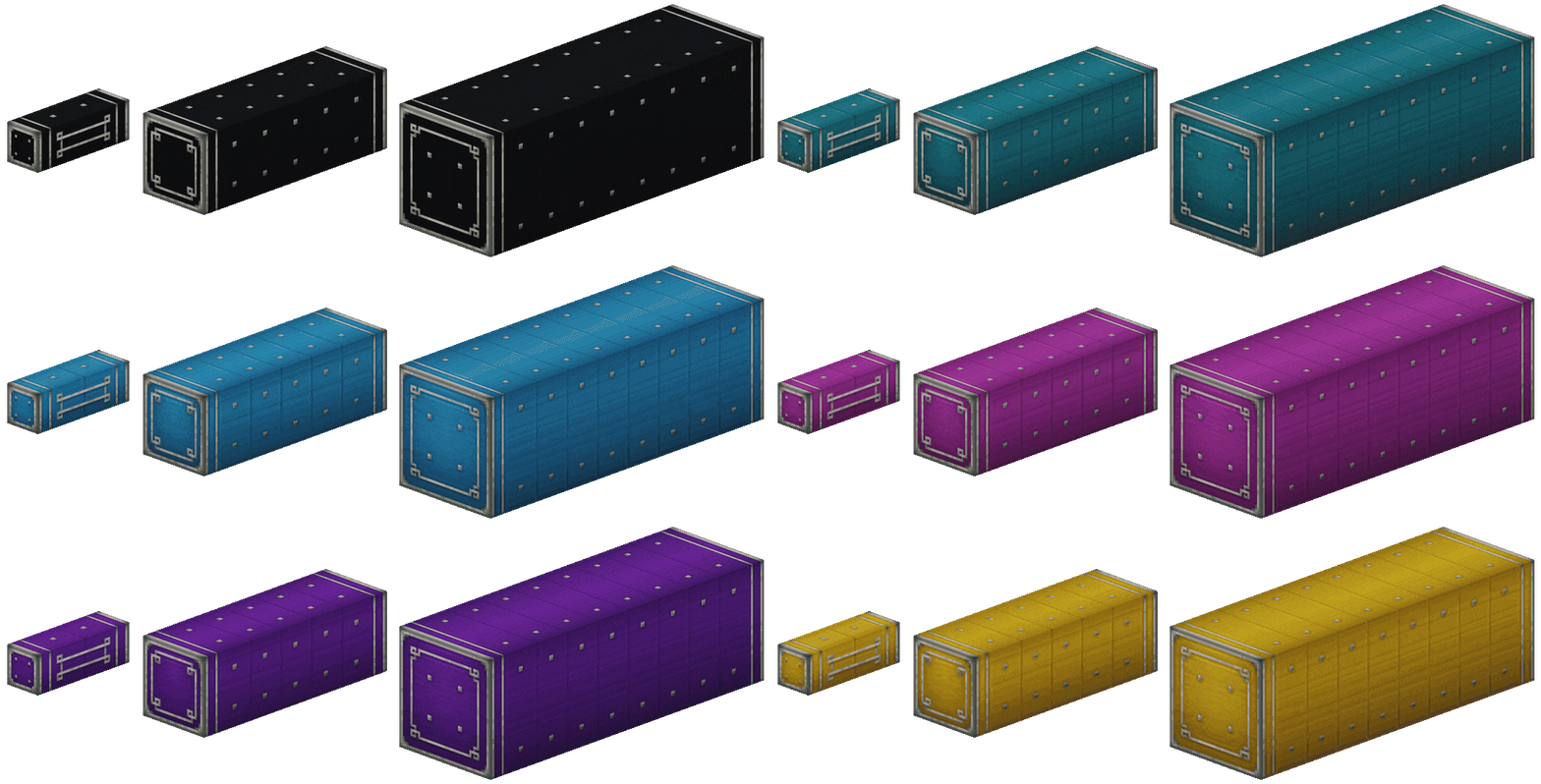
- Shipping Containers
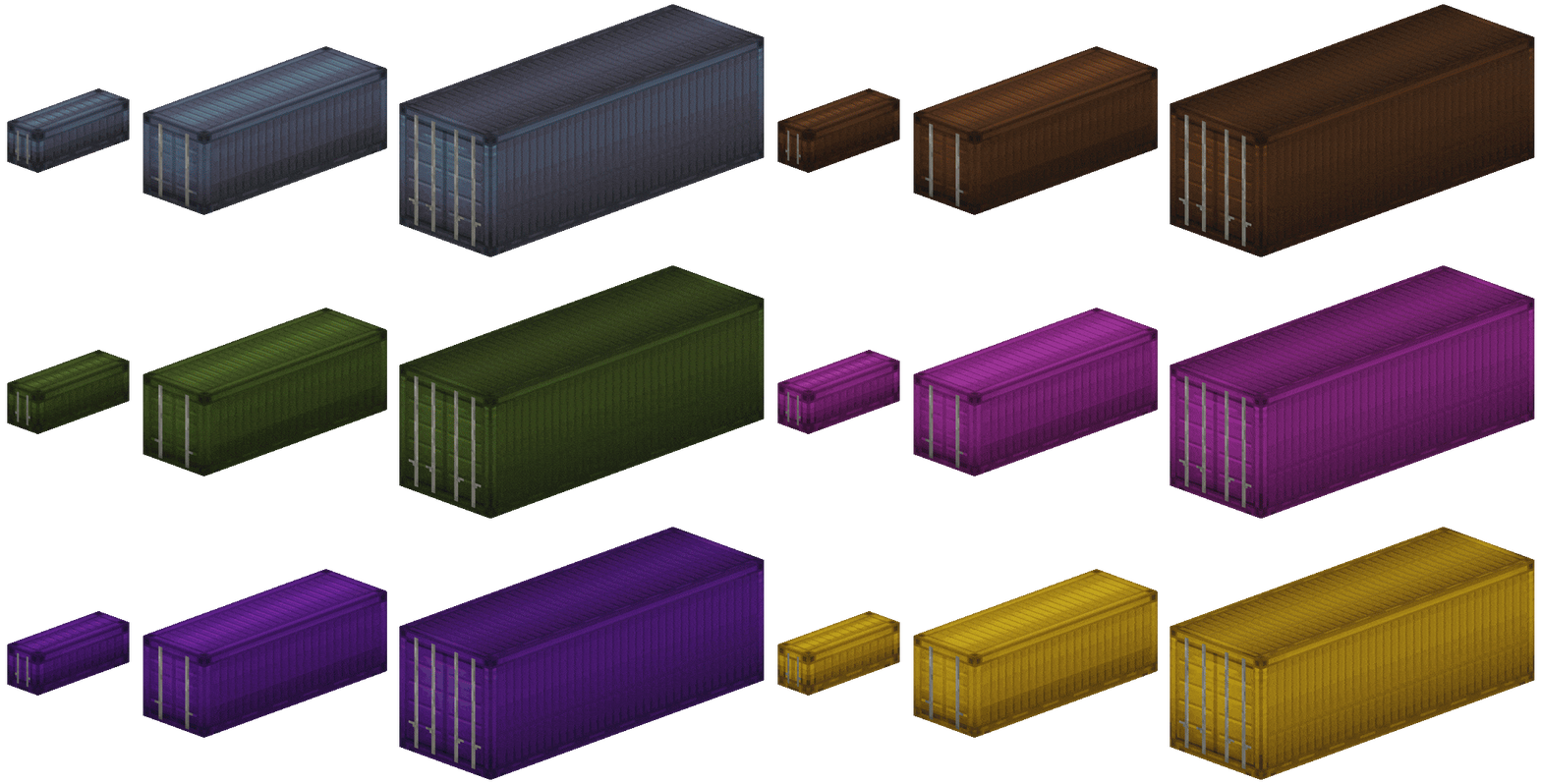
- Basic Shipping Containers (since version 0.1.0)
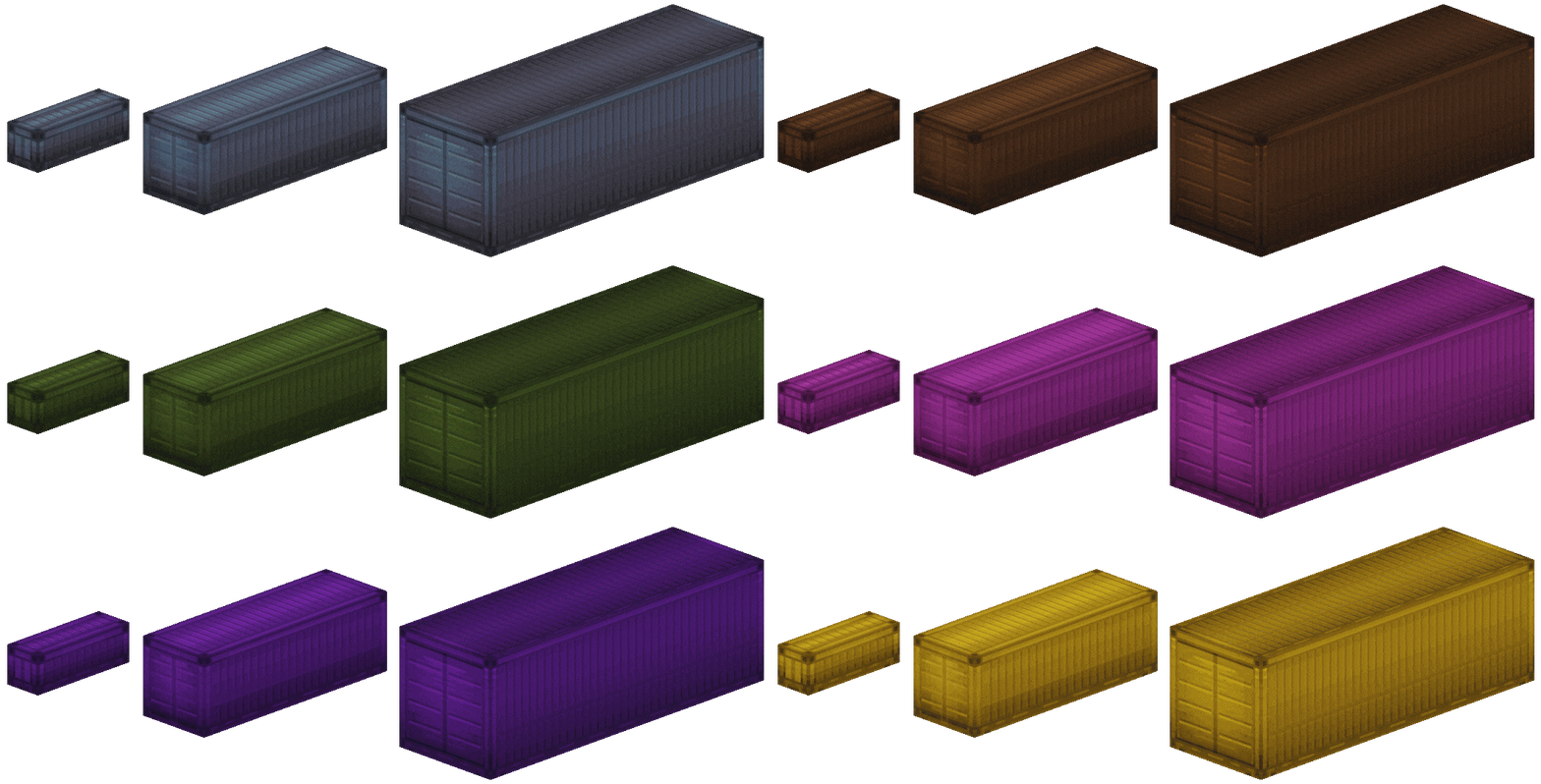
- New in Create: Vibrant Vaults 0.3.0 for Create 6.0
- Colored Package Frogports
- Colored Stock Links
- Colored Packagers
- Colored Redstone Requesters
- Colored Factory Gauges (when placed on Packagers)
Recipes
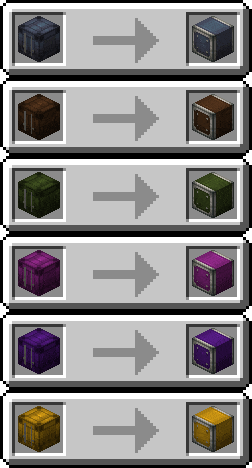
- Rotate any type of item vault vertically and horizontally via Crafting, Mechanical Crafting, Automated Shapeless Crafting, or using a Wrench
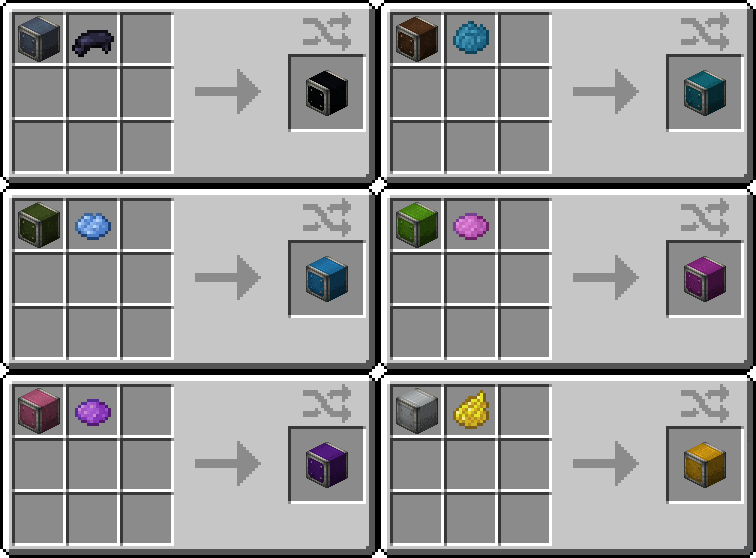
- Dye any type of item vault, package frogport, stock link, packager, and redstone requester via Crafting, Mechanical Crafting, or Automated Shapeless Crafting
- Convert any type of item vault into any other type via Stonecutting and Block Cutting
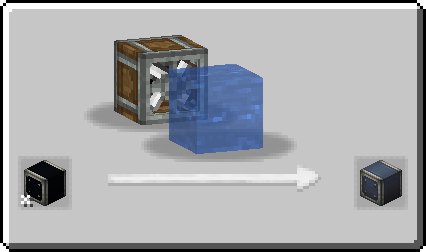
- Remove the color from any type of item vault, package frogport, stock link, packager, and redstone requester via Bulk Washing
For developers
Feel free to make your own addons and resource packs to change or add item vault styles.
Create: Vibrant Vaults is available under the MIT license.
For modpack creators
You are free to include Create: Vibrant Vaults in any modpack, as long as you don't modify the contact information and all downloads are hosted on CurseForge. Thank you for considering my mod for your modpack!
Create: Vibrant Vaults 설치 방법
With Millida Launcher
Install Millida Launcher
The launcher is free: download it at millida.net/launcher and sign in with any nickname.
Click “Install” on this page
The launcher opens and installs the mod for Minecraft 1.20.1–1.21.1 on Fabric, Forge or NeoForge automatically.
Launch the game
A profile with it appears in the launcher: click “Play”.
Manually
Install Fabric, Forge or NeoForge
The loader must match the game version of the mod file, for example Minecraft 1.21.1. After installing it, a separate profile appears in your launcher.
Download the file for your version
In the version list above, pick the file create_vibrant_vaults-0.3.2.jar (2.6 MB) for your game version and loader.
Put it in the mods folder
The folder is inside .minecraft (Windows: %appdata%\.minecraft\mods). If it does not exist, create it.
Launch the loader profile
Open “Mods” in the main menu: Create: Vibrant Vaults should be in the list.
Minecraft 1.21.1 runs on Java 21: with a different Java version the game may close right after launch.
버전
의존성 포함
| Minecraft | 로더 | 파일 | 날짜 | 작업 |
|---|---|---|---|---|
| 1.20.1 | Fabric | Create: Vibrant Vaults 0.3.22.4 MB | ||
| 1.20.1 | Forge, NeoForge | Create: Vibrant Vaults 0.3.22.6 MB 7 | ||
| 1.21.1 | NeoForge | Create: Vibrant Vaults 0.3.22.6 MB 15 |
FAQ
Which Minecraft versions does Create: Vibrant Vaults work on?
There are files for 1.21.1, 1.20.1. The newest is 1.21.1.
Is Create: Vibrant Vaults for Forge or Fabric?
There are files for Fabric: 1.20.1, for Forge: 1.20.1 and for NeoForge: 1.20.1–1.21.1.
Does Create: Vibrant Vaults need other mods?
The author lists no required dependencies: the Fabric, Forge or NeoForge loader is enough.
Which Java does Create: Vibrant Vaults need?
Minecraft 1.21.1 runs on Java 21. If the game closes right after launch, the usual cause is the wrong Java version in the profile settings.
How do I download Create: Vibrant Vaults?
With Millida Launcher: it installs Create: Vibrant Vaults into a modpack by itself, for the right game version and loader. The launcher is free.
리뷰
Create: Vibrant Vaults의 첫 평가를 남겨 보세요


