
Minecraft 1.20.1, 1.21.1용 Create : Misc & Things 모드
🔧 Create에 유용하고 재미있는 것들을 추가하세요
 NeoForge
 Forge
ForgeCreate : Misc & Things 모드 정보


Create: misc and things는 하나의 테마에 묶이지 않는 유틸리티, 건축, 재미있는 소소한 요소들을 추가합니다. 주둥이로 만든 총, 기차역 스피커, 건축 블록…
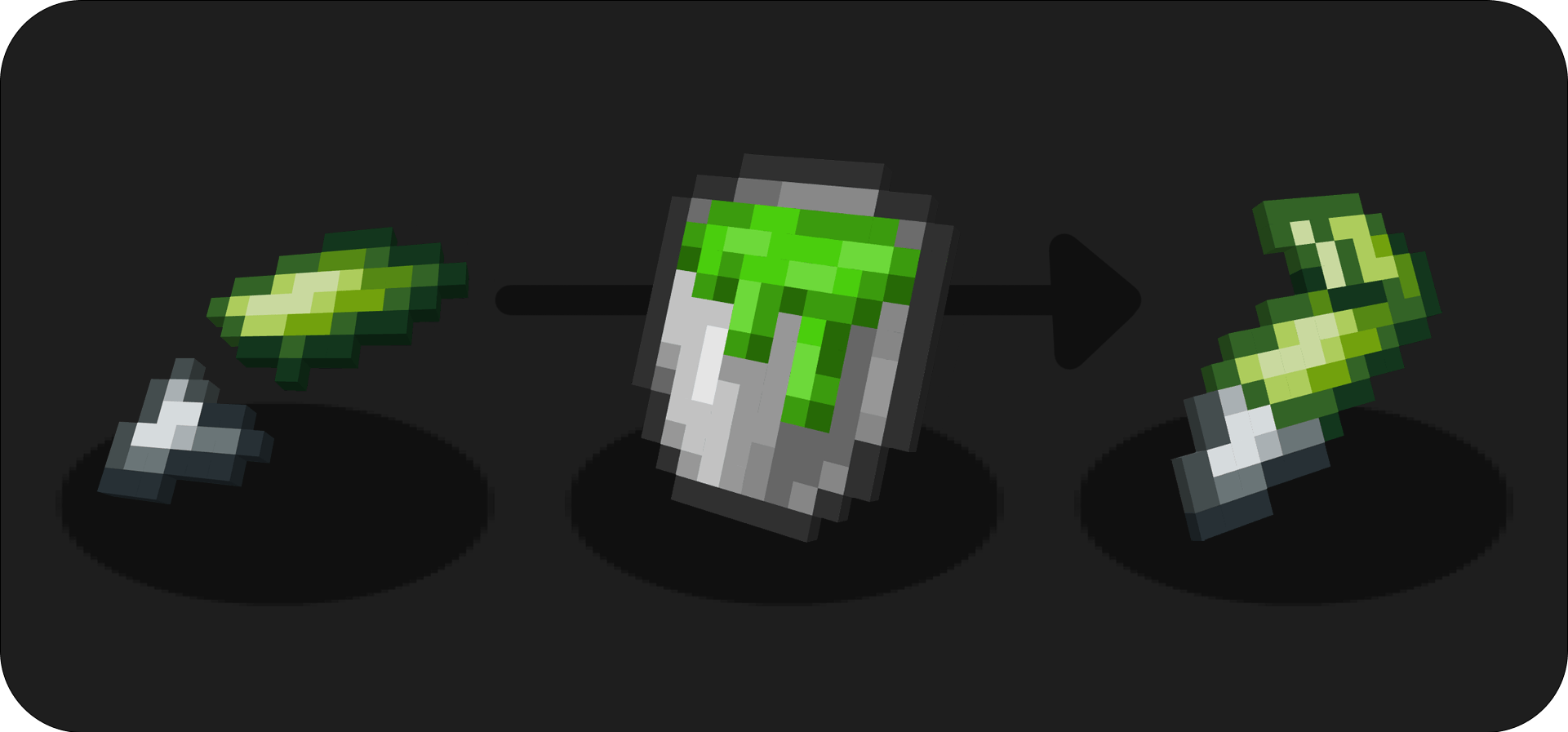
새로운 점액 제조법 :
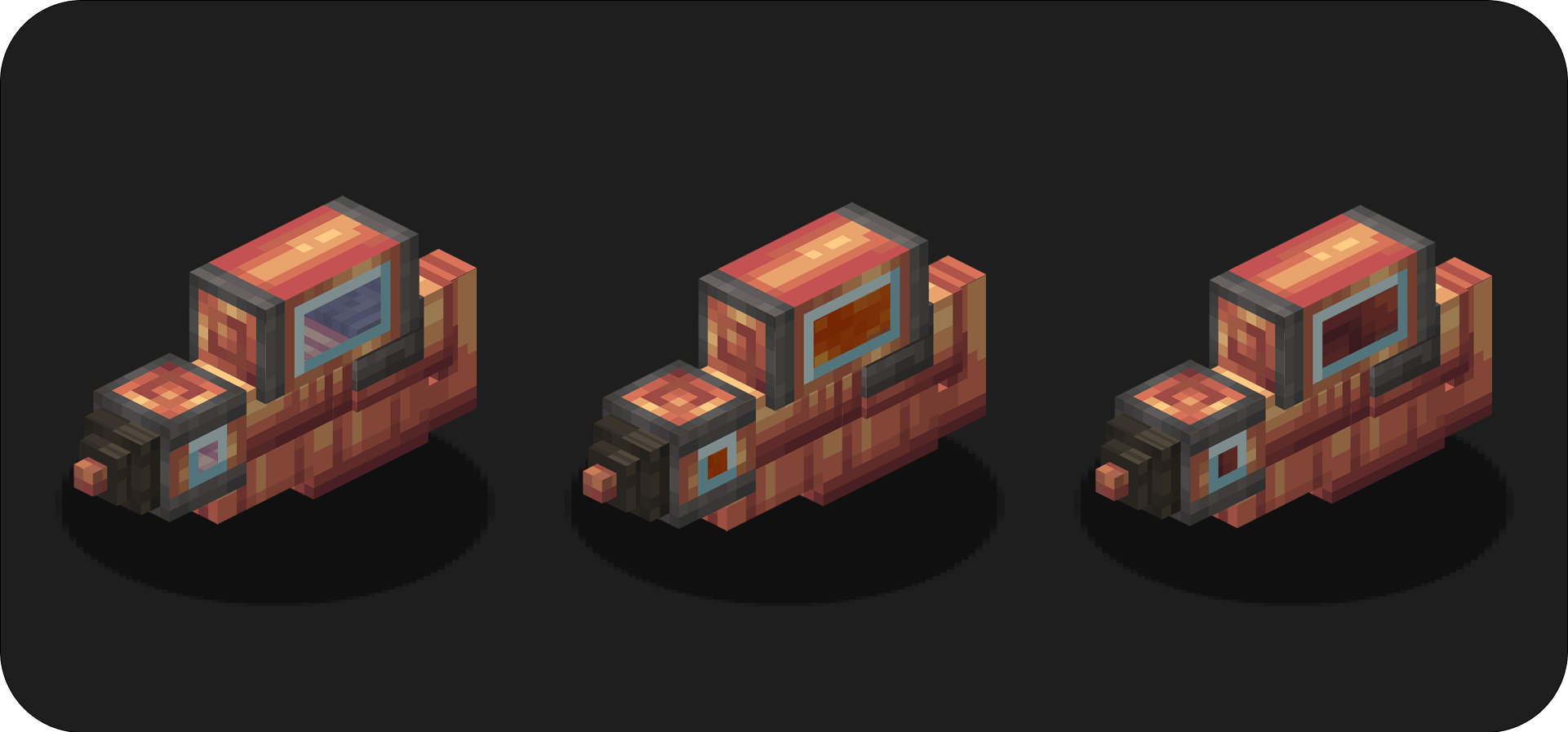
주둥이 총 :
주둩이 총으로 적에게 액체를 발사하세요!
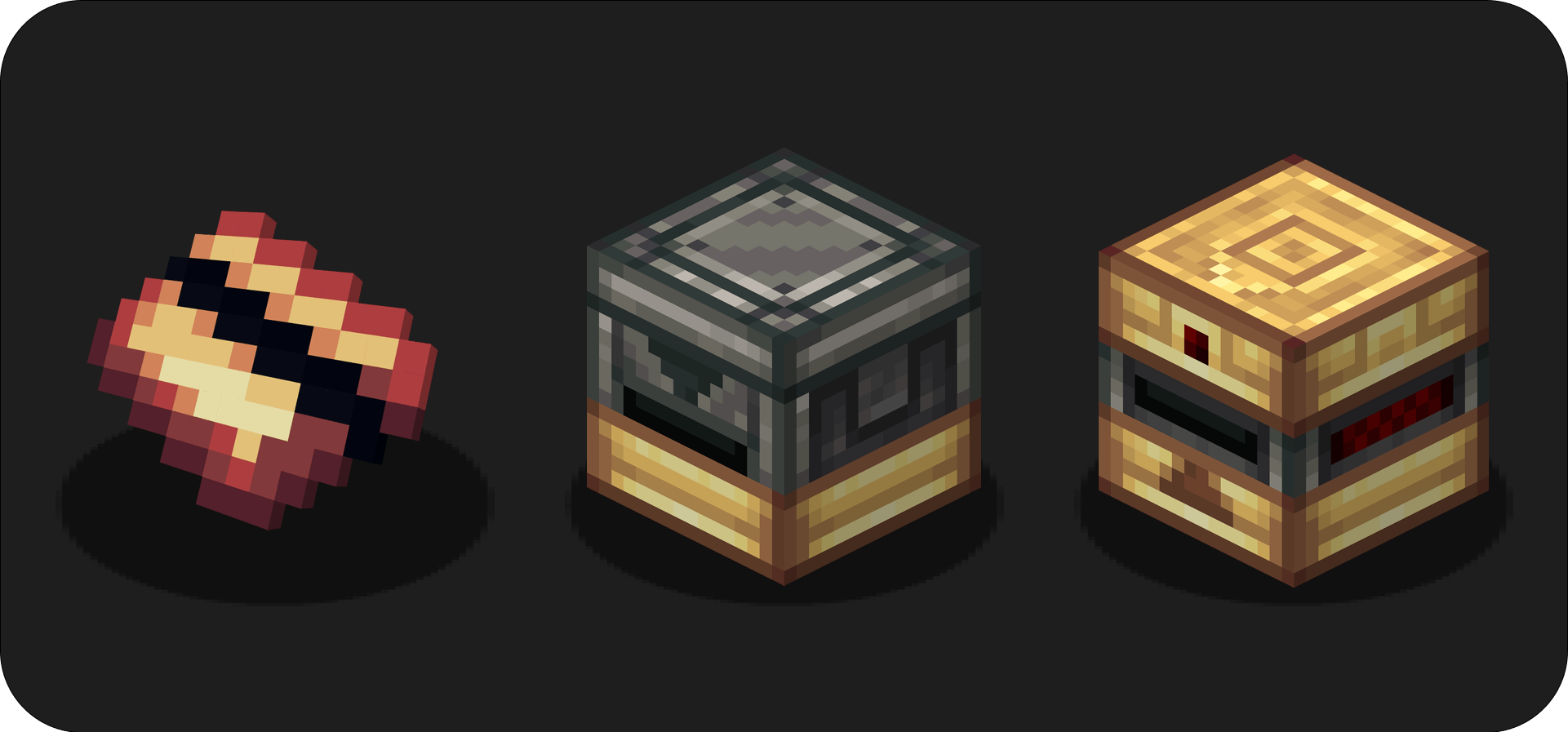
카드 :
카드 각인기에 카드를 넣고 고유한 카드를 만드세요: 스크립트 카드는 다른 플레이어가 복제할 수 없습니다. 카드 판독기로 카드를 검증하세요!
⚠️플레이어 이름도 등록되기 때문에 카드는 다른 플레이어가 위조할 수 없습니다
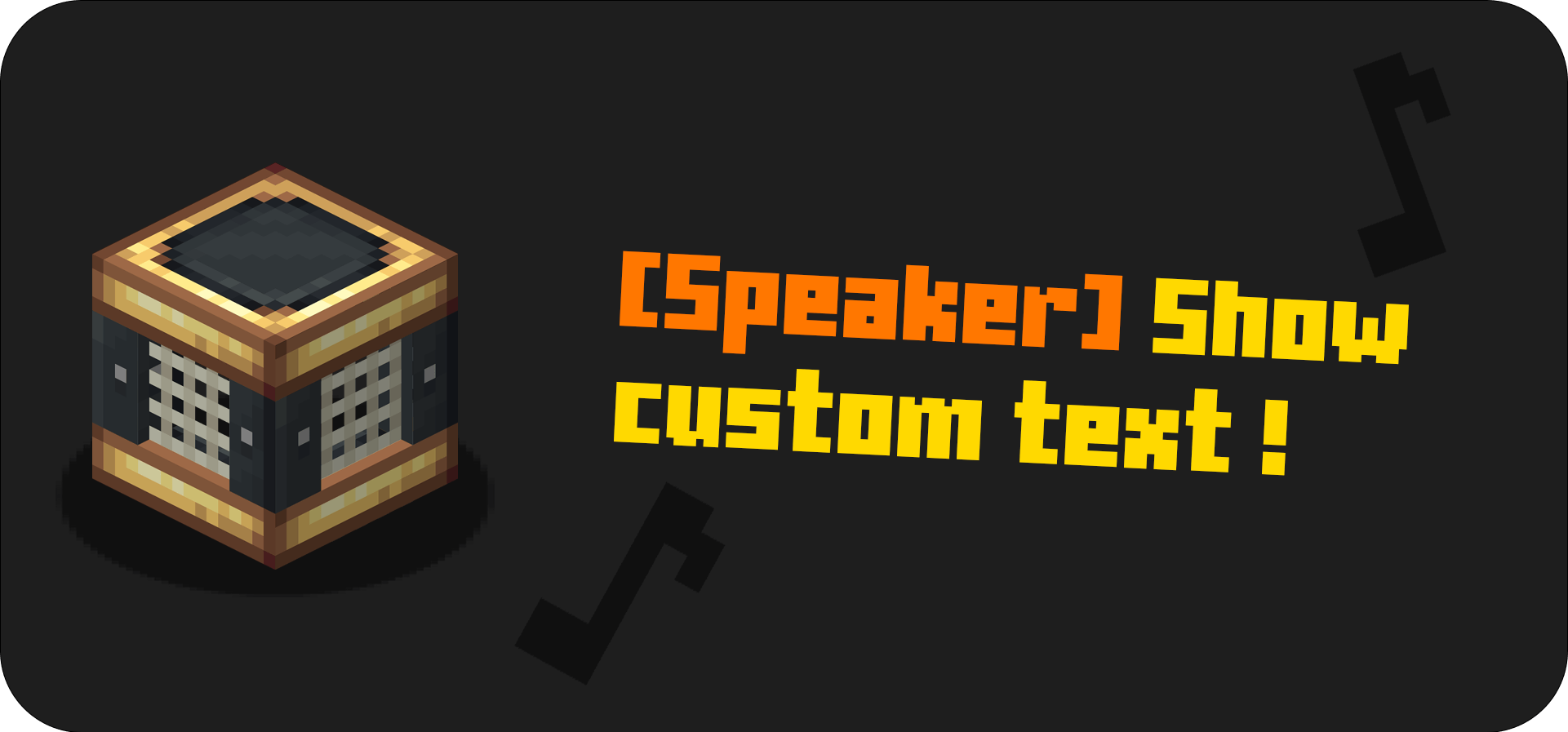
스피커 :
스피커는 소리를 내고 채팅에 사용자 지정 메시지를 보냅니다. 기차역에 딱 맞는 블록입니다!
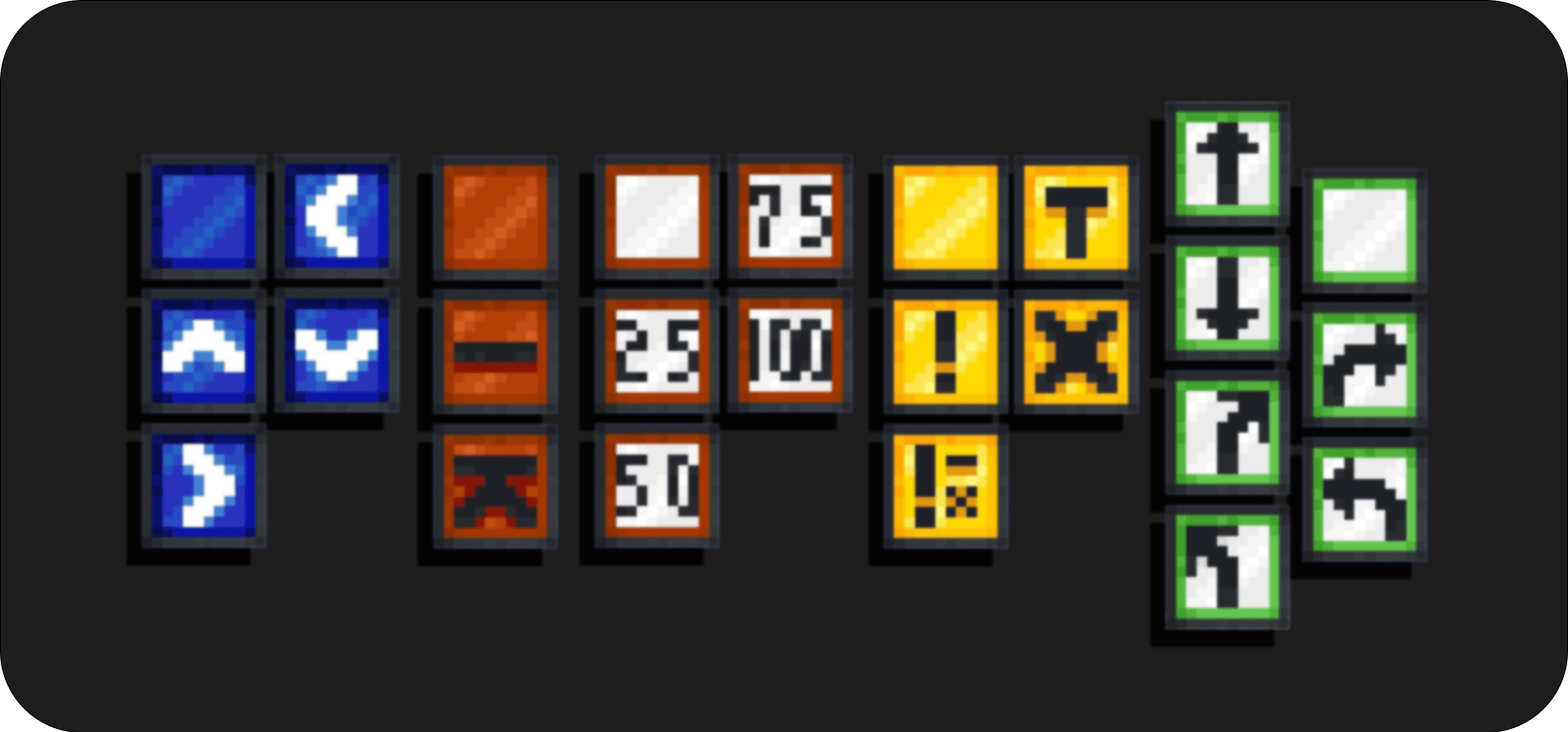
교통 표지판 :
기차 선로를 장식하고 사고를 피하세요!
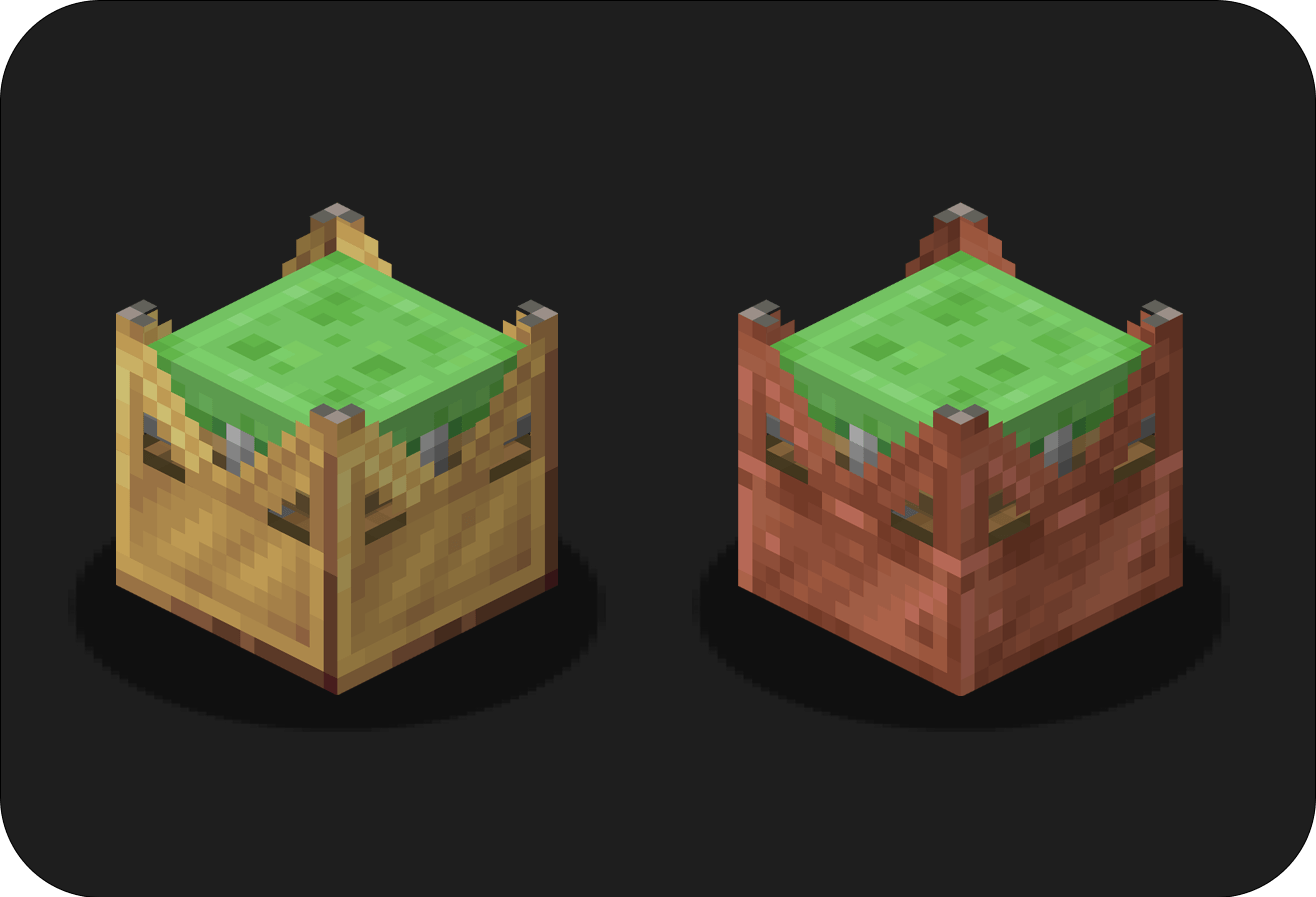
끈적 발사기 :
토끼처럼 점프하세요! 스티커로 구리 발사기를 제작하고, 구리 발사기로 황동 발사기를 제작하세요!
기타 블록 :
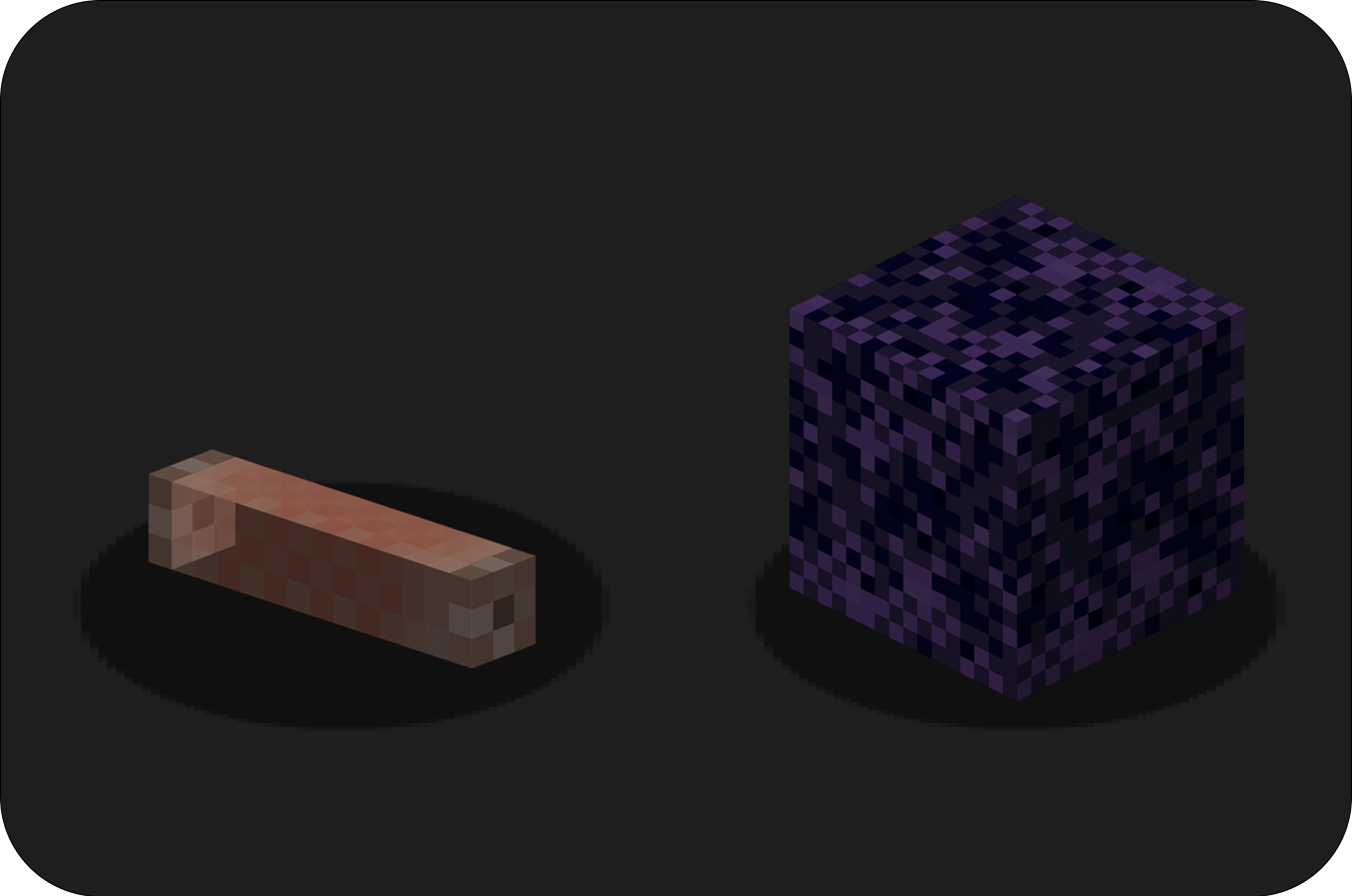
네온 튜브: 던질 수 있는 횃불로, 동굴을 탐험하고 건축물을 장식할 수 있습니다! 가루 흑요석 블록: 다이아몬드 삽으로 부술 수 있어 함정에 완벽합니다!
기타 아이템 :
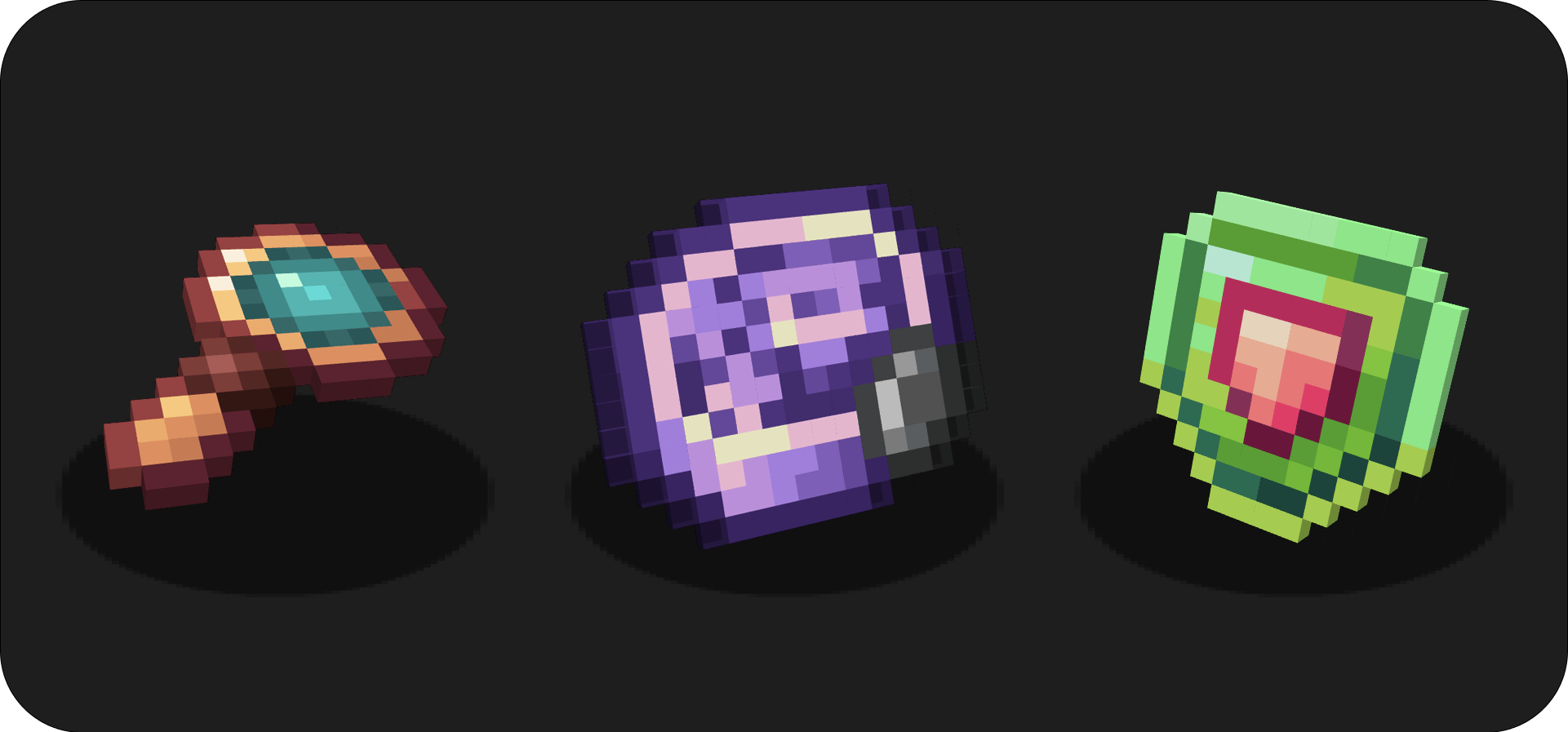
으깬 마그마: 좋은 연료원으로, 아이템 12개를 조리합니다. 슬라임 죽: 슬라임에 이것을 우클릭하면 슬라임이 자라납니다. 휴대용 호루라기: 역무원에게 필요한 물건입니다!
돋보기:
카드를 보조 손에 들고 돋보기를 사용하면 카드의 스크립트를 볼 수 있습니다.
진동 메커니즘:
새 아이템의 제작에 사용됩니다.
수선 룬:
수선 마법이 부여된 모든 아이템을 수리합니다. 수선 룬은 아이템을 수리하기 위해 경험치 바에서 경험치를 가져갑니다.
건축 블록 :
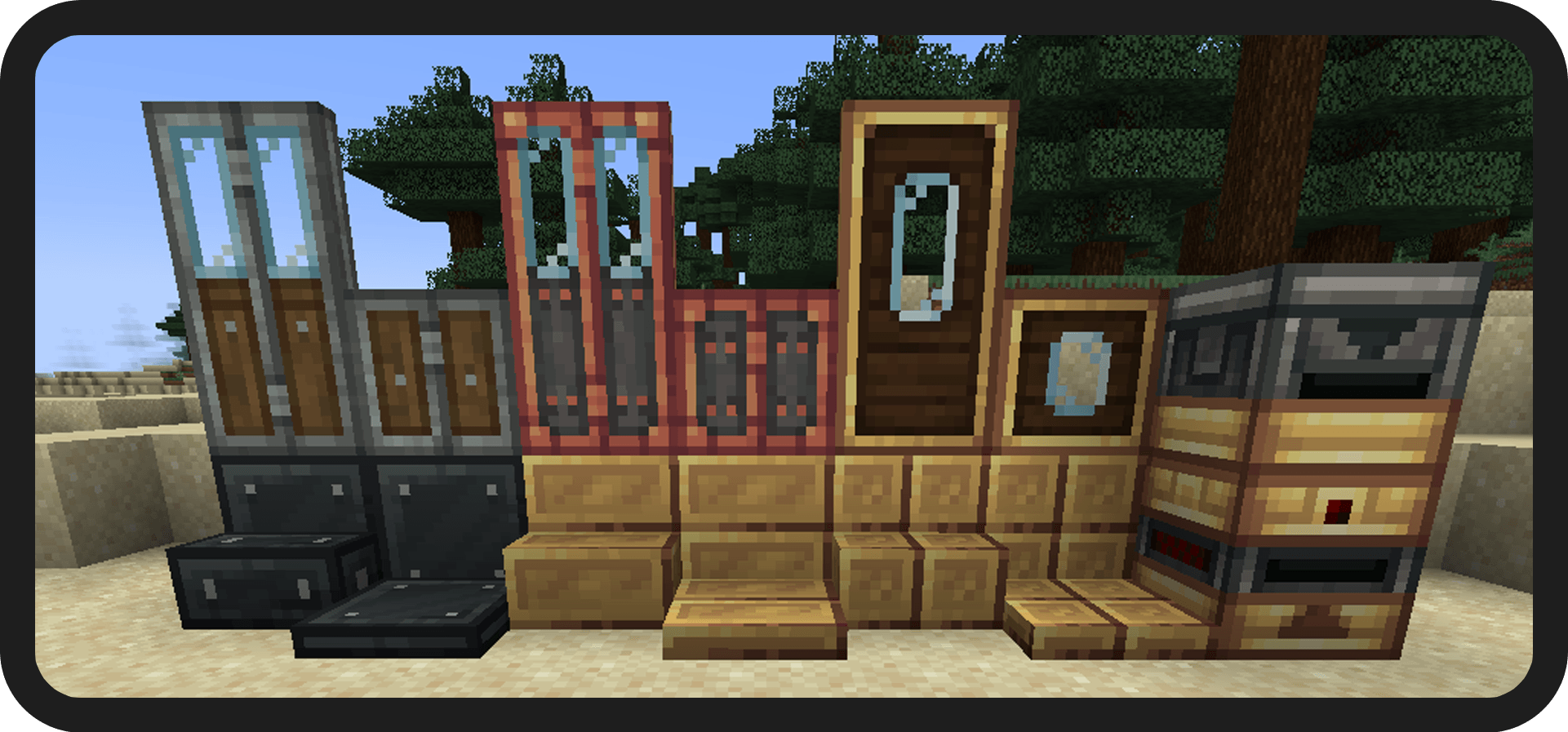
이 모드를 자신의 모드팩에 넣어도 됩니다.
모든 제작법을 보려면 jei를 설치하세요.
질문이 있나요? 디스코드에 참여하세요!
아이콘 제작: Facu
이 저작물은 CC BY-ND 4.0에 따라 라이선스가 부여됩니다
==== 후원 ====

Create : Misc & Things 설치 방법
With Millida Launcher
Install Millida Launcher
The launcher is free: download it at millida.net/launcher and sign in with any nickname.
Click “Install” on this page
The launcher opens and installs the mod for Minecraft 1.19.2–1.21.1 on Forge or NeoForge automatically.
Launch the game
A profile with it appears in the launcher: click “Play”.
Manually
Install Forge or NeoForge
The loader must match the game version of the mod file, for example Minecraft 1.21.1. After installing it, a separate profile appears in your launcher.
Download the file for your version
In the version list above, pick the file create_things_and_misc-4.1.1-neoforge-1.21.1.jar (1.0 MB) for your game version and loader.
Put it in the mods folder
The folder is inside .minecraft (Windows: %appdata%\.minecraft\mods). If it does not exist, create it.
Launch the loader profile
Open “Mods” in the main menu: Create : Misc & Things should be in the list.
Minecraft 1.21.1 runs on Java 21: with a different Java version the game may close right after launch.
버전
의존성 포함
| Minecraft | 로더 | 파일 | 날짜 | 작업 |
|---|---|---|---|---|
| 1.21.1 | NeoForge | [1.21.1] Create Misc and Things 4.1.11 MB 191 | ||
| 1.20.1 | Forge | [1.20.1] Create Misc and Things 4.11014 KB 61 | ||
| 1.19.2 | Forge | "create_misc_and_things_1.19.2_2.0865 KB 7 | ||
| 1.19.2 | Forge | UNSTABLE create_misc_and_things_1.19.2_1.1B814 KB |
FAQ
Which Minecraft versions does Create : Misc & Things work on?
There are files for 1.21.1, 1.20.1, 1.19.2. The newest is 1.21.1.
Is Create : Misc & Things for Forge or Fabric?
There are files for Forge: 1.19.2–1.20.1 and for NeoForge: 1.21.1. There are no files for Fabric: a mod for another loader will not start.
Does Create : Misc & Things need other mods?
The author lists no required dependencies: the Forge or NeoForge loader is enough.
Which Java does Create : Misc & Things need?
Minecraft 1.21.1 runs on Java 21. If the game closes right after launch, the usual cause is the wrong Java version in the profile settings.
How do I download Create : Misc & Things?
With Millida Launcher: it installs Create : Misc & Things into a modpack by itself, for the right game version and loader. The launcher is free.
리뷰
Create : Misc & Things의 첫 평가를 남겨 보세요


