

 NeoForge
 Forge
ForgeCreate Confectionery 모드 정보
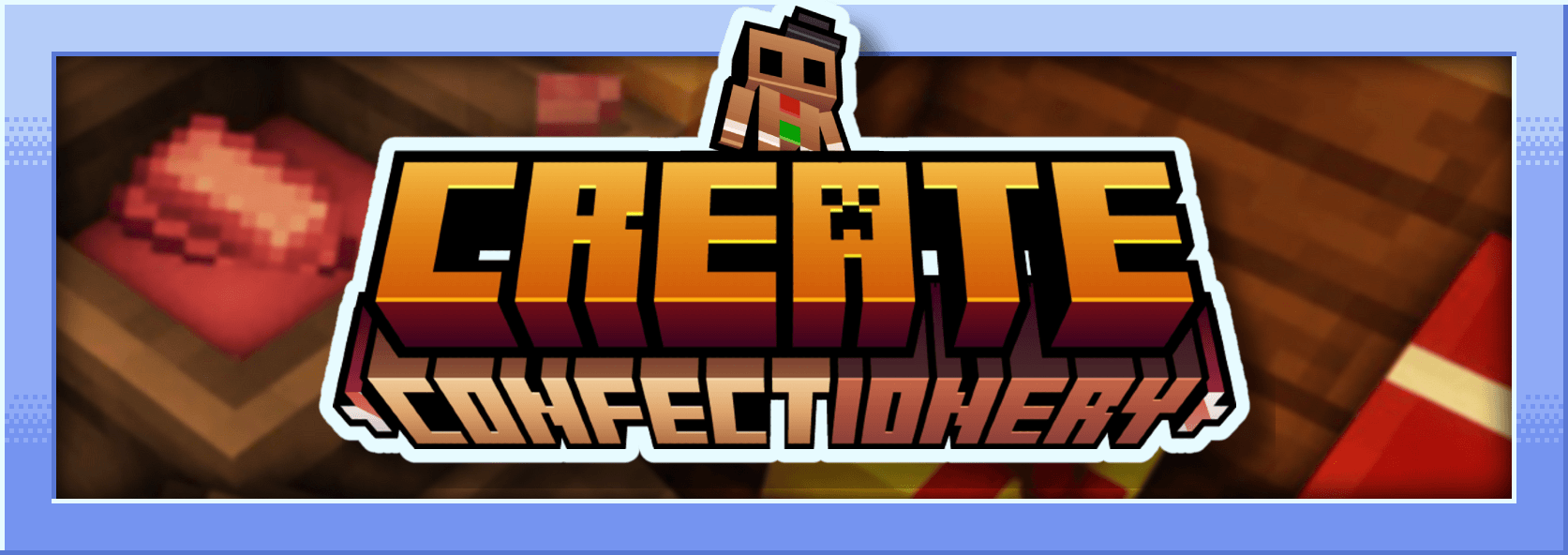
이 모드는 Create의 애드온으로, 다양한 재료로 만든 음식을 추가합니다. 분쇄한 코코아, 코코아 버터, 코코아 파우더, 화이트 초콜릿, 블랙 초콜릿, 캐러멜, 초콜릿 캔디, 마시멜로 등을 추가합니다...
저는 프랑스인이며 이 모드는 Mcreator로 만들었습니다
모드 설명 :
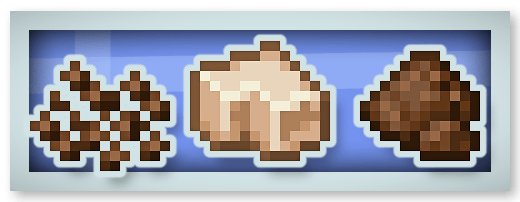
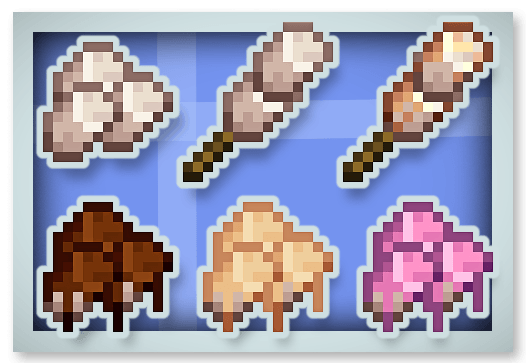
분쇄한 코코아, 코코아 버터, 코코아 파우더 :
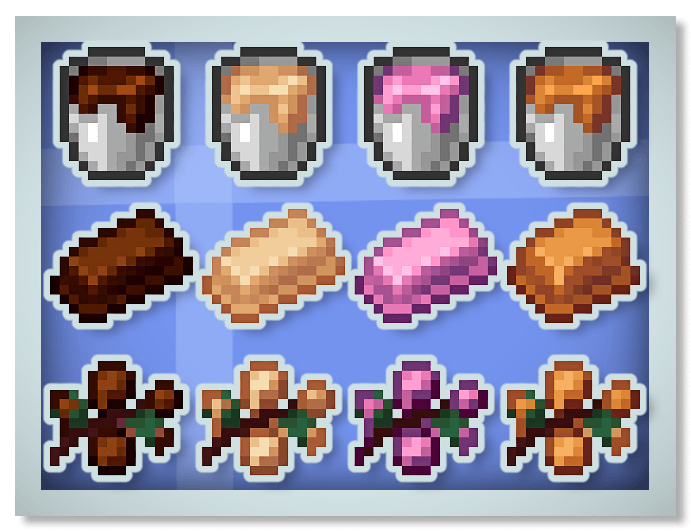
새로운 초콜릿 (블랙, 화이트, 루비 초콜릿)과 캐러멜 :
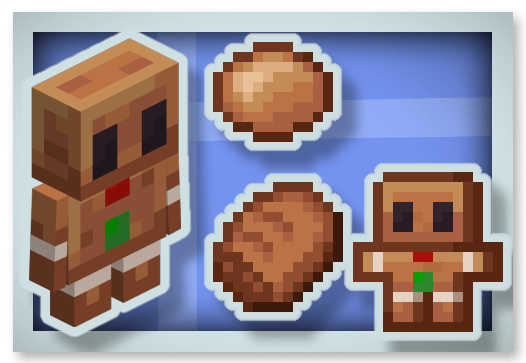
진저브레드 :
마시멜로 :
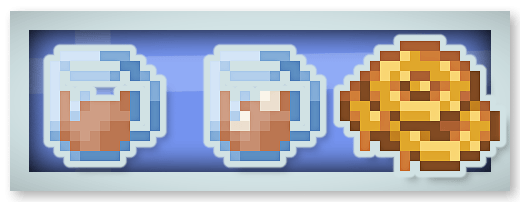
핫 초콜릿 (재생 효과 부여)과 허니 캔디 :
풀 초콜릿 바 (16번 먹을 수 있으며 Chocolated 효과 부여) :
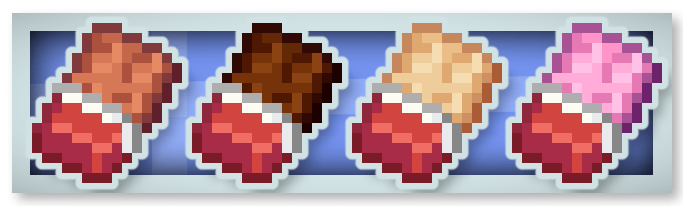
초콜릿 캔디 :
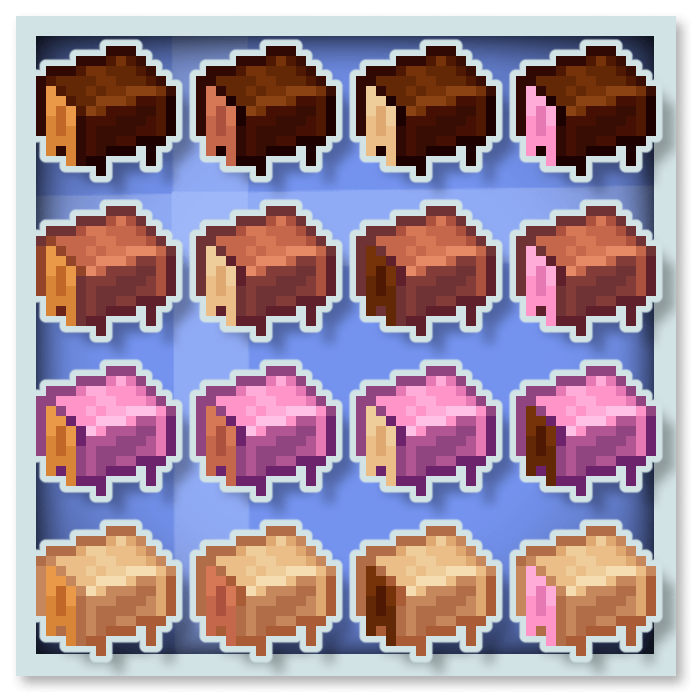
초콜릿은 Stimulation (채굴 피로와 감속 효과 제거), Rest (주변의 팬텀 제거), 포화, 속도 같은 특별한 효과를 부여합니다.
이 모드를 자신의 모드팩에 넣을 수 있습니다.
제 다른 모드들도 살펴보실 수 있습니다 :









Create Confectionery 설치 방법
With Millida Launcher
Install Millida Launcher
The launcher is free: download it at millida.net/launcher and sign in with any nickname.
Click “Install” on this page
The launcher opens and installs the mod for Minecraft 1.20.1–1.21.1 on Forge or NeoForge automatically.
Launch the game
A profile with it appears in the launcher: click “Play”.
Manually
Install Forge or NeoForge
The loader must match the game version of the mod file, for example Minecraft 1.21.1. After installing it, a separate profile appears in your launcher.
Download the file for your version
In the version list above, pick the file create-confectionery1.21.1_v1.1.3b.jar (2.0 MB) for your game version and loader.
Put it in the mods folder
The folder is inside .minecraft (Windows: %appdata%\.minecraft\mods). If it does not exist, create it.
Launch the loader profile
Open “Mods” in the main menu: Create Confectionery should be in the list.
Minecraft 1.21.1 runs on Java 21: with a different Java version the game may close right after launch.
버전
의존성 포함
| Minecraft | 로더 | 파일 | 날짜 | 작업 |
|---|---|---|---|---|
| 1.21.1 | NeoForge | create-confectionery1.21.1_v1.1.3b.jar2 MB 137 | ||
| 1.20.1 | Forge | create-confectionery1.20.1_v1.1.3.jar2 MB 55 |
FAQ
Which Minecraft versions does Create Confectionery work on?
There are files for 1.21.1, 1.20.1. The newest is 1.21.1.
Is Create Confectionery for Forge or Fabric?
There are files for Forge: 1.20.1 and for NeoForge: 1.21.1. There are no files for Fabric: a mod for another loader will not start.
Does Create Confectionery need other mods?
The author lists no required dependencies: the Forge or NeoForge loader is enough.
Which Java does Create Confectionery need?
Minecraft 1.21.1 runs on Java 21. If the game closes right after launch, the usual cause is the wrong Java version in the profile settings.
Where can I download Create Confectionery safely?
On this page: the file create-confectionery1.21.1_v1.1.3b.jar (2.0 MB) is stored on Millida’s server, with no link shorteners. SHA-1 checksum: 47e235efa862c5cbea53fdf8346d4c499674defa.
리뷰
Create Confectionery의 첫 평가를 남겨 보세요


