

Minecraft 1.20.1, 1.21.1용 Create: Bitterballen 모드
Create: Bitterballen은 네덜란드 간식을 추가하는 Create용 애드온입니다.
 NeoForge
 Fabric
 Forge
ForgeCreate: Bitterballen
Is an addon for Create that adds Dutch snacks.
Content:
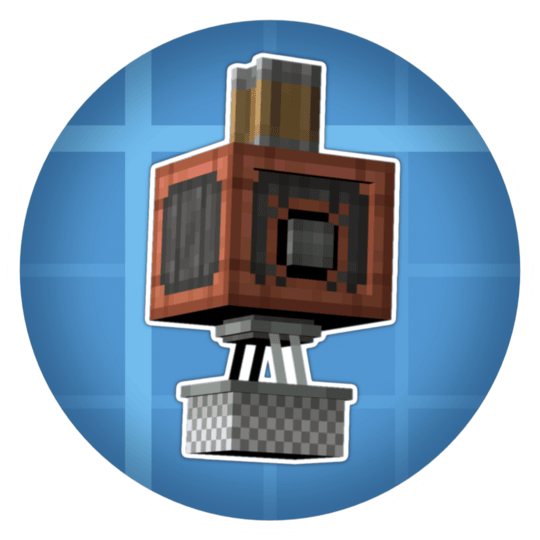
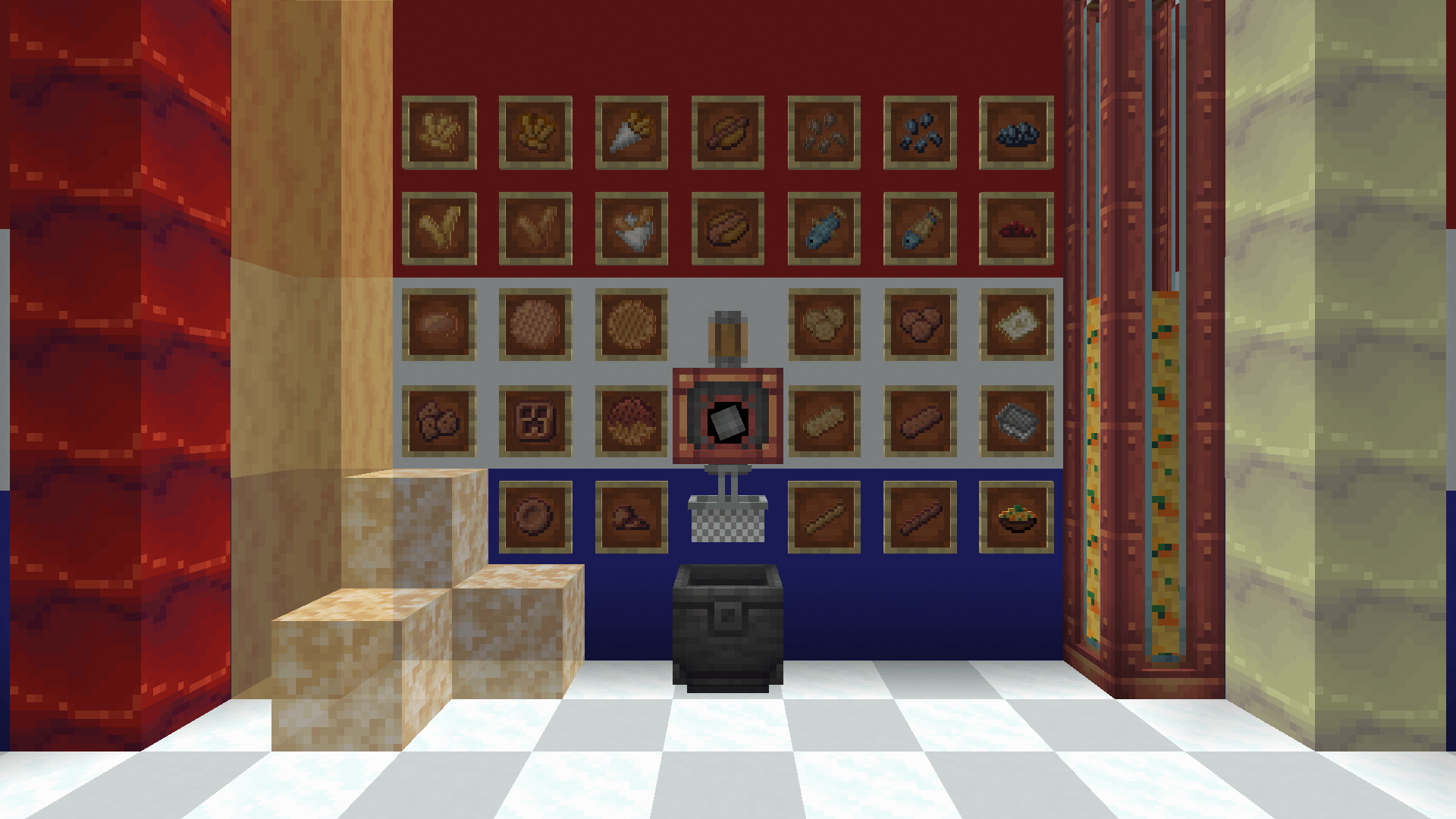
- Mechanical Fryer
- Frying Oil
- Crystallised Oil
- Stroopwafels
- Oliebollen
- Kroketten
- Bitterballen
- Frikandellen
- Fries
- Stamppot
- Sunflower Seeds
- Churros
- And More!
FAQ:
What are Bitterballen?

"Bitterballen are a Dutch meat-based snack, made by making a very thick stew thickened with roux and beef stock and generously loaded with meat"
When version 1.xx?
We're currently only on 1.21.1, 1.20.1 and 1.19.2 (only 1.21.1 actively supported). No plans for downgraded versions.
Why is the mod ID "create_bic_bit"?
This mod used to be called "Create: Bicycles and Bitterballen" but that's no longer the case because the bicycle part of the addon got scrapped.
Dependencies:
Create
Recommended:
Jade
JEI
AppleSkin
This mod was made with Modified assets from the Create Mod under the MIT License.

Create: Bitterballen 설치 방법
With Millida Launcher
Install Millida Launcher
The launcher is free: download it at millida.net/launcher and sign in with any nickname.
Click “Install” on this page
The launcher opens and installs the mod for Minecraft 1.20.1–1.21.1 on Fabric, Forge or NeoForge automatically, together with its dependencies: Create, Dependency.
Launch the game
A profile with it appears in the launcher: click “Play”.
Manually
Install Fabric, Forge or NeoForge
The loader must match the game version of the mod file, for example Minecraft 1.21.1. After installing it, a separate profile appears in your launcher.
Download the file for your version
In the version list above, pick the file create_bitterballen+1.21.1-1.0.4.jar (387 KB) for your game version and loader.
Put it in the mods folder
The folder is inside .minecraft (Windows: %appdata%\.minecraft\mods). If it does not exist, create it. Required dependencies go there too: Create, Dependency.
Launch the loader profile
Open “Mods” in the main menu: Create: Bitterballen should be in the list.
On a server
A server on Fabric, Forge or NeoForge
The mod only works on a server with the same loader and game version, for example 1.21.1.
File goes into the server’s mods folder
Stop the server, put the mod file into the mods folder and start the server again.
Use the “To server” button
On Millida Hosting, the button at the top of the page uploads the file to your server and restarts it for you.
Minecraft 1.21.1 runs on Java 21: with a different Java version the game may close right after launch.
버전
의존성 포함
| Minecraft | 로더 | 파일 | 날짜 | 작업 |
|---|---|---|---|---|
| 1.21.1 | NeoForge | 1.21.1387 KB 1 | ||
| 1.20.1 | Fabric | 1.20.1410 KB | ||
| 1.20.1 | Forge | 1.20.1395 KB | ||
| 1.21.1 | NeoForge | 1.21.1387 KB | ||
| 1.21.1 | NeoForge | 1.21.1387 KB | ||
| 1.20.1 | Forge | 1.20.1394 KB | ||
| 1.20.1 | Forge | 1.20.1394 KB | ||
| 1.21.1 | NeoForge | 1.21.1387 KB |
실행에 필요한 것
- Create필수
- Dependency필수
리뷰
Create: Bitterballen의 첫 평가를 남겨 보세요


