
Minecraft 1.20.1, 1.21.1용 Complicated Bees 모드
벌 - 하지만 복잡합니다. 돌연변이, 교배, 유전학! 거의 전부 데이터 기반이며 모드팩 친화적입니다.
 NeoForge
 Forge
ForgeComplicated Bees 모드 정보
Do you wish bees were more complicated? Do you miss features (that a certain much older mod had) that certain modern bee resource mods don't have, like actual diploid genetics? Do you really want to keep reading these rhetorical questions?
Find bees in the world, domesticate them, and crossbreed them to generate infinite resources - honey, mob drops, even ore resources like diamonds and netherite! This mod is also extremely configurable - almost everything in the mod can be configured and changed; add new bee species, combs, recipes, and more with a datapack - no extra addon mods required!
JEI is HIGHLY recommended to see recipes, mutations, and bee products. Patchouli is also recommended to enable an in-game guide to the mod.
Features
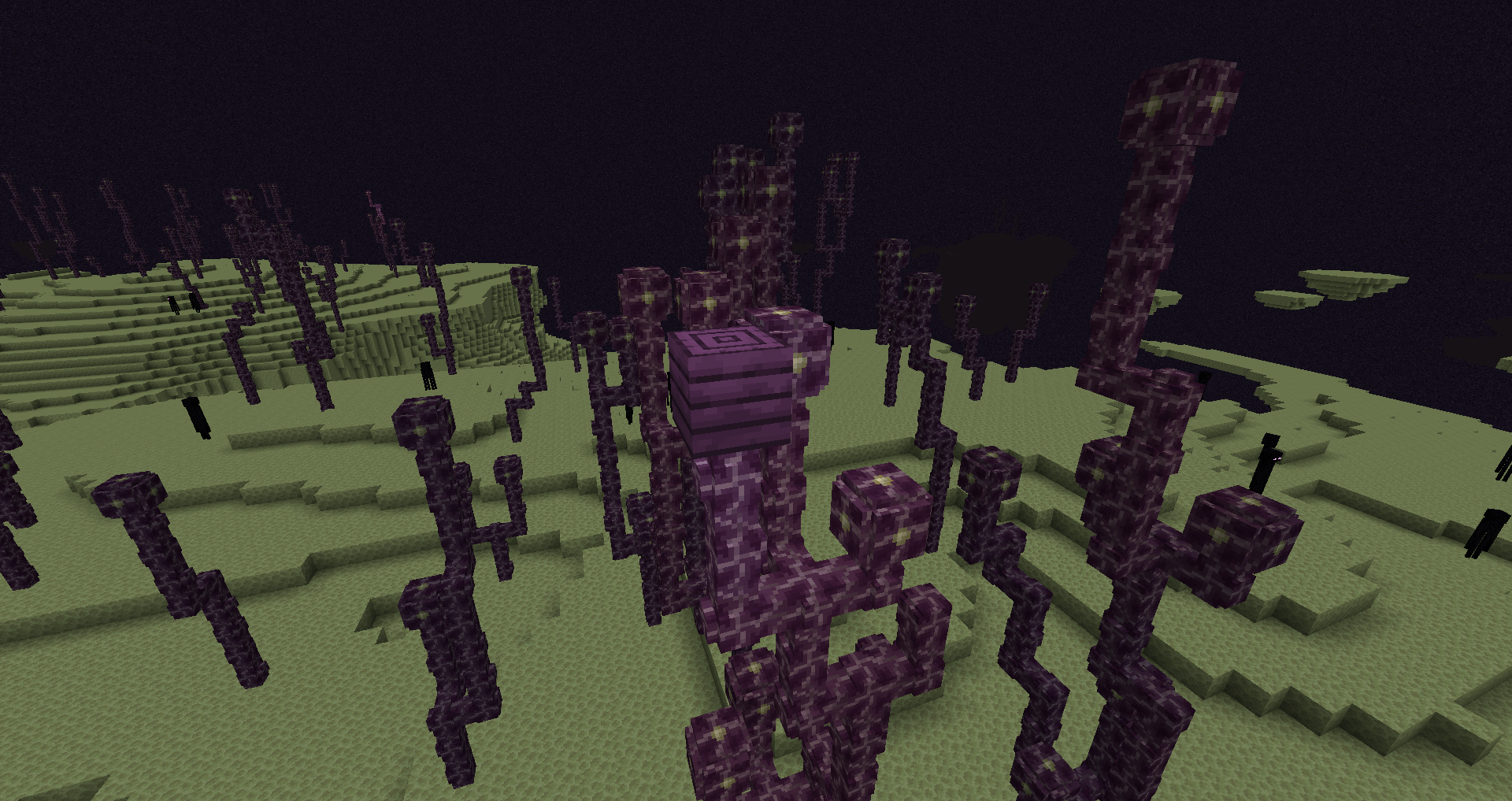
- Bees!
- Genetics!
- Tools and armor!
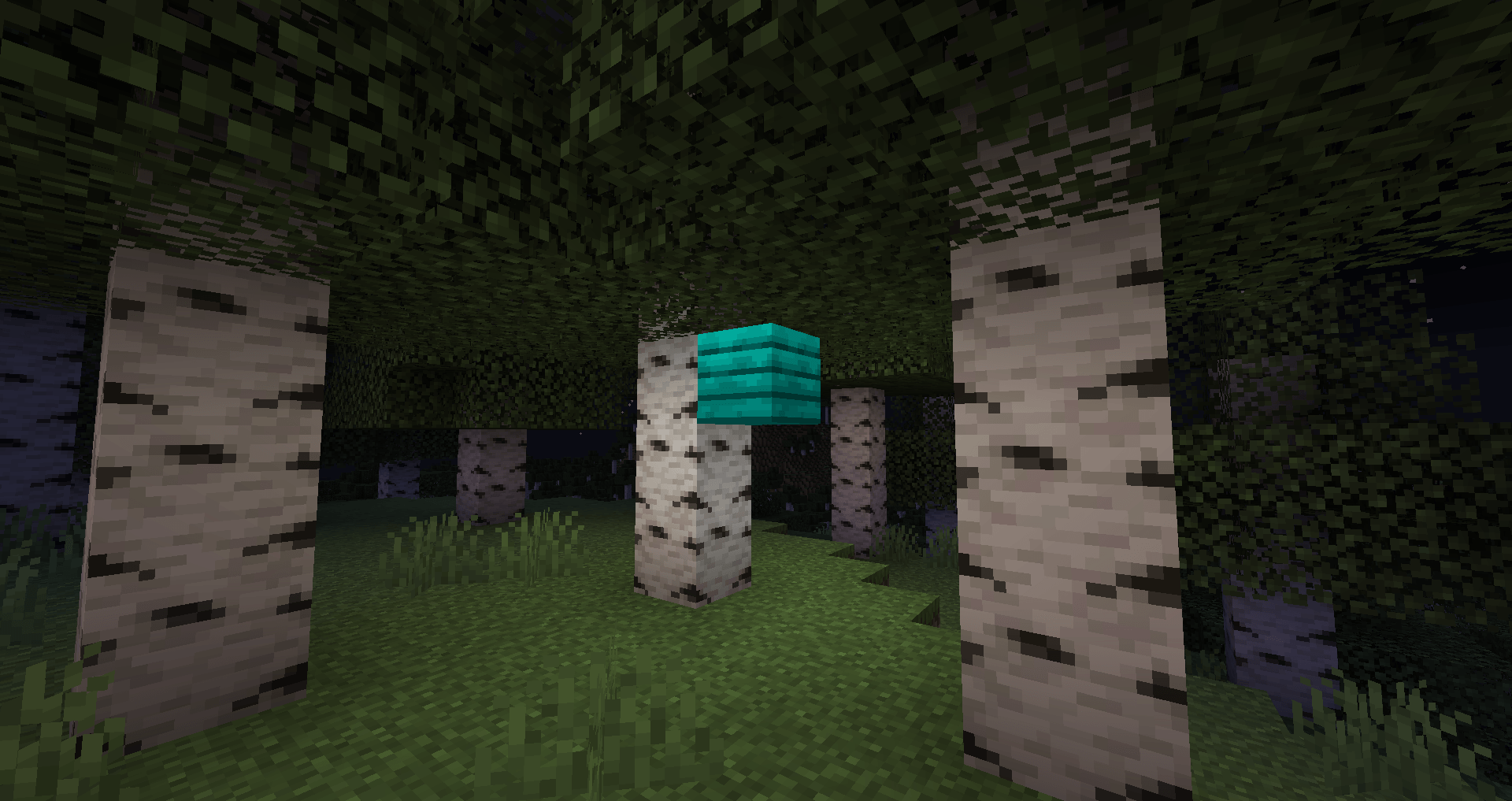
- Building blocks!
- Foods!
- A full wiki explaining how to use the mod as well as how to configure the mod using datapacks!
- If Patchouli is installed, a fully complete guidebook to explain the mod in-game!
Credits
- ACCBDD for all original code
- SirSengir for the mod that inspired this one (+ some textures)
- Abbie5 for the EMI integration
Complicated Bees 설치 방법
With Millida Launcher
Install Millida Launcher
The launcher is free: download it at millida.net/launcher and sign in with any nickname.
Click “Install” on this page
The launcher opens and installs the mod for Minecraft 1.20.1–1.21.1 on Forge or NeoForge automatically.
Launch the game
A profile with it appears in the launcher: click “Play”.
Manually
Install Forge or NeoForge
The loader must match the game version of the mod file, for example Minecraft 1.21.1. After installing it, a separate profile appears in your launcher.
Download the file for your version
In the version list above, pick the file complicated_bees-1.21.1-3.6.1.jar (1.6 MB) for your game version and loader.
Put it in the mods folder
The folder is inside .minecraft (Windows: %appdata%\.minecraft\mods). If it does not exist, create it.
Launch the loader profile
Open “Mods” in the main menu: Complicated Bees should be in the list.
Minecraft 1.21.1 runs on Java 21: with a different Java version the game may close right after launch.
버전
의존성 포함
| Minecraft | 로더 | 파일 | 날짜 | 작업 |
|---|---|---|---|---|
| 1.21.1 | NeoForge | v1.21.1-3.6.11.6 MB | ||
| 1.20.1 | Forge | v1.20.1-3.4.61.7 MB 1 |
FAQ
Which Minecraft versions does Complicated Bees work on?
There are files for 1.21.1, 1.20.1. The newest is 1.21.1.
Is Complicated Bees for Forge or Fabric?
There are files for Forge: 1.20.1 and for NeoForge: 1.21.1. There are no files for Fabric: a mod for another loader will not start.
Does Complicated Bees need other mods?
The author lists no required dependencies: the Forge or NeoForge loader is enough.
Which Java does Complicated Bees need?
Minecraft 1.21.1 runs on Java 21. If the game closes right after launch, the usual cause is the wrong Java version in the profile settings.
Where can I download Complicated Bees safely?
On this page: the file complicated_bees-1.21.1-3.6.1.jar (1.6 MB) is stored on Millida’s server, with no link shorteners. SHA-1 checksum: dce4ccd1a141e87e9d8007271fdeeca6ed803f85.
리뷰
Complicated Bees의 첫 평가를 남겨 보세요


