

Minecraft 1.20.1, 1.21.1용 Clockwork 모드
Clockwork는 다양한 기계 도구와 유틸리티를 추가합니다
 Fabric
 NeoForge
 Forge
ForgeClockwork 모드 정보
Support us on

For previews and early access to new content!
Clockwork adds a range of unique mechanical trinkets and tools based on the style of technology from the Arcane series! This project was developed for the 2025 Modjam! Fabric port & 1.21.1 port are both planned.
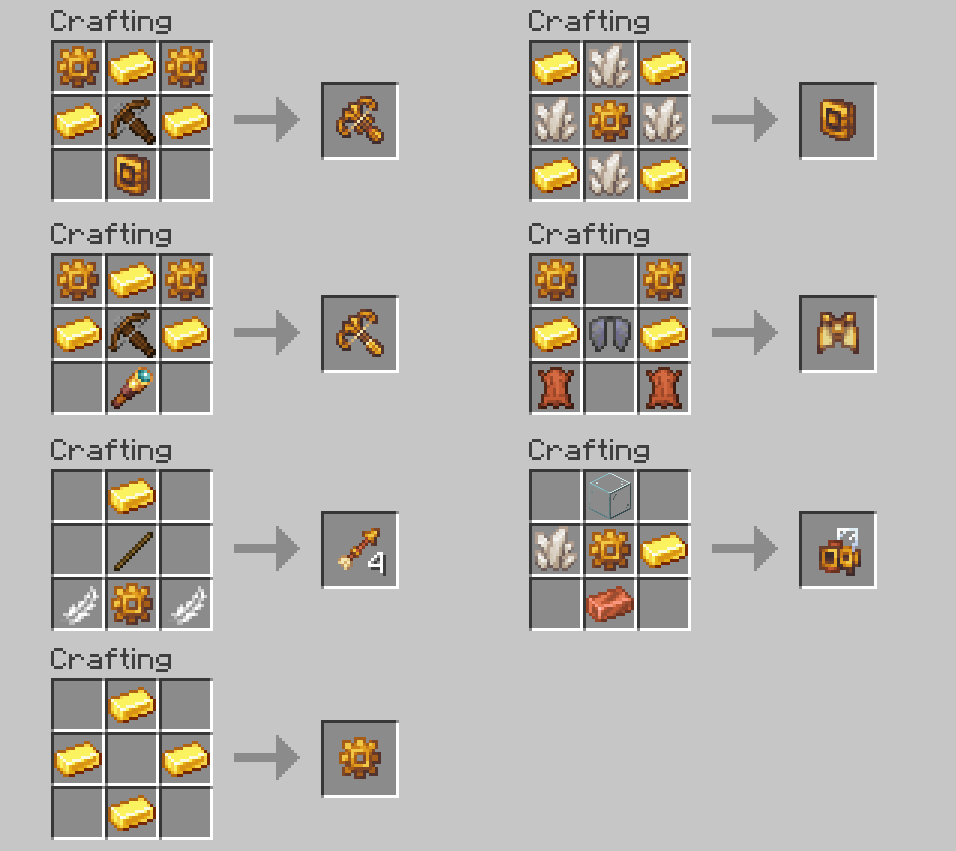
Content:
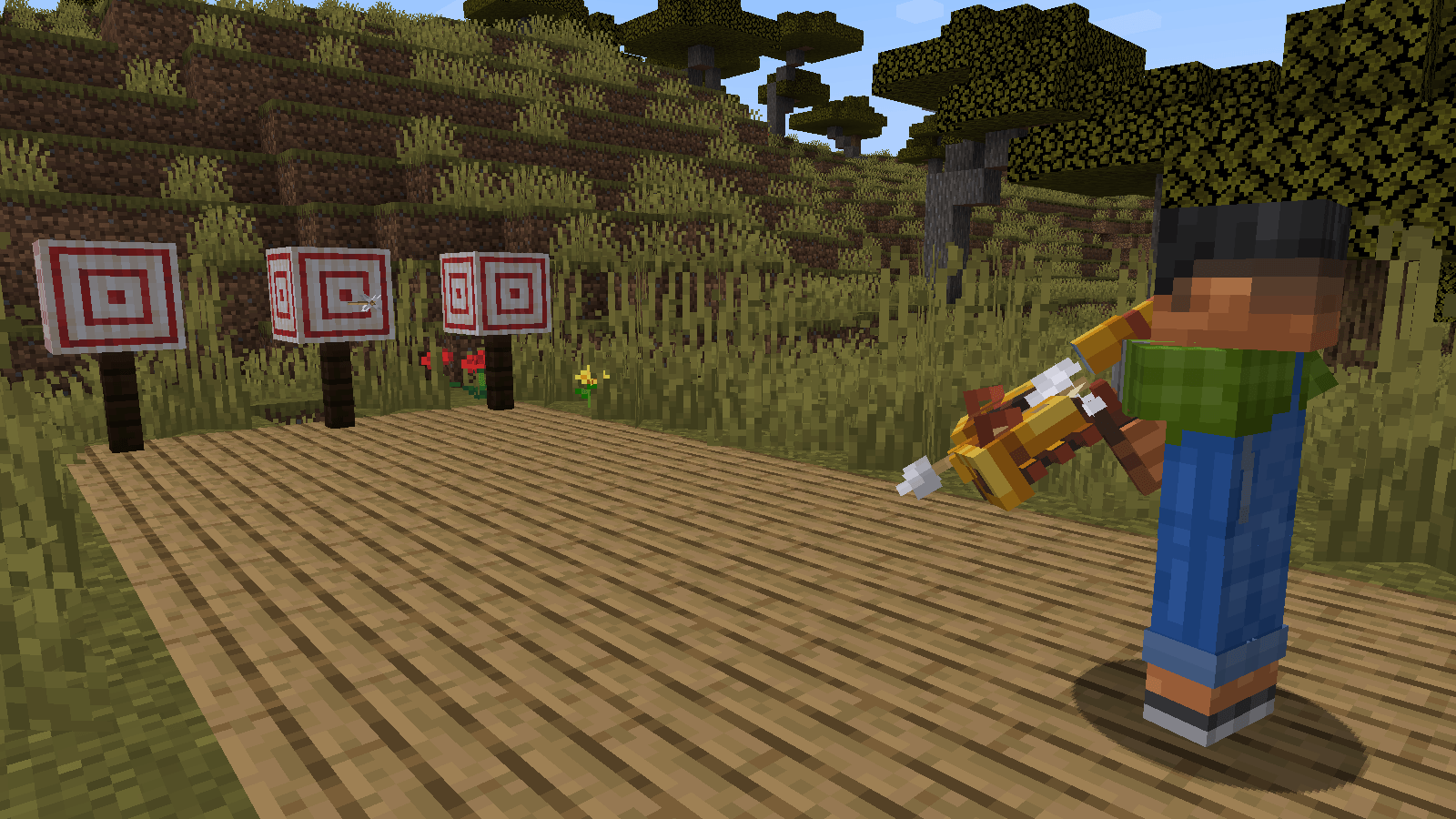
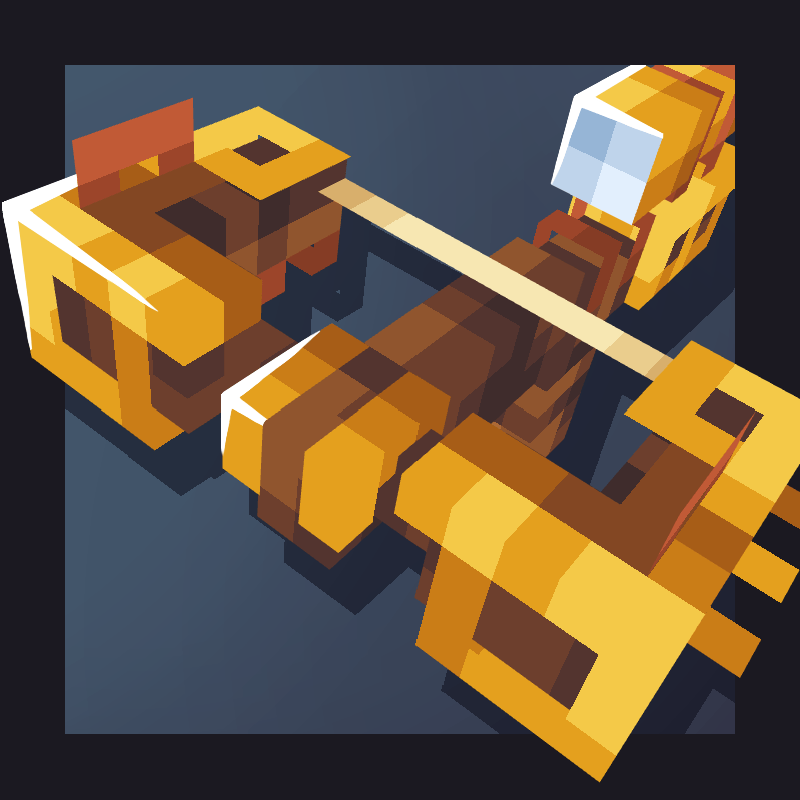
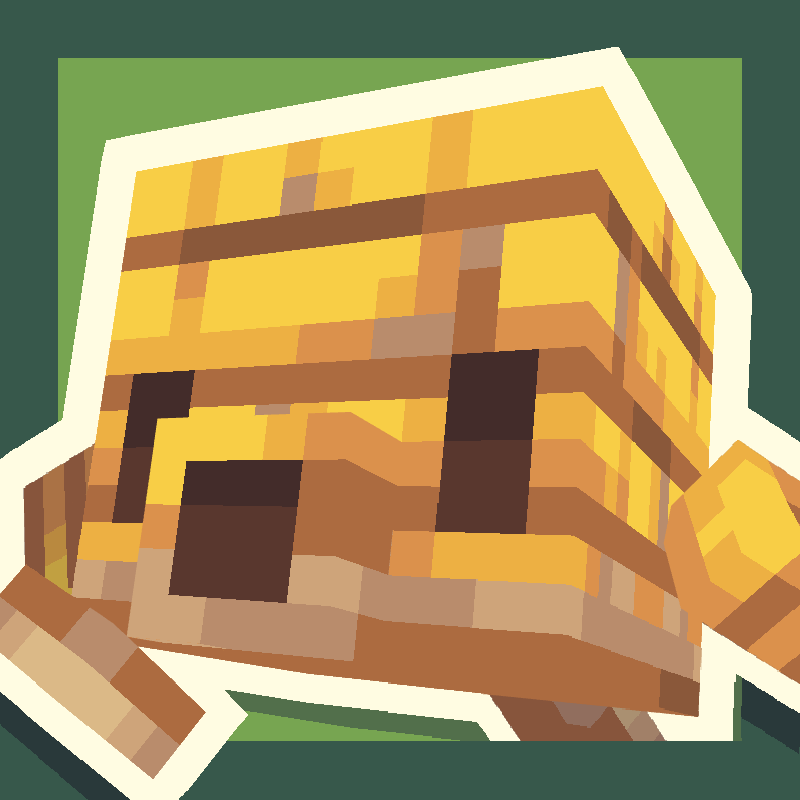
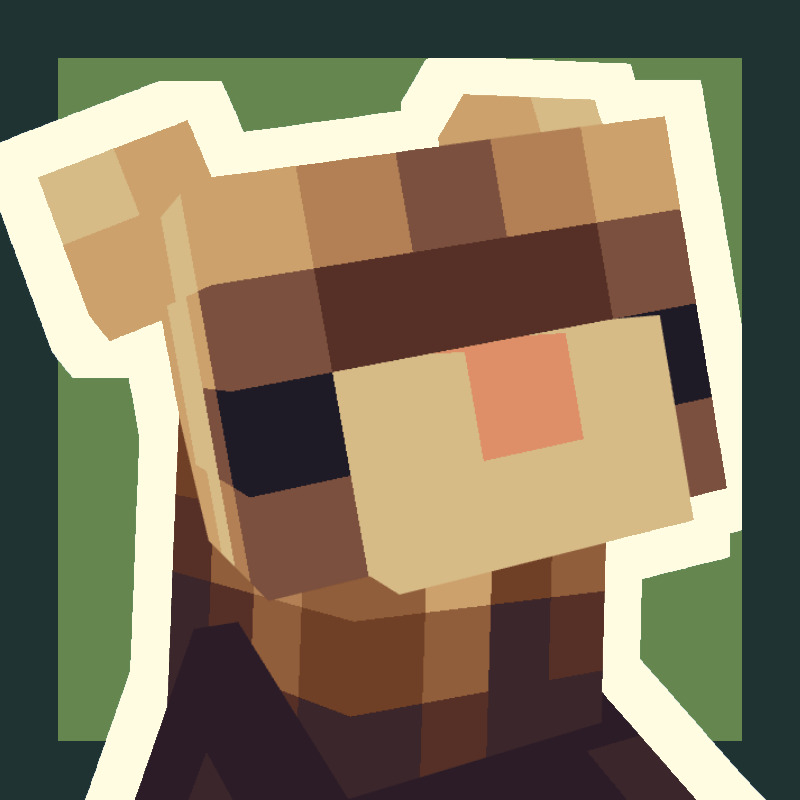
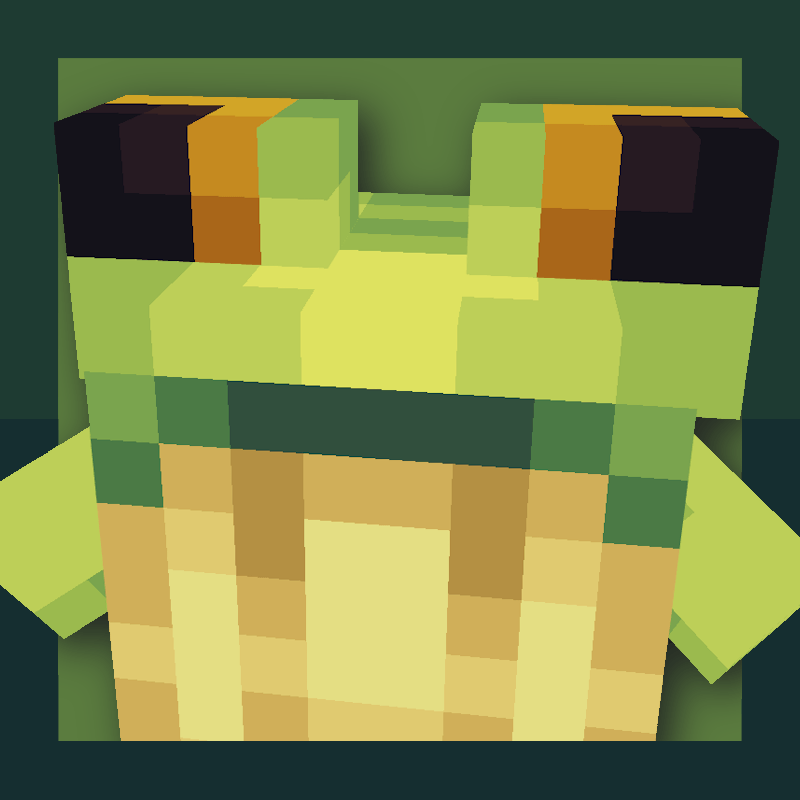
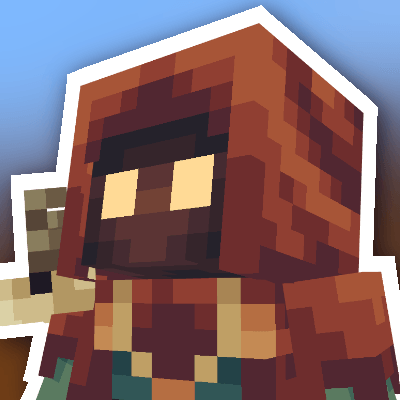
Clockwork dragonfly: The broken clockwork dragonfly can be found in pillager outposts, and repaired with clockwork gears. When tamed, the dragonfly can be ridden as a flying & walking mount. Clockwork crossbows: The crossbow has 2 variants - Scoped, and automatic. The scoped crossbow shoots arrows which travel faster and further, and is equipped with a spyglass for increased accuracy. The automatic crossbow comes with a barrel, which automatically reloads arrows at twice the speed, allowing for rapid fire! Potion sprayer: This item uses potions as ammo, just aim and right click to shoot a mist of potion droplets, only using a fraction of the potions duration! Clockwork arrow: A simple seeking arrow that tilts towards the closest mob to your crosshair when fired. Clockwork wings: An elytra variant with less gliding power, but a flap boost ability! Flamethrower: Reload with blaze powder and rain fire on your enemies! Clockwork drill: A helpful mining companion that can be toggled on/off, and collects items in its inventory. Also repaired with gears.
Josh/Joosh - Art xylonity - Programming
- Soul - - Sound design
Demimark - Sound design



Clockwork 설치 방법
With Millida Launcher
Install Millida Launcher
The launcher is free: download it at millida.net/launcher and sign in with any nickname.
Click “Install” on this page
The launcher opens and installs the mod for Minecraft 1.20–1.21.1 on Fabric, Forge or NeoForge automatically.
Launch the game
A profile with it appears in the launcher: click “Play”.
Manually
Install Fabric, Forge or NeoForge
The loader must match the game version of the mod file, for example Minecraft 1.21.1. After installing it, a separate profile appears in your launcher.
Download the file for your version
In the version list above, pick the file clockwork-fabric-1.21.1-1.1.5.jar (2.2 MB) for your game version and loader.
Put it in the mods folder
The folder is inside .minecraft (Windows: %appdata%\.minecraft\mods). If it does not exist, create it.
Launch the loader profile
Open “Mods” in the main menu: Clockwork should be in the list.
Minecraft 1.21.1 runs on Java 21: with a different Java version the game may close right after launch.
버전
의존성 포함
| Minecraft | 로더 | 파일 | 날짜 | 작업 |
|---|---|---|---|---|
| 1.21 | Fabric | [FABRIC] Clockwork 1.1.5-1.21.12.2 MB 1 | ||
| 1.21 | NeoForge | [NEOFORGE] Clockwork 1.1.5-1.21.12.2 MB 13 | ||
| 1.20.1 | Forge | [FORGE] Clockwork 1.1.6-1.20.12.2 MB 10 | ||
| 1.20.1 | Forge | [Forge] Clockwork Beta 1.0.0 for 1.20.11.1 MB |
FAQ
Which Minecraft versions does Clockwork work on?
There are files for 1.21.1, 1.21, 1.20.1, 1.20. The newest is 1.21.1.
Is Clockwork for Forge or Fabric?
There are files for Fabric: 1.21–1.21.1, for Forge: 1.20–1.20.1 and for NeoForge: 1.21–1.21.1.
Does Clockwork need other mods?
The author lists no required dependencies: the Fabric, Forge or NeoForge loader is enough.
Which Java does Clockwork need?
Minecraft 1.21.1 runs on Java 21. If the game closes right after launch, the usual cause is the wrong Java version in the profile settings.
Where can I download Clockwork safely?
On this page: the file clockwork-fabric-1.21.1-1.1.5.jar (2.2 MB) is stored on Millida’s server, with no link shorteners. SHA-1 checksum: 8276fb2dd88baff145e04d4f9f582352ecefca53.
리뷰
Clockwork의 첫 평가를 남겨 보세요


