
Minecraft 26.2용 Classic Pipes 모드
구버전 Buildcraft와 Logistics Pipes에서 영감을 받아 현대 마인크래프트의 스타일에 맞게 처음부터 제작한 아이템 및 유체 운송 모드입니다.
 NeoForge
 Forge
Forge Fabric
CLASSIC PIPES
For Fabric, NeoForge, and Forge
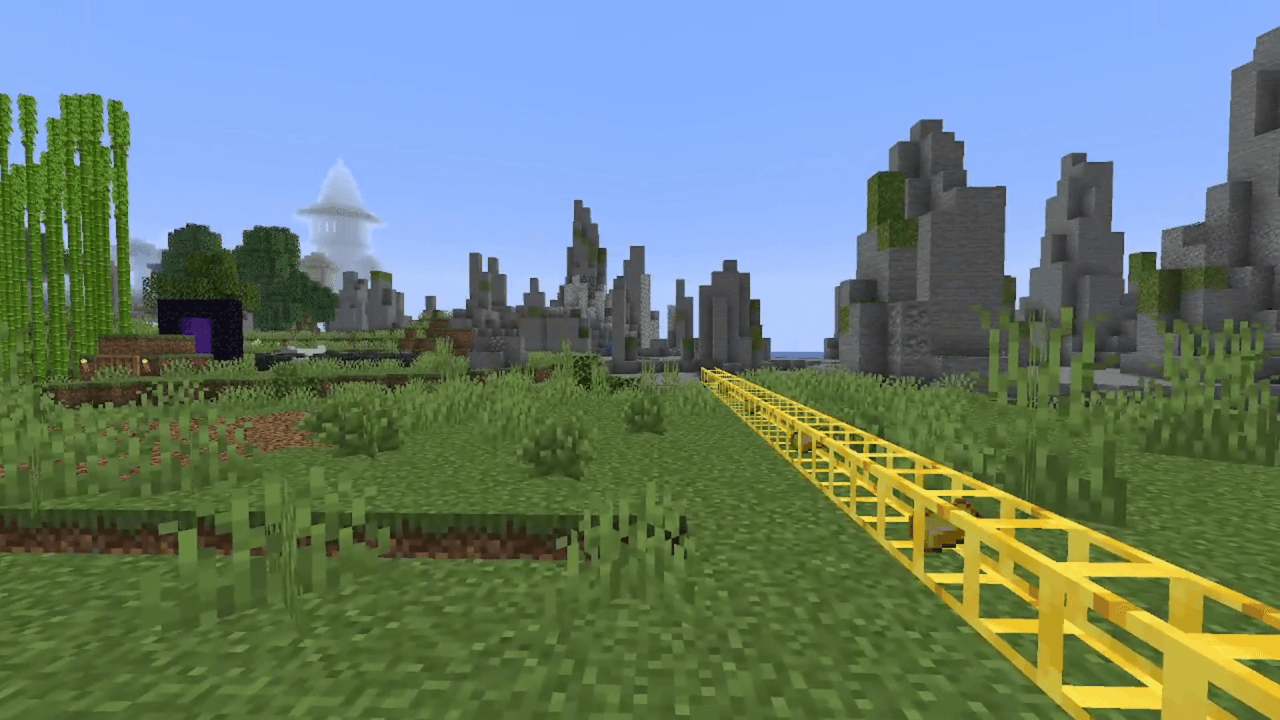
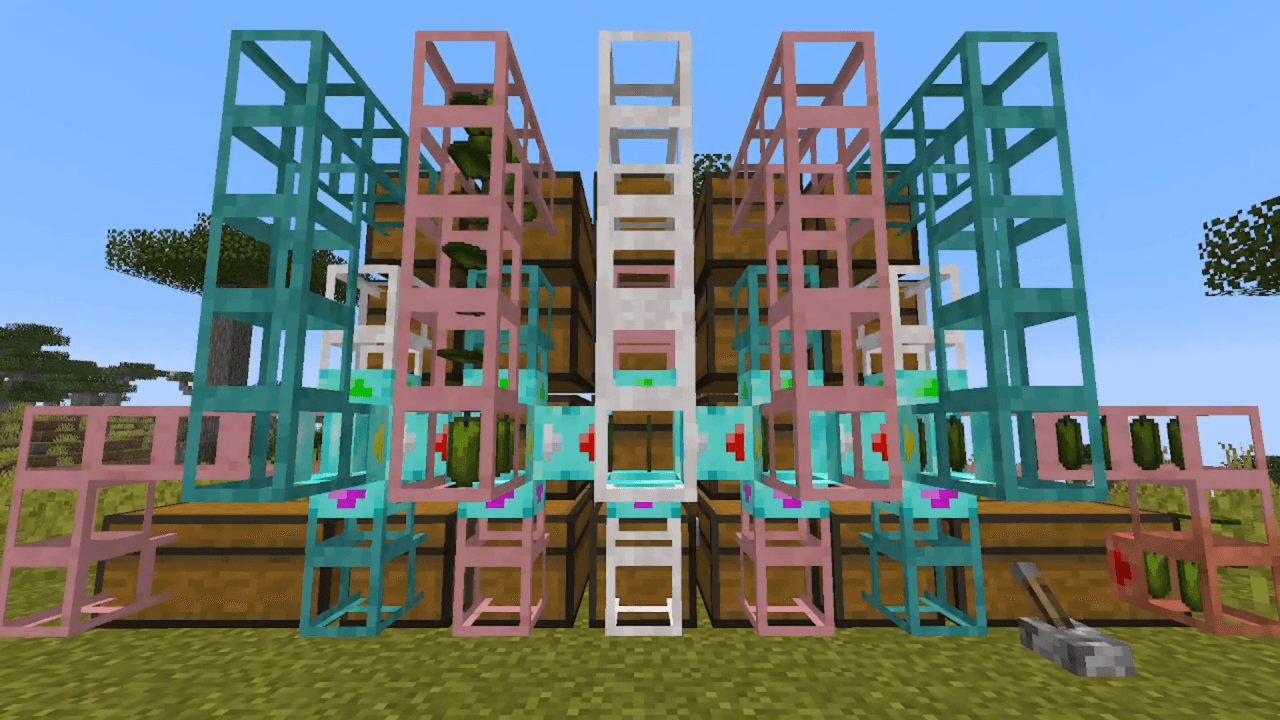
Welcome to Classic Pipes! This is an item and fluid transport mod inspired by old versions of Buildcraft and Logistics Pipes, built from scratch to stylistically match up with modern Minecraft. As well as adding basic item and fluid transport pipes, Classic Pipes also introduces a system of networked pipes that can be hooked up to your chests and machines to sort, fetch, and craft items automatically.
For information about getting started with this mod, see the above video tutorial or check out The Classic Pipes Wiki.
SPECIAL THANKS
- Buildcraft: SpaceToad and team
- Logistics Pipes: Krapht and team
- MultiLoader template: Jaredlll08 and contributors
- My beta testers: Tipsy, Sketti, and Charlie <3
- Translators:
- 简体中文 (Chinese, Simplified): Filmorae
- 繁體中文 (Chinese, Traditional): Filmorae
- Français (French): Jagm
- Italiano (Italian): Anonymous
- 日本語 (Japanese): Hamutaromaru
- Português brasileiro (Portuguese, Brazilian): pGabrielVP and PrincessStellar
- Русский (Russian): AstardGrimoire
- toki pona (Toki Pona): Jagm
If you'd like to help translate the mod to another language, please get in touch on Discord (jagm)! (Or submit a pull request on the Github if you know how to do that.)
NOTES
- This mod is available for Fabric, NeoForge, and Forge.
- You have permission to use this mod in mod packs. Refer to the license for other questions about distribution.
- The source code and issue tracker are available on Github. Please report any bugs or crashes!
Classic Pipes 설치 방법
With Millida Launcher
Install Millida Launcher
The launcher is free: download it at millida.net/launcher and sign in with any nickname.
Click “Install” on this page
The launcher opens and installs the mod for Minecraft 26.2 on Fabric, Forge or NeoForge automatically.
Launch the game
A profile with it appears in the launcher: click “Play”.
Manually
Install Fabric, Forge or NeoForge
The loader must match the game version of the mod file, for example Minecraft 26.2. After installing it, a separate profile appears in your launcher.
Download the file for your version
In the version list above, pick the file classicpipes-neoforge-26.2-1.1.7.jar (744 KB) for your game version and loader.
Put it in the mods folder
The folder is inside .minecraft (Windows: %appdata%\.minecraft\mods). If it does not exist, create it.
Launch the loader profile
Open “Mods” in the main menu: Classic Pipes should be in the list.
버전
의존성 포함
| Minecraft | 로더 | 파일 | 날짜 | 작업 |
|---|---|---|---|---|
| 26.2 | NeoForge | 1.1.7 for 26.2 NeoForge744 KB | ||
| 26.2 | Forge | 1.1.7 for 26.2 Forge742 KB 3 | ||
| 26.2 | Fabric | 1.1.7 for 26.2 Fabric760 KB 1 |
리뷰
Classic Pipes의 첫 평가를 남겨 보세요


