
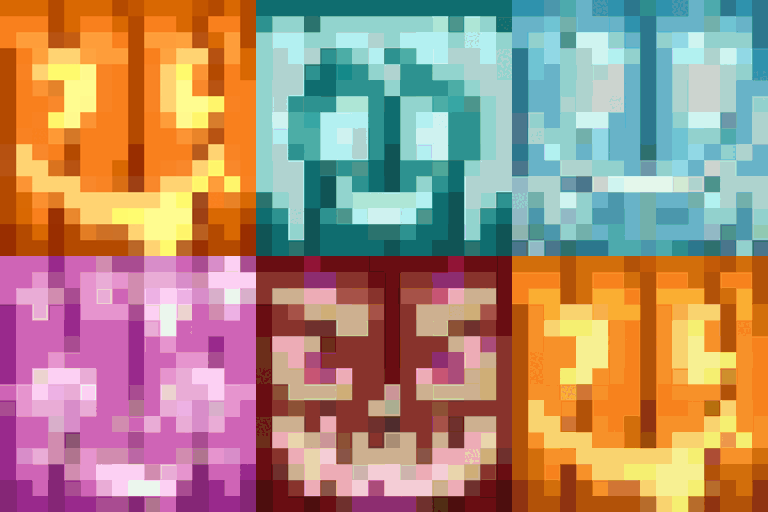
Minecraft 1.21.1용 Chroma Carvings 모드
색상 변형과 새로운 스타일의 호박, 조각된 호박, 잭 오 랜턴을 추가하며 이에 어울리는 눈 골렘도 함께 추가합니다
- 조회수
- 28 조회수
- 업데이트됨
- 업데이트됨 18.10.2026
- 1.21.1
 NeoForge
Chroma Carvings 모드 정보
Chroma Carvings는 색깔이 들어간 조각된 호박, 잭 오 랜턴, 그리고 이에 맞춘 눈 골렘을 추가해 Minecraft의 으스스한 시즌에 활기를 불어넣으며, 할로윈 테마 창작물이나 눈 덮인 풍경에 새로운 생명을 불어넣습니다.
기능
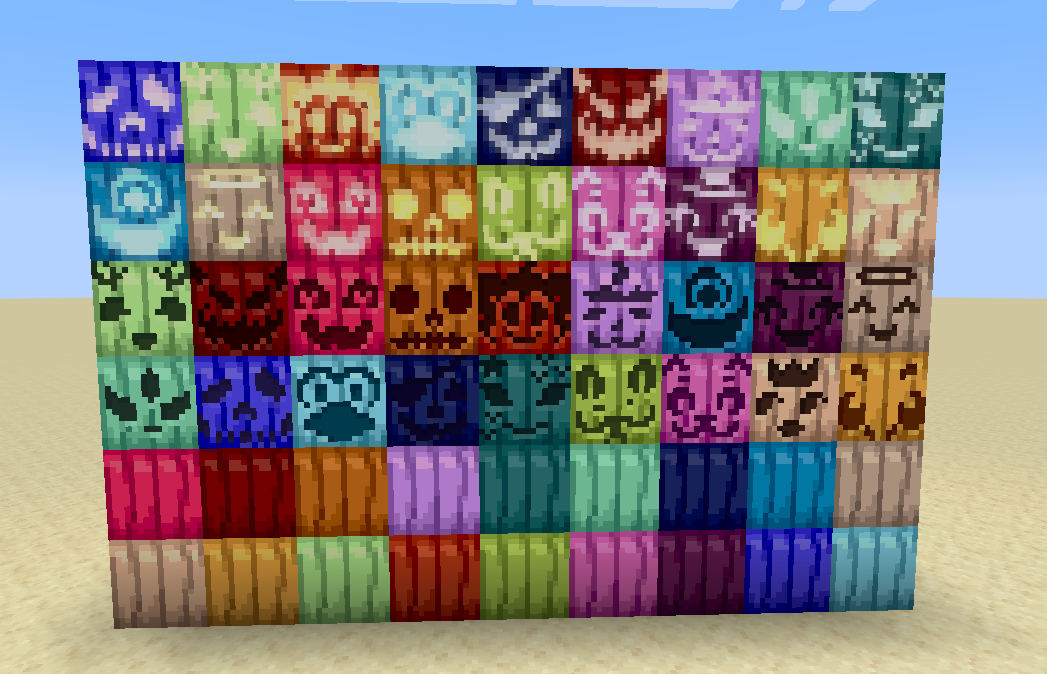
색깔이 들어간 조각된 호박
- 원하는 조각된 호박과 염료를 사용해 16가지 색상의 조각된 호박을 제작할 수 있습니다.
- 장식 블록으로 설치하거나 헬멧으로 착용해 다채로운 허수아비 분위기를 낼 수 있습니다.
- 각 색깔 조각된 호박은 제작이나 머리 장식으로 사용할 수 있는 원본의 기능을 그대로 유지합니다.
색깔이 들어간 잭 오 랜턴
- 16가지 염색 가능한 색상의 잭 오 랜턴으로 세상을 밝혀 보세요.
- 색깔 조각된 호박과 횃불을 조합하거나, 아무 잭 오 랜턴과 염료를 사용해 제작할 수 있습니다.
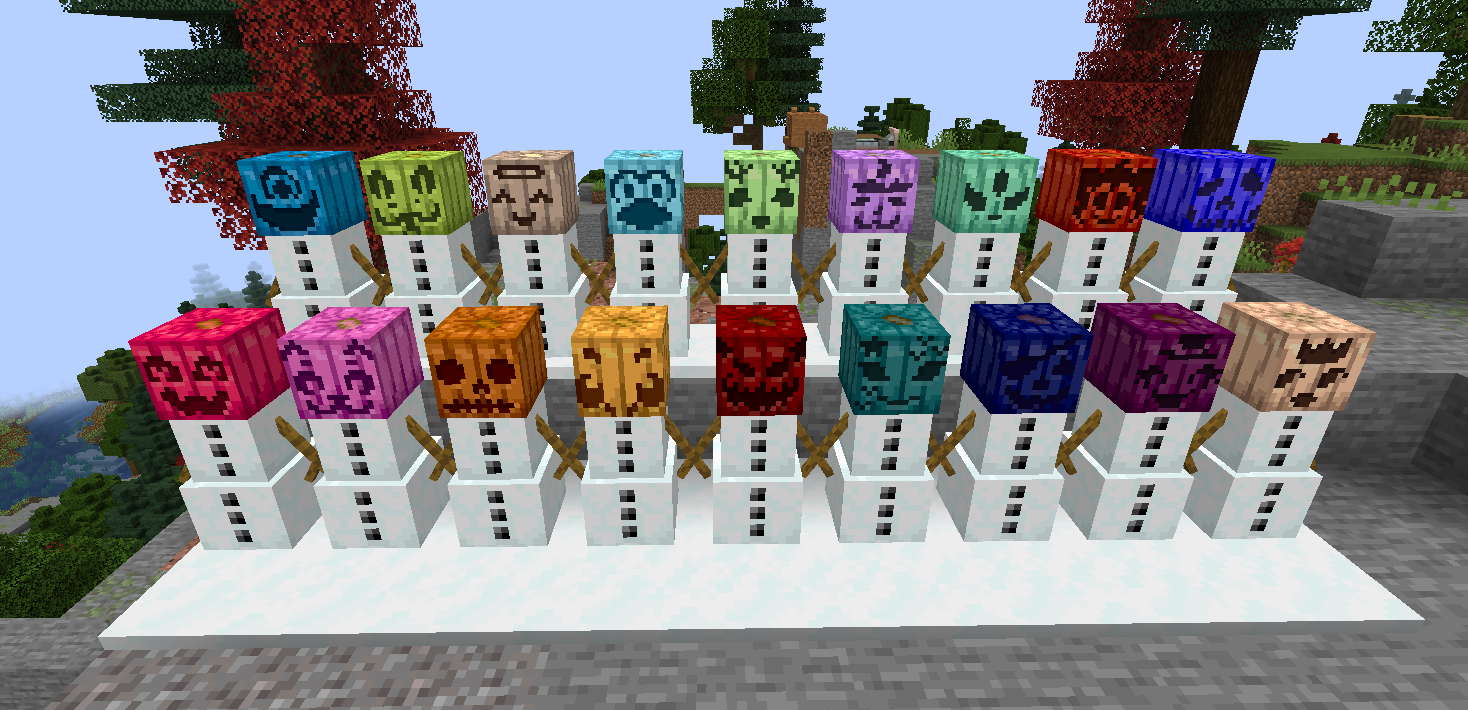
색깔이 들어간 눈 골렘
- 색깔 조각된 호박을 머리로 사용해 독특하고 선명한 외형의 눈 골렘을 만들 수 있습니다.
- 색깔 눈 골렘은 일반 눈 골렘과 완전히 동일하게 작동하며, 눈 흔적을 남기고 적대적인 몹을 공격합니다.
- 다채로운 겨울 군대를 만들거나 눈 지형을 꾸미기에 완벽합니다.
호환성
- 더 많은 호박 색상을 원한다면 Dyenamics and Friends를 설치하세요!
지금 Chroma Carvings로 Minecraft 세계를 밝혀 보세요!
지원이나 피드백은 제 Discord로 와 주세요
Chroma Carvings 설치 방법
With Millida Launcher
Install Millida Launcher
The launcher is free: download it at millida.net/launcher and sign in with any nickname.
Click “Install” on this page
The launcher opens and installs the mod for Minecraft 1.21.1 on NeoForge automatically.
Launch the game
A profile with it appears in the launcher: click “Play”.
Manually
Install NeoForge
The loader must match the game version of the mod file, for example Minecraft 1.21.1. After installing it, a separate profile appears in your launcher.
Download the file for your version
In the version list above, pick the file chromacarvings-1.21.1-0.2.0.jar (263 KB) for your game version.
Put it in the mods folder
The folder is inside .minecraft (Windows: %appdata%\.minecraft\mods). If it does not exist, create it.
Launch the loader profile
Open “Mods” in the main menu: Chroma Carvings should be in the list.
Minecraft 1.21.1 runs on Java 21: with a different Java version the game may close right after launch.
버전
의존성 포함
| Minecraft | 로더 | 파일 | 날짜 | 작업 |
|---|---|---|---|---|
| 1.21.1 | NeoForge | chromacarvings-1.21.1-0.2.0.jar263 KB |
FAQ
Which Minecraft versions does Chroma Carvings work on?
Only Minecraft 1.21.1: there are no files for other versions.
Is Chroma Carvings for Forge or Fabric?
Only for NeoForge: 1.21.1. There are no files for Forge or Fabric: a mod for another loader will not start.
Does Chroma Carvings need other mods?
The author lists no required dependencies: the NeoForge loader is enough.
Which Java does Chroma Carvings need?
Minecraft 1.21.1 runs on Java 21. If the game closes right after launch, the usual cause is the wrong Java version in the profile settings.
Where can I download Chroma Carvings safely?
On this page: the file chromacarvings-1.21.1-0.2.0.jar (263 KB) is stored on Millida’s server, with no link shorteners. SHA-1 checksum: b791809827bfd4e3d28fc208815d92bfed92c602.
리뷰
Chroma Carvings의 첫 평가를 남겨 보세요


