
Minecraft 1.20.1, 1.12.2용 Chisels & Bits - For Forge 모드
게임 내 재료를 사용하여 끝없는 커스텀 장식을 만드세요.
 NeoForge
 Forge
ForgeChisels & Bits - For Forge 모드 정보
Discord - Wiki - CurseForge (Forge) - Releases (Forge) - CurseForge (Fabric) - Releases (Fabric)
Code - Issues - Pull Requests - Patreon - CreeperHost
우리 모드와 함께 플레이해 주셔서 감사합니다! Chisels and Bits 개발을 계속 이어나가려는 우리의 노력을 지원하고 싶으시다면, Patreon에서 후원해 주시기 바랍니다.
CreeperHost의 너그러운 분들 덕분에, 이제 그들로부터 서버를 구매할 때 25% 할인을 받으실 수 있습니다. 위 이미지를 클릭하시거나, 결제 시 'chisels-and-bits'를 할인 코드로 사용하세요!
이 버전의 모드는 Minecraft Forge를 위해 특별히 개발되었습니다. 따라서 제대로 작동하려면 Forge가 필요합니다.
Fabric에서 Chisels & Bits를 플레이하고 싶으시다면 다른 버전의 모드가 필요합니다. Fabric, 그 로더 및 API와 함께 작동하도록 특별히 설계된 버전이죠. 이 특정 버전의 모드는 여기에서 찾을 수 있습니다.
우리는 모드를 가능한 한 많이 문서화하기 위해 최선을 다하고 있습니다. 문서는 저희 위키에서 찾으실 수 있습니다. 빠진 내용이 있다면 알려주세요!
우리의 모든 아이템, 블록 및 시스템이 그곳에 문서화되어 있습니다.
Chisels & Bits가 게임에 추가하는 모든 아이템, 블록 및 시스템을 도와줄 전용 위키도 있지만, 질문을 하고 아이디어를 논의하며 모드에 대한 도움을 받을 수 있는 전용 Discord 서버도 있습니다.
서버에 참여하고 싶으시다면 위 이미지를 클릭하거나 여기를 클릭하시면 됩니다.
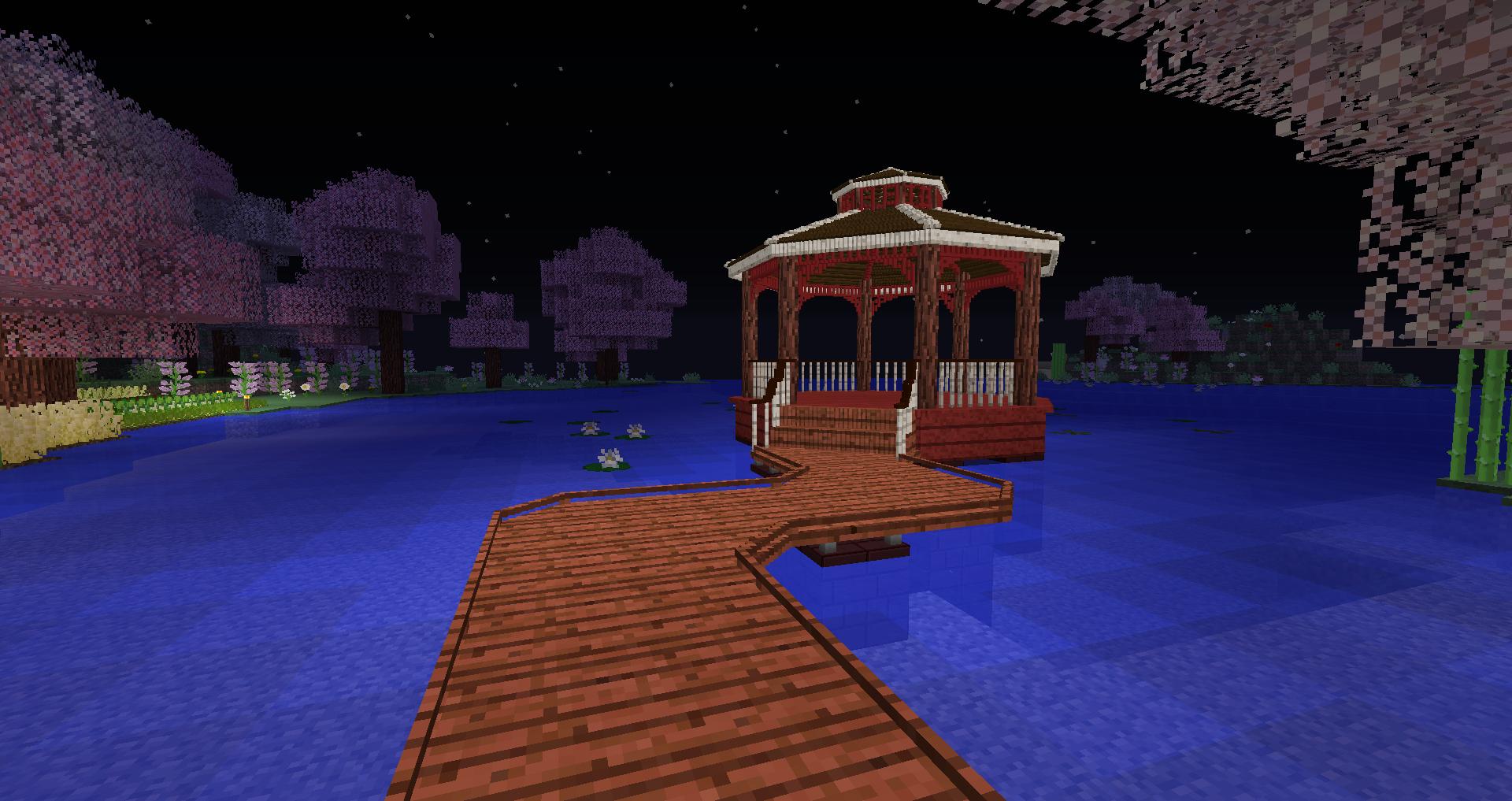
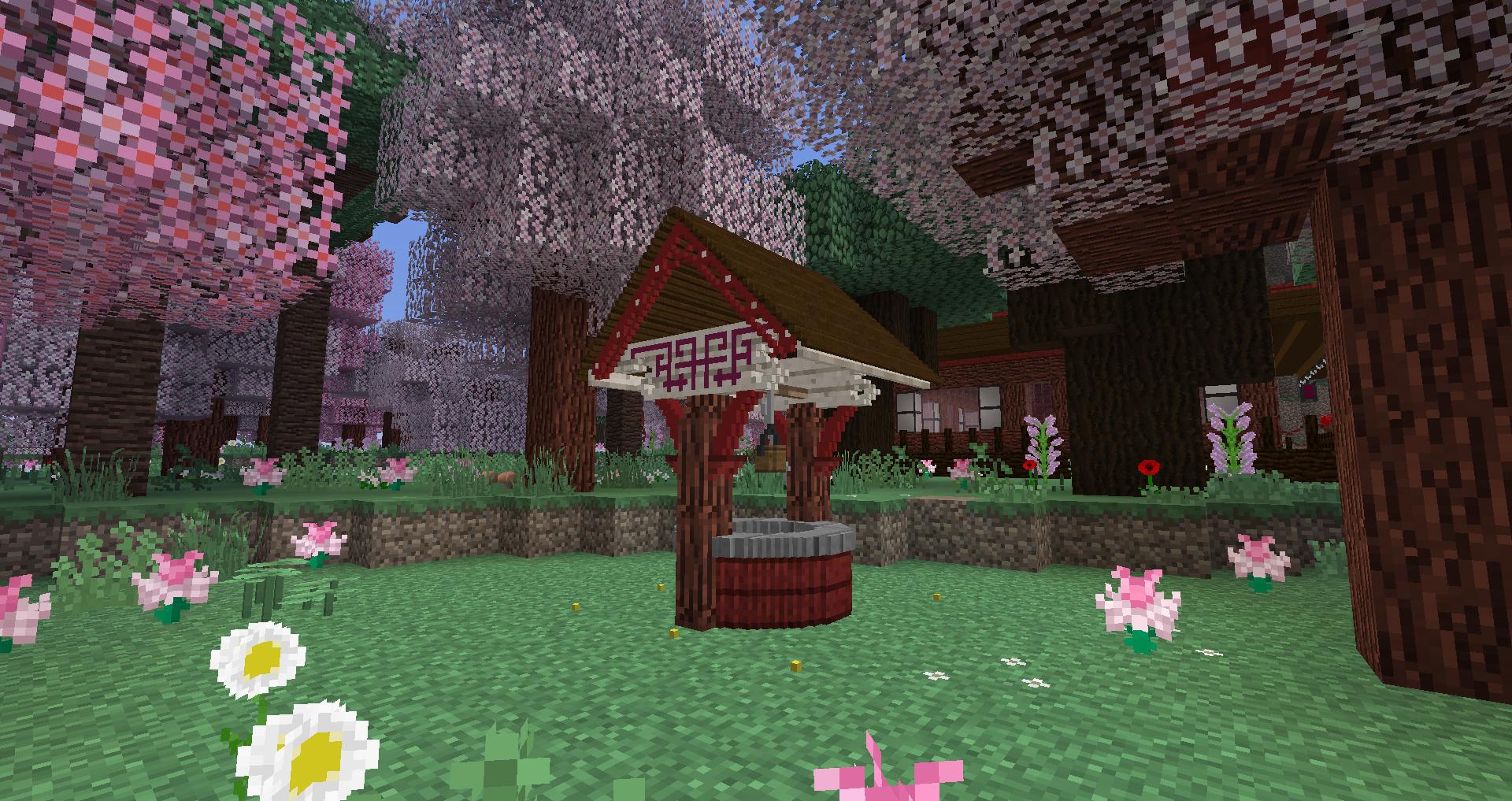
Chisels and Bits는 여러분의 세계를 구성하는 큰 블록을 잘라내고, 그 작은 조각들을 다시 배치할 수 있게 해주는 Minecraft 모드입니다. 원하는 방식으로요.
더 부드러운 계단을 원하시나요? 해보세요.
더 멋져 보이는 지붕? 아니면 기둥? 이제 모두 가능합니다.
여러분은 이미 존재하는 서로 다른 블록들의 조각을 섞고 맞춰서 완전히 새롭게 보이고 느껴지는 블록을 만들 수 있습니다.
기본적으로 통나무, 판자, 광석, 저장 블록(다이아몬드, 에메랄드, 철 등)과 같은 모든 단단하고 단순한 완전한 큐브 블록이 지원됩니다. 추가로, 일부 특정 블록은 수작업으로 선별되는데, 이는 특히 모든 유리 블록, 잎 및 잔디 블록에 대해 이루어집니다. 호환되는 블록에 대한 스캔은 호환되는 모든 모드 블록도 자동으로 감지합니다. 모드 제작자가 자신의 블록에 대한 선택 절차를 제어하고 싶다면, 다음 두 태그 중 하나에 추가하여 그렇게 할 수 있습니다:
- chiselsandbits:chiselable/forced 는 블록을 강제로 조각낼 수 있게 합니다(유리 같은 블록에 유용함)
- chiselsandbits:chiselable/blocked 는 일반적으로 조각낼 수 있는 블록이 조각나지 않도록 방지합니다.
Chisels & Bits - For Forge 설치 방법
With Millida Launcher
Install Millida Launcher
The launcher is free: download it at millida.net/launcher and sign in with any nickname.
Click “Install” on this page
The launcher opens and installs the mod for Minecraft 1.12–26.1.2 on Forge or NeoForge automatically.
Launch the game
A profile with it appears in the launcher: click “Play”.
Manually
Install Forge or NeoForge
The loader must match the game version of the mod file, for example Minecraft 26.1.2. After installing it, a separate profile appears in your launcher.
Download the file for your version
In the version list above, pick the file chisels-and-bits-neoforge-26.1.2.33.jar (1.6 MB) for your game version and loader.
Put it in the mods folder
The folder is inside .minecraft (Windows: %appdata%\.minecraft\mods). If it does not exist, create it.
Launch the loader profile
Open “Mods” in the main menu: Chisels & Bits - For Forge should be in the list.
버전
의존성 포함
| Minecraft | 로더 | 파일 | 날짜 | 작업 |
|---|---|---|---|---|
| 26.1.2 | NeoForge | chisels-and-bits - 26.1.2.33 - release1.6 MB 24 | ||
| 1.20.1 | Forge | chisels-and-bits-forge-20.1.20.jar2 MB 195 | ||
| 1.16.3 | Forge | chiselsandbits-1.0.42-ALPHA.jar1.3 MB 39 | ||
| 1.16.3 | Forge | Rebuild: 1.0.10977 KB 1 | ||
| 1.16.3 | — | 1.0.0848 KB 44 | ||
| 1.12.1 | — | chiselsandbits-14.33.jar720 KB 15 |
FAQ
Which Minecraft versions does Chisels & Bits - For Forge work on?
There are files for 1.12–26.1.2, 10 versions in total. The newest is 26.1.2.
Is Chisels & Bits - For Forge for Forge or Fabric?
There are files for Forge: 1.16.2–1.20.1 and for NeoForge: 26.1.2. There are no files for Fabric: a mod for another loader will not start.
Does Chisels & Bits - For Forge need other mods?
The author lists no required dependencies: the Forge or NeoForge loader is enough.
Where can I download Chisels & Bits - For Forge safely?
On this page: the file chisels-and-bits-neoforge-26.1.2.33.jar (1.6 MB) is stored on Millida’s server, with no link shorteners. SHA-1 checksum: fe92fe750feafb531d0c147f6d5d52725b5591a8.
리뷰
Chisels & Bits - For Forge의 첫 평가를 남겨 보세요


