
- 조회수
- 3 조회수
- 업데이트됨
- 업데이트됨 18.10.2026
- 26.1 — 26.1.2
 NeoForge
Chisel 3 모드 정보
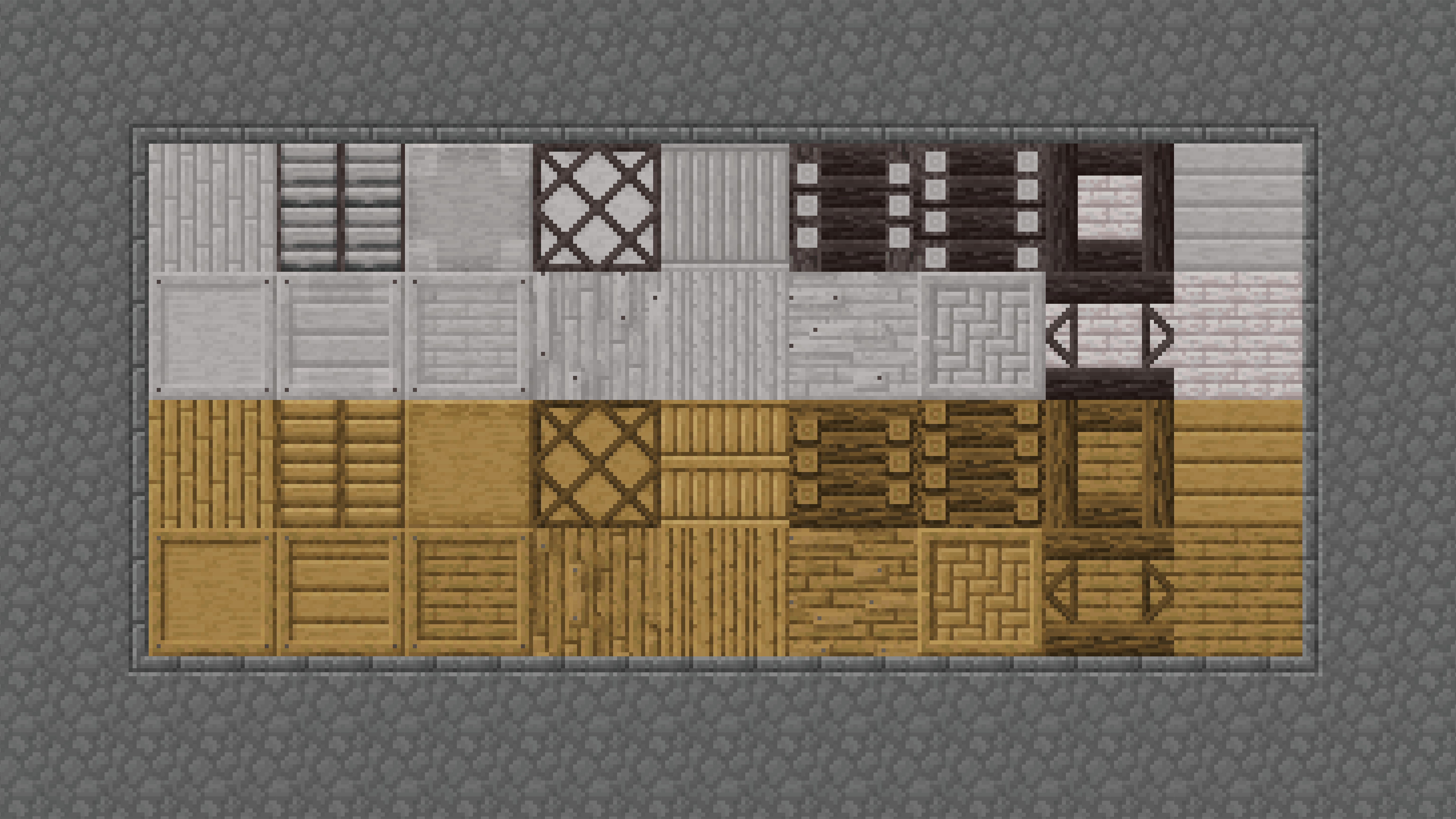
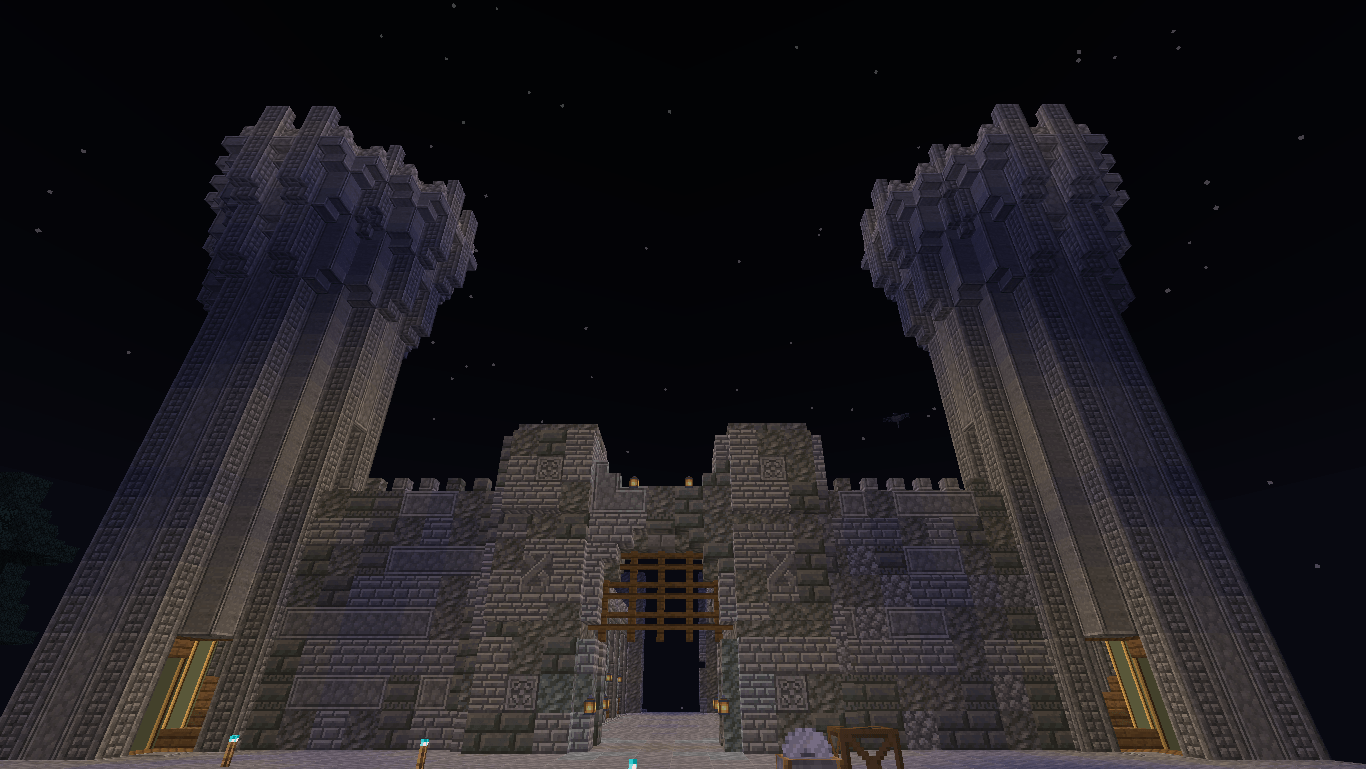
adds a huge variety of decorative blocks to the game
Access to block variants is provided through one tool, the Chisel
RMB to open Chisel GUI
Insert a block to show variants
You can automate this process using the Auto Chisel
Multiblock textures can be moved using Ender Offset Tool
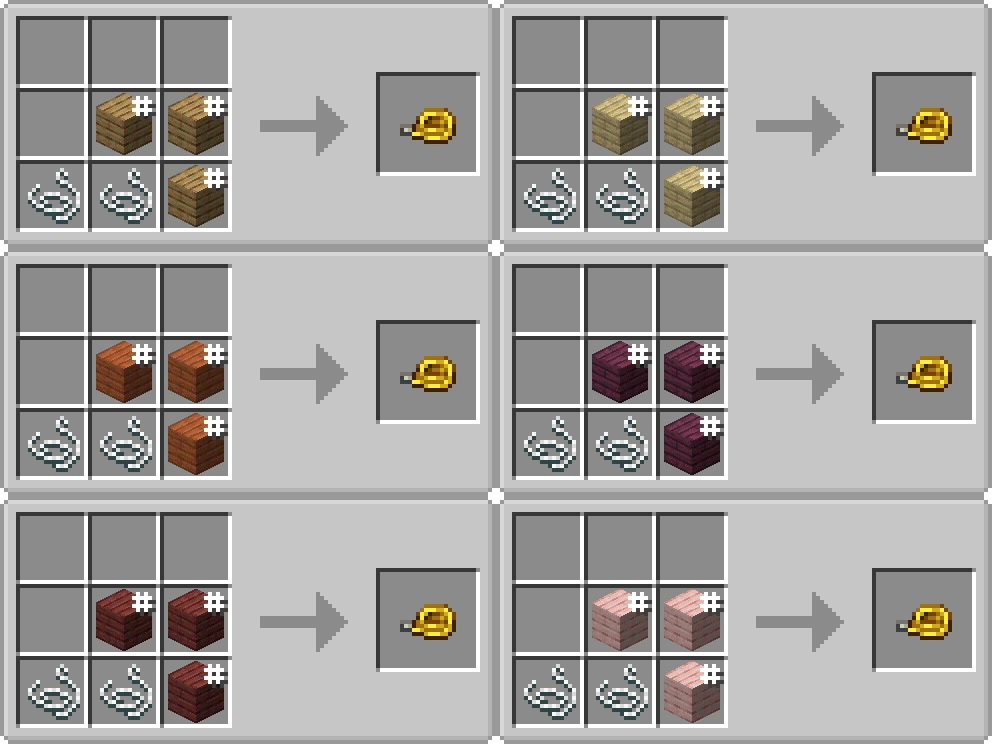
Utility Tools
Ball O' Moss: Overlays moss texture on any block in a AOE
Cloud in the Bottle: Create clouds in a AOE
Smashing Rock: Decay the blocks it hit in a AOE
Stone bricks > Cracked Stone bricks
Measuring Tape: Used to measure the distance and center of 2 possitions
Builders Guide: Used to build simple shapes
Legacy Images
News | Updates | Chat
Bugs | Issues | Suggestions
Chisel is free to use in any modpacks, without permission.
Legacy Version
1.7.2 - 1.7.10 https://www.curseforge.com/minecraft/mc-mods/chisel-venerable 1.7.10 - 1.16.5 https://www.curseforge.com/minecraft/mc-mods/chisel
Credits
A lot of textures are from the Painterly pack: http://painterlypack.net/ (original website archived) AUTOMATIC_MAIDEN: The original author, Pokefenn the maintainer for 1.7.10 Asie: Porting the mod to 1.7.2 Chisel Team for 1.8 -1.12 All the people who helped with code, or donated textures
Chisel 3 설치 방법
With Millida Launcher
Install Millida Launcher
The launcher is free: download it at millida.net/launcher and sign in with any nickname.
Click “Install” on this page
The launcher opens and installs the mod for Minecraft 26.1–26.1.2 on NeoForge automatically.
Launch the game
A profile with it appears in the launcher: click “Play”.
Manually
Install NeoForge
The loader must match the game version of the mod file, for example Minecraft 26.1.2. After installing it, a separate profile appears in your launcher.
Download the file for your version
In the version list above, pick the file chisel-26.1.2.18.jar (21 MB) for your game version.
Put it in the mods folder
The folder is inside .minecraft (Windows: %appdata%\.minecraft\mods). If it does not exist, create it.
Launch the loader profile
Open “Mods” in the main menu: Chisel 3 should be in the list.
버전
의존성 포함
| Minecraft | 로더 | 파일 | 날짜 | 작업 |
|---|---|---|---|---|
| 26.1.2 | NeoForge | chisel-26.1.2.18.jar21.3 MB | ||
| 26.1.1 | NeoForge | chisel-3.0.5.jar8 MB | ||
| 26.1 | — | chisel-3.0.2.jar8 MB | ||
| 26.1 | NeoForge | Chisel-3.0.17.9 MB |
FAQ
Which Minecraft versions does Chisel 3 work on?
There are files for 26.1.2, 26.1.1, 26.1. The newest is 26.1.2.
Is Chisel 3 for Forge or Fabric?
Only for NeoForge: 26.1–26.1.2. There are no files for Forge or Fabric: a mod for another loader will not start.
Does Chisel 3 need other mods?
The author lists no required dependencies: the NeoForge loader is enough.
Where can I download Chisel 3 safely?
On this page: the file chisel-26.1.2.18.jar (21 MB) is stored on Millida’s server, with no link shorteners. SHA-1 checksum: abd402df03a8231dabfb07fefd9b6ffb1410b596.
리뷰
Chisel 3의 첫 평가를 남겨 보세요


