

- 다운로드
- 12 다운로드
- 조회수
- 44 조회수
- 업데이트됨
- 업데이트됨 24.10.2026
- 1.16.4 — 26.3
 Fabric
Blockus 모드 정보
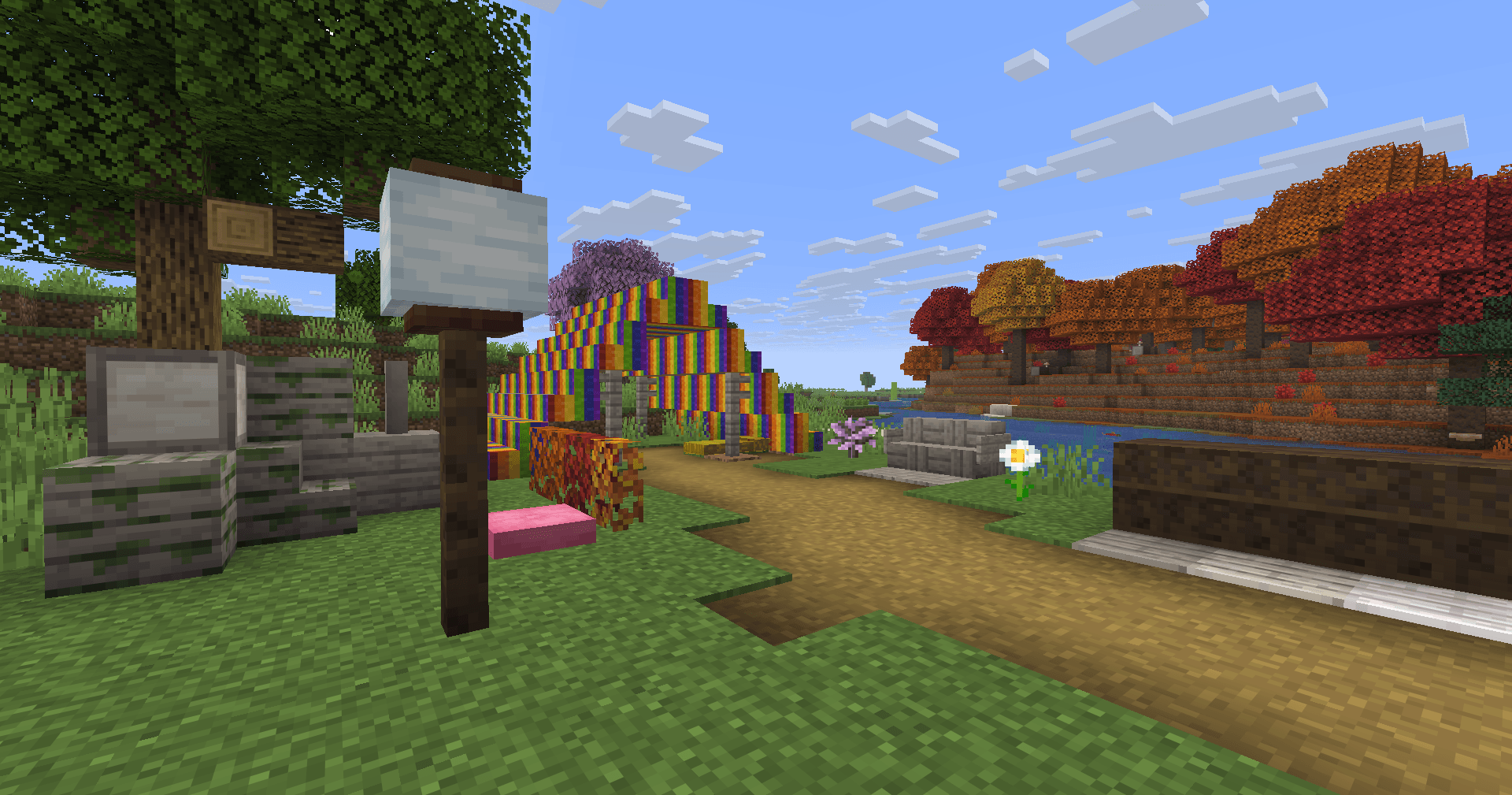
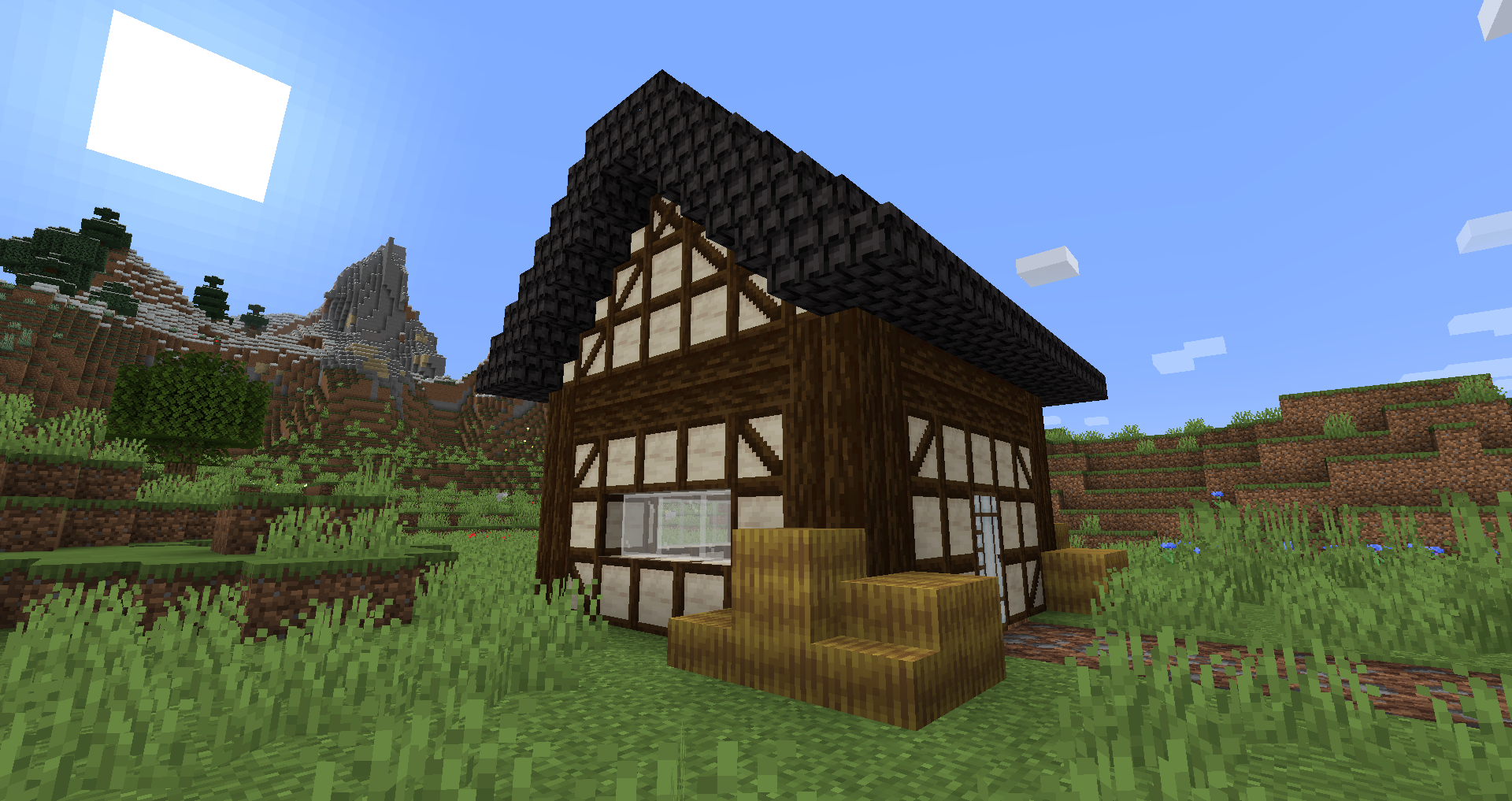
Blockus는 Fabric API를 사용해 만든 모드입니다. 여러 종류의 블록을 추가합니다.
대부분의 블록은 석재 절단기로 만들어야 합니다. 모든 조합법을 확인하려면 Roughly Enough Items (REI) 같은 모드를 사용하는 것을 추천합니다.
NeoForge 지원은 현재 계획에 없습니다. NeoForge 지원이 필요하면 Sinytra Connector를 사용할 수 있습니다.
추가되는 블록 일부 :
- Marble, Limestone, Bluestone & Viridite
- White Oak, Raw Bamboo & Charred Planks
- Large Flower Pots
- Lava, Magma, Water, Blaze, Soaked Bricks & more
- Soul Sandstone
- Teal & Charred Nether Bricks
- Colored Tiles
- Stained Stone Bricks
- Colored Redstone Lamps
- Beveled Glass
- Patterned Wools
- Futurneo Blocks
- 빠르게 이동할 수 있게 해주는 Asphalt
- Redstone Sand
- Paper Block, Wall and Lamp
- Hedges
- Rainbow Blocks
- Food Crates
- Legacy Blocks
- Columns integration (< 1.19)
자연 생성되는 것들
- Limestone은 y = 0 & y = 128 사이에서 생성되지만 y = 64 & y = 128 사이에서는 훨씬 적게 생성됩니다
- Marble은 y = 0 & y = 64 사이에서 생성됩니다
- Bluestone은 y = 0 아래에서 생성됩니다
- Viridite는 y = -16 아래에서 생성되며 Deep Dark에서 더 자주 생성됩니다.
- White Oak는 Forest, Dark Forest, Flower Forest, Cherry Groves & Plains에서 생성됩니다.
- Fallen White Oak는 Forest, Flower Forest & Plains에서 생성됩니다.
- Rainbow Roses는 Flower Forests & Meadows에서 생성됩니다
감사합니다 :
- Futurenp: 텍스처
- SynthRose: Teal Nether Bricks and Lantern Blocks (구 텍스처 포함)
- shedaniel/TelepathicGrunt: 새로운 1.16.2+ 월드젠
- YanisBft: Wooden Barrels 수정
모드 영감:
- Vazkii의 "Quark"
- tterrag1098, Drullkus & Minecreatr의 "Chisel"
- KnightMiner의 "Ceramics" (Rainbow Bricks)
프랑스어 설명/Description française : https://www.minecraft-france.fr/mod-blockus/
Blockus 설치 방법
With Millida Launcher
Install Millida Launcher
The launcher is free: download it at millida.net/launcher and sign in with any nickname.
Click “Install” on this page
The launcher opens and installs the mod for Minecraft 1.16.4–26.3 on Fabric automatically.
Launch the game
A profile with it appears in the launcher: click “Play”.
Manually
Install Fabric
The loader must match the game version of the mod file, for example Minecraft 26.3. After installing it, a separate profile appears in your launcher.
Download the file for your version
In the version list above, pick the file blockus-2.18.1+26.3.jar (7.0 MB) for your game version.
Put it in the mods folder
The folder is inside .minecraft (Windows: %appdata%\.minecraft\mods). If it does not exist, create it.
Launch the loader profile
Open “Mods” in the main menu: Blockus should be in the list.
버전
의존성 포함
| Minecraft | 로더 | 파일 | 날짜 | 작업 |
|---|---|---|---|---|
| 26.3 | Fabric | (26.3) Blockus 2.18.1+26.37 MB 11 | ||
| — | Fabric | (1.18-pre5) blockus-2.3.1+1.18-pre53.9 MB 1 | ||
| 1.16.4 | — | (1.16.4) blockus - 2.0.1+1.16.42.6 MB | ||
| — | — | (1.14-pre4) blockus - 1.1.61 MB |
FAQ
Which Minecraft versions does Blockus work on?
There are files for 26.3, 1.16.4. The newest is 26.3.
Is Blockus for Forge or Fabric?
Only for Fabric: 26.3. There are no files for Forge or NeoForge: a mod for another loader will not start.
Does Blockus need other mods?
The author lists no required dependencies: the Fabric loader is enough.
Where can I download Blockus safely?
On this page: the file blockus-2.18.1+26.3.jar (7.0 MB) is stored on Millida’s server, with no link shorteners. SHA-1 checksum: c1224f3cf99055107d695f6690b0871cc9f6dd47.
리뷰
Blockus의 첫 평가를 남겨 보세요


