

 NeoForge
 Forge
ForgeBeautify! 모드 정보
What is Beautify?
Beautify is a client and serverside deco-mod that adds lots of vanilla-styled ways to spice up your builds with custom models.
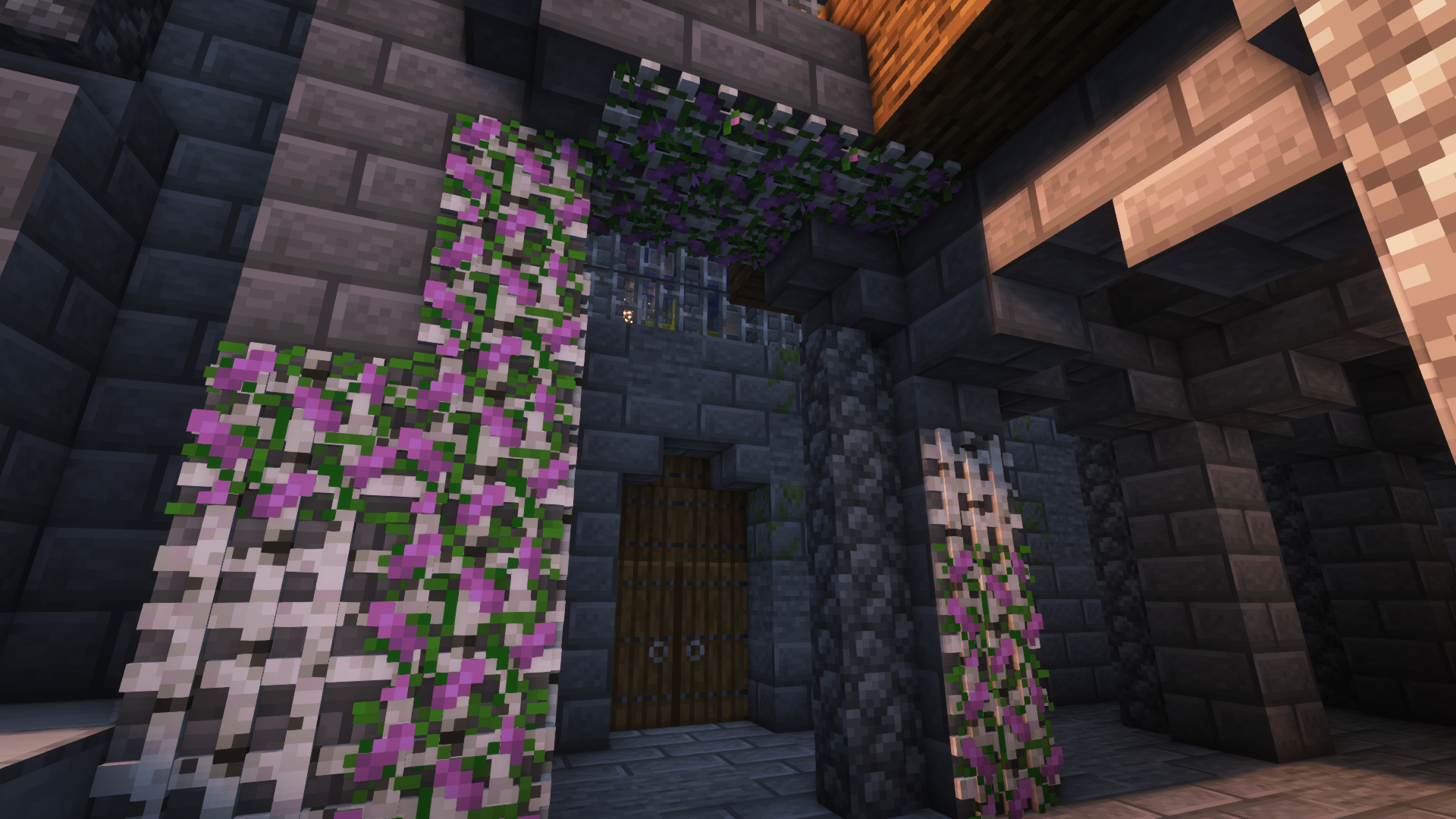
My goal with this mod is to increase the detail in builds without killing the need for imagination and creativity. Additionally, most blocks include new features. For example, potted plants (such as 1 tall flowers) can be duplicated using bone meal.
Versions [Forge]: 1.18.2 | 1.19 | 1.19.1 | 1.19.2 | 1.20.1
More Pictures:
more example images
Showcase Video by Jeikir:
Features summary:
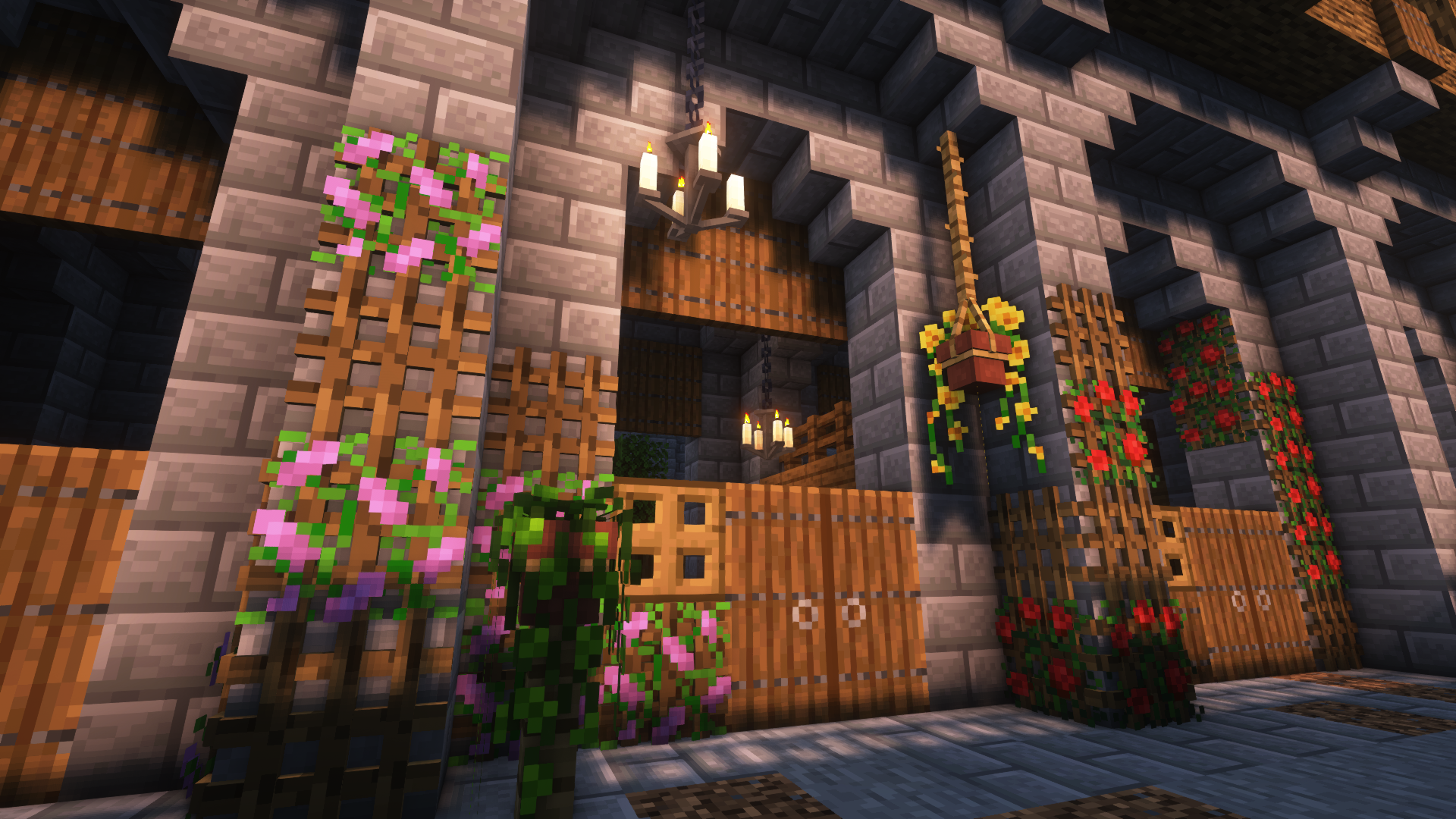
- Hanging Pots with custom flower models and a wide variety of supported plants
- Book Stacks with different models that can power an enchantment table
- Blinds to add details to your windows or create new types of entrances
- Picture Frames with all 16x16 Vanilla Painting motives and more
- Rope that Hanging Pots and other Blocks can be attached to and Players can climb
- New forms of light sources: Bamboo Lantern, Candelabras/ Chandeliers, Glowessence Jar, Light Bulbs
- Lattices for putting plants on walls and ceilings
- more coming soon
For more info on the blocks and their uses, please visit the wiki!
As this is my first mod, I'm thankful for any suggestions, feedback etc. and will be working on this in the future!
Beautify! 설치 방법
With Millida Launcher
Install Millida Launcher
The launcher is free: download it at millida.net/launcher and sign in with any nickname.
Click “Install” on this page
The launcher opens and installs the mod for Minecraft 1.21–1.21.1 on Forge or NeoForge automatically.
Launch the game
A profile with it appears in the launcher: click “Play”.
Manually
Install Forge or NeoForge
The loader must match the game version of the mod file, for example Minecraft 1.21.1. After installing it, a separate profile appears in your launcher.
Download the file for your version
In the version list above, pick the file beautify-neoforge-1.21.1-2.0.2.jar (910 KB) for your game version and loader.
Put it in the mods folder
The folder is inside .minecraft (Windows: %appdata%\.minecraft\mods). If it does not exist, create it.
Launch the loader profile
Open “Mods” in the main menu: Beautify! should be in the list.
Minecraft 1.21.1 runs on Java 21: with a different Java version the game may close right after launch.
버전
의존성 포함
| Minecraft | 로더 | 파일 | 날짜 | 작업 |
|---|---|---|---|---|
| 1.21 | NeoForge | Beautify 1.21-V.2.0.2 [NeoForge]910 KB 2 | ||
| 1.21 | Forge | Beautify 1.21-V.2.0.2 [Forge]808 KB 3 |
FAQ
Which Minecraft versions does Beautify! work on?
There are files for 1.21.1, 1.21. The newest is 1.21.1.
Is Beautify! for Forge or Fabric?
There are files for Forge: 1.21–1.21.1 and for NeoForge: 1.21–1.21.1. There are no files for Fabric: a mod for another loader will not start.
Does Beautify! need other mods?
The author lists no required dependencies: the Forge or NeoForge loader is enough.
Which Java does Beautify! need?
Minecraft 1.21.1 runs on Java 21. If the game closes right after launch, the usual cause is the wrong Java version in the profile settings.
Where can I download Beautify! safely?
On this page: the file beautify-neoforge-1.21.1-2.0.2.jar (910 KB) is stored on Millida’s server, with no link shorteners. SHA-1 checksum: 936dc981f243c4606376ba7d6f03798e0b5a6871.
리뷰
Beautify!의 첫 평가를 남겨 보세요


