

Minecraft 1.12.2용 BaublesHud 모드
BaublesHud는 Baubles용 작은 애드온으로, 장착한 Baubles를 항상 볼 수 있게 해줍니다.
BaublesHud 모드 정보
BaublesHud는 장착한 Baubles를 항상 볼 수 있게 해주는 Baubles용 작은 애드온입니다.
BaublesHud는 클라이언트 전용입니다.
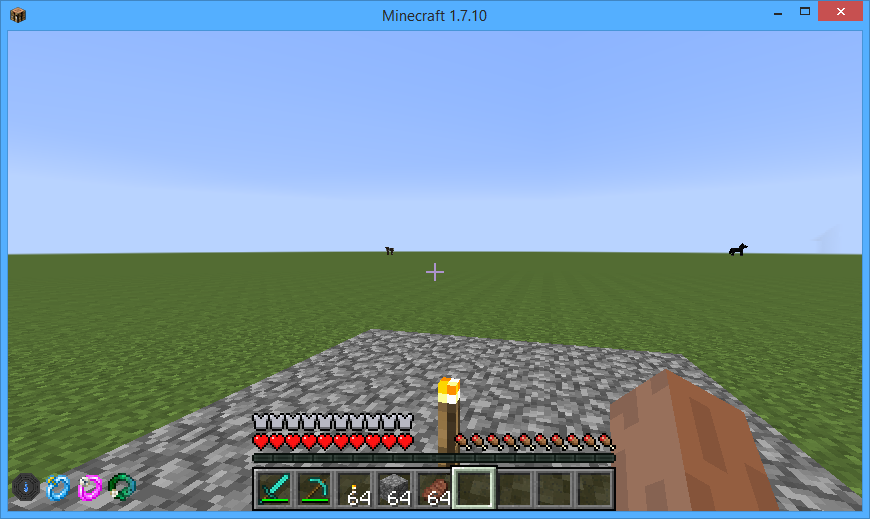
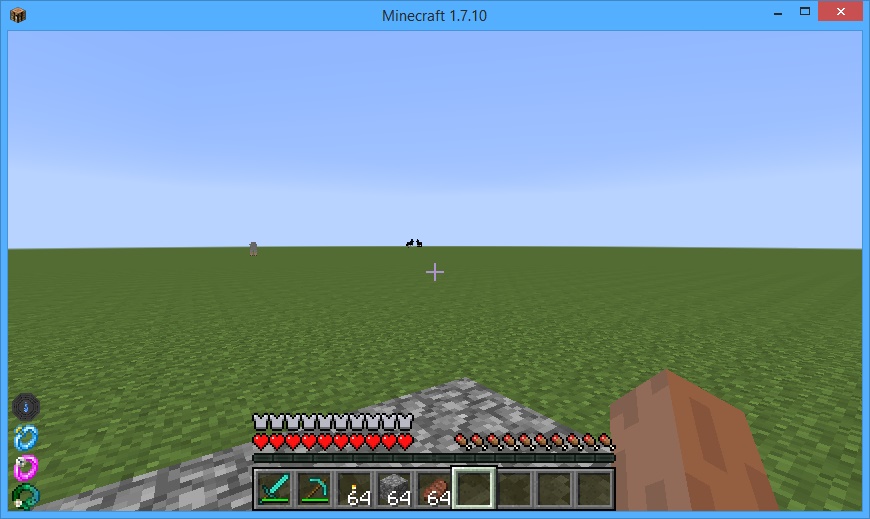
버전 2.0.0 기준
숫자 패드 9를 누르면 Hud의 위치를 변경할 수 있는 GUI가 열리며, 이는 일반 키 바인드로 Controls에서 변경할 수 있습니다.
Baubles 다운로드
BaublesHud 설치 방법
With Millida Launcher
Install Millida Launcher
The launcher is free: download it at millida.net/launcher and sign in with any nickname.
Click “Install” on this page
The launcher opens and installs the mod for Minecraft 1.12.2 automatically.
Launch the game
A profile with it appears in the launcher: click “Play”.
Manually
Download the file for your version
In the version list above, pick the file BaublesHud-1.12.2-5.0.2.jar (57 KB) for your game version.
Put it in the mods folder
The folder is inside .minecraft (Windows: %appdata%\.minecraft\mods). If it does not exist, create it.
Launch the loader profile
Open “Mods” in the main menu: BaublesHud should be in the list.
Minecraft 1.12.2 runs on Java 8: with a different Java version the game may close right after launch.
버전
의존성 포함
| Minecraft | 로더 | 파일 | 날짜 | 작업 |
|---|---|---|---|---|
| 1.12.2 | — | BaublesHud-1.12.2-5.0.2.jar56.9 KB |
FAQ
Which Minecraft versions does BaublesHud work on?
Only Minecraft 1.12.2: there are no files for other versions.
Which Java does BaublesHud need?
Minecraft 1.12.2 runs on Java 8. If the game closes right after launch, the usual cause is the wrong Java version in the profile settings.
Where can I download BaublesHud safely?
On this page: the file BaublesHud-1.12.2-5.0.2.jar (57 KB) is stored on Millida’s server, with no link shorteners. SHA-1 checksum: cd8f132c04014adafa691136e3b50e720142c05d.
리뷰
BaublesHud의 첫 평가를 남겨 보세요


