
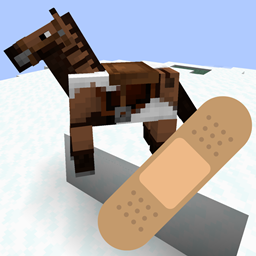
Minecraft 1.20.1, 1.21.1용 Bad Horse Fix 모드
Iris 또는 Oculus 사용 시 말 갑옷 위에 말 무늬가 나타나는 문제를 수정합니다.
 NeoForge
 Forge
Forge Fabric
Bad Horse Fix
NOTE: As of Minecraft 1.21.2 this bug appears to be fixed! The latest version of the mod (4.0.0) should be compatible with EVERY version of Iris/Oculus that includes the bug.
About
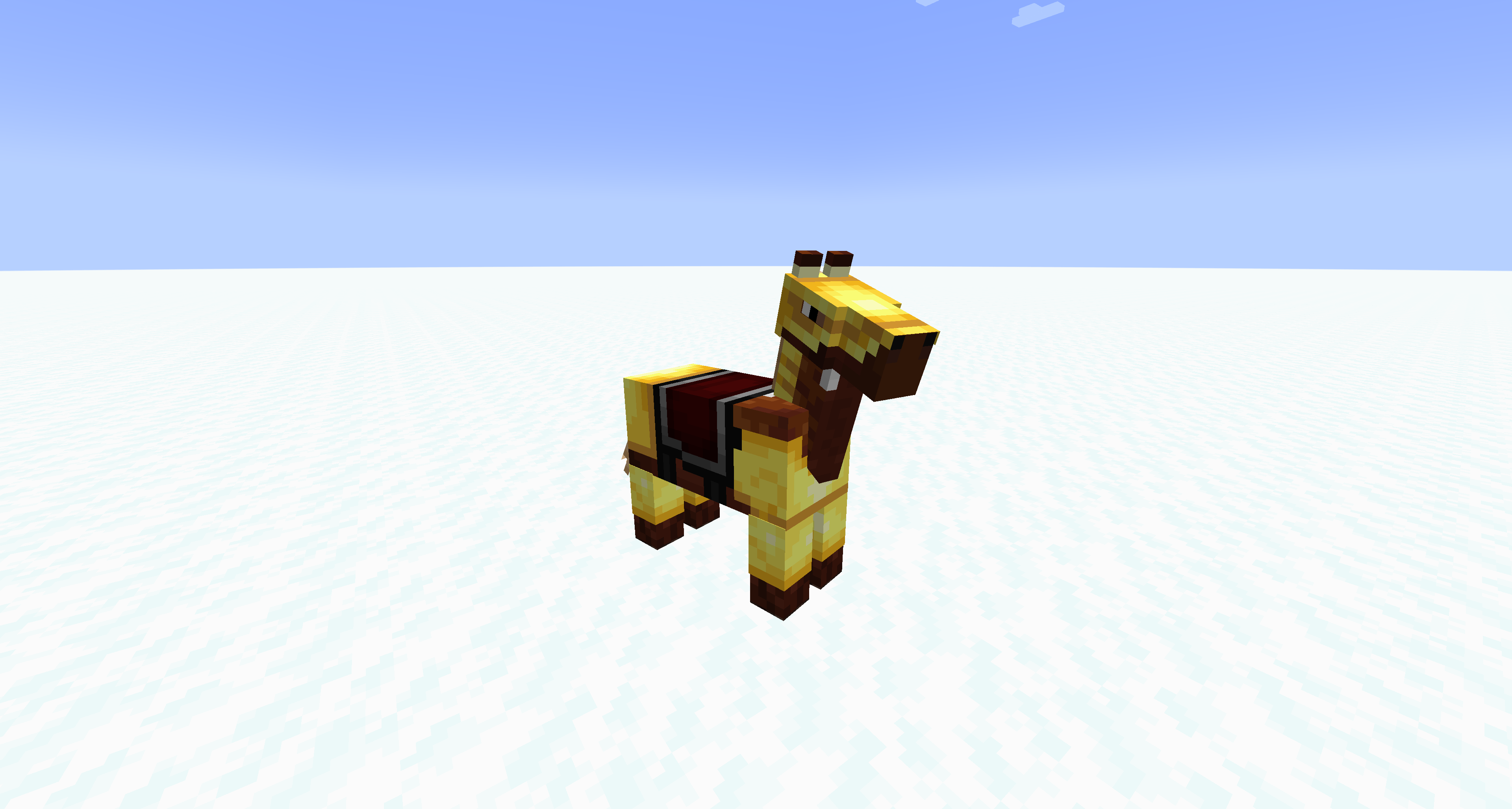
This mod fixes horse markings appearing above horse armor when using Iris or Oculus shaders mods.
Basically, this mod checks everything being rendered to see if it contains "horse", "armor", or "markings" and if it finds anything, it forces it to be rearranged. There doesn't seem to be any noticeable performance hit.
The mod now (as of 4.0.0) looks for just vanilla horse armor and sends it to the end of the Iris rendering batch, so that it's rendered last, above markings. This also means less conflicts, and better performance (though performance never seemed to be an issue)
Bugs
If you run into any glitches, bugs, or problems of any kind, please report them on the GitHub Issues page for this mod. If issues go unreported, they also go unfixed!
Modpacks
You can include this mod in modpacks that are hosted on Modrinth, CurseForge, or that respect this mod's license (LGPL-3.0).
Bad Horse Fix 설치 방법
With Millida Launcher
Install Millida Launcher
The launcher is free: download it at millida.net/launcher and sign in with any nickname.
Click “Install” on this page
The launcher opens and installs the mod for Minecraft 1.16.5–1.21.1 on Fabric, Forge or NeoForge automatically.
Launch the game
A profile with it appears in the launcher: click “Play”.
Manually
Install Fabric, Forge or NeoForge
The loader must match the game version of the mod file, for example Minecraft 1.21.1. After installing it, a separate profile appears in your launcher.
Download the file for your version
In the version list above, pick the file badhorsefix-neoforge-4.0.0.jar (19 KB) for your game version and loader.
Put it in the mods folder
The folder is inside .minecraft (Windows: %appdata%\.minecraft\mods). If it does not exist, create it.
Launch the loader profile
Open “Mods” in the main menu: Bad Horse Fix should be in the list.
Minecraft 1.21.1 runs on Java 21: with a different Java version the game may close right after launch.
버전
의존성 포함
| Minecraft | 로더 | 파일 | 날짜 | 작업 |
|---|---|---|---|---|
| 1.21 | NeoForge | badhorsefix-neoforge-4.0.0.jar19 KB | ||
| 1.17.1 | Forge | badhorsefix-forge-4.0.0.jar19.8 KB | ||
| 1.17.1 | Fabric | badhorsefix-fabric-4.0.0.jar19.2 KB |
리뷰
Bad Horse Fix의 첫 평가를 남겨 보세요


