
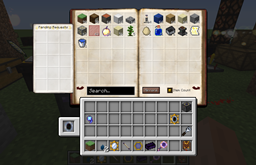
Automagy 모드 정보
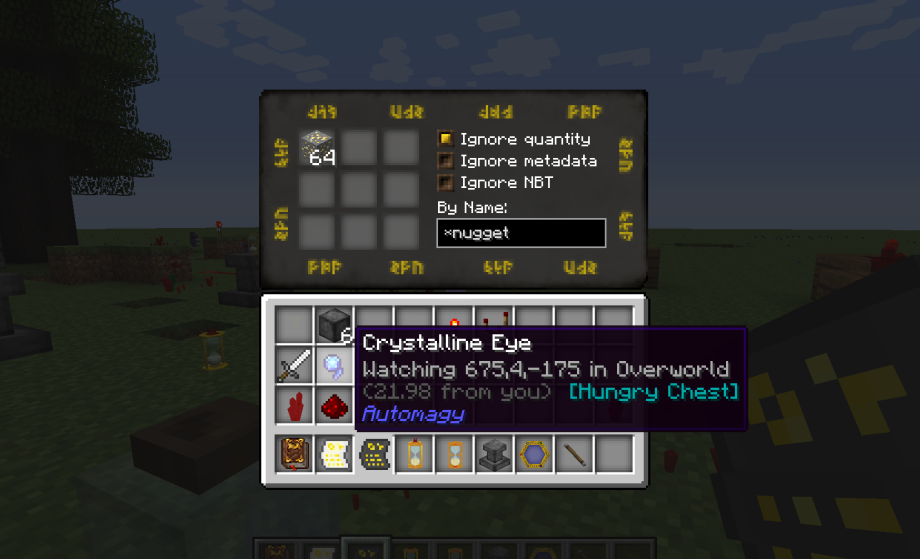
Thaumcraft 4와 5용 애드온입니다(올바른 다운로드를 선택하세요!). 자동화와 물류를 위한 유연하고 흥미로운 도구와 몇 가지 재미있는 마법 장치를 제공하는 데 중점을 두고 있습니다.
더 자세한 정보, 스크린샷, 영상은:
여기 MCF 포럼 스레드를 방문해 주세요. 댓글과 제안을 환영합니다!
Automagy 설치 방법
With Millida Launcher
Install Millida Launcher
The launcher is free: download it at millida.net/launcher and sign in with any nickname.
Click “Install” on this page
The launcher opens and installs the mod for Minecraft 1.8.9 automatically.
Launch the game
A profile with it appears in the launcher: click “Play”.
Manually
Download the file for your version
In the version list above, pick the file Automagy-1.8.9-2.0.3.jar (4.6 MB) for your game version.
Put it in the mods folder
The folder is inside .minecraft (Windows: %appdata%\.minecraft\mods). If it does not exist, create it.
Launch the loader profile
Open “Mods” in the main menu: Automagy should be in the list.
Minecraft 1.8.9 runs on Java 8: with a different Java version the game may close right after launch.
버전
의존성 포함
| Minecraft | 로더 | 파일 | 날짜 | 작업 |
|---|---|---|---|---|
| 1.8.9 | — | v2.0.34.6 MB | ||
| 1.8.9 | — | v2.0.24.5 MB |
FAQ
Which Minecraft versions does Automagy work on?
Only Minecraft 1.8.9: there are no files for other versions.
Which Java does Automagy need?
Minecraft 1.8.9 runs on Java 8. If the game closes right after launch, the usual cause is the wrong Java version in the profile settings.
Where can I download Automagy safely?
On this page: the file Automagy-1.8.9-2.0.3.jar (4.6 MB) is stored on Millida’s server, with no link shorteners. SHA-1 checksum: 084a9cecd9057e116e6f2abb74272c9dbe74716e.
리뷰
Automagy의 첫 평가를 남겨 보세요


