
Minecraft 1.20.1, 1.21.1용 AnvilCraft: Gravity Technology 모드
이 모드는 모루 중심의 바닐라 생존 확장입니다.
 NeoForge
 Fabric
 Quilt
Quilt Forge
Forge铁砧工艺 | AnvilCraft
Minecraft mod by 古镇天Gugle@bilibili & XeKr@bilibili
Welcome to the Minecraft mod what named AnvilCraft's page! The mod is an anvil-centric vanilla survival expansion that includes:
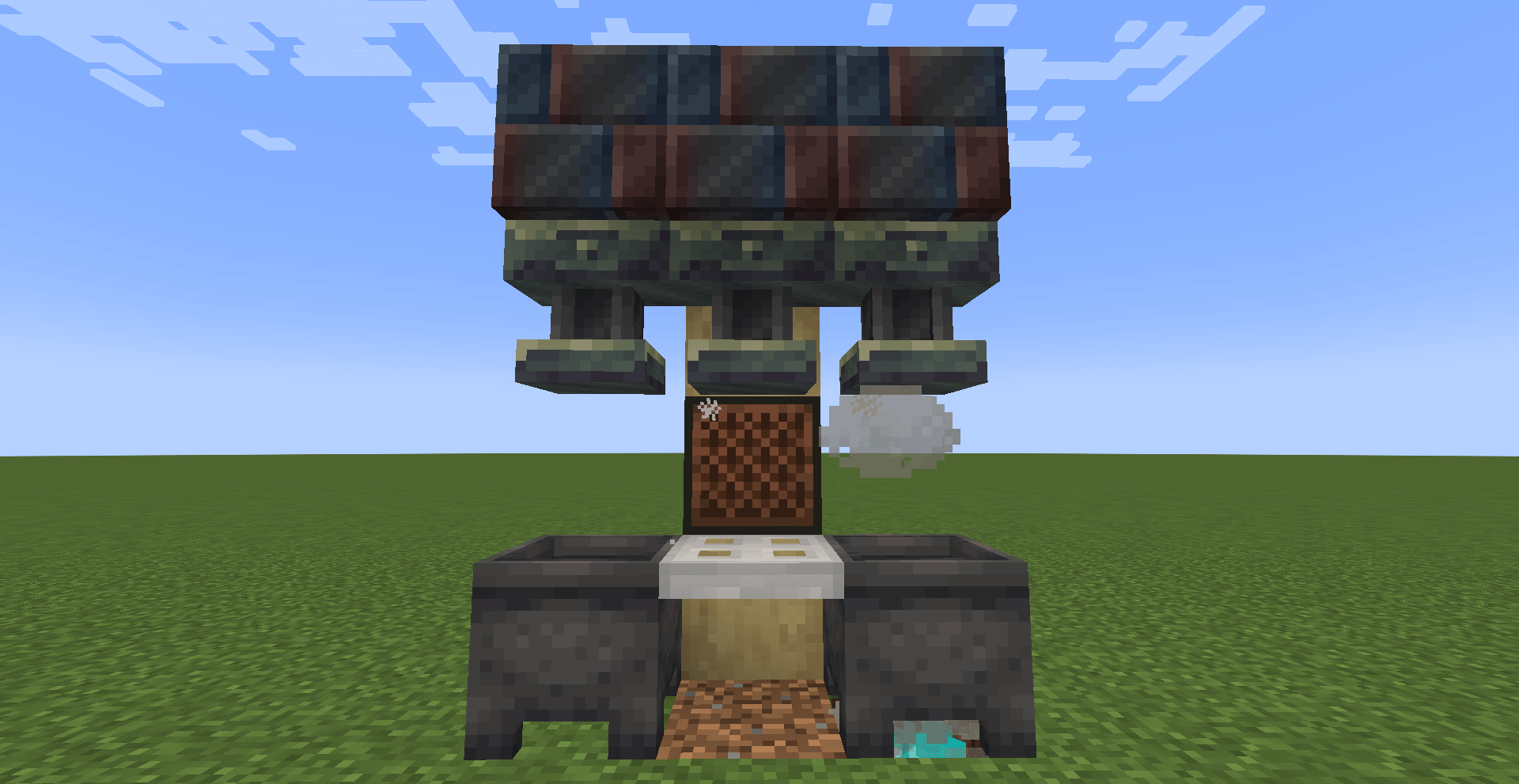
- Magnet: Draws an anvil into the air, recharging redstone and releasing it
- Crushing: Crushing rocks into powder
- Pressing: Squeezes the liquid out of the block
- Item Compression: Compacts loose items
- Cutting: Separates tight items
- Rolling: Pressing the material into thin sheets
- Bulging: The material is expanded with water
- Crystallization: Crystallization of the material with fine snow
- Pressing: Press two squares into one
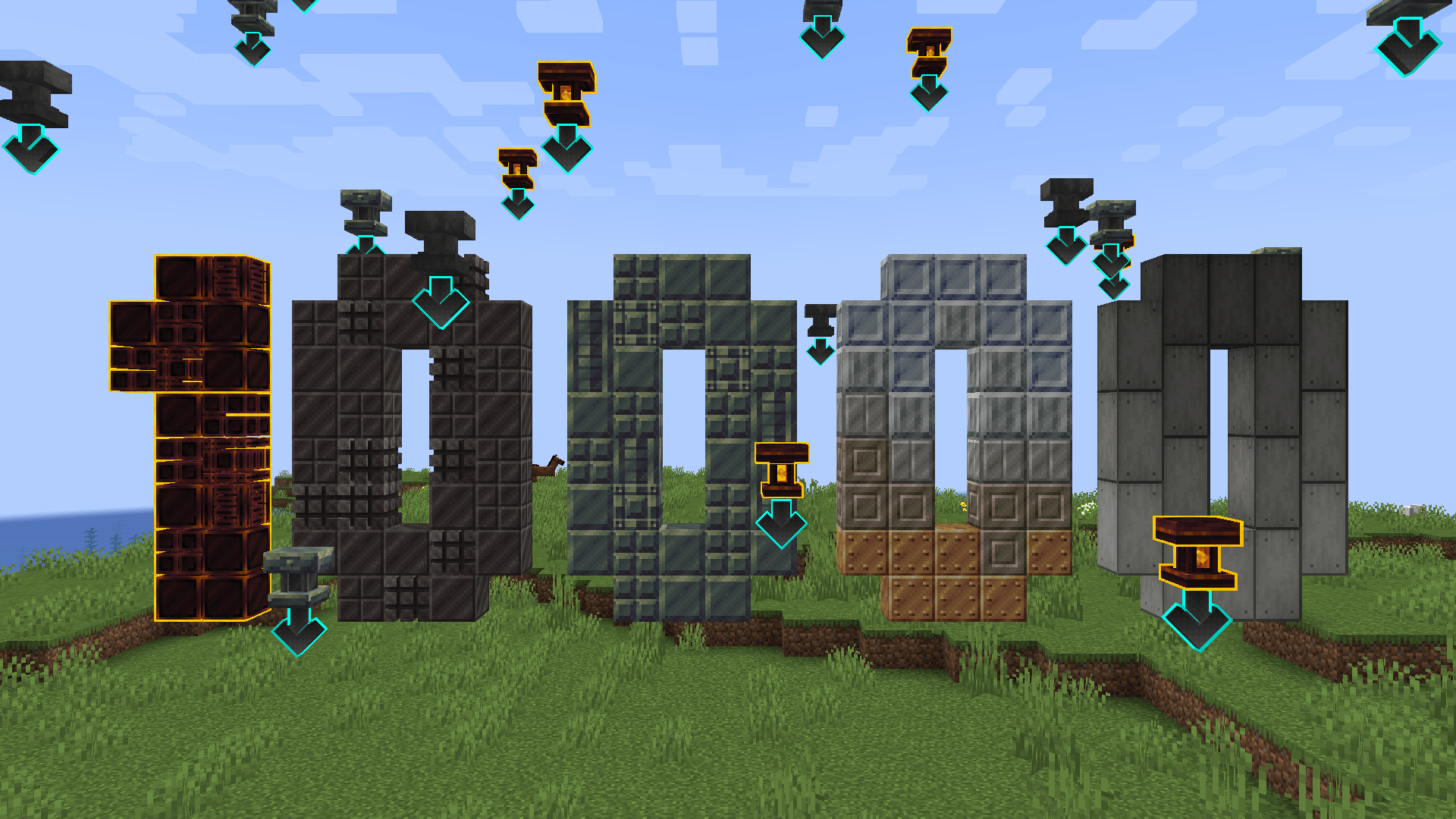
- Block Break: Breaks blocks on the Stone Cutter
Contact us:
- Please go to our Discord Server(gAnWeZNKGh) to communicate and give feedback
List of contributors:
XeKr 🎨 🤔 5930630
Gugle 💻 19822751
Phoupraw 💻 43760886
雪舞 💻 302121711
NightFish 💻 574322131
BOTXue 🌏 17486924
wdfaESfaef 💻 40378957
ZhuRuoLing 💻 408091828
YocyCraft 💻 null
Bi2Nb9O3 💻 528521905
柠喵喵喵 🐛 690178803
꧁[C̲̅j̲̅s̲̅a̲̅h̲̅]꧂ 💻 19170004
Special thanks to:
- Supporter:
- 枫丨渊
- BOTXue
- 塔壳take
- 弭忧萌虾
- 朽白zz
- 老章鱼
- 请昵
- HS_Frederick
- 秋水AuU_
- Young
- xiaohui
- 玄钼
- Bi2Nb9O3
- 鸽の念
AnvilCraft: Gravity Technology 설치 방법
With Millida Launcher
Install Millida Launcher
The launcher is free: download it at millida.net/launcher and sign in with any nickname.
Click “Install” on this page
The launcher opens and installs the mod for Minecraft 1.20.1–1.21.1 on Fabric, Forge, NeoForge or Quilt automatically.
Launch the game
A profile with it appears in the launcher: click “Play”.
Manually
Install Fabric, Forge, NeoForge or Quilt
The loader must match the game version of the mod file, for example Minecraft 1.21.1. After installing it, a separate profile appears in your launcher.
Download the file for your version
In the version list above, pick the file anvilcraft-neoforge-1.21.1-1.6.0+snapshot.2356.jar (23 MB) for your game version and loader.
Put it in the mods folder
The folder is inside .minecraft (Windows: %appdata%\.minecraft\mods). If it does not exist, create it.
Launch the loader profile
Open “Mods” in the main menu: AnvilCraft: Gravity Technology should be in the list.
Minecraft 1.21.1 runs on Java 21: with a different Java version the game may close right after launch.
버전
의존성 포함
| Minecraft | 로더 | 파일 | 날짜 | 작업 |
|---|---|---|---|---|
| 1.21.1 | NeoForge | AnvilCraft For NeoForge v1.21.1-1.6.0+snapshot.235623 MB 2 | ||
| 1.21.1 | NeoForge | AnvilCraft For NeoForge v1.21.1-1.6.0+pre-release.922.8 MB | ||
| 1.21.1 | NeoForge | AnvilCraft For NeoForge v1.21.1-1.6.0+pre-release.721.7 MB | ||
| 1.20.1 | Fabric, Quilt | AnvilCraft For Fabric v1.20.1-1.4.1+pre-release.26.6 MB | ||
| 1.20.1 | Forge | AnvilCraft For Forge v1.20.1-1.4.1+pre-release.25.2 MB | ||
| 1.20.1 | Fabric, Quilt | AnvilCraft For Fabric v1.20.1-1.4.06.3 MB | ||
| 1.20.1 | Forge | AnvilCraft For Forge v1.20.1-1.4.04.8 MB |
리뷰
AnvilCraft: Gravity Technology의 첫 평가를 남겨 보세요


