

 Fabric
 Quilt
QuiltAffinity 모드 정보
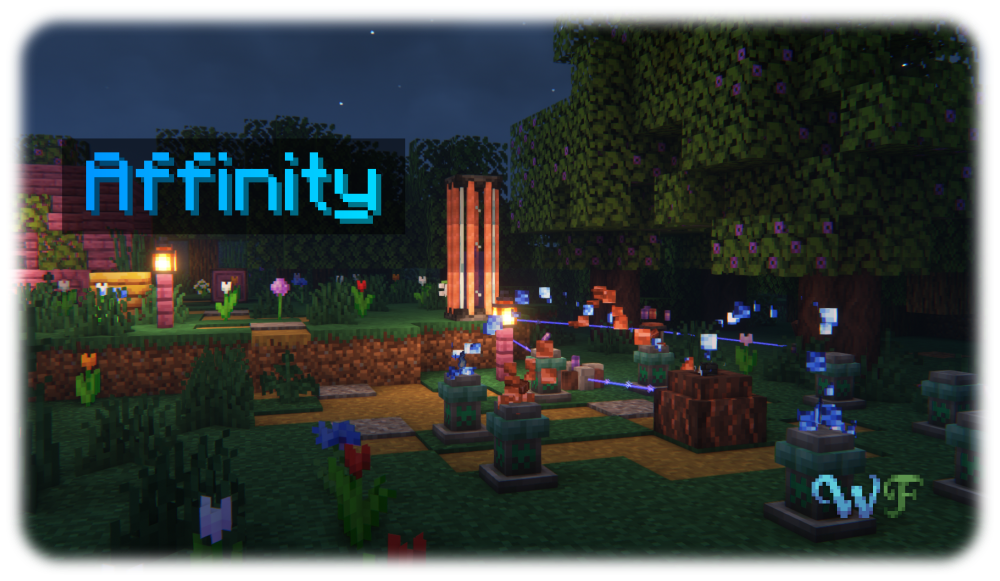
Affinity is a magic mod all about Aethum, an energy emanating from and necessary for all manifestations of life, and it's semi-physical counterpart Aethum Flux. Discover how, through twisting and bending these very fundamental forces, you can create powerful magical tools, useful machinery powered by Aethum Flux and take control over life and death.
All the while, it maintains a tasteful blend between the traditional features of a magic and a tech mod - after all, magic is only tech that we have not yet understood. Inspired by the likes of Thaumcraft and Botania, Affinity strives to deliver a somewhat familiar yet brand-new experience, building on what those mods did well and improving where there was potential left on the table.
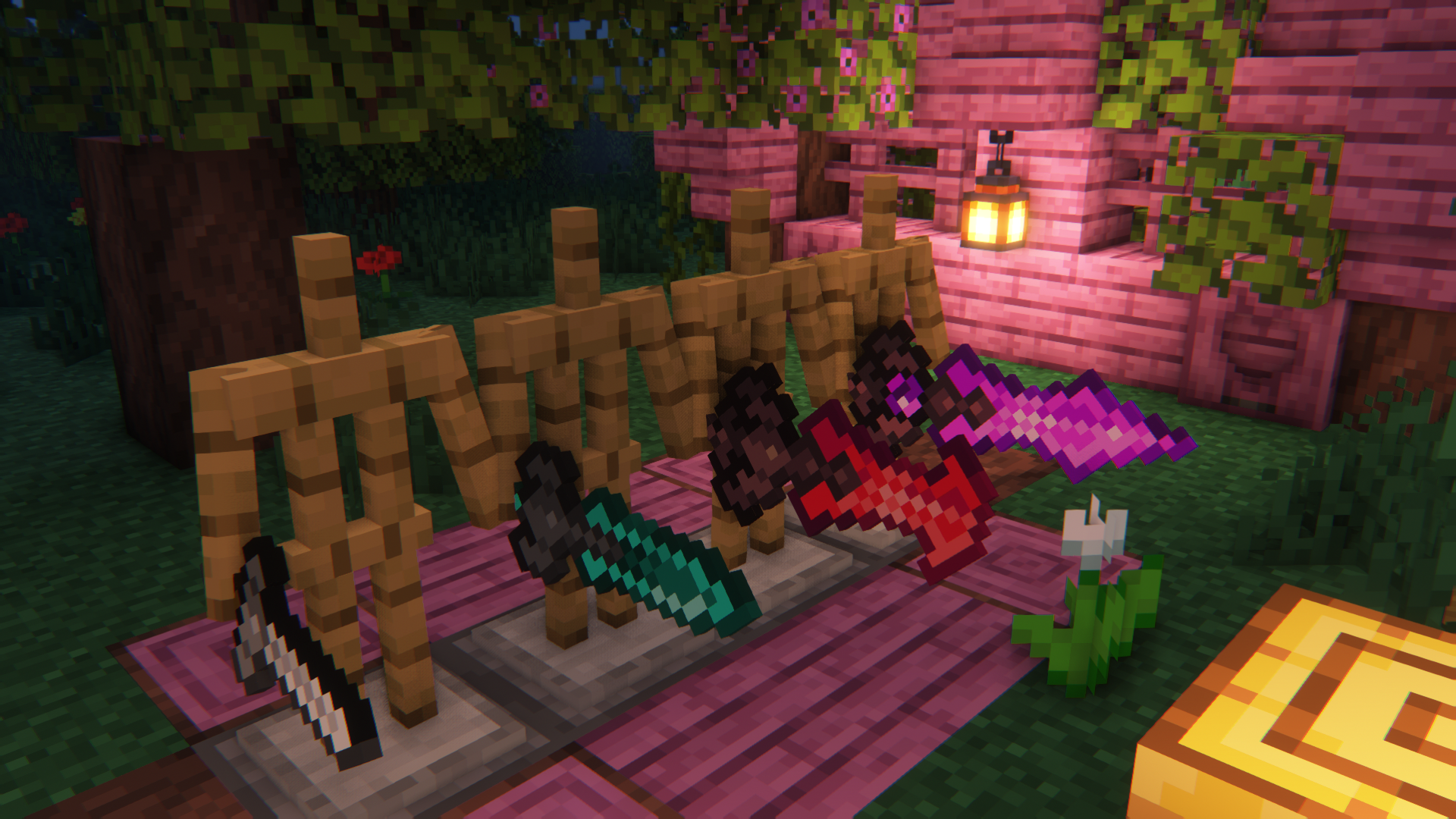
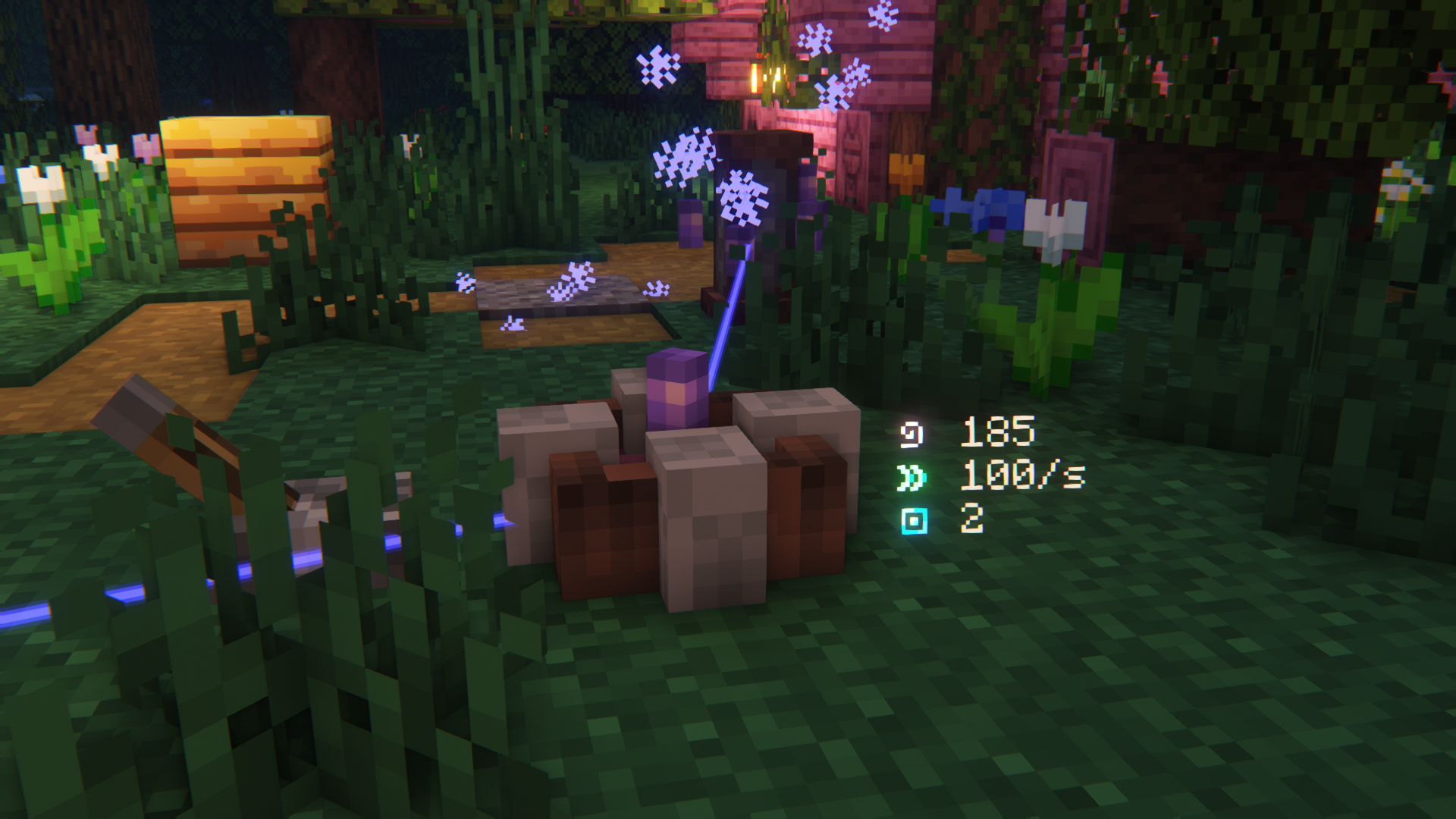
To get a good first look at what Affinity has to offer, check out the Images
The Wispen Testament
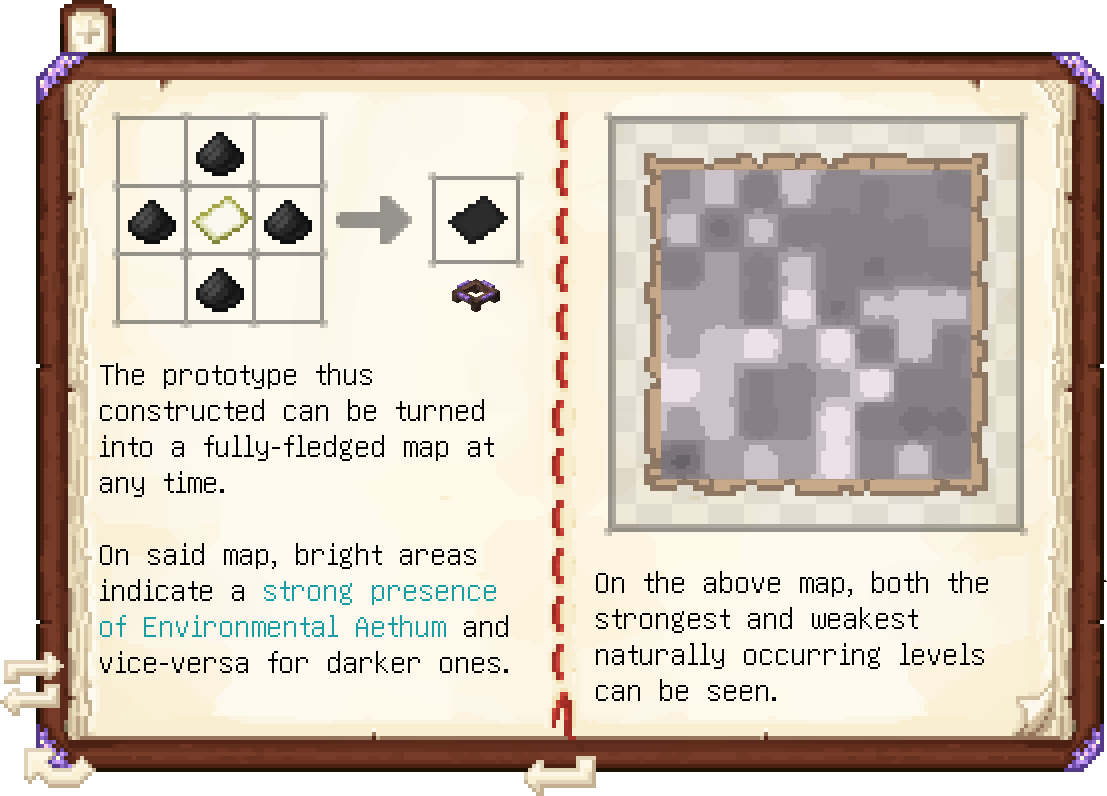
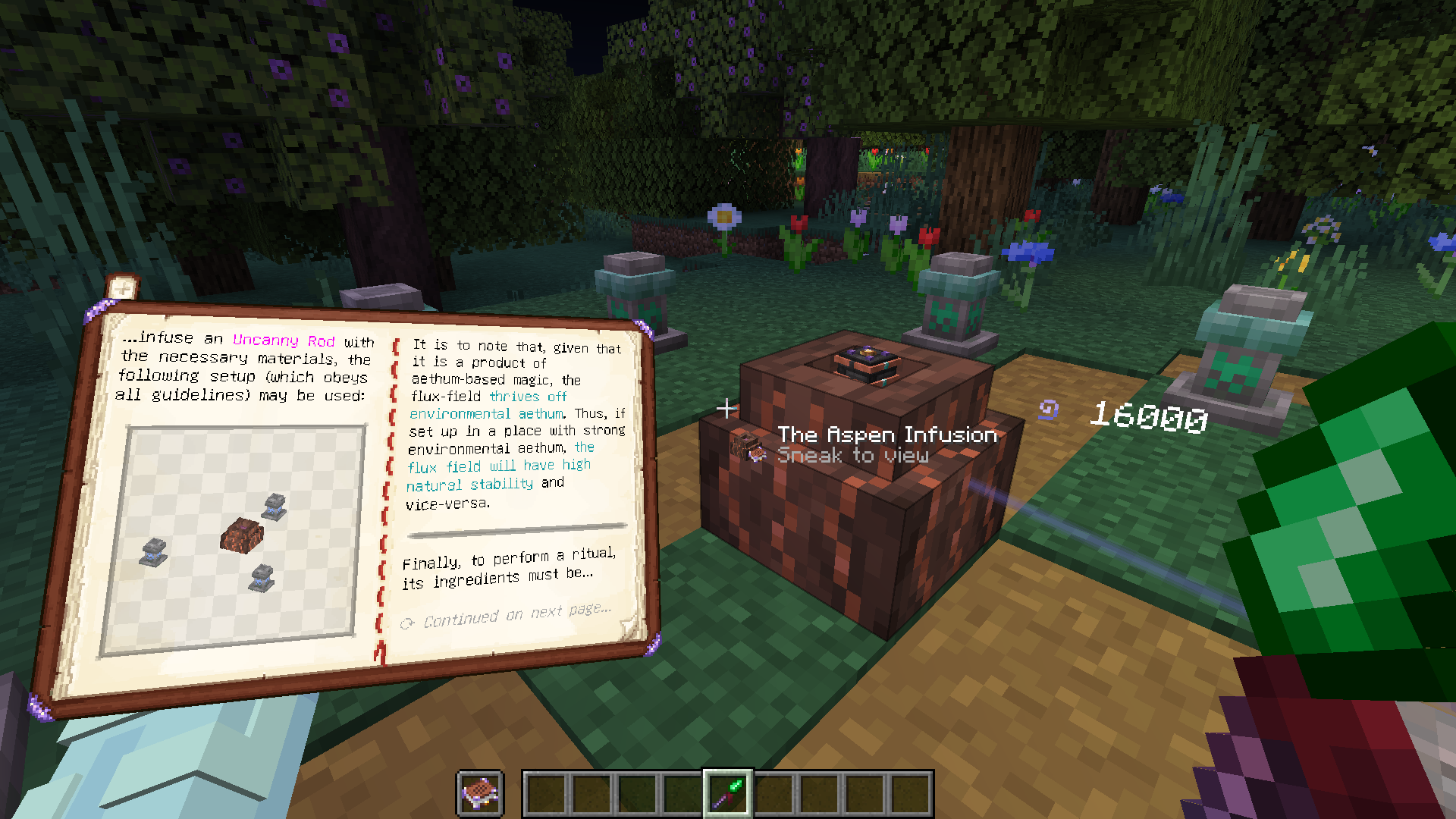
The Wispen Testament, Affinity's comprehensive guide, covers every aspect of the mod in detail and leads you along every step of the way. Built using Lavender, it delivers an intuitive, familiar and seamlessly integrated guidebook experience.
Credits
Affinity has been a huge undertaking over 3 years in development and would not have been possible without the help of many people. I, glisco, extend my thanks to:
- naschhorn and pvpTurtle, for spending countless hours with me brainstorming ideas, balancing and testing the mod
- Pois1x, for providing many of the textures in the mod
- chyzman, for inspiring countless little and some more major features
- BasiqueEvangelist, for his occasional code contributions and ideas
- Aikoyori, for their texture and model contributions
- Noaaan, for helping with gameplay design and his inexhaustible knowledge on the game's armor and weapon systems
- Halbzwilling, for inspiring me to start modding all those years ago and strongly influencing some parts of Affinity's design through his NoGravity datapacks
- The remaining Wisp Forest team for their moral support and just overall being a great bunch of people
To anybody else who has inspired me, or someone else on the team, thank you!
A Wisp Forest mod
Affinity 설치 방법
With Millida Launcher
Install Millida Launcher
The launcher is free: download it at millida.net/launcher and sign in with any nickname.
Click “Install” on this page
The launcher opens and installs the mod for Minecraft 1.20–1.21.1 on Fabric or Quilt automatically.
Launch the game
A profile with it appears in the launcher: click “Play”.
Manually
Install Fabric or Quilt
The loader must match the game version of the mod file, for example Minecraft 1.21.1. After installing it, a separate profile appears in your launcher.
Download the file for your version
In the version list above, pick the file affinity-0.1.13+1.21.1.jar (3.1 MB) for your game version and loader.
Put it in the mods folder
The folder is inside .minecraft (Windows: %appdata%\.minecraft\mods). If it does not exist, create it.
Launch the loader profile
Open “Mods” in the main menu: Affinity should be in the list.
Minecraft 1.21.1 runs on Java 21: with a different Java version the game may close right after launch.
버전
의존성 포함
| Minecraft | 로더 | 파일 | 날짜 | 작업 |
|---|---|---|---|---|
| 1.21.1 | Fabric, Quilt | [1.21.1] Affinity - 0.1.133.1 MB | ||
| 1.20.1 | Fabric, Quilt | [1.20+] Affinity - 0.1.83.3 MB |
FAQ
Which Minecraft versions does Affinity work on?
There are files for 1.21.1, 1.20.1, 1.20. The newest is 1.21.1.
Is Affinity for Forge or Fabric?
There are files for Fabric: 1.20–1.21.1 and for Quilt: 1.20–1.21.1. There are no files for Forge or NeoForge: a mod for another loader will not start.
Does Affinity need other mods?
The author lists no required dependencies: the Fabric or Quilt loader is enough.
Which Java does Affinity need?
Minecraft 1.21.1 runs on Java 21. If the game closes right after launch, the usual cause is the wrong Java version in the profile settings.
Where can I download Affinity safely?
On this page: the file affinity-0.1.13+1.21.1.jar (3.1 MB) is stored on Millida’s server, with no link shorteners. SHA-1 checksum: d69384ead93402e165f175211b3c9c55ba89a44c.
리뷰
Affinity의 첫 평가를 남겨 보세요


