

Minecraft 1.20.1용 Aether bedrock mobs 모드
이 모드는 동일한 이름의 bedrock 애드온 콘텐츠를 원래의 aether로 가져옵니다
- 조회수
- 17 조회수
- 업데이트됨
- 업데이트됨 04.10.2026
- 1.20.1
 Forge
Forge- 클라이언트와 서버
Aether bedrock mobs
This modification brings content from the addon of the same name for bedrock to the original Aether. This addition is necessary for those who are tired of the usual Aether and are looking forward to new adventures. To download you need geckolib and the original Aether. New entities and structures will not spawn in biomes added by other addons.

New dungeons
This modification adds new dungeons to the world of aether.
Crystalite dungeon:
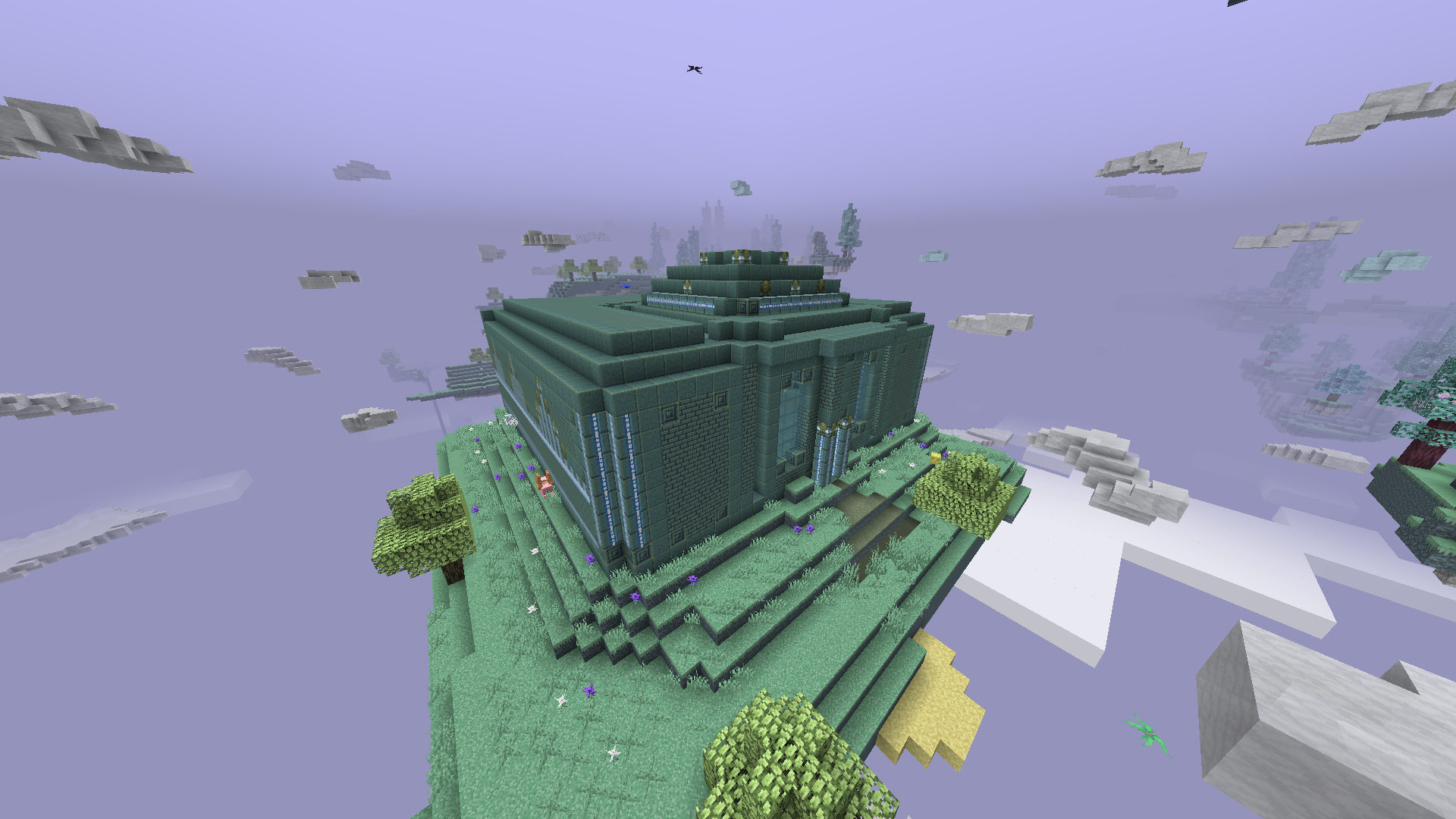
Labyrinth:
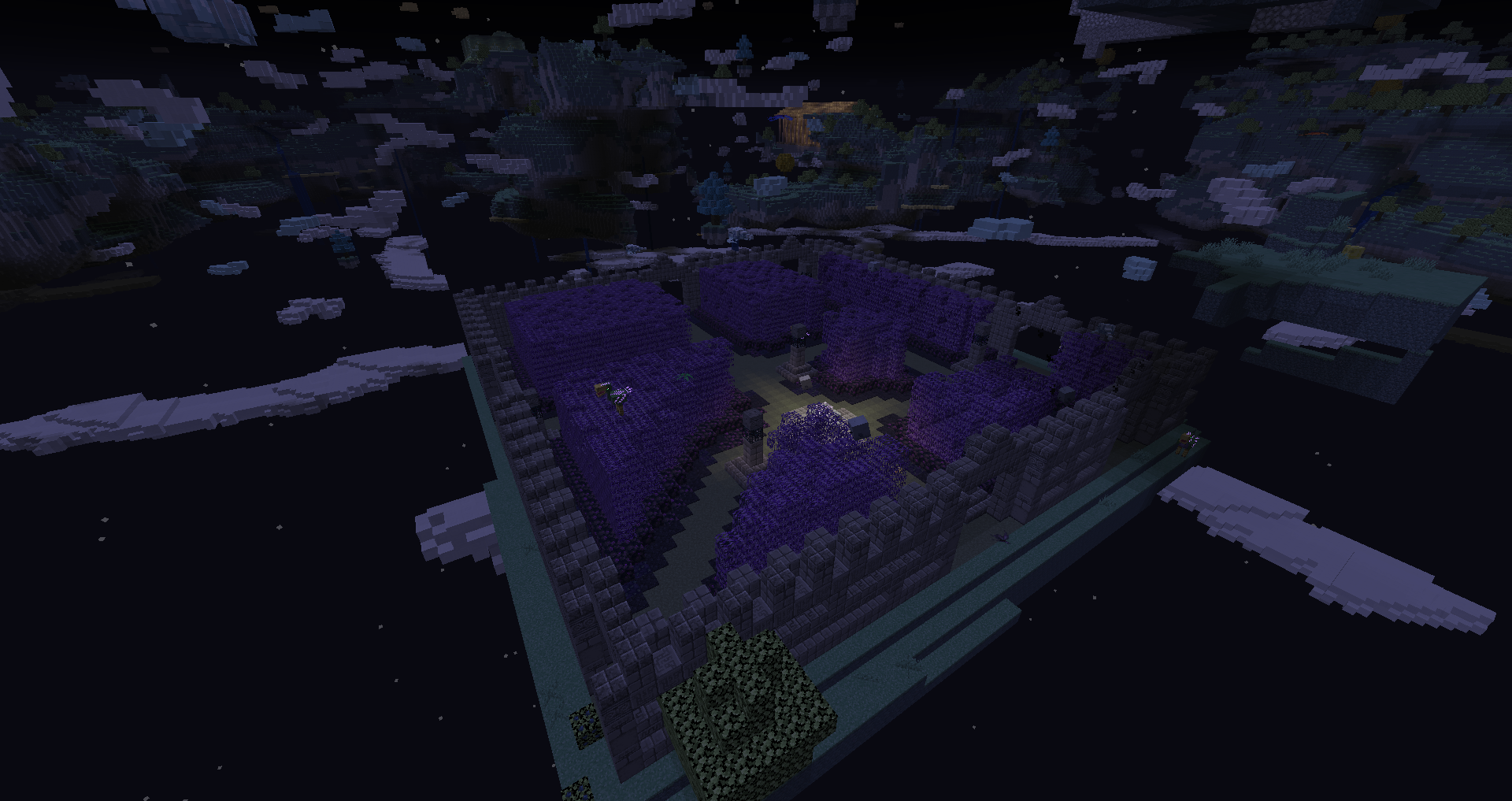
Spirit dungeon:
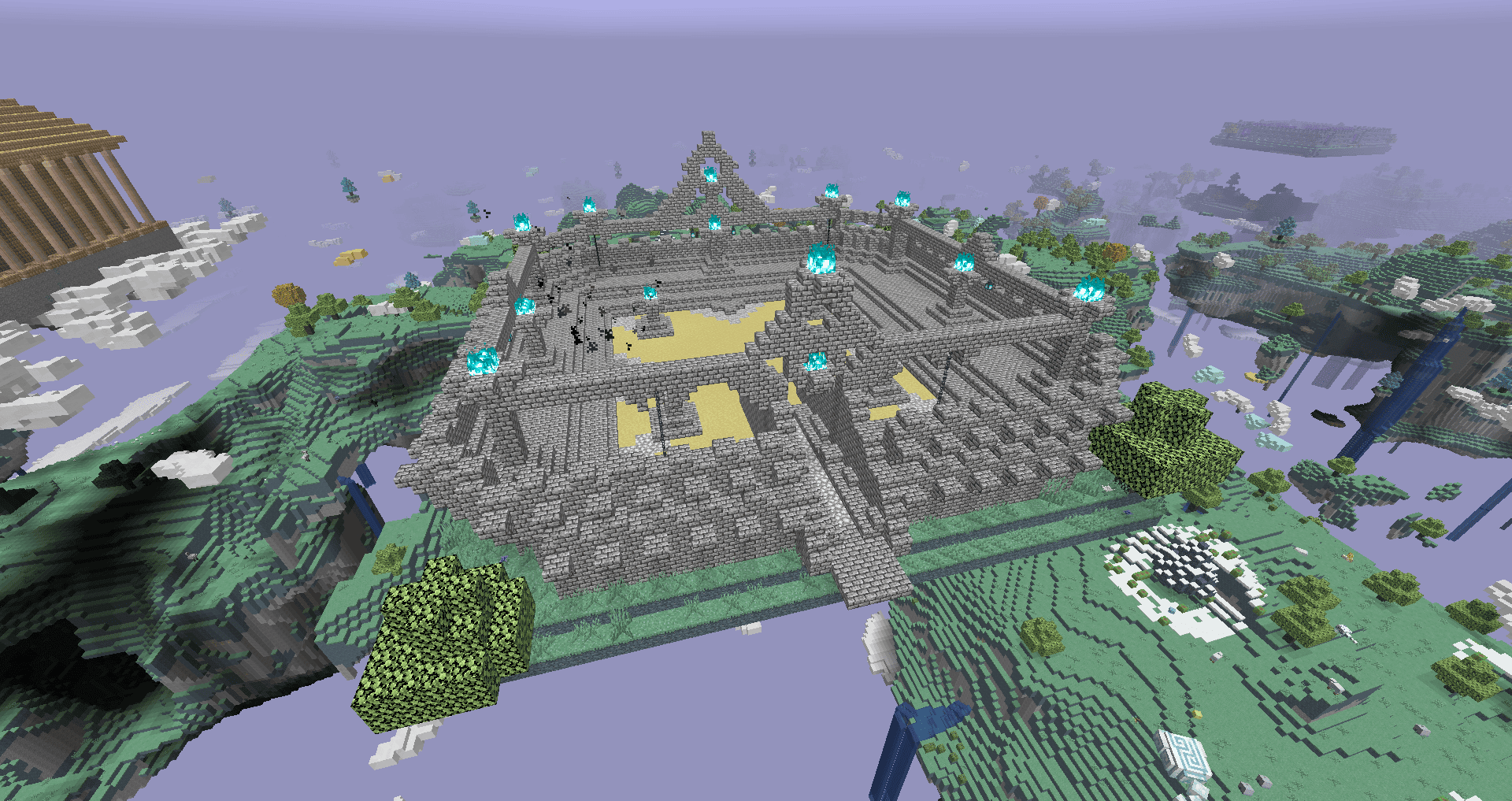
Salt dungeon:
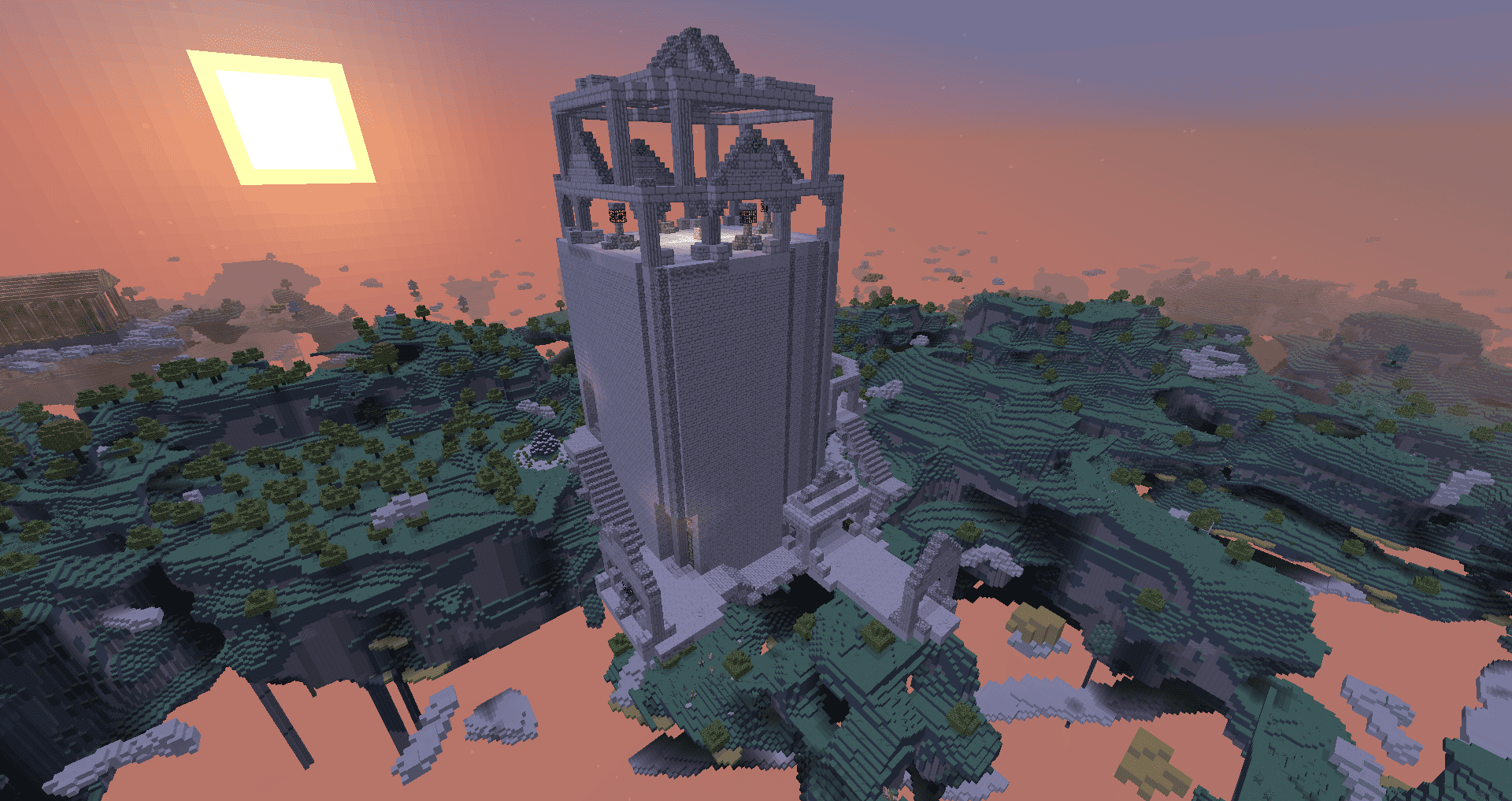
Elder dungeon:
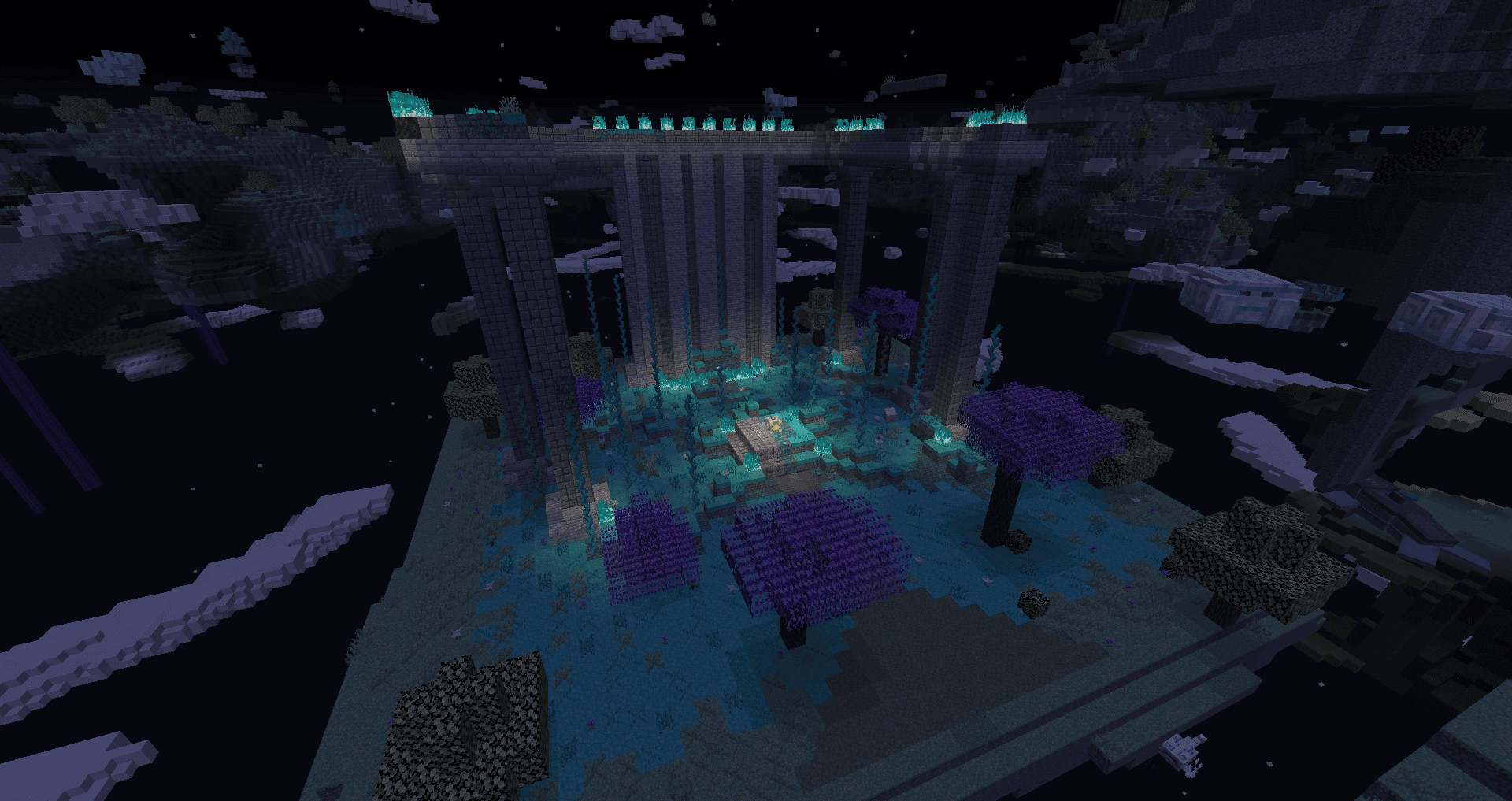
In data structures you can name new bosses, their henchmen and get new, unique weapons.

New bosses
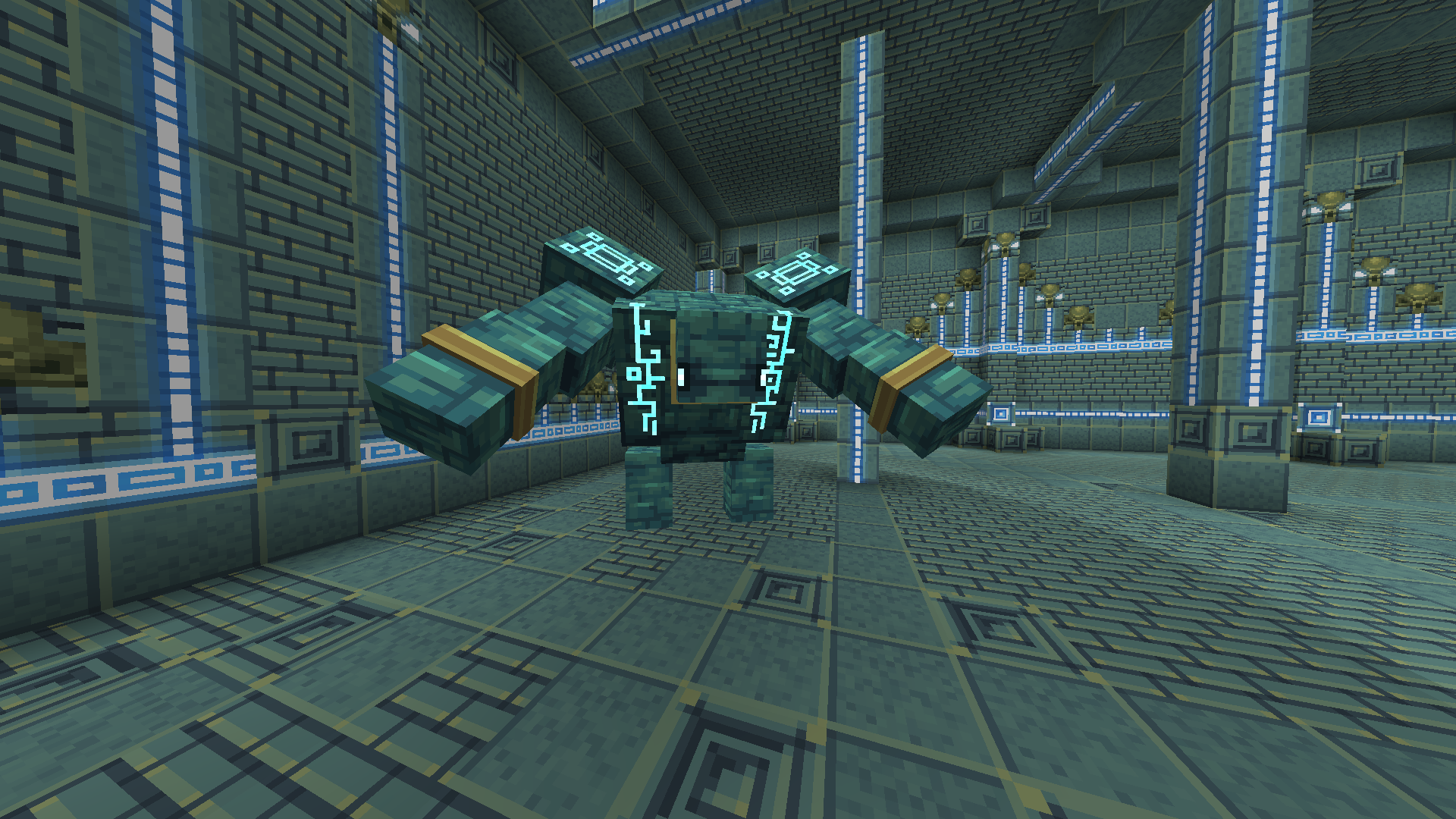
Crystalite golem, enemy with powerful blows and a large number of assistants. Can only be summoned at night.
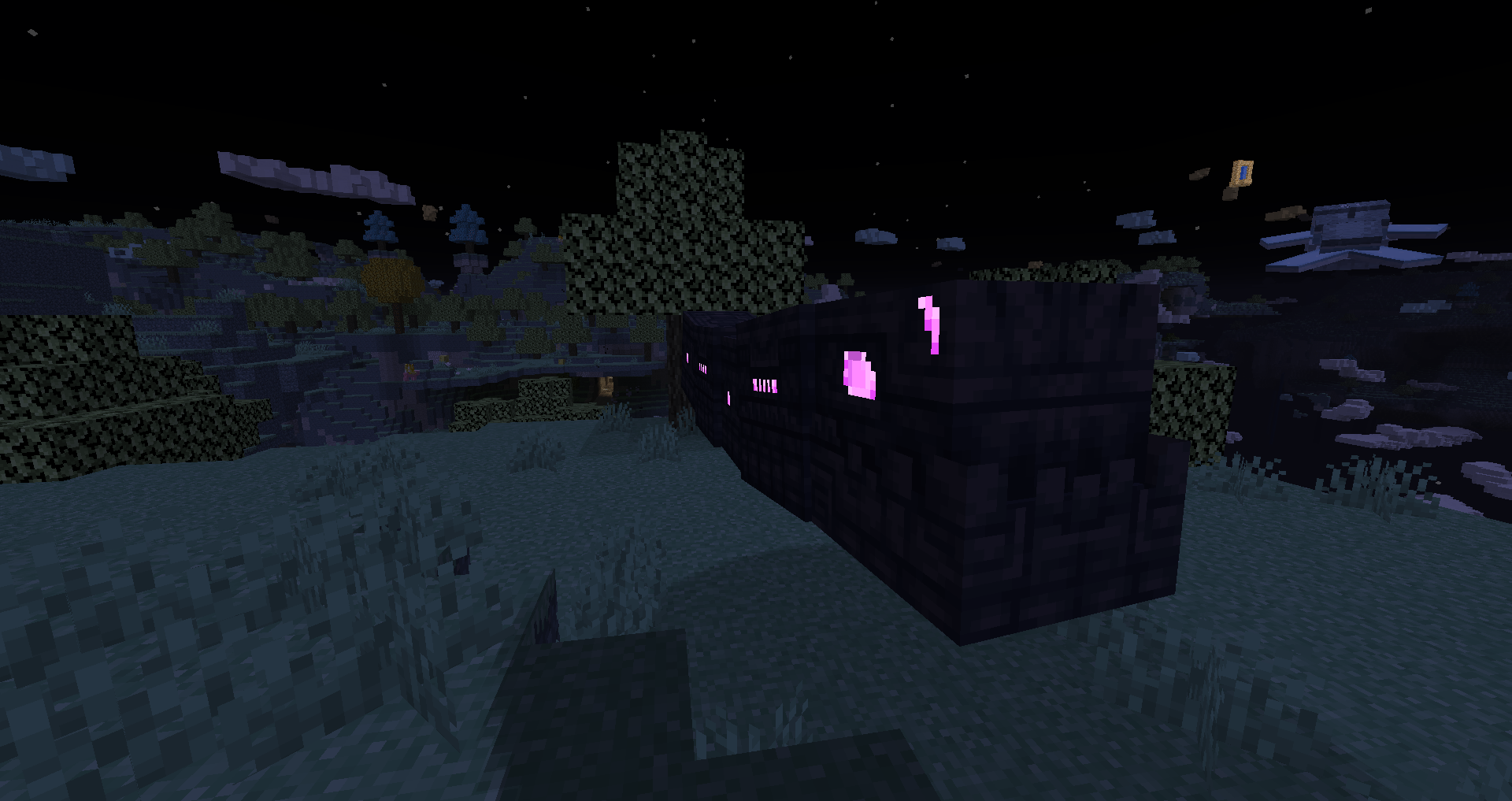
Aether Naga, a huge worm with fast attacks. Can only be summoned at night.
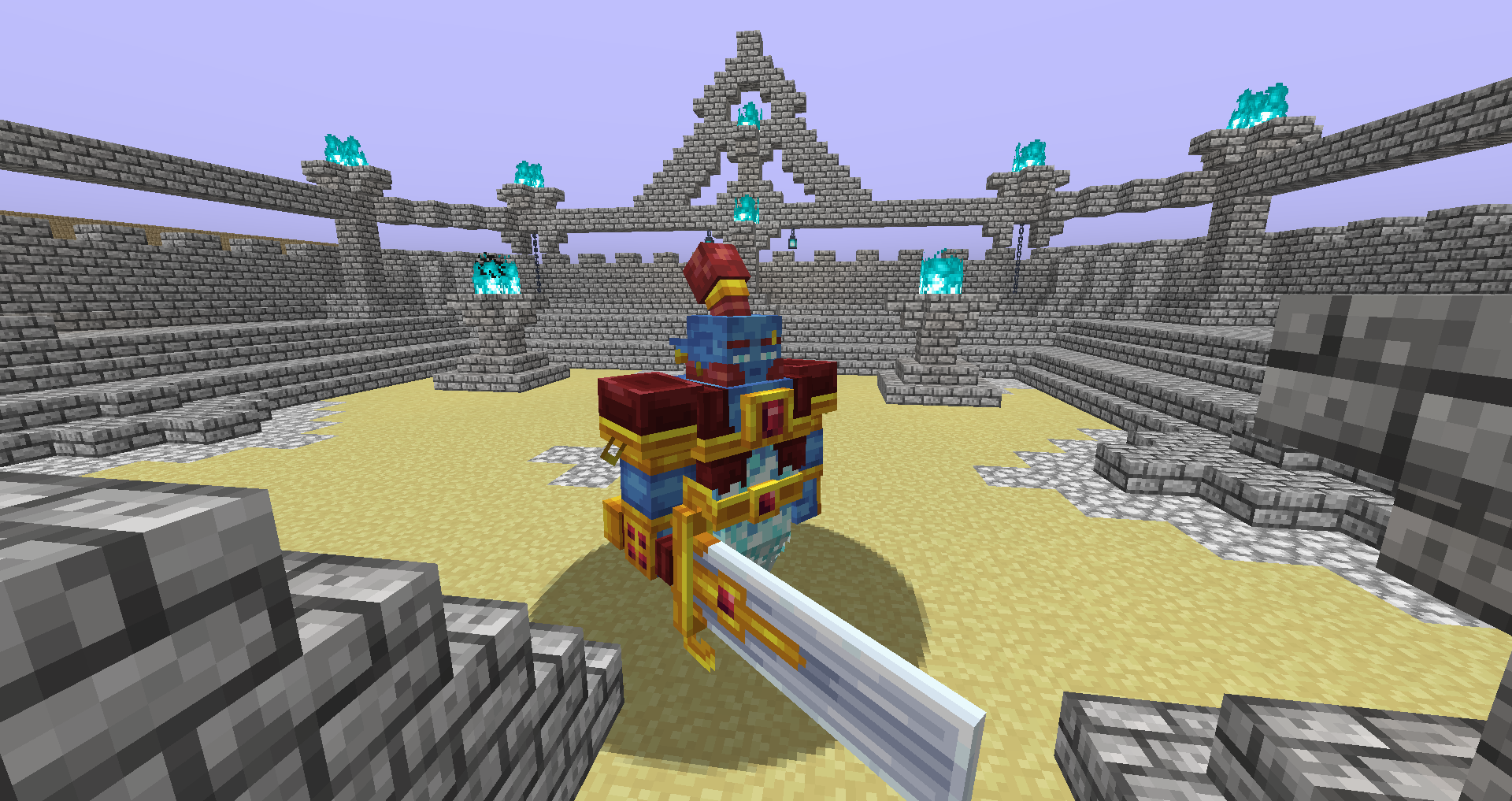
Spirit, is an equal opponent to you, can be summoned at any time.
Salt crab king, slow but with strong hits, can be summoned at any time.
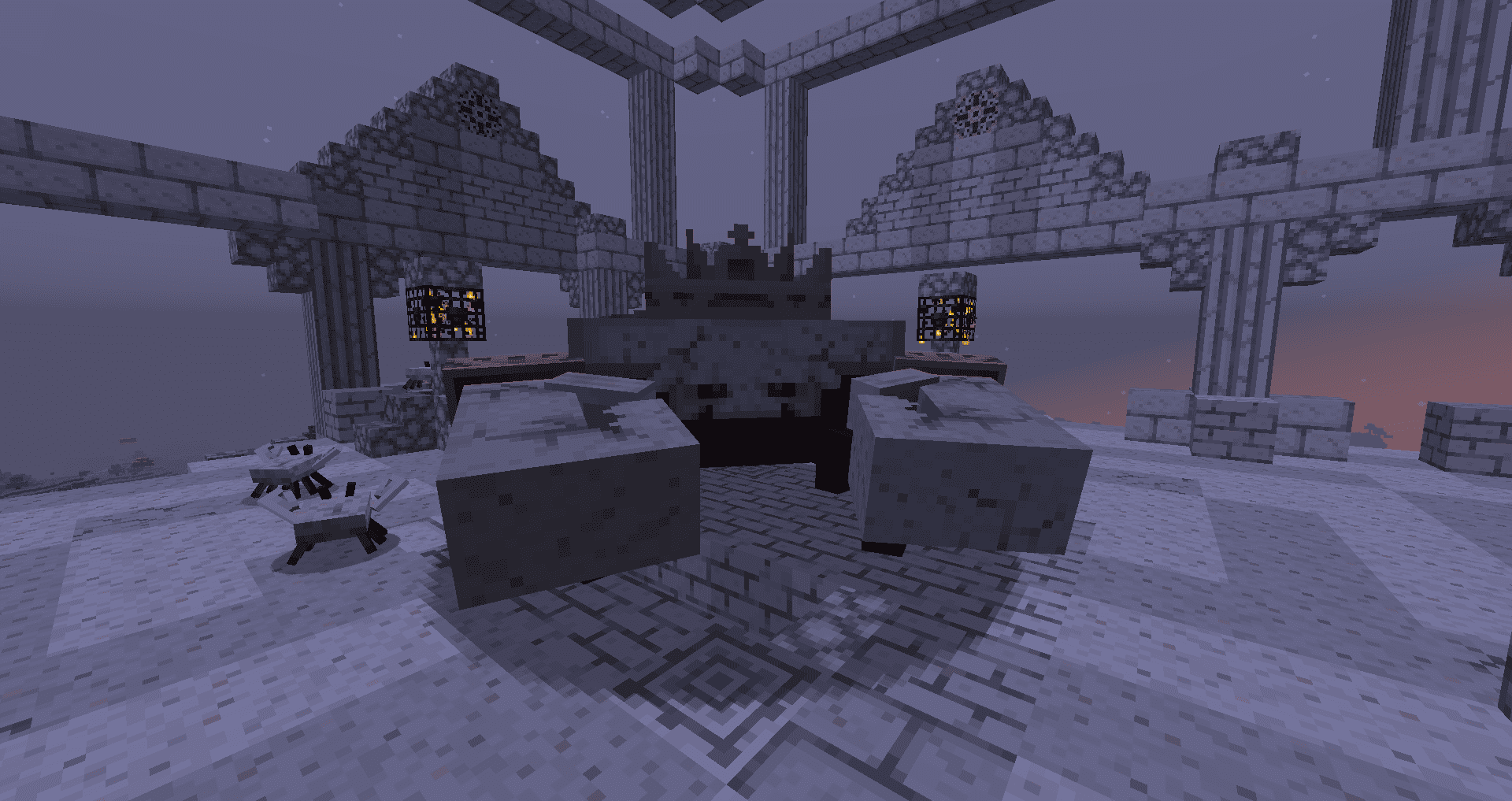
New mobs
The fashion has a large number of new ambient mobs living in this dimension.
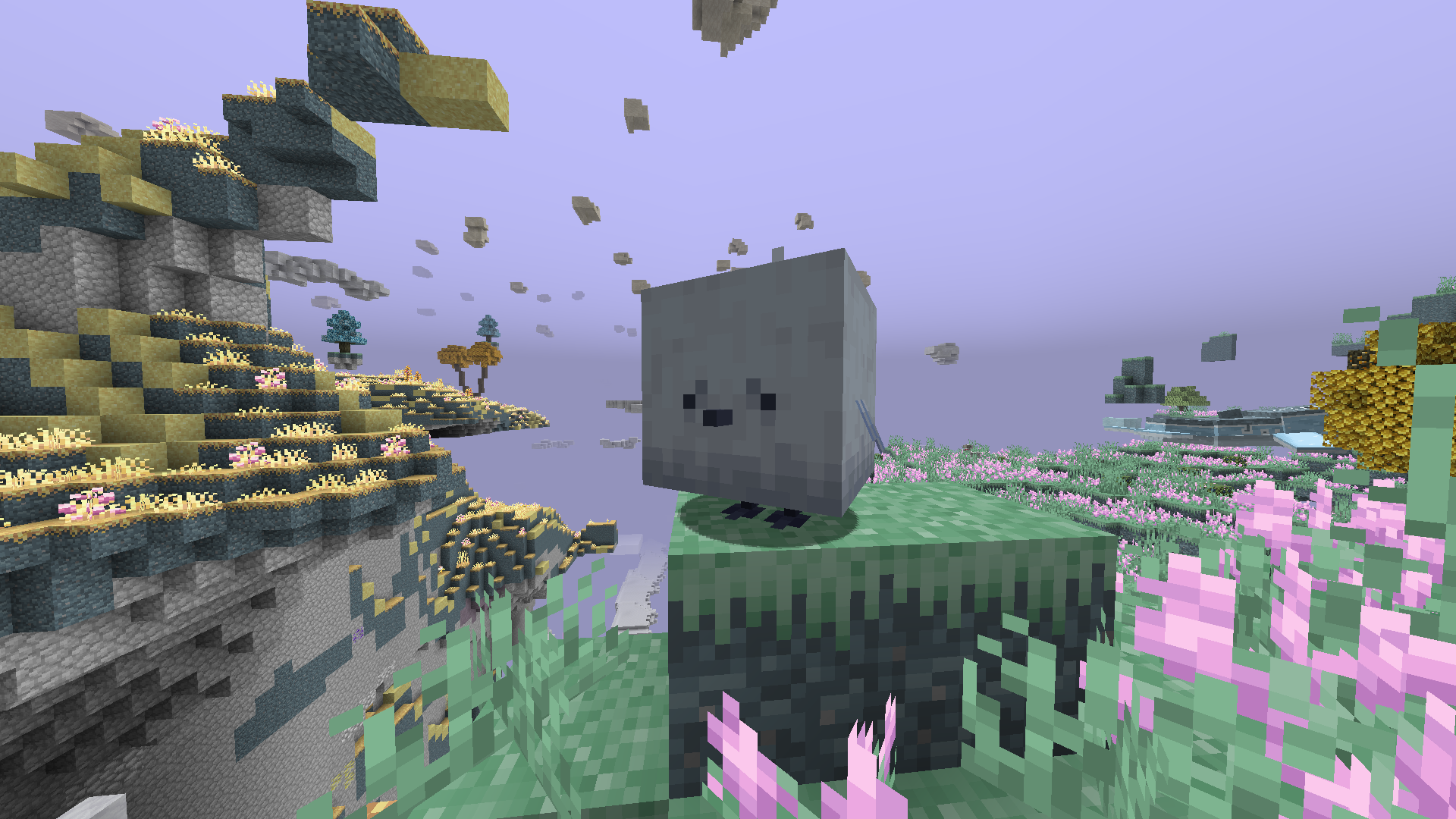
Next updates
In the future it is planned to add a large number of new structures and bosses.
Aether bedrock mobs 설치 방법
With Millida Launcher
Install Millida Launcher
The launcher is free: download it at millida.net/launcher and sign in with any nickname.
Click “Install” on this page
The launcher opens and installs the mod for Minecraft 1.20.1 on Forge automatically, together with its dependencies: Geckolib, The Aether.
Launch the game
A profile with it appears in the launcher: click “Play”.
Manually
Install Forge
The loader must match the game version of the mod file, for example Minecraft 1.20.1. After installing it, a separate profile appears in your launcher.
Download the file for your version
In the version list above, pick the file aethermobs-1.5.0-forge-1.20.1.jar (3.1 MB) for your game version.
Put it in the mods folder
The folder is inside .minecraft (Windows: %appdata%\.minecraft\mods). If it does not exist, create it. Required dependencies go there too: Geckolib, The Aether.
Launch the loader profile
Open “Mods” in the main menu: Aether bedrock mobs should be in the list.
On a server
A server on Forge
The mod only works on a server with the same loader and game version, for example 1.20.1.
File goes into the server’s mods folder
Stop the server, put the mod file into the mods folder and start the server again.
Use the “To server” button
On Millida Hosting, the button at the top of the page uploads the file to your server and restarts it for you.
Minecraft 1.20.1 runs on Java 17: with a different Java version the game may close right after launch.
버전
의존성 포함
| Minecraft | 로더 | 파일 | 날짜 | 작업 |
|---|---|---|---|---|
| 1.20.1 | Forge | 1.20.13.1 MB | ||
| 1.20.1 | Forge | 1.20.11.9 MB | ||
| 1.20.1 | Forge | 1.20.11.1 MB | ||
| 1.20.1 | Forge | 1.20.1596 KB |
실행에 필요한 것
리뷰
Aether bedrock mobs의 첫 평가를 남겨 보세요


