

Minecraft 26.2용 2D Projectiles ➵ 모드
Makes projectiles (arrows, firework rockets, trident, etc.) look 2D!
 NeoForge
 Fabric
2D Arrow model
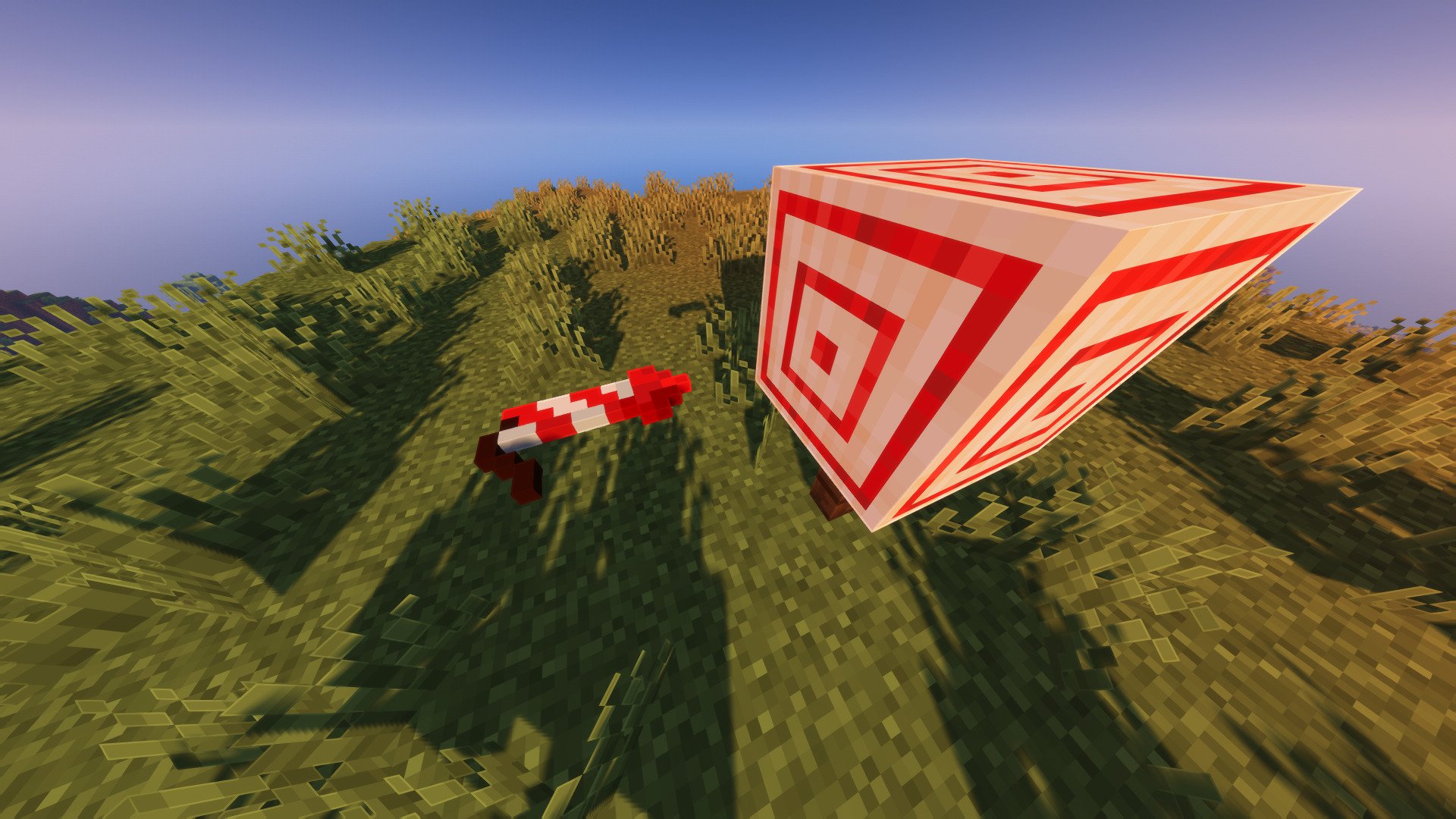
This mod will replace the 3D arrow model with its 2D item texture model. It will also remove the Critical particles (enabled by default).

Firework Rocket
The Firework Rocket got a little rework too, the model is scaled up and will be flat if shouted from a crossbow.
Roll Animation
Arrow and Firework Rocket have a new roll animation that depends on their velocity.
(with Bare Bones texture pack)

Works with every texture pack
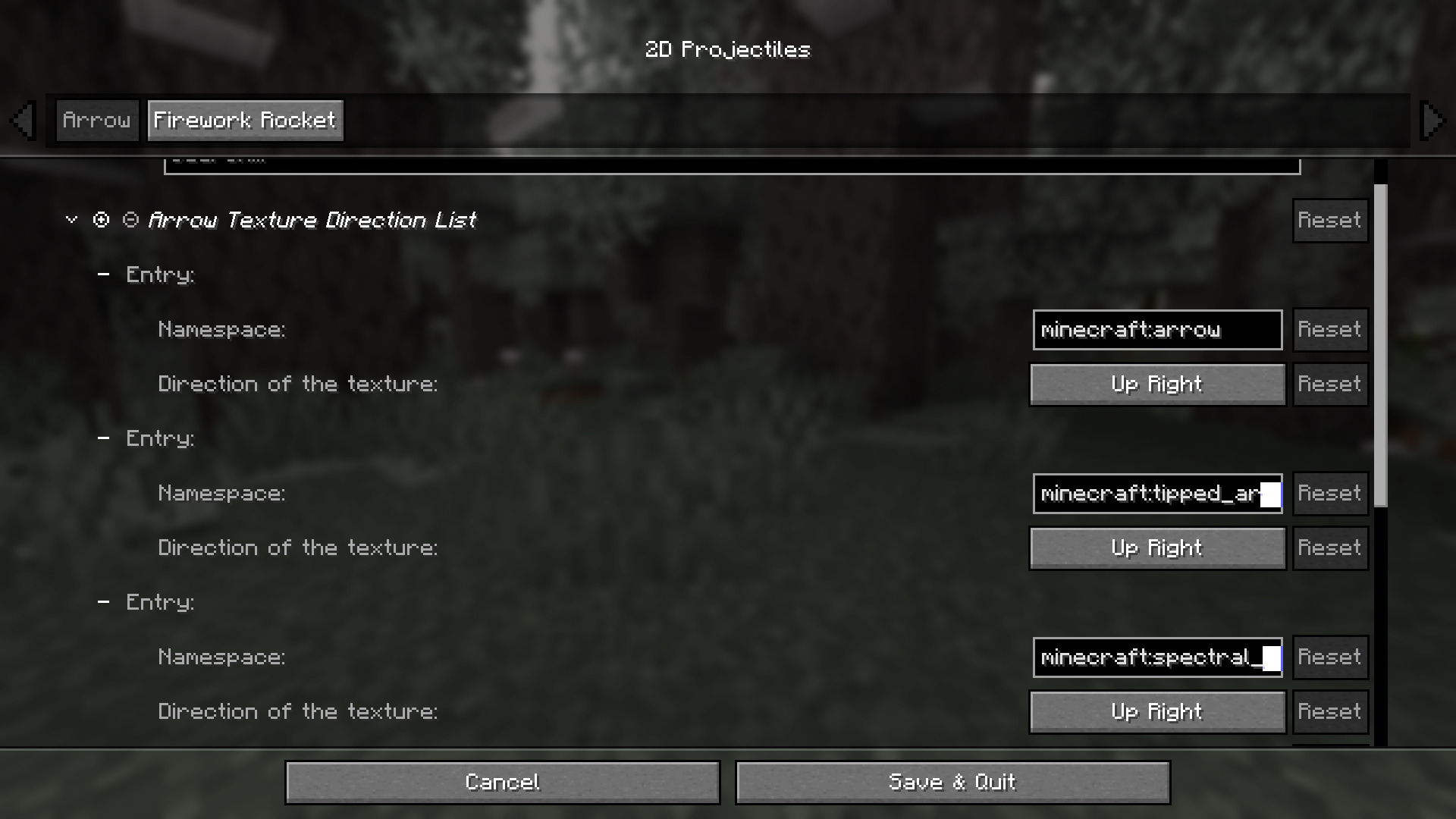
The default values are calibrated for the vanilla textures. If you're using a texture pack, you might need to adjust some elements, such as the orientation of the arrow or firework rocket tip. Normal arrows, spectral arrows, and even modded arrows can each have different directions, just add them in the config file.
2D Projectiles ➵ 설치 방법
With Millida Launcher
Install Millida Launcher
The launcher is free: download it at millida.net/launcher and sign in with any nickname.
Click “Install” on this page
The launcher opens and installs the mod for Minecraft 1.21.9–26.2 on Fabric or NeoForge automatically, together with its dependencies: Cloth Config API, Fabric API.
Launch the game
A profile with it appears in the launcher: click “Play”.
Manually
Install Fabric or NeoForge
The loader must match the game version of the mod file, for example Minecraft 26.2. After installing it, a separate profile appears in your launcher.
Download the file for your version
In the version list above, pick the file twod_projectiles-neoforge-26.2-1.1.1.jar (704 KB) for your game version and loader.
Put it in the mods folder
The folder is inside .minecraft (Windows: %appdata%\.minecraft\mods). If it does not exist, create it. Required dependencies go there too: Cloth Config API, Fabric API.
Launch the loader profile
Open “Mods” in the main menu: 2D Projectiles ➵ should be in the list.
2D Projectiles ➵ works on the player’s side only: there is no need to install it on a server.
버전
의존성 포함
| Minecraft | 로더 | 파일 | 날짜 | 작업 |
|---|---|---|---|---|
| 26.2 | NeoForge | 26.2704 KB | ||
| 26.2 | Fabric | 26.2706 KB | ||
| 26.1.2 | NeoForge | 26.1.2704 KB | ||
| 26.1.2 | Fabric | 26.1.2706 KB 1 | ||
| 1.21.11 | NeoForge | 1.21.11707 KB | ||
| 1.21.11 | Fabric | 1.21.11707 KB 1 | ||
| 1.21.10 | NeoForge | 1.21.10708 KB | ||
| 1.21.10 | Fabric | 1.21.10708 KB |
실행에 필요한 것
- Cloth Config API필수
- Fabric API필수
- Mod Menu선택 사항
FAQ
Which Minecraft versions does 2D Projectiles ➵ work on?
There are files for 1.21.9–26.2, 7 versions in total. The newest is 26.2.
Is 2D Projectiles ➵ for Forge or Fabric?
There are files for Fabric: 1.21.9–26.2 and for NeoForge: 1.21.9–26.2. There are no files for Forge: a mod for another loader will not start.
What does 2D Projectiles ➵ need to work?
Required: Cloth Config API, Fabric API. Without them the mod will not start: dependencies go into the same mods folder. Optional: Mod Menu.
Do I need to install 2D Projectiles ➵ on a server?
No. 2D Projectiles ➵ works on the player’s side only: there is no need to install it on a server.
Where can I download 2D Projectiles ➵ safely?
On this page: the file twod_projectiles-neoforge-26.2-1.1.1.jar (704 KB) is stored on Millida’s server, with no link shorteners. SHA-1 checksum: 5644f3d7623cefca99bbfa7f745d6bca1f839440.
리뷰
2D Projectiles ➵의 첫 평가를 남겨 보세요


