

 NeoForge
 Forge
ForgeVERITY.exe 모드팩 정보
" Hi! I'm Verity! "
NOW SUPPORTS VOICECHAT! (NeoForge version has been discontinued) UNDER ACTIVE DEVELOPMENT! Please read the description and if you have an issue with Groq, I can't fix it. I didn't create the mods, I'm just making the modpack. ABOUT COMMENTS: I disabled them as people don't understand that the modpack works, is tested before each update, and that I cannot fix Groq issues. ABOUT GROQ: Watch the tutorial video to see how to make verity talk.
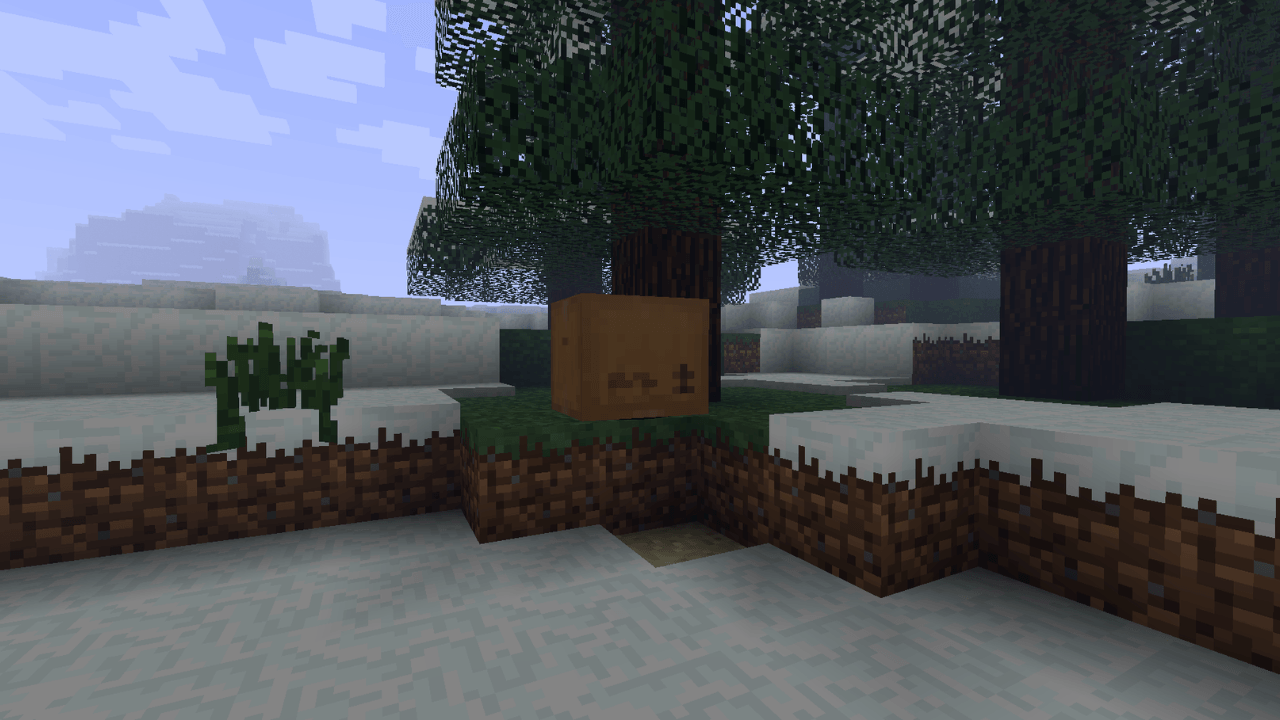
Verity, a little yellow face follows you everywhere. It talks, laughs, answers your questions, and keeps me company through the long nights. Thought you had found a friend in a forgotten world? The more time passes, the more you realize something was wrong. Verity always know where you are. It knows things you had never told it. And sometimes, when you'll look at that smiling face, you couldn't shake the feeling that it had been waiting for you long before you ever created the world.
Verity uses text-to-speech to imitate the voice from the videos. Talk to him using voice chat or direct chat.
FAQ (I won't answer comments if they aren't in English. Tired to see Spanish and Portuguese.) Q: How do I install it? A: Use the CurseForge App!
Q: Verity doesn't talk? A: The video will show you how to make him talk. Works for both Forge and NeoForge.
Q: Verity tells me there's a problem with the API key? A: If it doesn't work, delete your current API key in use and create a new one. If it still doesn't work, please look at the next question.
Q: What can I do if I run out of TTS tokens? A: Delete your Groq account or create a new one, that will fix the problem.

I am not the owner of any mods. Originally created by ThatMob on YouTube. Verity JE by Varmite. If you make a video, please put the link of the mod in the description!
VERITY.exe 설치 방법
With Millida Launcher
Install Millida Launcher
The launcher is free: download it at millida.net/launcher and sign in with any nickname.
Click “Install” on this page
The launcher opens and installs the modpack for Minecraft 1.20.1–1.21.1 on Forge or NeoForge automatically.
Launch the game
A profile with it appears in the launcher: click “Play”.
On a server
Use the “To server” button
On Millida Hosting, the button at the top of the page uploads the file to your server and restarts it for you.
Invite friends: they install the same modpack
To join the server, every player needs the same modpack version.
Minecraft 1.21.1 runs on Java 21: with a different Java version the game may close right after launch.
버전
의존성 포함
| Minecraft | 로더 | 파일 | 날짜 | 작업 |
|---|---|---|---|---|
| 1.20.1 | Forge | Forge Port 3.540.9 MB | ||
| 1.21.1 | NeoForge | NeoForge 1.3.3523 KB | ||
| 1.20.1 | Forge | Pre-Release 240.4 MB |
FAQ
Which Minecraft versions does VERITY.exe work on?
There are files for 1.21.1, 1.20.1. The newest is 1.21.1.
Which Java does VERITY.exe need?
Minecraft 1.21.1 runs on Java 21. If the game closes right after launch, the usual cause is the wrong Java version in the profile settings.
How do I download VERITY.exe?
With Millida Launcher: it installs VERITY.exe into a modpack by itself, for the right game version and loader. The launcher is free.
리뷰
VERITY.exe의 첫 평가를 남겨 보세요


