

Minecraft 26.2용 The Adventure Modpack
이 모드팩에서 새로운 땅, 블록, 아이템, 보물을 경험하세요. Adventure Modpack은 게임을 더 흥미진진하고, 디테일하며, 모험적으로 만들어 주는 모드를 추가합니다.
- 다운로드
- 1 다운로드
- 조회수
- 47 조회수
- 업데이트됨
- 업데이트됨 04.09.2026
- 26.2
 Fabric
- 클라이언트와 서버
Introducing The Adventure Modpack
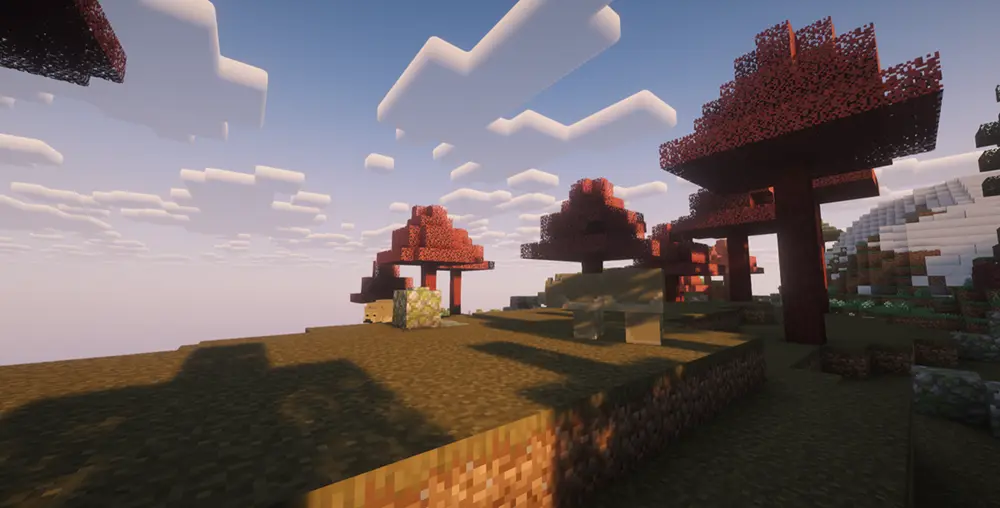
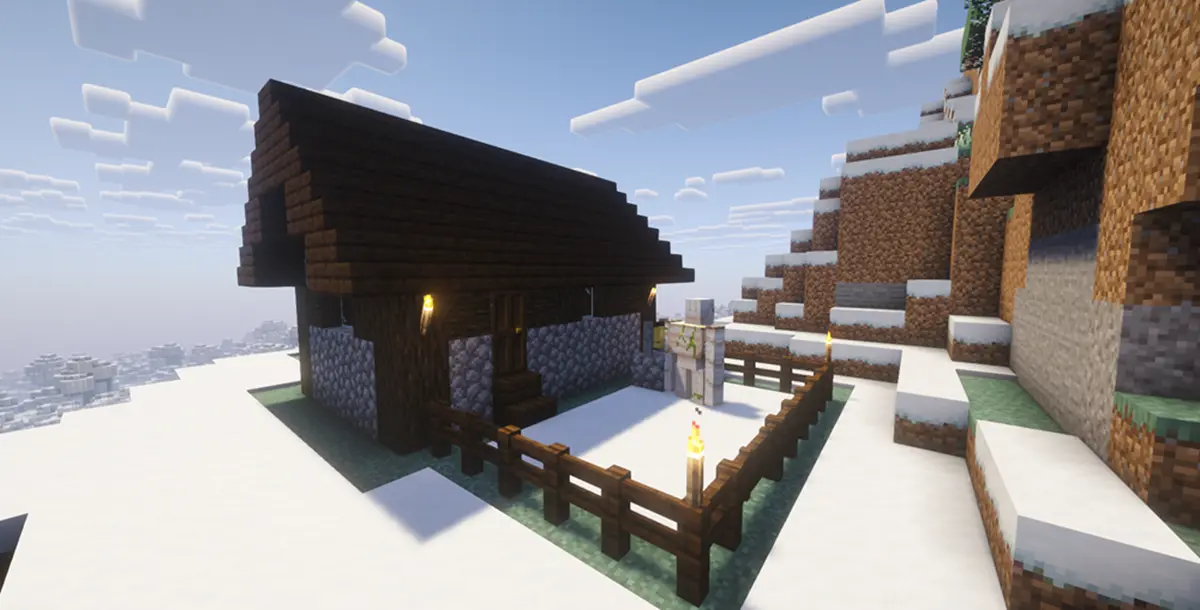
Experience new lands, blocks, items, and treasures in this modpack. The Adventure Modpack adds mods to make your game more exciting, detailed, and adventurous.
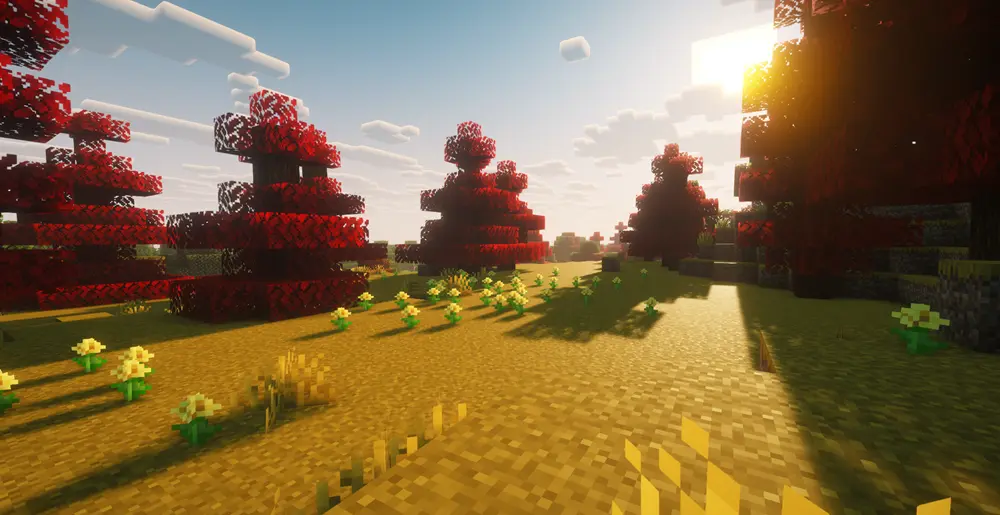
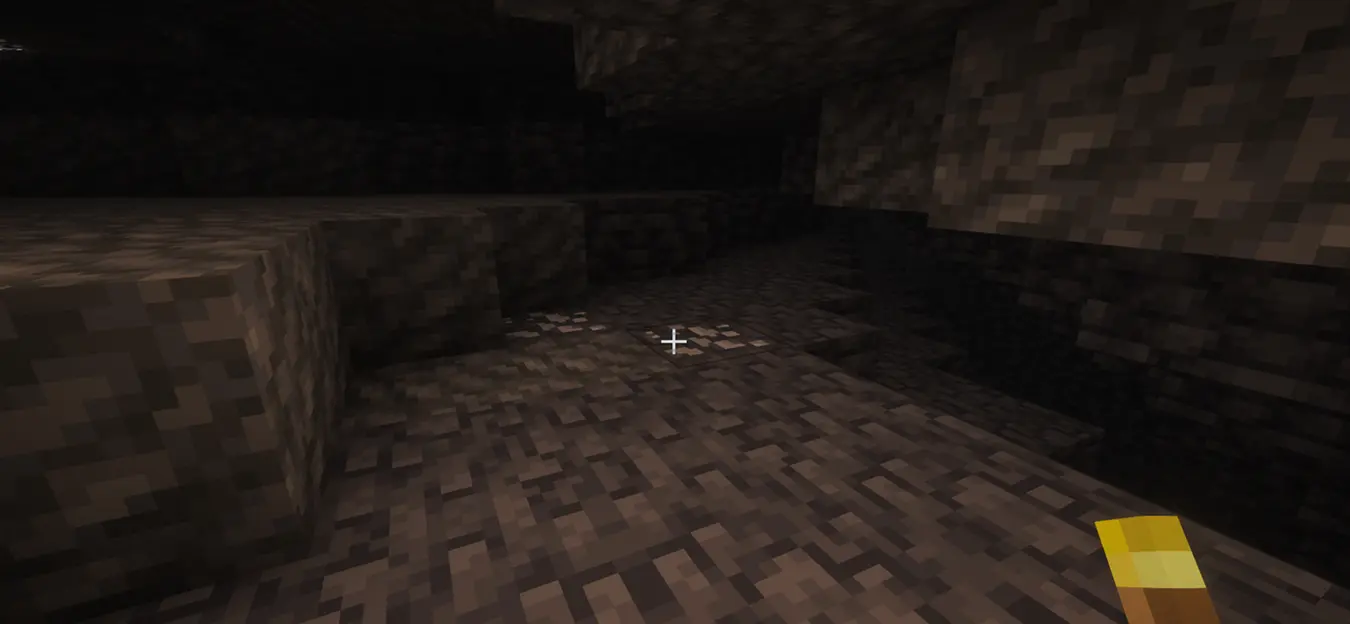
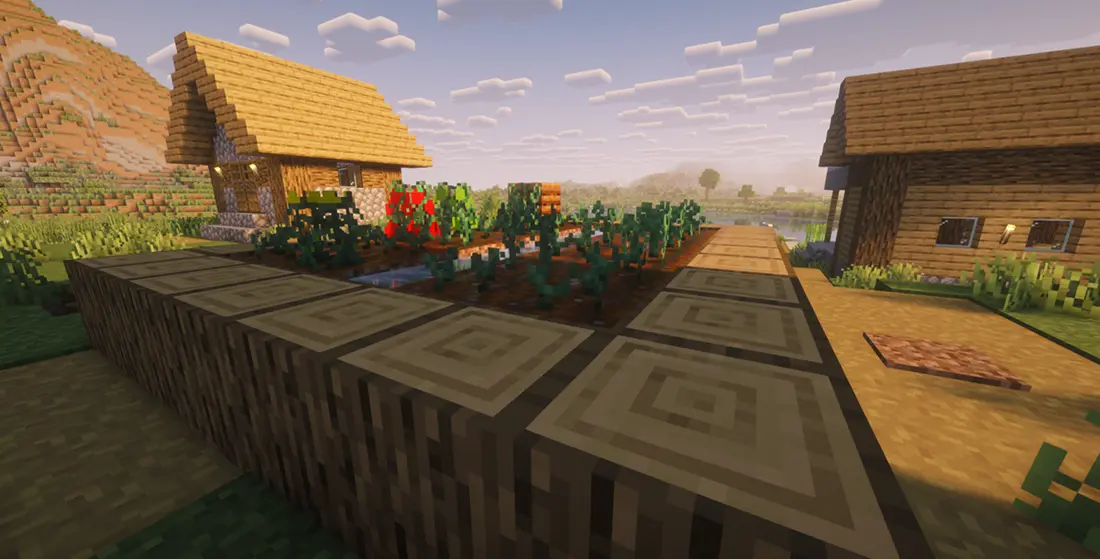
Mods Used
- Simple HUD Enhanced
- Redwood
- TerraBlender
- Xaero's World Map
- Farmer's Crops
- Magic Mod
- Iris Shaders
- Sodium
- Text Placeholder API
- Custom Weapons
- Coffee Variants
- Essential Mod
- Mod Menu
- Colorful Torches
- TerraBiomes
- Colorful Copper Lanterns
- Fabric API
- Individual Keep Inventory
- Simple Voice Chat

The Adventure Modpack 설치 방법
With Millida Launcher
Install Millida Launcher
The launcher is free: download it at millida.net/launcher and sign in with any nickname.
Click “Install” on this page
The launcher opens and installs the modpack for Minecraft 26.2 on Fabric automatically.
Launch the game
A profile with it appears in the launcher: click “Play”.
Manually
Download the modpack archive
In the version list above, pick the file The Adventure Modpack 1.4.0.mrpack (23 KB).
Import it into a launcher
A launcher that supports modpacks (Millida Launcher, Prism) takes the archive via “Add modpack”, then “From file”. No need to unpack it yourself.
Allocate memory
Modpacks need more memory than the plain game: set 4–6 GB in the profile settings.
On a server
Use the “To server” button
On Millida Hosting, the button at the top of the page uploads the file to your server and restarts it for you.
Invite friends: they install the same modpack
To join the server, every player needs the same modpack version.
버전
의존성 포함
| Minecraft | 로더 | 파일 | 작업 |
|---|---|---|---|
| 26.2 | Fabric | 26.222.6 KB 1 |
실행에 필요한 것
- Dependency이미 포함됨
- Fabric Language Kotlin이미 포함됨
- Inventory Profiles Next이미 포함됨
- Dependency이미 포함됨
- Iris Shaders이미 포함됨
- Text Placeholder API이미 포함됨
- Essential Mod이미 포함됨
- TerraBlender이미 포함됨
- Mod Menu이미 포함됨
- Dependency이미 포함됨
- Dependency이미 포함됨
- Dependency이미 포함됨
리뷰
The Adventure Modpack의 첫 평가를 남겨 보세요


