

NO LONGER UPDATED
New version: Sky Question ++ [Revamp]
Another questing skyblock, eh nice I guess... What's so special about this skyblock???
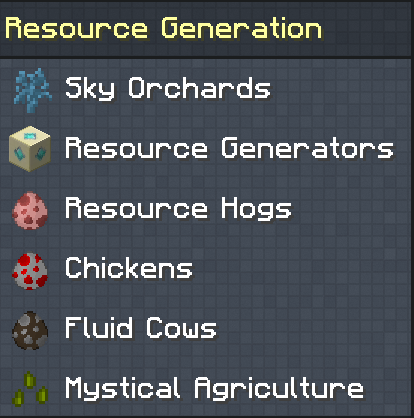
- many ways to get your resources (with known mods but also with new mods);
- questline which helps you with many things;
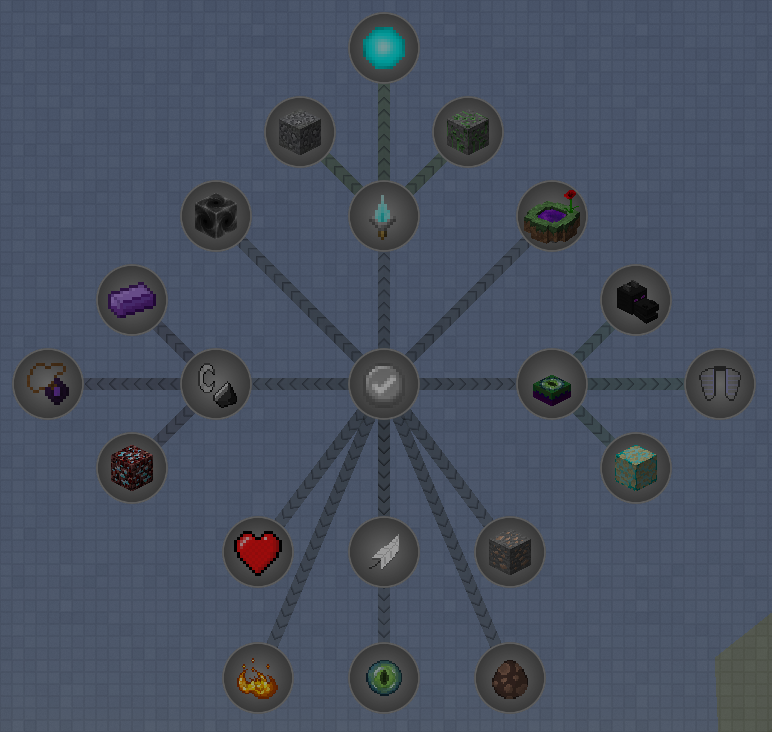
- many storage options (both with RF and without);
- many lootbags (and crates);
- gets many updates;
I recommend completing the first two main chapters before doing other quests.
These first two chapters will get you to the point where you can choose which path you want to explore next.
Be sure to add a home with /sethome, just in case you spawn in a weird place...
You can use /home to get back to your home.
The mod 'morph' is in this pack, which means you can transform into all mobs you have killed before.
You can change keybinds when going to mod options and looking for morph.
Become overpowered with mods like Draconic Evolution!
This is no expert modpack. It's meant to be played a while but not being to hard.
Complete quest (or not) in no particular order.
This is my first modpack so if you find any bugs, please let me know. Enjoy this pack!
Check 'Images' to see some in-game screenshots.
Want a server to play with friends and family?
Don't want to setup the server yourself?
Rent an already configured server with BisectHosting!
Click on the picture below, select plan(at least 4GB), use my code SkyQuesting to get 25% off your first month and enjoy playing!
Sky Questing 설치 방법
With Millida Launcher
Install Millida Launcher
The launcher is free: download it at millida.net/launcher and sign in with any nickname.
Click “Install” on this page
The launcher opens and installs the modpack for Minecraft 1.12–1.12.2 automatically.
Launch the game
A profile with it appears in the launcher: click “Play”.
Manually
Download the modpack archive
In the version list above, pick the file Sky Questing-2.2.zip (1.7 MB).
Import it into a launcher
A launcher that supports modpacks (Millida Launcher, Prism) takes the archive via “Add modpack”, then “From file”. No need to unpack it yourself.
Allocate memory
Modpacks need more memory than the plain game: set 4–6 GB in the profile settings.
On a server
Use the “To server” button
On Millida Hosting, the button at the top of the page uploads the file to your server and restarts it for you.
Invite friends: they install the same modpack
To join the server, every player needs the same modpack version.
Minecraft 1.12.2 runs on Java 8: with a different Java version the game may close right after launch.
버전
의존성 포함
| Minecraft | 로더 | 파일 | 날짜 | 작업 |
|---|---|---|---|---|
| 1.12.2 | — | Sky Questing - v2.21.7 MB | ||
| 1.12.1 | — | Sky Questing-0.2.zip888 KB |
FAQ
Which Minecraft versions does Sky Questing work on?
There are files for 1.12.2, 1.12.1, 1.12. The newest is 1.12.2.
Which Java does Sky Questing need?
Minecraft 1.12.2 runs on Java 8. If the game closes right after launch, the usual cause is the wrong Java version in the profile settings.
Where can I download Sky Questing safely?
On this page: the file Sky Questing-2.2.zip (1.7 MB) is stored on Millida’s server, with no link shorteners. SHA-1 checksum: be674280fb14123d07a80858c27318f15c89f748.
리뷰
Sky Questing의 첫 평가를 남겨 보세요


