

- 다운로드
- 1 다운로드
- 조회수
- 23 조회수
- 업데이트됨
- 업데이트됨 18.10.2026
- 1.20 — 1.21.9
 Fabric
Minecraft Trailer 모드팩 정보
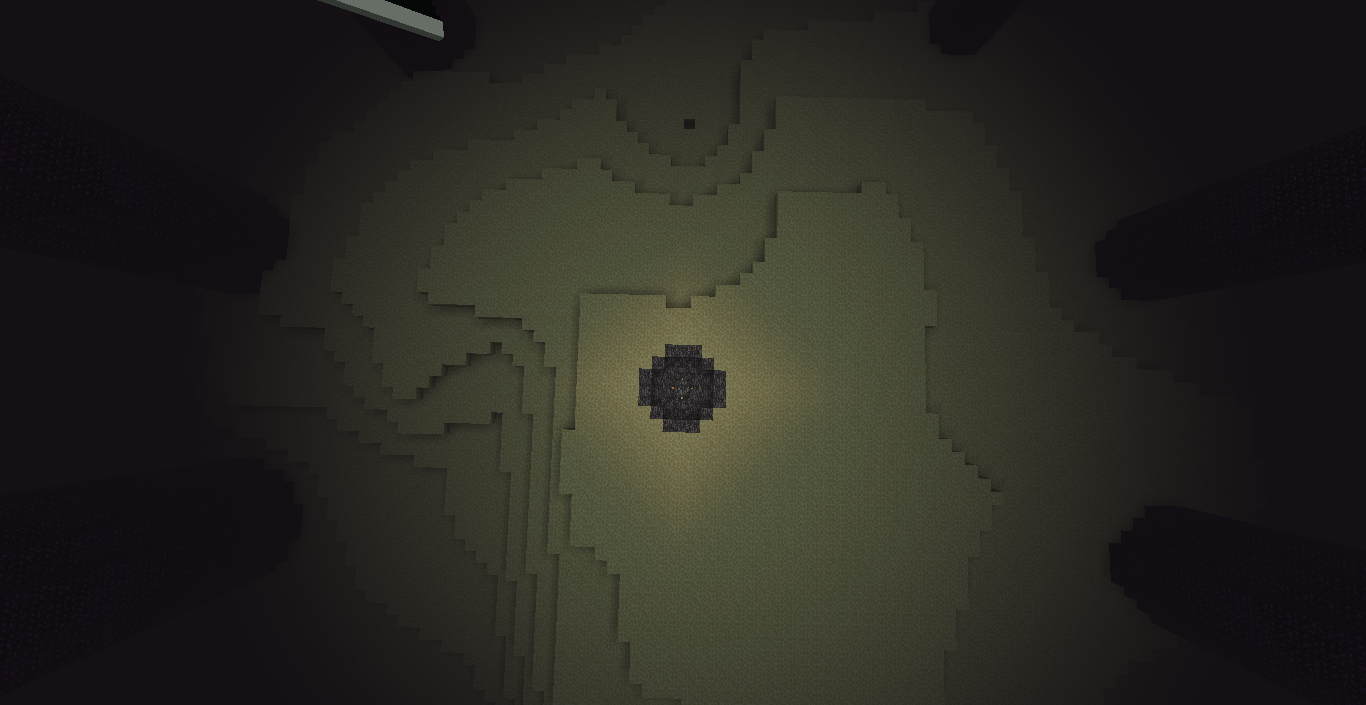
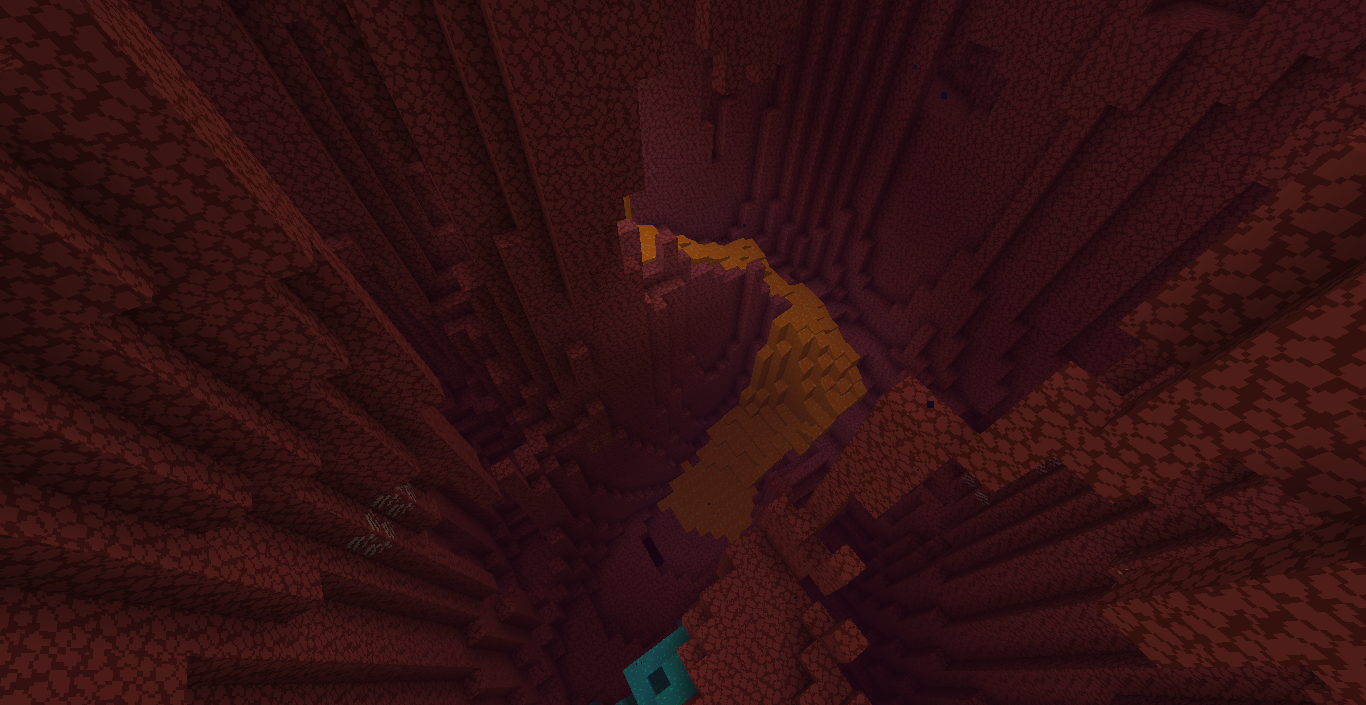
This modpack turns Minecraft into a living trailer — visually it imitates the style of the game's promotional videos. Everything the player does looks as cinematic as possible: the skies, lighting, animations and the overall presentation of the game become brighter, smoother and more contrasty. The foundation is the vanilla game with no changes to mechanics, but with a deep rework of the visual component. It emphasizes atmosphere, color balance and smoothness of camera movement, like in trailers from Mojang.
The modpack runs on Fabric and is available for versions from 1.20 to 1.21.9. The file weighs 2 KB — it is not an archive of mods, but a link to launch through the launcher. Installation is simple: open the file in the launcher, and it will automatically download everything needed. The size is small, but due to the graphical changes the modpack may require more RAM than standard vanilla.
It will suit those who want to experience Minecraft in a new way — not as an ordinary game, but as a visual show. It is especially relevant for those who make videos, screenshots or want to improve the quality of their cinematography. It does not change gameplay, does not add new blocks or mobs — only appearance and smoothness. Fans of visual beauty without overload will like it.
Frequently asked questions
How do I install this modpack?
Open the file in the launcher — it will download the necessary components and configure the game itself.
Which game versions are supported?
The modpack runs on Fabric in versions 1.20, 1.20.1 and 1.21.9.
What does this modpack do?
It makes vanilla Minecraft more cinematic — prettier, smoother and brighter, like in the official trailers.
Minecraft Trailer 설치 방법
With Millida Launcher
Install Millida Launcher
The launcher is free: download it at millida.net/launcher and sign in with any nickname.
Click “Install” on this page
The launcher opens and installs the modpack for Minecraft 1.20–1.21.9 on Fabric automatically.
Launch the game
A profile with it appears in the launcher: click “Play”.
Manually
Download the modpack archive
In the version list above, pick the file Minecraft Trailer-V. 1.0-1.21.9.zip (2 KB).
Import it into a launcher
A launcher that supports modpacks (Millida Launcher, Prism) takes the archive via “Add modpack”, then “From file”. No need to unpack it yourself.
Allocate memory
Modpacks need more memory than the plain game: set 4–6 GB in the profile settings.
On a server
Use the “To server” button
On Millida Hosting, the button at the top of the page uploads the file to your server and restarts it for you.
Invite friends: they install the same modpack
To join the server, every player needs the same modpack version.
Minecraft 1.21.9 runs on Java 21: with a different Java version the game may close right after launch.
버전
의존성 포함
| Minecraft | 로더 | 파일 | 날짜 | 작업 |
|---|---|---|---|---|
| 1.21.9 | Fabric | Minecraft Trailer-V. 1.0-1.21.91.8 KB 1 | ||
| 1.20.1 | — | Minecraft Trailer-V. 3.0 -1.2011.9 KB |
FAQ
Which Minecraft versions does Minecraft Trailer work on?
There are files for 1.21.9, 1.20.1, 1.20. The newest is 1.21.9.
Is Minecraft Trailer for Forge or Fabric?
Only for Fabric: 1.21.9.
Which Java does Minecraft Trailer need?
Minecraft 1.21.9 runs on Java 21. If the game closes right after launch, the usual cause is the wrong Java version in the profile settings.
Where can I download Minecraft Trailer safely?
On this page: the file Minecraft Trailer-V. 1.0-1.21.9.zip (2 KB) is stored on Millida’s server, with no link shorteners. SHA-1 checksum: 21c7ea062b2cd7cf05013a2788c7025dbbee0d02.
리뷰
Minecraft Trailer의 첫 평가를 남겨 보세요


