

Minecraft 1.16.5용 Create Live 2 빌드
Minecraft Create Live 2는 독일 유튜브/트위치 프로젝트 "Minecraft Create Live 2"를 위해 만든 모드팩입니다.
- 다운로드
- 2 다운로드
- 조회수
- 31 조회수
- 업데이트됨
- 업데이트됨 18.10.2026
- 1.16.4 — 1.16.5
 Forge
Forge
Create Live 2 모드팩 정보
Create Live started as a Modpack for the german YouTube / Twitch project "Minecraft Create Live".
The goal was to create a lightweight Modpack, so new players can join the Modpack-Community without having trouble. Also our goal was to set the focus on the mod Create.
with Create Live 2 we want to continue the last project in the minecraft-version 1.16 with some additional mods like Storage Drawers and Biomes O' Plenty.
Note: The Video about the Modpack is in german.
- New World Generation with Biomes O' Plenty and Quark.
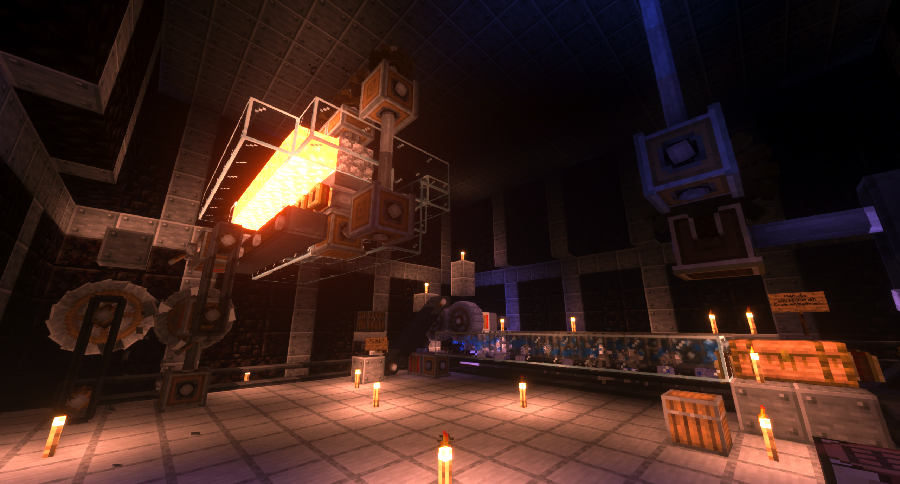
- Build factories with Create and Storage Drawers.
- Create Jump & Runs with the newest features of Create!
Do you have any questions about the modpack or would you like to meet new people? Then join the Discord!
https://discord.gg/6FuNYx4CQg
Last Update: 1.0.1
- AppleSkin (by squeek502)
- AutoRegLib (by Vazkii)
- Biomes O' Plenty (by Forstride)
- Clumps (by Jaredlll08)
- Create (by simibubi)
- Create Plus (by Robocraft999)
- Dynamic Surroundings (by OreCruncher)
- Fast Leaf Decay (by olafskiii)
- GraveStone Mod (by henkelmax)
- Just Enough Items (JEI) (by mezz)
- Morpheus (by Quetzi)
- Mouse Tweaks (by YaLTeR)
- PackMenu (by Shadows_of_Fire)
- Quark (by Vazkii)
- Storage Drawers (by Texelsaur)
- The One Probe (by McJty)
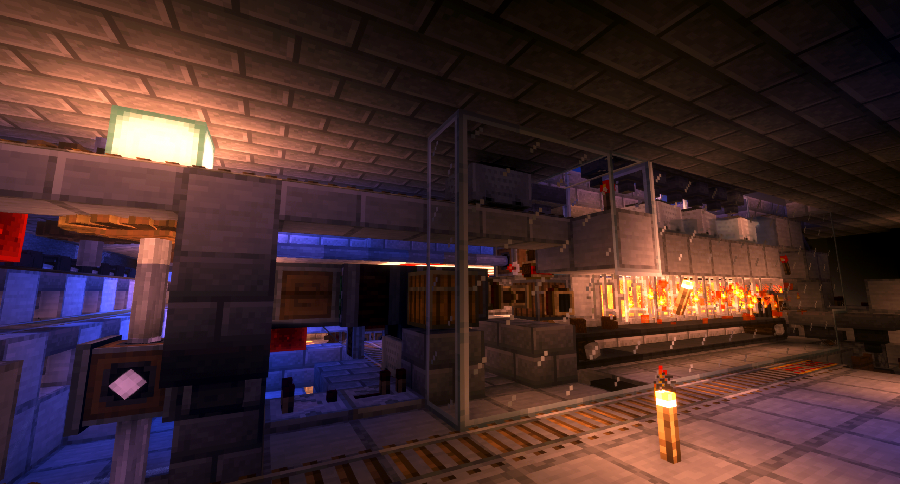
Our Last Projects:
Create Live
Create Live 2 설치 방법
With Millida Launcher
Install Millida Launcher
The launcher is free: download it at millida.net/launcher and sign in with any nickname.
Click “Install” on this page
The launcher opens and installs the modpack for Minecraft 1.16.4–1.16.5 on Forge automatically.
Launch the game
A profile with it appears in the launcher: click “Play”.
Manually
Download the modpack archive
In the version list above, pick the file Create Live 2-2.0.0.zip (8.2 MB).
Import it into a launcher
A launcher that supports modpacks (Millida Launcher, Prism) takes the archive via “Add modpack”, then “From file”. No need to unpack it yourself.
Allocate memory
Modpacks need more memory than the plain game: set 4–6 GB in the profile settings.
On a server
Use the “To server” button
On Millida Hosting, the button at the top of the page uploads the file to your server and restarts it for you.
Invite friends: they install the same modpack
To join the server, every player needs the same modpack version.
Minecraft 1.16.5 runs on Java 8: with a different Java version the game may close right after launch.
버전
의존성 포함
| Minecraft | 로더 | 파일 | 날짜 | 작업 |
|---|---|---|---|---|
| 1.16.5 | Forge | Create Live 2-2.0.08.2 MB 2 | ||
| 1.16.4 | — | Create Live 2-1.5.08.1 MB | ||
| 1.16.4 | — | Create Live 2-1.1.08.1 MB |
FAQ
Which Minecraft versions does Create Live 2 work on?
There are files for 1.16.5, 1.16.4. The newest is 1.16.5.
Is Create Live 2 for Forge or Fabric?
Only for Forge: 1.16.5.
Which Java does Create Live 2 need?
Minecraft 1.16.5 runs on Java 8. If the game closes right after launch, the usual cause is the wrong Java version in the profile settings.
Where can I download Create Live 2 safely?
On this page: the file Create Live 2-2.0.0.zip (8.2 MB) is stored on Millida’s server, with no link shorteners. SHA-1 checksum: e24e75bd5cf15f14f312fde4bb80665ea8db4576.
리뷰
Create Live 2의 첫 평가를 남겨 보세요


