
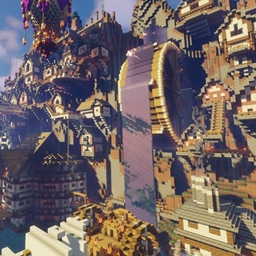
Minecraft 1.21.4용 Water City 지도
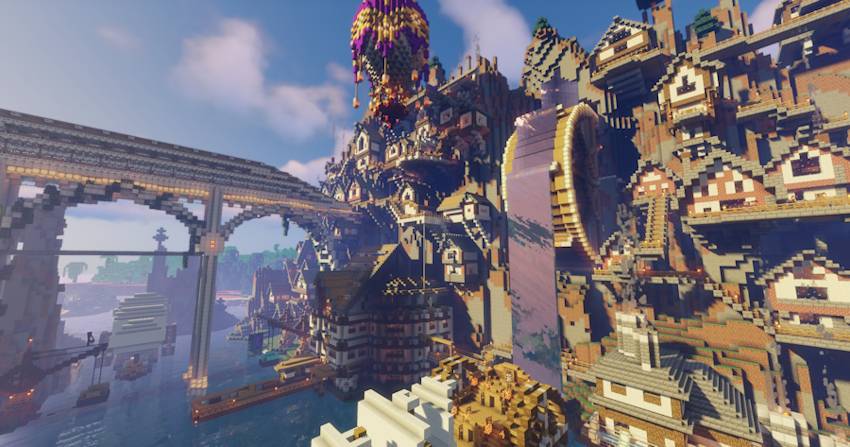
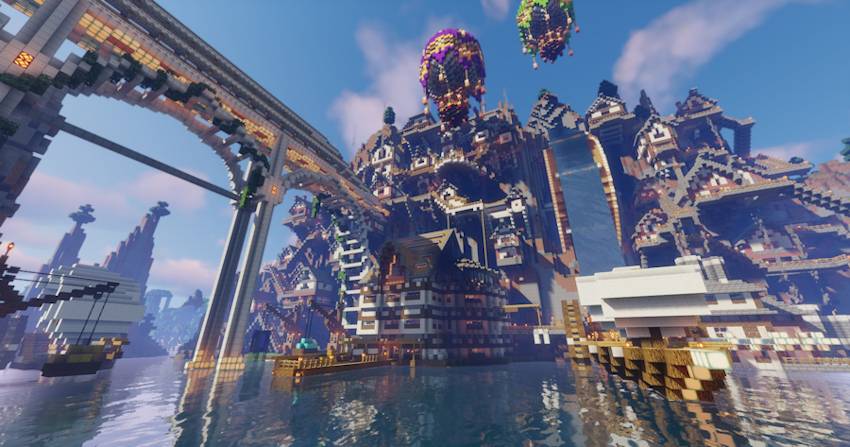
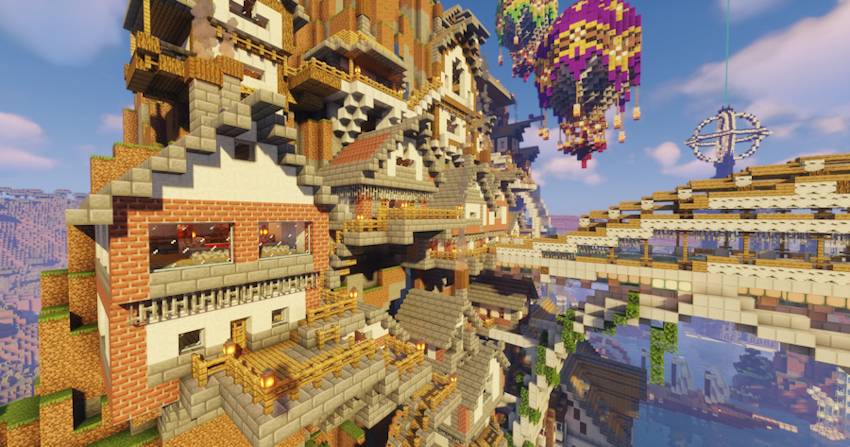
Water City는 처음부터 제작되고, 세밀하게 장식되고 대규모로 설정된 맵입니다.
Water City
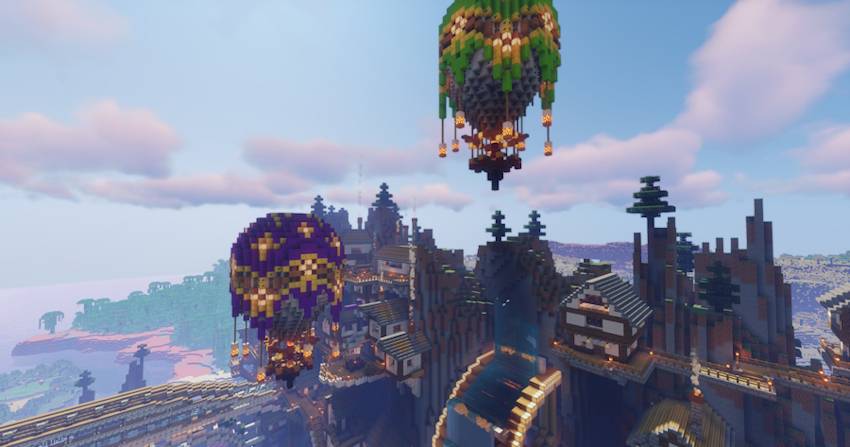
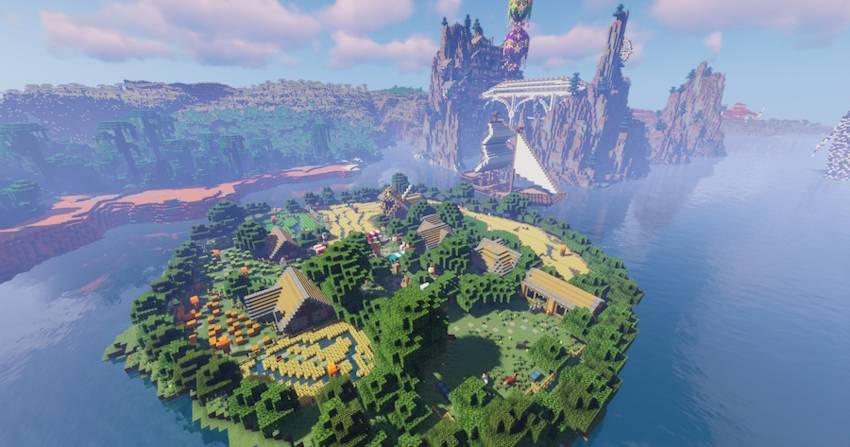
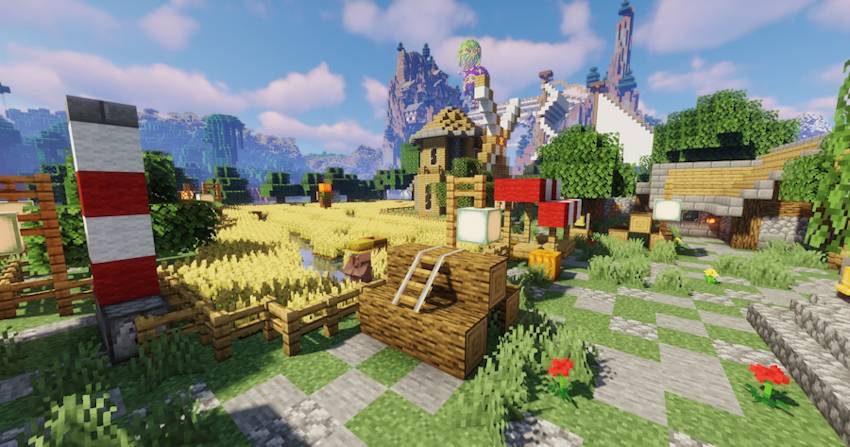
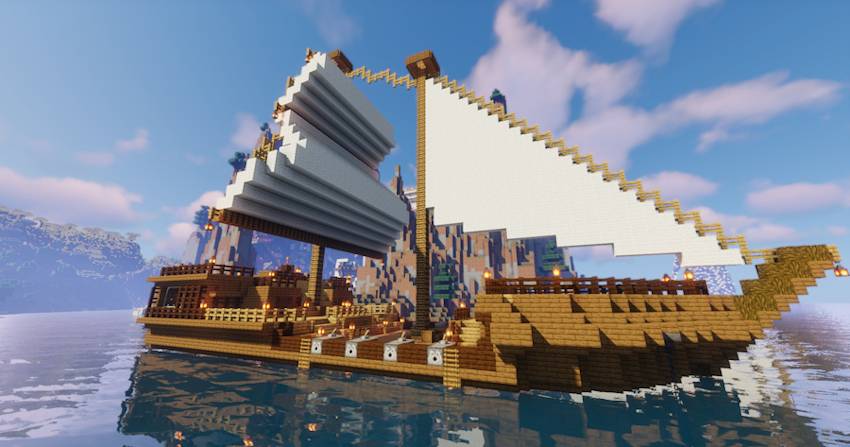
A map created from scratch where you'll find all kinds of details and large-scale buildings.
You'll be able to explore without limits or start a new adventure with your friends without a shortage of space.
It's currently under development, but everything is finished and seamless.
MAP:
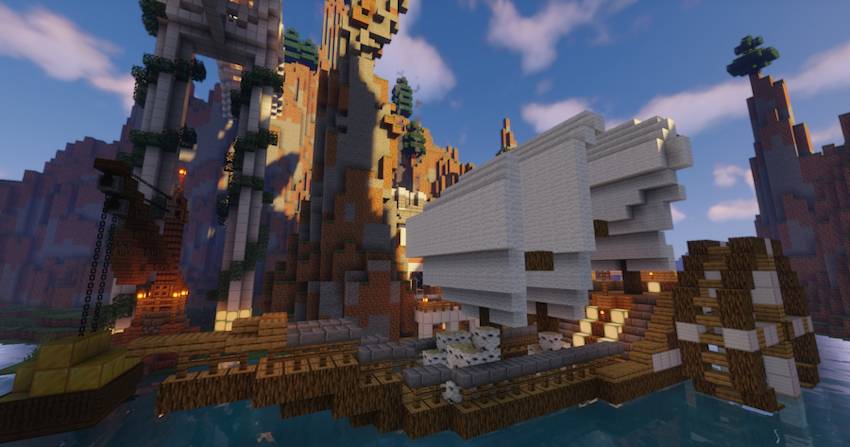
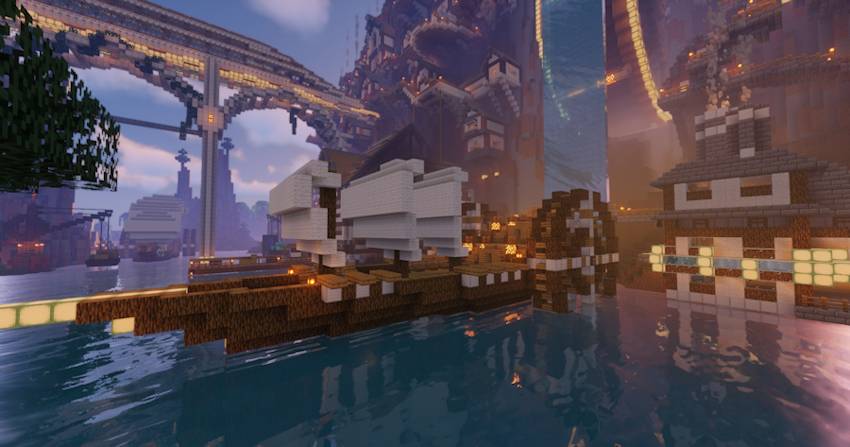
Below are images of the map created so far, with player help areas to help you get started without problems.
Updates
New updates will be added as all current projects are developed.
Water City 설치 방법
With Millida Launcher
Install Millida Launcher
The launcher is free: download it at millida.net/launcher and sign in with any nickname.
Click “Install” on this page
The launcher opens and installs the map for Minecraft 1.21.4 automatically.
Launch the game
A profile with it appears in the launcher: click “Play”.
Manually
Download the map archive
Pick the file Water City 1.21.4.zip (34 MB).
Unpack it into the saves folder
The world folder (with level.dat inside) must sit directly in .minecraft/saves.
Open the world
“Singleplayer”: the map will be in your world list.
On a server
Replace the world folder
Stop the server and put the map folder in place of world (or set its name in level-name).
Use the “To server” button
On Millida Hosting, the button at the top of the page uploads the file to your server and restarts it for you.
버전
의존성 포함
| Minecraft | 로더 | 파일 | 날짜 | 작업 |
|---|---|---|---|---|
| 1.21.4 | — | Water City 1.21.4.zip34 MB 2 |
리뷰
Water City의 첫 평가를 남겨 보세요



