
Variety 맵 정보
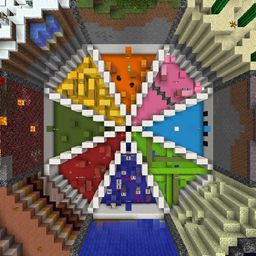
Don't know what game mode to play? Well, play everything in Variety. A map featuring eight different types of Minecraft game modes including Maze, Parkour, Find the Button, Puzzle, Dropper, Trivia, Escape, and Combat.
  This is Variety. A map where you can play eight different game modes at any time you want. You can leave levels at any time and go back to them later and start different game modes at different times. You have a lot of freedom and can play any level at any time. Also if you get stuck on anything you can just visit my Youtube channel and watch the walkthrough I did of the map! Listed below are the different game modes and the levels that they have.
  Gamemodes:
- Maze - (9 Levels)
- Parkour - (9 Levels)
- Find the Button - (9 Levels)
- Puzzle - (9 Levels)
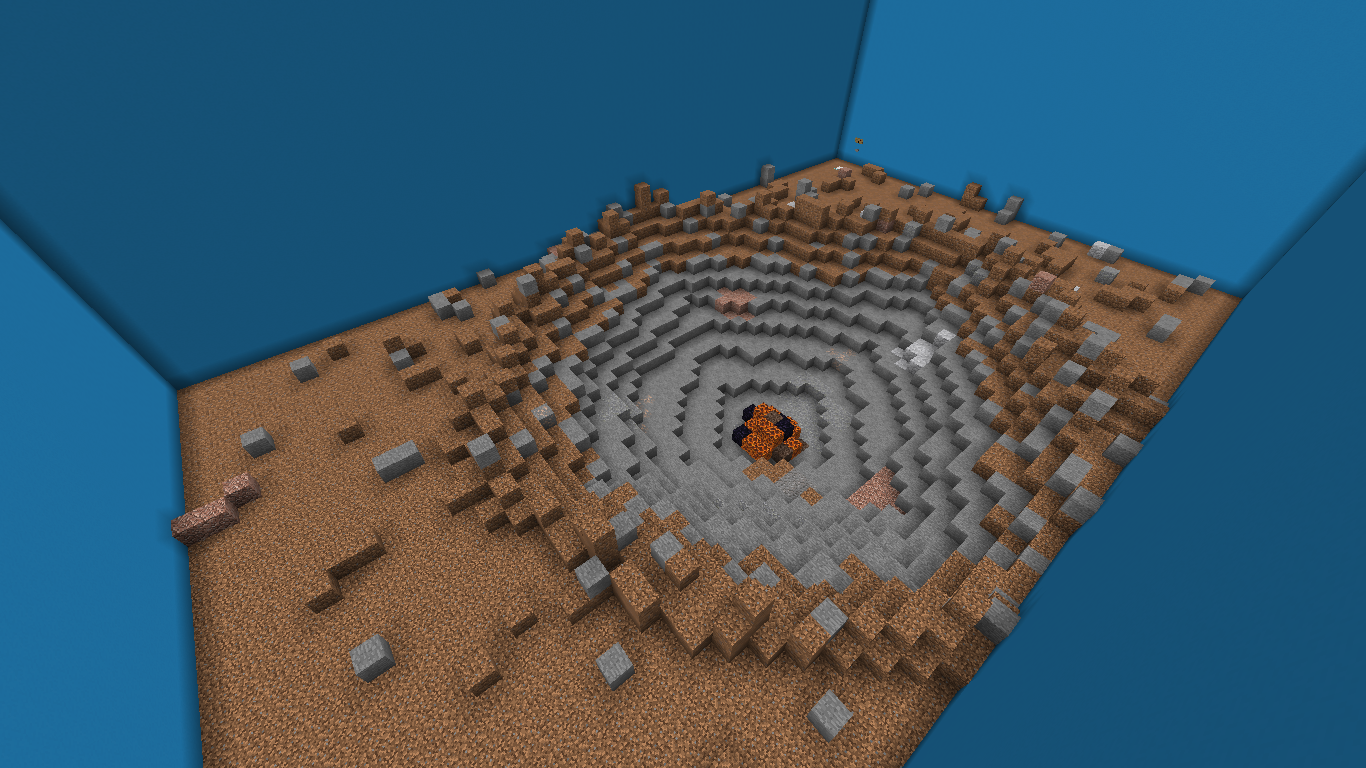
- Dropper - (9 Levels)
- Trivia - (10 Questions)
- Escape - (1 Mansion)
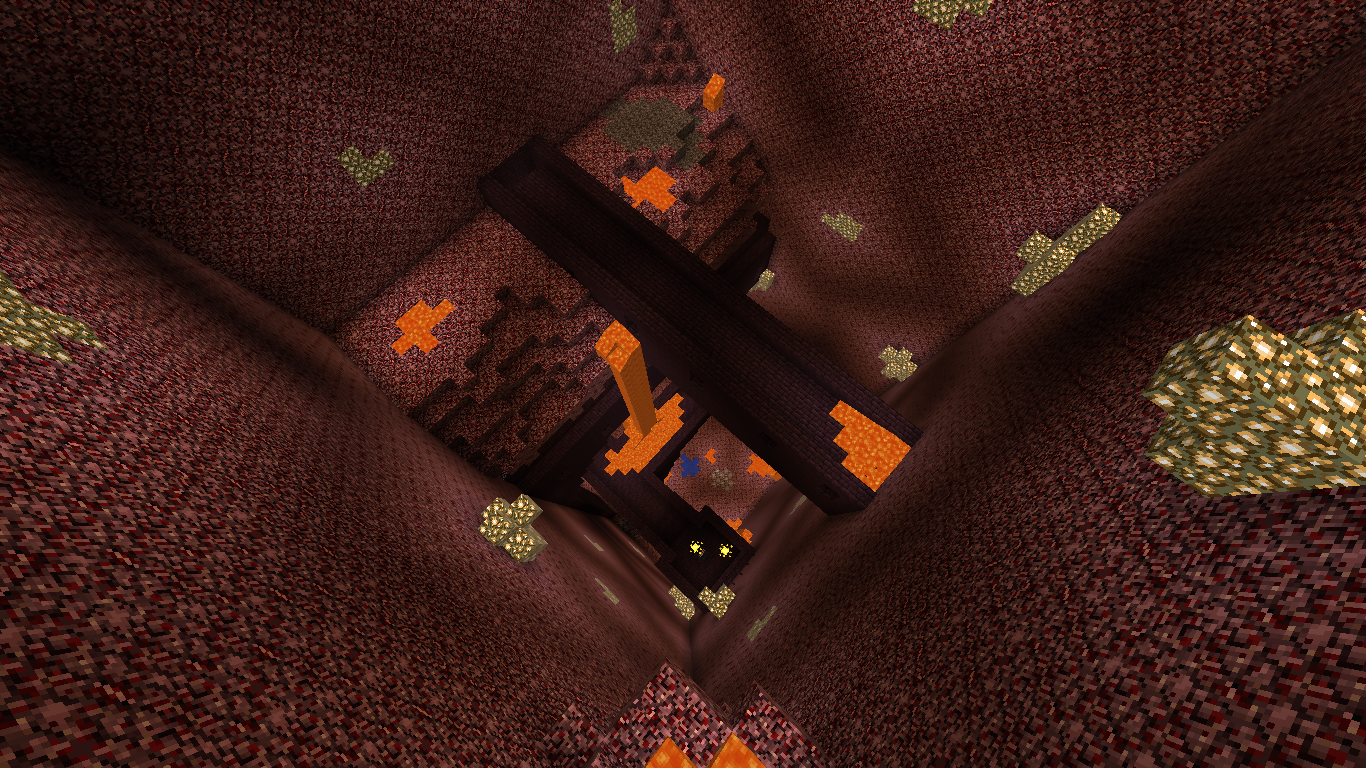
- Combat - (11 Mobs + 1 Boss)
     Variety was inspired by Diversity. I'm sure you can tell even by the names, and I wanted to have a similar idea where in one map you can have access to so many different things. So, about two years ago I started this project and after a couple of months, I just stopped working on it. Recently, Minecraft started to become more popular and because of this, I decided to come back to this and finish it for good. Thanks for reading and have a good day! -(2019)
Walkthrough: https://www.youtube.com/watch?v=vITLO1dRleo
Variety 설치 방법
With Millida Launcher
Install Millida Launcher
The launcher is free: download it at millida.net/launcher and sign in with any nickname.
Click “Install” on this page
The launcher opens and installs the map for Minecraft 1.21.7 automatically.
Launch the game
A profile with it appears in the launcher: click “Play”.
Manually
Download the map archive
Pick the file Variety v1.7.6.zip (57 MB).
Unpack it into the saves folder
The world folder (with level.dat inside) must sit directly in .minecraft/saves.
Open the world
“Singleplayer”: the map will be in your world list.
On a server
Replace the world folder
Stop the server and put the map folder in place of world (or set its name in level-name).
Use the “To server” button
On Millida Hosting, the button at the top of the page uploads the file to your server and restarts it for you.
버전
의존성 포함
| Minecraft | 로더 | 파일 | 날짜 | 작업 |
|---|---|---|---|---|
| 1.21.7 | — | Variety v1.7.6.zip57 MB |
FAQ
Which Minecraft versions does Variety work on?
Only Minecraft 1.21.7: there are no files for other versions.
Where can I download Variety safely?
On this page: the file Variety v1.7.6.zip (57 MB) is stored on Millida’s server, with no link shorteners. SHA-1 checksum: af034bb889d9fc351ead158c85fa8a8bb167c91b.
리뷰
Variety의 첫 평가를 남겨 보세요



