
Minecraft 26.3용 The Farm 지도
황금빛 들판과 고요한 아래의 소박한 건물들로 둘러싸인 Minecraft 스타일의 평화로운 농장
The Farm 맵 정보
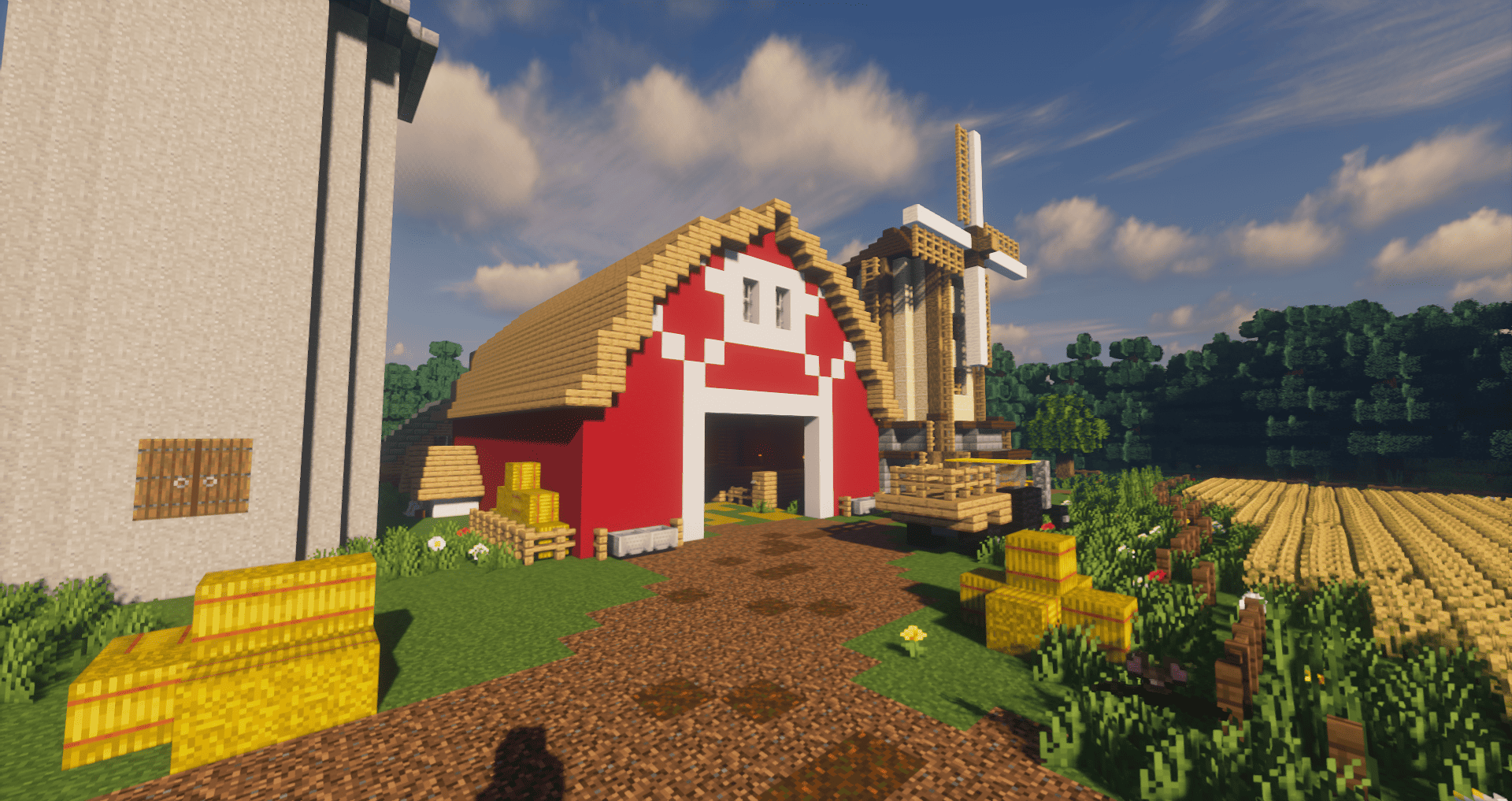
rural landscape in the style of Minecraft, featuring blocky graphics and soft lighting.
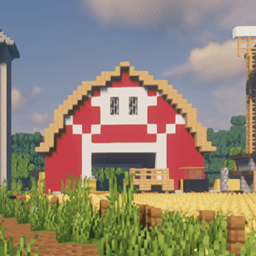
In the center, there is a dirt path surrounded by grass and small flowers, leading toward a farm. In the background, several typical farm structures can be seen: a red barn with white details, a tall silo, and a farmhouse on the left. On the right, there is a large wooden windmill.
Around the scene, golden crop fields stretch toward a line of green trees under a blue sky with light clouds, creating a calm and cozy countryside atmosphere.
The Farm 설치 방법
With Millida Launcher
Install Millida Launcher
The launcher is free: download it at millida.net/launcher and sign in with any nickname.
Click “Install” on this page
The launcher opens and installs the map for Minecraft 26.0–26.3 automatically.
Launch the game
A profile with it appears in the launcher: click “Play”.
Manually
Download the map archive
Pick the file The Farm.mcworld (595 KB).
Unpack it into the saves folder
The world folder (with level.dat inside) must sit directly in .minecraft/saves.
Open the world
“Singleplayer”: the map will be in your world list.
On a server
Replace the world folder
Stop the server and put the map folder in place of world (or set its name in level-name).
Use the “To server” button
On Millida Hosting, the button at the top of the page uploads the file to your server and restarts it for you.
버전
의존성 포함
| Minecraft | 로더 | 파일 | 날짜 | 작업 |
|---|---|---|---|---|
| 26.0 | — | The Farm.mcworld595 KB |
FAQ
Which Minecraft versions does The Farm work on?
There are files for 26.3, 26.0. The newest is 26.3.
Where can I download The Farm safely?
On this page: the file The Farm.mcworld (595 KB) is stored on Millida’s server, with no link shorteners. SHA-1 checksum: 1a0ef84cb8ff53ed055ca1e9ece2c7f3307bdf5d.
리뷰
The Farm의 첫 평가를 남겨 보세요



