
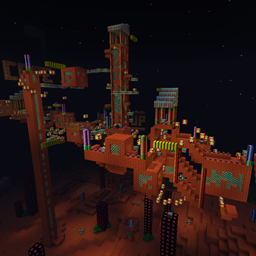
Minecraft 1.7.10용 SonicCraft 지도
소닉 세계관을 기반으로 제작된 어드벤처 맵으로, 소닉의 20년 이상을 기념합니다
SonicCraft 맵 정보
WARNING: DESIGNED FOR MINECRAFT 1.7.2-1.7.10. Various elements of the map don't function in Minecraft 1.8 and 1.9 but the map plays pretty well so long as you change the game mode to survival. 1.7.2-1.7.10 is always recommended though.
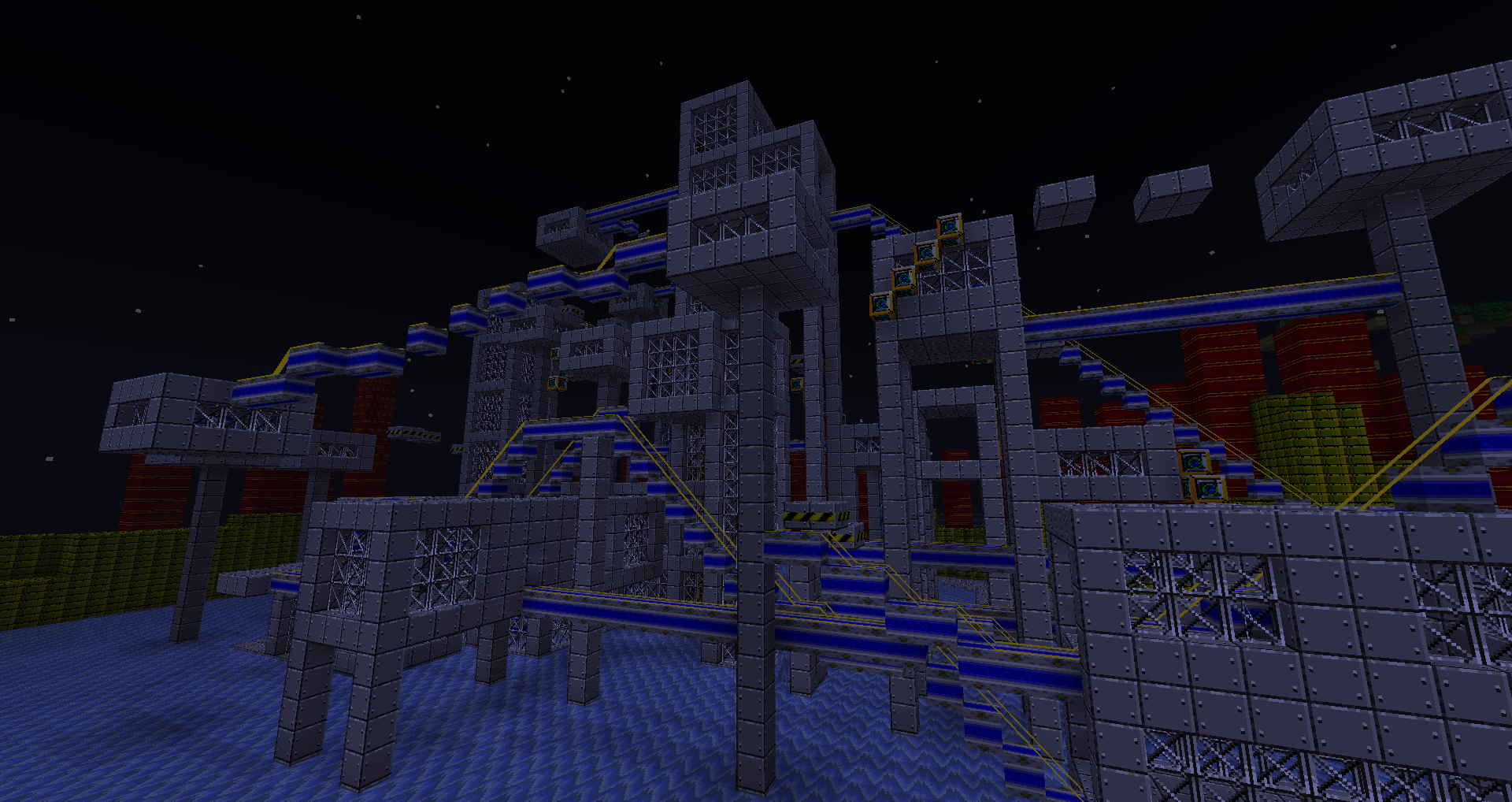
SonicCraft is an adventure map which comes with 3 resource packs to be used with the map. The map and textures are inspired by the first four Sonic games for the Sega Mega Drive / Sega Genesis (Sonic the Hedgehog, Sonic the Hedgehog 2, Sonic the Hedgehog 3, Sonic and Knuckles). The map and resource pack have been in production since July 2011, and have since received over 175,000 downloads, and a huge amount of support (you're all great!)
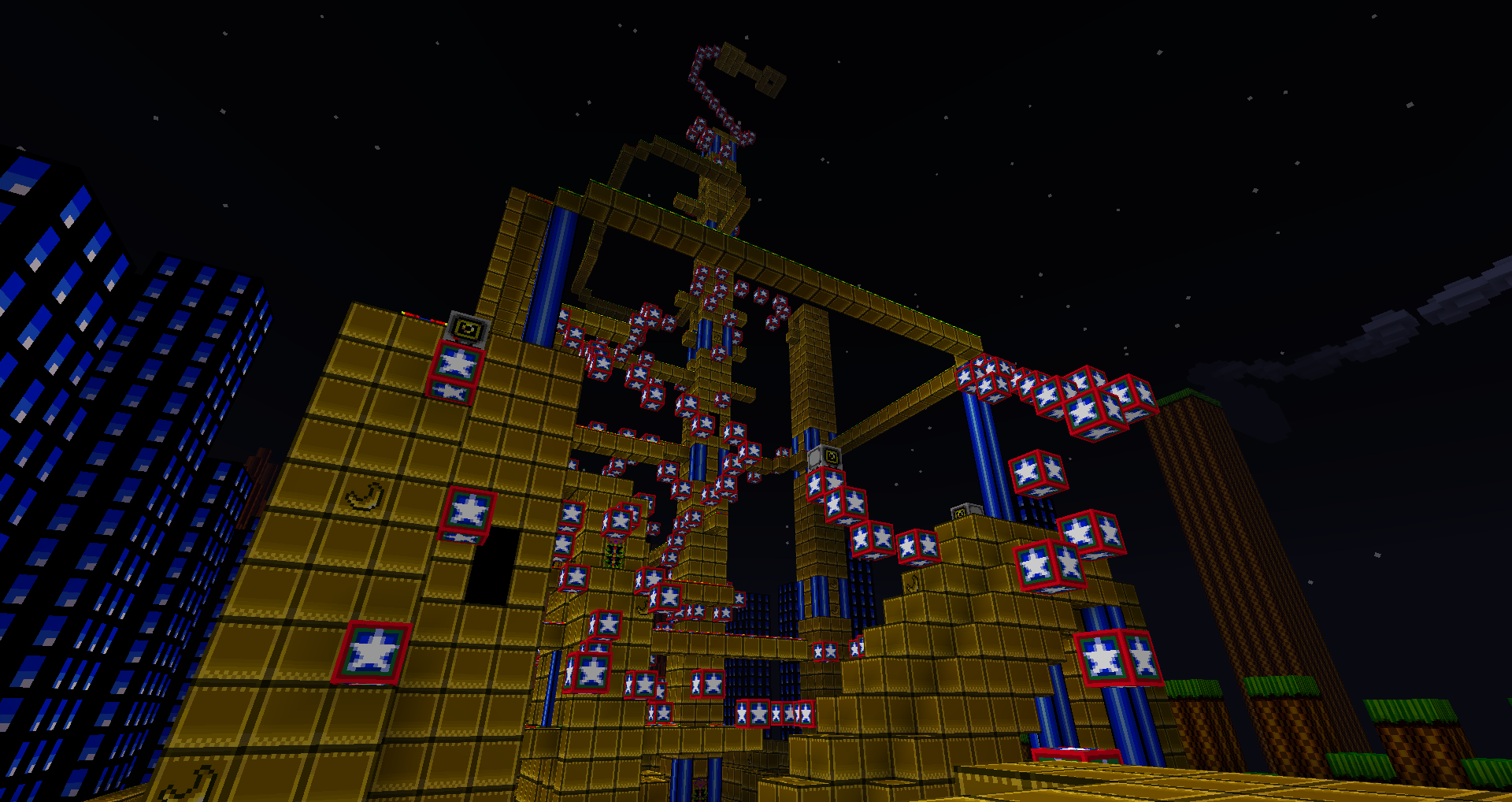
The general theme of the map is an adventure-style map with plenty of puzzles and parkour thrown in, as well as many unique items from the Sonic universe.
SonicCraft is currently not heavily under construction, but a new update fixing compatibility issues and introducing new features is set to release some time in 2016. Any and all suggestions are welcome, particularly suggestions pertaining to new mechanics and items that could be added to the map!
Remember to read the README file for installation instructions. If you're making your own Sonic map I'd prefer if you used your own texture pack too, instead of using my work without permission - I'm only saying this because it's happened a few times in the past though.
Even more information on the Minecraft Forums: http://www.minecraftforum.net/forums/mapping-and-modding/maps/1470278
SonicCraft 설치 방법
With Millida Launcher
Install Millida Launcher
The launcher is free: download it at millida.net/launcher and sign in with any nickname.
Click “Install” on this page
The launcher opens and installs the map for Minecraft 1.7.2–1.7.10 automatically.
Launch the game
A profile with it appears in the launcher: click “Play”.
Manually
Download the map archive
Pick the file SonicCraft Beta 1.4.1.zip (127 MB).
Unpack it into the saves folder
The world folder (with level.dat inside) must sit directly in .minecraft/saves.
Open the world
“Singleplayer”: the map will be in your world list.
On a server
Replace the world folder
Stop the server and put the map folder in place of world (or set its name in level-name).
Use the “To server” button
On Millida Hosting, the button at the top of the page uploads the file to your server and restarts it for you.
버전
의존성 포함
| Minecraft | 로더 | 파일 | 날짜 | 작업 |
|---|---|---|---|---|
| 1.7.6 | — | SonicCraft Beta 1.4.1.zip127 MB 2 |
FAQ
Which Minecraft versions does SonicCraft work on?
There are files for 1.7.2–1.7.10, 8 versions in total. The newest is 1.7.10.
Where can I download SonicCraft safely?
On this page: the file SonicCraft Beta 1.4.1.zip (127 MB) is stored on Millida’s server, with no link shorteners. SHA-1 checksum: 5e5be60eb4065d53f444864af32a46fc60e742f7.
리뷰
SonicCraft의 첫 평가를 남겨 보세요



